SS
SS

Key Takeaways
- Select all, copy, paste into a plain text editor - what appears is close to what an applicant tracking system receives.
- Six specific failure signs tell you exactly which structure is breaking, and each has a different fix.
- A resume that fails this test cannot be rescued by adding keywords, because the words never arrive.
- Around a third of resumes built in design tools lose at least one section to parsing.
- Run it once per resume version, not once per application - it checks structure, and structure does not change between applications.
Before you pay for a scan, rewrite a bullet, or add a single keyword, spend thirty seconds finding out whether your resume can be read at all.
This is the cheapest diagnostic in a job search and most people never run it. It requires no tools, no upload and no account — just your PDF and any plain text box.
Why This Test Exists
When you upload a resume, the system does not look at the page. It extracts a stream of text and tries to reconstruct which words belong to which section.
A PDF stores positioned characters, not a layout description. So reconstruction is guesswork based on coordinates, and that guess fails in predictable ways — which is what this test exposes. The file format you choose affects how much guessing is needed.
Everything a parser gets wrong is downstream of that extraction step. If your skills section does not survive it, no amount of work on ATS keywords will help, because the scanner never saw those words.
Running the Test
Step 1: Open the file you actually send
Use the PDF or DOCX you upload to employers, not the source document you edit. An export can differ from what you see in your editor.
Step 2: Select all and copy
Ctrl+A then Ctrl+C on Windows, Cmd+A then Cmd+C on Mac.
Step 3: Paste into something with no formatting
Notepad, TextEdit in plain text mode, or any blank online text box. The point is to strip all visual styling so you see only the text layer.
Step 4: Read what appears
That text is approximately what a parser receives. Not identical — parsers differ in edge cases — but close enough that every problem it reveals is a real problem.
The Six Failure Signs
1. A whole section is missing
Your skills list is on the page and absent from the paste. The text lives inside a text box or graphic element that copies as nothing.
This is the most damaging failure and the hardest to notice, because the resume looks complete on screen.
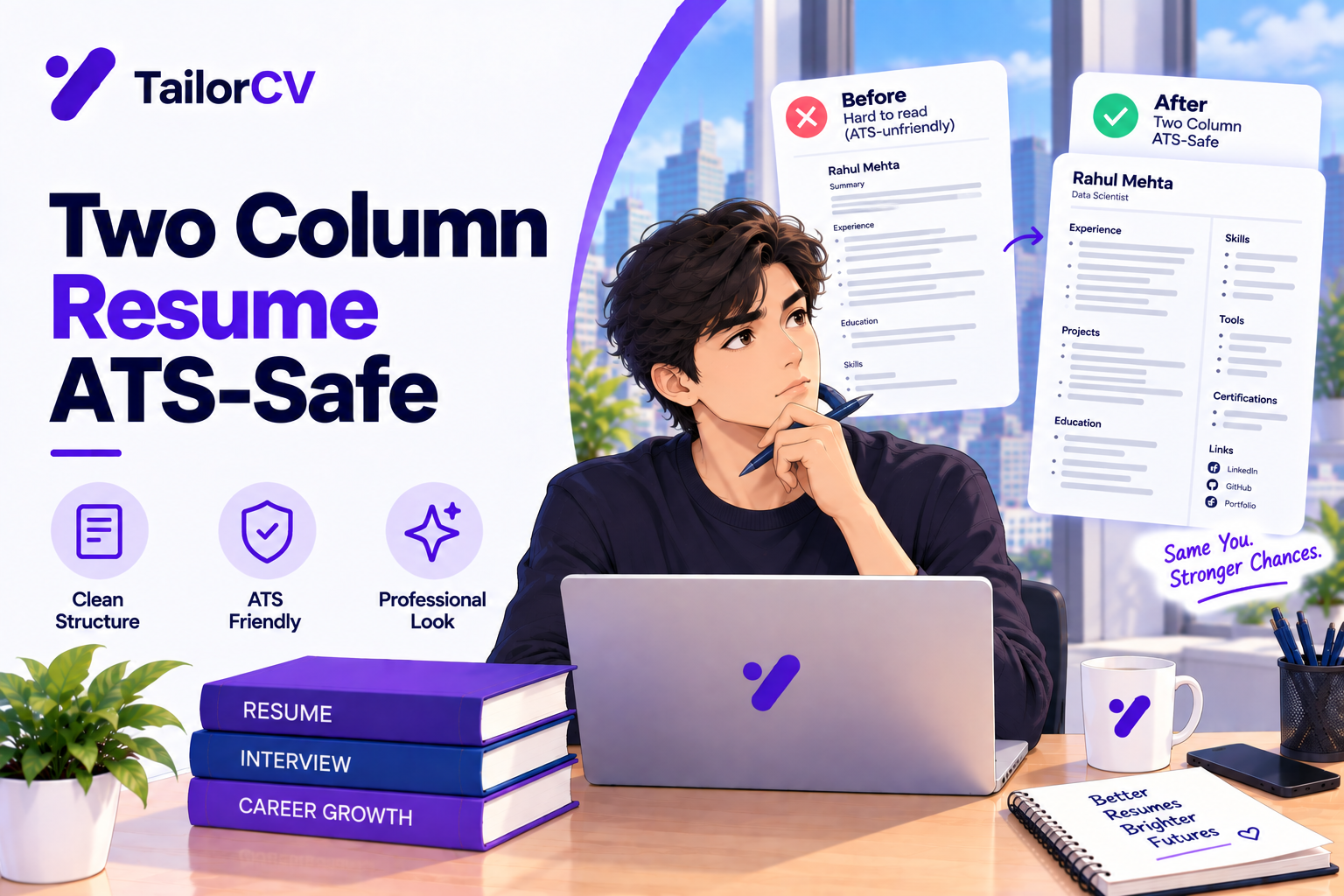
2. Columns are interleaved
A two-column layout can paste as alternating fragments:
Senior Analyst SQL, Python Acme Corp Tableau, dbt 2022–2025 Snowflake
Your job title, employer and skills have been shuffled into lines that mean nothing. A parser reconstructing your employment history from this produces garbage. The risks of tables and columns are almost always this pattern.
3. Contact details are gone
Name, email and phone sitting in the document header often do not copy — and are frequently skipped by parsers even when they do.
A resume that arrives without a phone number is a resume nobody calls — and it is one of the red flags recruiters notice without ever knowing it was a technical fault.
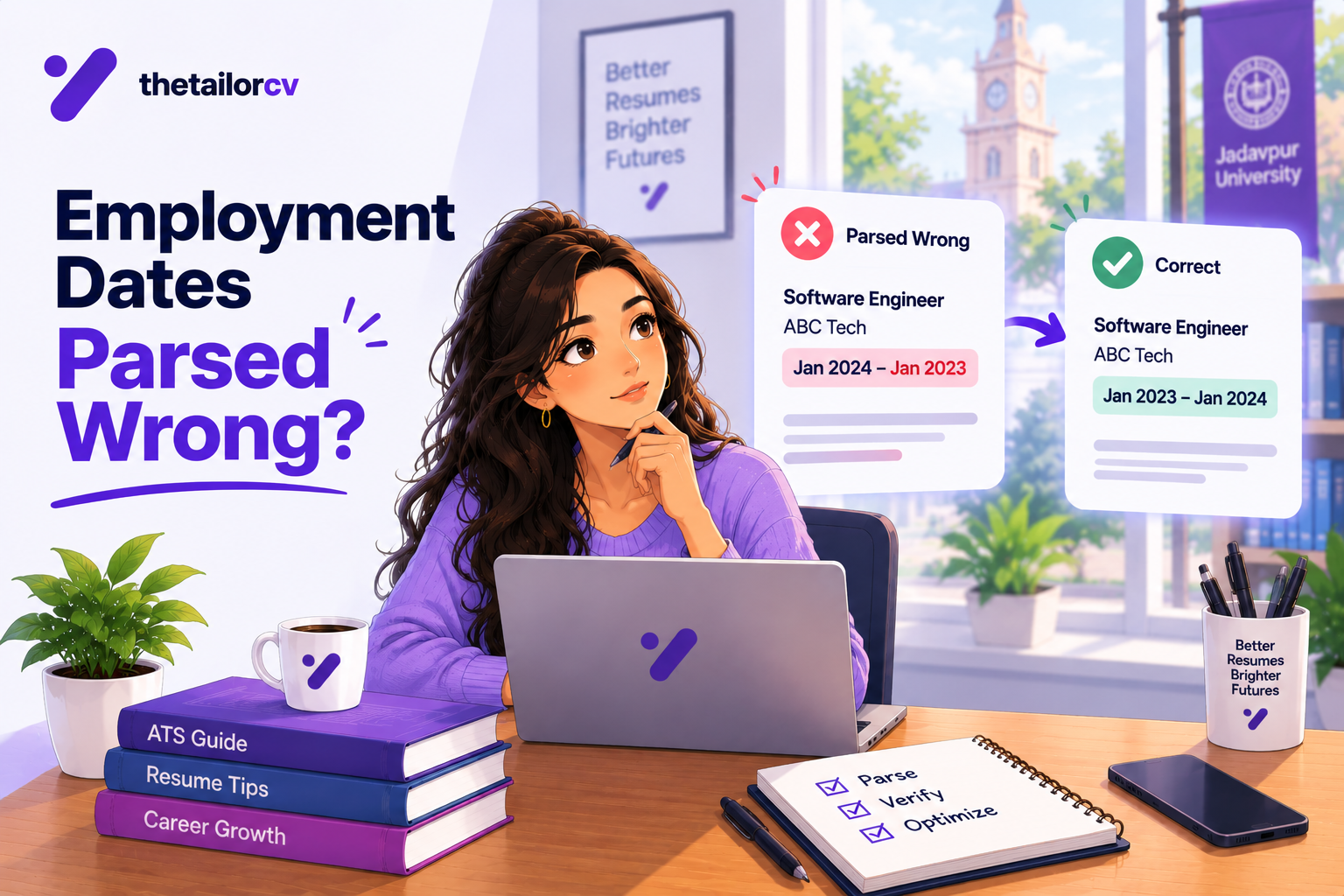
4. Dates are detached from jobs
Your dates paste as a separate block, or land above the wrong role. The parser then computes your total experience incorrectly, sometimes halving it, which can drop you below a filter you actually clear.
5. Bullet characters became symbols
Custom bullet glyphs can arrive as Ø, § or boxes. Less serious than a missing section, but it signals a font or encoding choice worth changing.
6. Nothing pastes at all
If nothing selects and nothing pastes, your resume is an image. Some design tools export this way by default. No parser can read it, and this is the single most complete failure possible.
Diagnostic Table
| What you see in the paste | Likely cause | Severity | Fix |
|---|---|---|---|
| Whole section missing | Text box or graphic element | Critical | Retype as normal body text |
| Interleaved fragments | Two-column layout | Critical | Single column for experience |
| No contact details | Details in page header | Critical | Move into document body |
| Dates in a separate block | Table or tab-stop layout | High | Dates on the line below the role |
| Bullets as odd symbols | Custom glyph or missing font | Low | Use a standard round bullet |
| Nothing pastes | Exported as an image | Critical | Re-export as real text |
| Words split mid-way | Ligature or letter-spacing | Low | Standard font, normal spacing |
| Text in wrong order | Reading order from design tool | High | Rebuild in a linear layout |
What a Pass Looks Like
A clean paste is boring, and that is the point:
Priya Sharma priya.sharma@email.com | +44 7700 900123 | London, UK
SUMMARY Data analyst with four years...
EXPERIENCE Senior Data Analyst, Acme Corp March 2022 – Present - Rebuilt weekly reporting from manual spreadsheets to an automated dashboard, cutting turnaround from two days to under an hour - Led the migration of 40 source tables to Snowflake
Everything present, in order, each piece attached to the right thing. Ugly in plain text, structurally correct. That is a resume that arrives intact.
Fixing Each Failure
Fixing missing sections
Text boxes are the usual cause. Retype the content directly into the document body rather than into a floating frame. In Word, that means normal paragraphs; in Google Docs, body text rather than a drawing.
Fixing interleaved columns
Move to a single column, at least for your work history. A narrow sidebar holding only contact details and a skills list is lower risk, because those items stay meaningful even if their order shifts — but your experience section should never span columns.
If you used columns to fit more on the page, the better fixes are a horizontal skills line, slightly tighter margins, or cutting older roles to one line each. Our resume length guide covers what to cut first.
Fixing contact details
Take them out of the page header and put them in the first lines of the body. This costs nothing visually and removes the most common way to lose a phone number.
Fixing dates
Put the date on the line directly below the role, as plain text:
Senior Data Analyst, Acme Corp March 2022 – Present
Use Month YYYY with the month named or consistently abbreviated. Avoid 03/2022, which is ambiguous, and avoid year-only ranges, which parsers tend to read as the shortest possible span.
Fixing an image-only resume
Re-export from the source as a text PDF. If you no longer have the source, rebuild it — there is no way to recover selectable text from a flattened image, and an image resume scores zero everywhere.
When It Passes but the Score Is Still Low
A clean paste rules out the structural problem. That is genuinely useful information, because it narrows what is left.
If your score stays low after a clean paste, the cause is one of:
- Vocabulary mismatch — you did the work and used different words than the posting. This is the most common remaining cause.
- A genuine gap — the posting wants something you have not done. Many apparent gaps turn out to be myths about what ATS actually rejects.
- Evidence placement — your relevant work exists but sits too far down the page for the first recruiter scan to reach.
Each of those has a different fix, and none of them is formatting. Knowing the document parses cleanly is what lets you stop guessing.
How This Compares to Other Checks
| Check | Time | What it catches | What it misses |
|---|---|---|---|
| Copy-paste test | 30 sec | Structure, parsing, lost sections | Relevance, wording, gaps |
| ATS scan | 1 min | Keyword coverage against one posting | Bullet quality, persuasiveness |
| Friend or mentor read | 20 min | Clarity, credibility, tone | Machine readability |
| Recruiter feedback | varies | Level fit, market reality | Rarely specific about formatting |
The copy-paste test is first because it is fastest and because everything else is meaningless if it fails. There is no point tuning wording the parser will never see.
Common Mistakes When Running It
Testing the source file instead of the export. Your Word document may be fine while the exported PDF is not. Test what you send, and check it against a parser-friendly format if you are unsure.
Assuming a tidy paste means a tidy resume. Plain text always looks plain. You are checking completeness and association, not appearance.
Running it once and never again. Re-run after any layout change, template switch, or export from a new tool.
Only checking page one. Scroll the whole paste. Roles split across a page break are a common failure and they live at the boundary.
Trusting an "ATS-friendly" label. That is a marketing claim about a template, not a verified property of your exported file. Several widely sold templates fail this test. Our guide on choosing a resume template covers what to look for.
What the Test Looks Like on Real Templates
Abstract rules are less useful than knowing which specific layouts fail. These are the patterns that show up most often.
The design-tool sidebar
A coloured left column holding your photo, contact details, skills and languages, with experience on the right.
Usually fails. The sidebar is a separate frame, and the two columns interleave. Contact details are the most common casualty, which means a recruiter who wants to call you cannot.
The header band
Your name and contact details in a full-width coloured band at the top of the page.
Fails when the band is a header region, passes when it is body text with a background colour. The copy-paste test distinguishes these instantly — if your name is missing from the paste, it was a header.
The skills grid
Skills laid out in a three-by-four grid of boxes, sometimes with proficiency dots.
Usually fails or scrambles. Grids are tables underneath, and the reading order flattens unpredictably. The dots carry no information to a parser at all — rating your skills out of five tells a machine nothing.
The timeline
A vertical line down the left with dates on one side and roles on the other.
Almost always fails. Dates become detached from their roles, which corrupts your computed experience — the failure covered in when employment dates parse wrong.
The clean single column
Name and contact in body text, section headings, roles with dates beneath, bullets under each.
Passes reliably. It is also what the ATS-friendly resume format guidance converges on, for exactly this reason.
How Often to Run It
Once per resume version, not once per application. The test checks structure, and your structure does not change between applications unless you edit the layout.
Run it when you:
- Build a resume from a new template
- Switch editors, or export from a design tool for the first time
- Change the layout — add a column, move contact details, insert a table
- Add a page, or a role that now splits across a page break
- Have been applying for weeks with no responses at all
That last case is worth taking seriously. If you have sent thirty applications and heard nothing, a structural failure is one of the few explanations that accounts for total silence rather than occasional rejection.
Frequently Asked Questions
Is this as accurate as a real ATS?
No — it is an approximation. Real parsers differ in how they handle edge cases, and some are considerably better than a plain text copy. But every problem this test reveals is a genuine problem, so a failure is always worth fixing even if a particular employer's system might have coped.
My paste looks messy but everything is there. Is that a fail?
No. Plain text always looks unformatted. The question is whether the content is complete and correctly associated — each date with its role, each bullet under the right job — not whether it looks tidy.
Does this work for .docx files as well as PDFs?
Yes. Text boxes and tables cause the same problems in Word documents. Test whichever file you actually submit; if you send both, test both.
My contact details pasted fine from the header. Am I safe?
Mostly, but header placement is still riskier than body placement — some parsers skip header regions entirely even when the text copies normally. Moving them into the body costs nothing and removes the risk.
Should I just use a plain-text resume instead?
No. A normal single-column resume in a standard font parses reliably and still looks professional. You want clean structure, not stripped design. See making a resume ATS-friendly for the balance.
Will a two-column resume always fail?
Not always. It depends on how the columns were built and what is in them. A sidebar of self-contained items often survives; an experience section split across columns rarely does.
What if I cannot fix the template I paid for?
Rebuild in a simple single-column layout. A template that loses a section is costing you more than its price, and formatting mistakes are the most expensive kind because they are invisible to you.
Does the file name matter for parsing?
Not for parsing, but it matters for the human. Priya-Sharma-Resume.pdf is read by a person in their inbox — see naming your resume file.
My resume passes in one tool and fails in another. Which is right?
Both, in a sense — parsers differ in how they handle edge cases, so a layout can survive one and break another. Treat any failure as real: employers do not tell you which system they use, so the safe assumption is the stricter one.
Does the test work on a resume with a photo?
Yes, and it is worth running. A photo itself does not break parsing, but photos usually sit inside a frame or sidebar, and that surrounding structure is what causes failures.
How do I know if the problem is the parser or my content?
Run this test first. If the paste is clean, the parser is fine and the issue is relevance or wording. If the paste is broken, fix that before touching a single word.
What to Do Next
If the paste came back clean, your resume is arriving intact and the remaining question is relevance — whether your wording matches what a given posting asks for. That is a different problem with a different fix, covered in how ATS resume checkers work.
If the paste came back broken, fix the structure first. Single column for experience, contact details in the body, dates on their own line, no text boxes. Then re-run the test and confirm it is clean before you do anything else.
Once the structure is sound, scan your resume against a posting to see which of that job's terms are found and which are missing — a question that only becomes meaningful once the document is being read correctly.
Free, about a minute. If you would rather start from a layout that already parses cleanly, the resume templates are built single-column for this reason.
What is your resume scoring right now?
Scan it against a job description and get your ATS match score in about a minute.
Drop your resume here or choose a file
PDF only. Max 2 MB.
We never share your data or use it to train AI models.

Templates that keep this structure intact
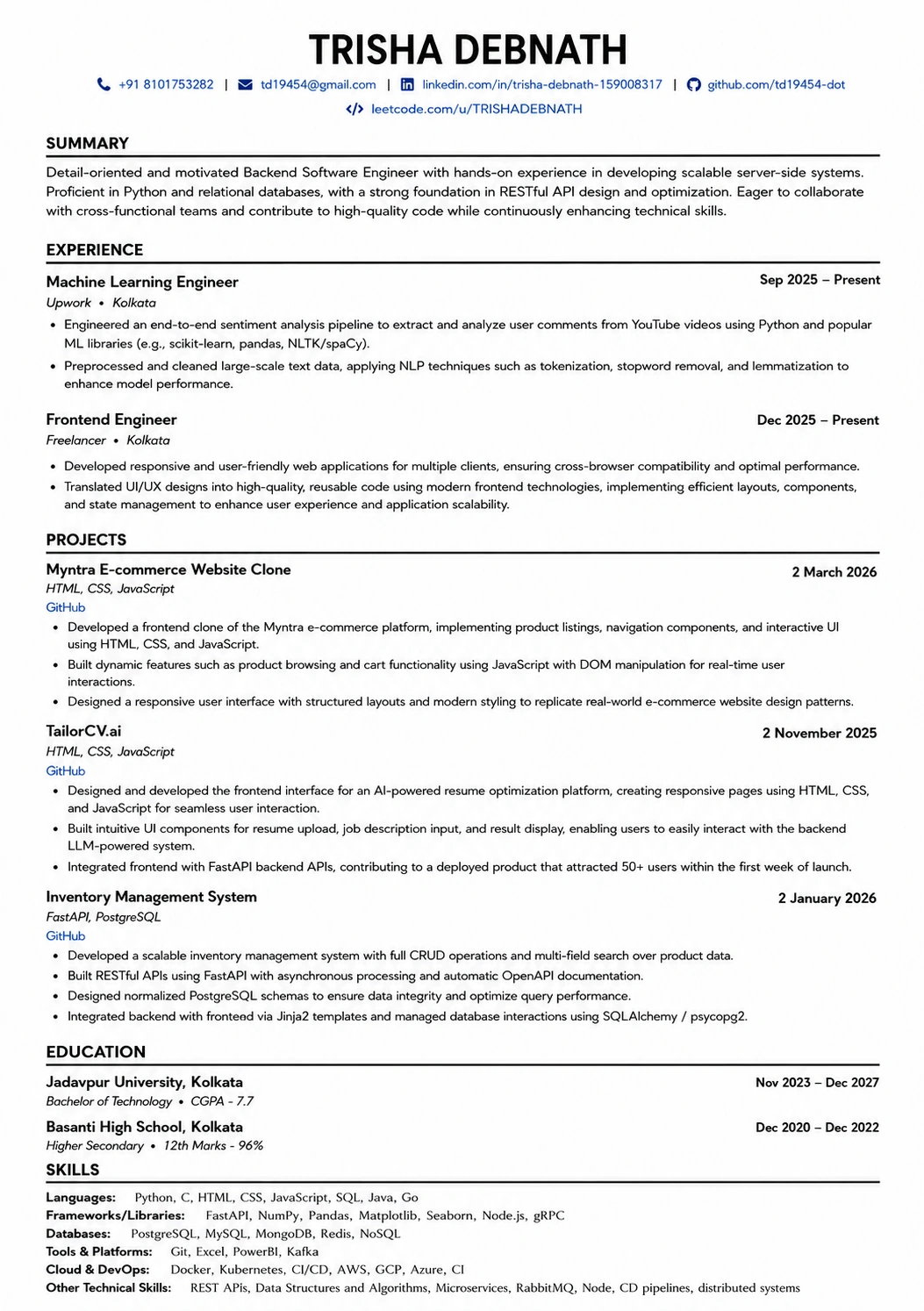
This template is ATS-tested — start from it and the formatting rules in this guide are already handled.
Was this guide useful?
Be the first to rate it.