TD
TD

Key Takeaways
- Whole roles disappear when they sit in a text box, a table cell, a second column, or after a page break that splits them.
- Nothing warns you - your PDF looks complete and the extracted text is missing a job.
- A deleted role usually also breaks your computed experience total and can invent a gap.
- The copy-paste test catches every version of this in under a minute.
- The fix is structural: plain body text, single column, one role per contiguous block.
There is a specific failure worse than a low score: a role that never arrives. Your resume shows five jobs; the recruiter's system shows four, with an unexplained two-year gap where the missing one was.
No error is raised. Your PDF is fine. The job is simply gone.
The Five Causes
1. The role sits in a text box
Design-tool templates frequently build each section as a separate text frame. A parser reading the document's content stream may take the frames in an unpredictable order, or skip one entirely.
The tell: an entire block missing from your copy-paste, while everything around it is present.
2. The role is inside a table cell
Tables are handled inconsistently. Some parsers read cell by cell in the right order; others flatten row-first, interleaving content from adjacent cells; a few skip nested tables.
The tell: your job title arriving on the same line as an unrelated fragment, or bullets appearing without their role heading.
3. The role is in the second column
A parser that reads down the left column and then down the right will produce roughly correct output. One that reads across each horizontal band will shred both columns together. Which behaviour you get is not predictable from looking at the page.
The tell: alternating fragments - title, skill, employer, skill, date.
4. A page break splits the role
Your job title sits at the bottom of page one; its bullets continue on page two. Some parsers treat each page as a unit and fail to reconnect them, leaving orphaned bullets with no employer and a title with no content.
The tell: bullets appearing under the wrong job, or a title immediately followed by the next role's title.
5. The section heading is unrecognised
Parsers use headings to identify sections. "Professional Journey," "Where I've Worked," or "Career Highlights" may not be recognised as the experience section, so the content is filed as unclassified text and may not appear in the structured work-history view at all.
The tell: your jobs present in the raw text but absent from any structured summary.
Diagnosing From the Symptom
Working backwards from what you see in the paste is faster than checking each cause in turn.
| What the paste shows | Most likely cause | Fix |
|---|---|---|
| One whole role absent | Text box | Retype into the document body |
| Title present, bullets missing | Page break split | Move the whole role to the next page |
| Bullets present, no title | Page break or table | Keep the role contiguous |
| Title and unrelated text on one line | Table flattening row-first | Replace the table with plain lines |
| Alternating fragments | Two-column reading order | Single column for experience |
| Jobs present but unclassified | Unrecognised heading | Use "Experience" or "Work Experience" |
| Dates in a block on their own | Right-aligned tabs or a column | Dates on the line below the role |
| Everything present, wrong order | Design-tool reading order | Rebuild in a linear layout |
| Nothing pastes at all | Exported as an image | Re-export as real text |
| Two adjacent titles, no content | Both roles' bullets lost | Check for nested frames |
| Section heading missing entirely | Heading inside a graphic | Retype as real text |
If more than one row applies, fix the structural cause rather than the symptoms - they usually share a single origin.
That shared origin is worth emphasising. People find one missing bullet, retype it, and re-export - and the next application loses a different block, because the frame-based layout that caused the first failure is still there. The symptom moves; the cause does not. When two or more rows in that table describe what you are seeing, stop patching individual lines and rebuild the section as plain body text.
The same logic applies to dates detaching from their roles: a table that scrambles your dates is usually the same table that will drop a bullet list, and fixing both at once takes less time than diagnosing them separately.
Why It Matters More Than a Low Score
A deleted role has knock-on effects that compound.
Your experience total shrinks. If the system computes years from the roles it found, a missing job reduces your total - potentially below a filter threshold.
You acquire a gap you never had. The dates on either side of the missing role no longer connect. You now appear to have been unemployed for two years, and if anyone asks, you will not know why they think so.
Your career story stops making sense. A progression from analyst to senior analyst to manager reads oddly when the middle step is absent.
Your most relevant experience may be the missing one. There is no reason the dropped role will be an unimportant one.
The compounding is the real damage
Any one of these is survivable. Together they describe a different candidate.
A reader seeing three roles instead of four, a two-year gap, a shorter total and a broken progression is not assessing you with one error - they are assessing a coherent but false version of your career. That is why this outranks every keyword decision: the words never arrive to be counted, and the computed experience total is wrong on top of it.
Finding Out
Copy-paste your PDF into a plain text editor. Then count.
Count the jobs in the paste and compare with the jobs on your page. Check each one has its employer, its dates, and its bullets attached. Read it as if you were the recruiter seeing it for the first time.
Specifically look for:
- A role heading with no bullets under it
- Bullets with no role heading above them
- Two role titles adjacent with nothing between them
- Dates in the wrong place or missing
- Any role you cannot find at all
Count, do not skim
The instruction to count is literal and it matters. Skimming a plain-text paste, your eye fills in what it expects to see - you know your own history, so you read it as present.
Counting forces the comparison. Four roles on the page and three in the paste is a fact; "it looks about right" is not. The full set of failure patterns the paste reveals is in the copy-paste test.
Fixing It
The fixes are structural, and all of them are simple:
Convert text boxes to normal body text. Retype the content directly into the document flow rather than into a frame.
Replace tables with plain lines. Job title on one line, dates beneath, bullets as a normal list. Use spacing, not cells, for layout.
Move to a single column for the experience section at minimum. A sidebar holding only skills and contact details is lower risk; your work history should never span columns.
Keep each role on one page. If a role would split across the page break, move the whole block to the next page. White space at the bottom of page one costs you nothing.
Use conventional section headings. "Experience," "Work Experience," "Professional Experience," "Employment History." Save the creative naming for a portfolio site.
Rebuild rather than convert
Converting a table to text, or a text box to body content, often leaves the original structure underneath. The page looks fixed and the paste still fails.
Retyping the experience section into a clean single-column document takes about ten minutes and removes the ambiguity entirely. That is faster than diagnosing why a converted layout still misbehaves, and it is the same reasoning behind rebuilding rather than patching a two-column resume.
A Worked Case: The Missing Middle Role
A marketing manager with four roles, built from a downloaded template with each job in its own frame.
On the page: Marketing Manager (2023-Present) · Senior Marketing Executive (2021-2023) · Marketing Executive (2019-2021) · Marketing Assistant (2017-2019)
The paste comes back with three roles. The Senior Marketing Executive block - the promotion, and the role closest to the target job - is absent entirely.
What the recruiter's system now shows:
Marketing Manager, 2023-Present Marketing Executive, 2019-2021 Marketing Assistant, 2017-2019
Three consequences land at once. There is a two-year gap between 2021 and 2023 that the candidate never had. The progression now jumps from Executive to Manager with nothing between, which reads as either a stretch appointment or an error. And the role that best evidenced the target job's requirements is the one that vanished.
The fix was retyping four lines and six bullets into the document body. Total time: eleven minutes. Nothing about the candidate's history changed - only whether it arrived.
Edge Cases
The role is present but its bullets are not
Usually a page break splitting the block, or a nested frame holding the bullet list. Move the whole role to one page and retype the list as normal body text.
Your most recent role is the one missing
Check whether it sits in a differently-formatted block - people often restyle the current role to make it stand out, which is exactly what creates a separate frame.
A .docx parses fine and the PDF does not
The export is introducing the structure. Try a different export route, or rebuild in a plainer document. File format choice affects how much reconstruction the parser has to do.
You applied months ago with a broken file
Nothing to be done about submitted applications, and no useful way to retract them. Fix the file and treat future applications as the ones that count.
Everything parses and you still get no response
Then parsing is not your problem, and the cause is downstream - relevance, evidence, or targeting. A clean parse with no interviews points at the bullets rather than the structure, and weak bullets behind a good score is the most common version of it.
Your resume was built by an online builder
Builders vary enormously. Some produce clean single-column body text; others assemble the page from positioned frames precisely because it gives them layout control.
The label on the template tells you nothing - test the exported file. Choosing a resume template is mostly a question of what it is built from rather than how it looks on the preview.
You maintain several resume versions
Every version needs its own test. A layout change you made to one file does not propagate, and it is easy to fix the version you look at while continuing to send a broken one.
Managing multiple resume versions is worth a system once you have more than two.
What This Looks Like at Each Level
Fresher. Fewer roles means a missing one costs proportionally more - losing one of two jobs halves your visible history. Projects sections are equally vulnerable and equally worth counting.
Two to five years. The promotion within an employer is the block most often lost, because it is frequently formatted differently from the roles around it.
Senior. Two-page resumes make the page-break split the dominant risk. Check the boundary specifically.
Career changer. The role carrying your transferable evidence is the one you cannot afford to lose, and it is often an older one further down the page - exactly where page-break splits and second-column placement tend to happen. Bridging two fields depends on that role arriving intact.
Common Mistakes
Mistakes in how people check
Trusting the page. The rendered PDF tells you nothing about what was extracted.
Skimming instead of counting. Your eye supplies what it expects.
Checking once and never again. Re-check after any template switch, layout change, or export from a new tool.
Mistakes in how people fix
Converting instead of rebuilding. The underlying structure usually survives the conversion.
Fixing the symptom. Moving one date without addressing the table that detached it.
Assuming "ATS-friendly" templates are safe. It is a marketing claim, not a verified property - one of the more durable ATS myths.
Frequently Asked Questions
Will the recruiter notice a role is missing?
Usually not. They see what their system shows them, with no indication anything was lost. The gap appears to be yours.
Does this happen with .docx as well as PDF?
Yes. Text boxes and tables cause the same problems in Word documents. The format matters less than the structure.
Could a role be missing from the summary but present in the attachment?
Frequently, and it still hurts - many recruiters work from the parsed view and structured fields, especially when screening at volume.
How often should I check this?
Once per resume version. Re-check after any layout change, template switch, or export from a new tool.
My resume has always been two-column and I get interviews. Is it fine?
Possibly, or you are succeeding despite losing some applications invisibly. The test takes a minute and removes the doubt.
Can I tell which parser an employer uses?
No, and it would not help much - behaviour depends on configuration as well as vendor. Build for the stricter case instead.
Does a missing role affect my score or just the record?
Both. The words in that role are absent from matching, and the structured history is wrong, so relevance and experience filters are both affected.
Should I mention the parsing issue in my application?
No. Fix the file. An explanation in a cover letter about document formatting spends attention on the wrong thing.
Is there a layout that never fails?
Single column, plain body text, conventional headings, one role per contiguous block, real text rather than images. It is unremarkable to look at and it arrives intact every time.
What about the projects and education sections?
Same risks and same checks. Count those too - a projects section in a frame disappears exactly the way a job does, and for juniors it carries more weight.
The file opens correctly on my machine. Why would it break anywhere else?
Opening is not parsing. Your PDF viewer renders the visual result the file describes; a parser ignores that rendering and walks the underlying text objects in storage order. Those two things agree on a plain single-column document and diverge as soon as the layout is built from frames, columns or tables.
So a file that looks flawless on screen can still hand over its content in an order nobody would recognise, or omit a block entirely because the text lives inside an image. What you see on your own machine tells you the file is not corrupt. It tells you nothing about what an employer's system extracts, which is why the copy-paste test exists as a separate check rather than a formality.
Check Nothing Is Missing
This is the one resume problem that no amount of good writing can compensate for, because the writing never arrives.
Run the copy-paste test and count your jobs. Then scan the resume against a posting — with the full history arriving, the match reflects your actual experience rather than a truncated version of it.
Fix structure before wording. Every keyword decision downstream of this assumes the text reaches the reader, and until the paste is clean that assumption does not hold. Once it is, the tailoring tool works from your complete history rather than whichever parts survived extraction.
Related: the copy-paste test and when employment dates parse wrong.
What is your resume scoring right now?
Scan it against a job description and get your ATS match score in about a minute.
Drop your resume here or choose a file
PDF only. Max 2 MB.
We never share your data or use it to train AI models.

Templates that keep this structure intact
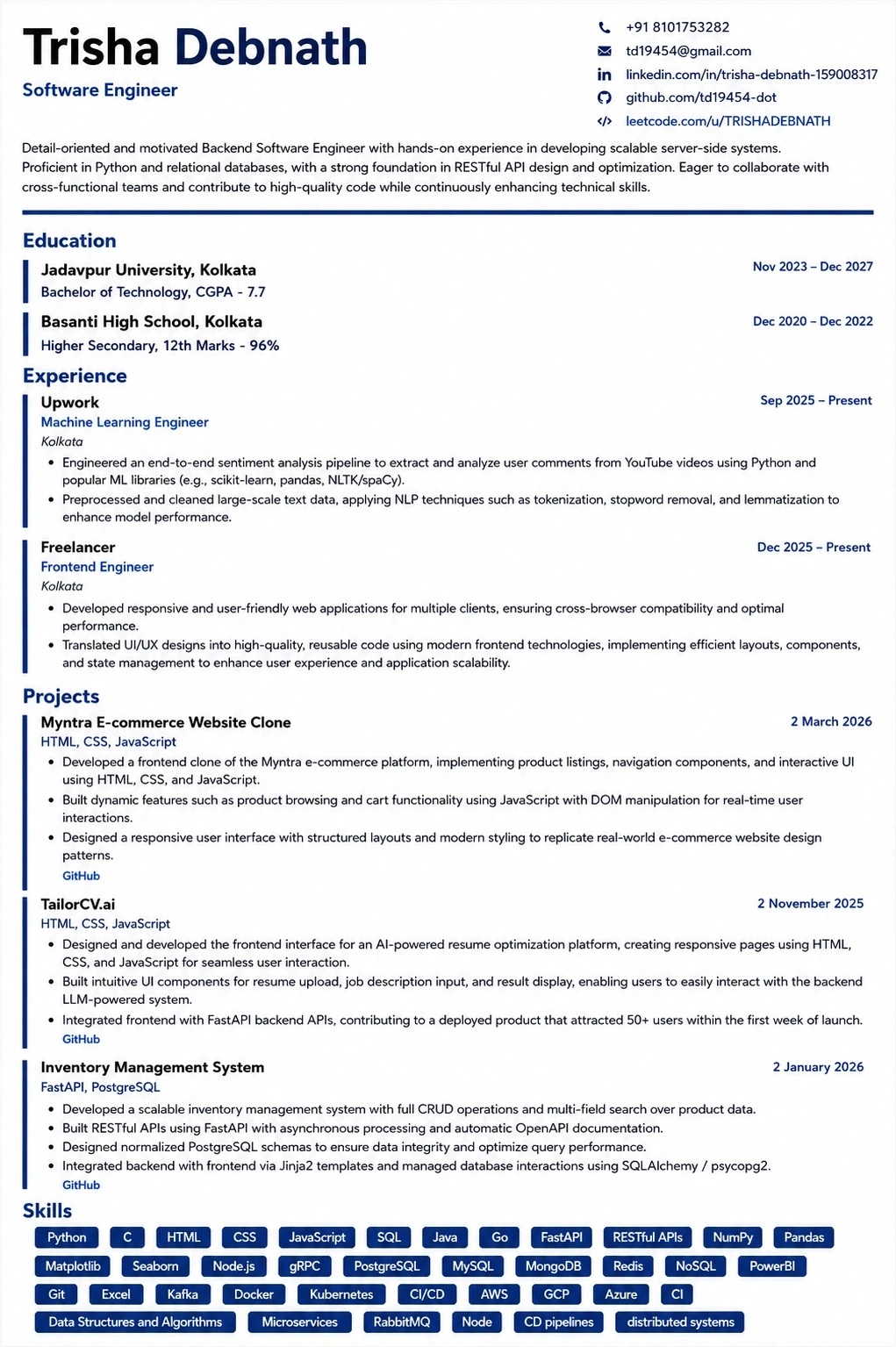
This template is ATS-tested — start from it and the formatting rules in this guide are already handled.
Was this guide useful?
Be the first to rate it.