TD
TD
Key Takeaways
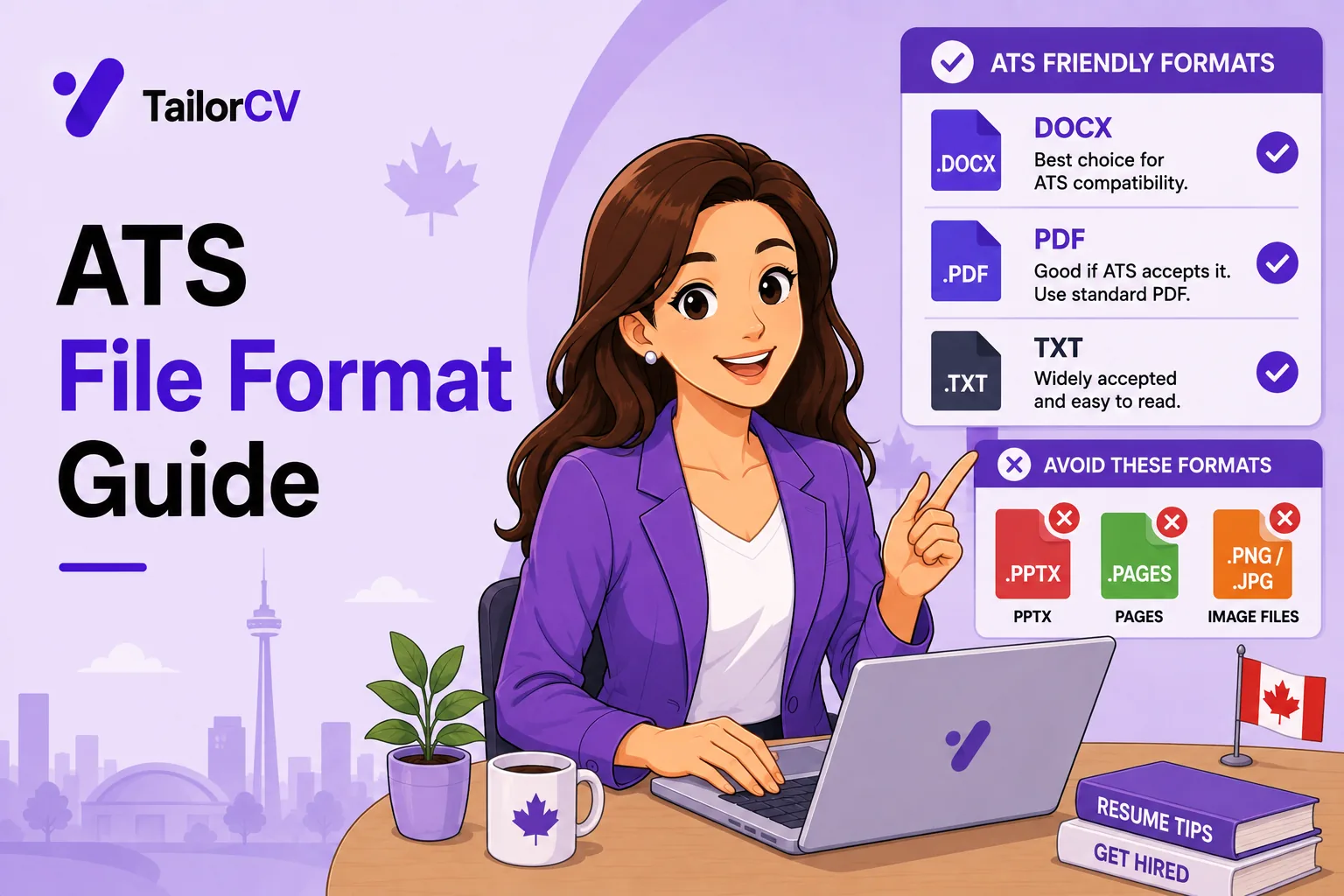
- PDF is the default choice because it preserves layout and parses reliably in modern systems.
- An image-based PDF contains no extractable text and fails completely — this is the real format risk.
- Send Word when a recruitment agency asks, because they reformat onto their own template.
- The select-the-text test takes five seconds and catches the worst failure.
- File naming matters more than people expect, both for parsing and for how you are perceived.
Format anxiety absorbs a lot of attention in resume advice, most of it misplaced. The PDF-versus-Word debate is largely settled and largely unimportant.
What genuinely matters is narrower: whether your file contains real extractable text, and whether you follow the instruction when one is given.
This guide covers the choice and the failure modes.
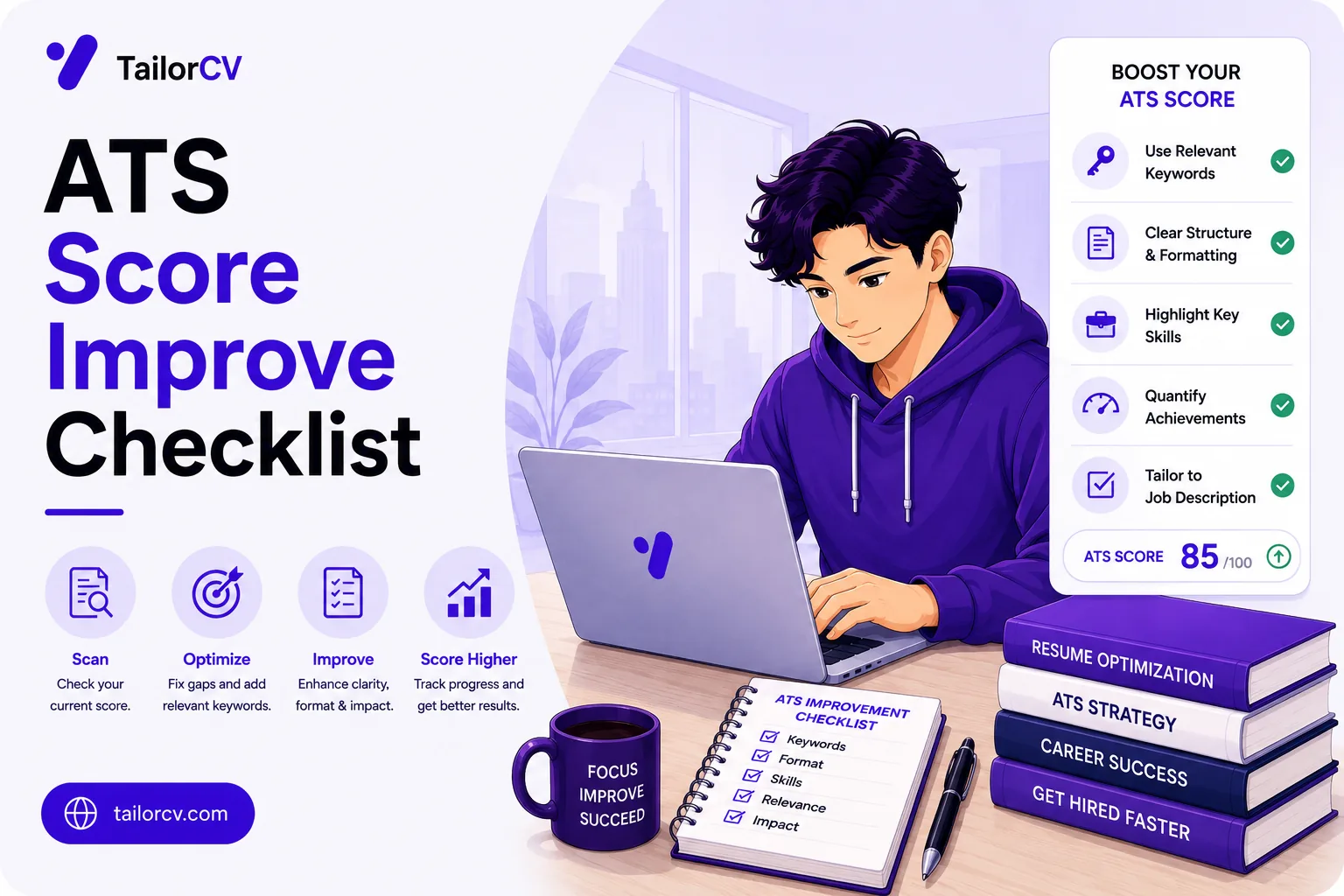
Check what a parser actually extracts from your file — the free ATS score checker.
Every format, and what it does to you
| Format | Verdict | Layout preserved | Text extractable | Use when |
|---|---|---|---|---|
| PDF with real text | Best default | Yes, exactly | Yes | Almost every application |
| PDF, image-based | Total failure | Yes | No | Never |
| .docx | Fine when asked | Mostly, can shift | Yes | Agency or form requests it |
| .doc (legacy) | Avoid | Unreliable | Usually | Only if explicitly required |
| .txt | Parses, reads badly | None | Yes | Only if a form demands it |
| .rtf | Avoid | Poor | Yes | Never in practice |
| .pages | Avoid | N/A | Often cannot open | Never |
| .odt | Avoid | N/A | Often cannot open | Never |
| .jpg / .png | Total failure | Yes | No | Never |
| Google Docs link | Avoid | N/A | Blocked by permissions | Never |
| .zip archive | Avoid | N/A | Requires manual work | Never |
Read the first two rows together. The same extension can be perfect or catastrophic depending on whether the file contains a text layer, which is why "should I send a PDF" is the wrong question and "does my PDF have selectable text" is the right one.
PDF, as the default
Use PDF unless told otherwise.
Why: it preserves your layout exactly, it opens identically everywhere, fonts do not substitute, and modern parsers handle it without difficulty.
The old advice that PDFs are unreadable dates from systems that are no longer in general use. It persists in articles that have not been updated.
One requirement: the PDF must contain real text.
Why PDF beats Word in practice
| Concern | .docx | |
|---|---|---|
| Layout on the recipient's machine | Identical to yours | Can reflow and shift |
| Font substitution | Fonts embedded | Substitutes if not installed |
| Accidental edits | Not easily changed | Anyone can alter it |
| Page breaks | Fixed | Can move, splitting sections |
| Parsing reliability | High with a text layer | High |
| Agency reformatting | Harder for them | Easy, which is why they ask |
The failure that actually matters
Image-based PDFs contain no extractable text at all. A parser receives an empty document.
How people create one accidentally:
- Scanning a printed resume
- Photographing a printed resume
- Taking a screenshot and exporting it
- Exporting from a design tool with text converted to outlines
- Using a template that renders text as graphics
The test, which takes five seconds: open your PDF, try to select the text with your cursor and copy it. If you cannot select it, or if pasting gives you nothing, neither can a parser — and your application is effectively blank.
Do this once for every version of your resume. It is the single highest-value check in this whole area.
Diagnosing what you actually have
| What happens when you try to select text | What you have | What to do |
|---|---|---|
| Text highlights normally, pastes as text | Real text PDF | You are fine |
| Nothing highlights, cursor draws a box | Image-based PDF | Re-export from the source file |
| Highlights but pastes as gibberish | Font encoding problem | Change font, re-export |
| Some sections select, others do not | Mixed — parts are images | Find and replace the graphic sections |
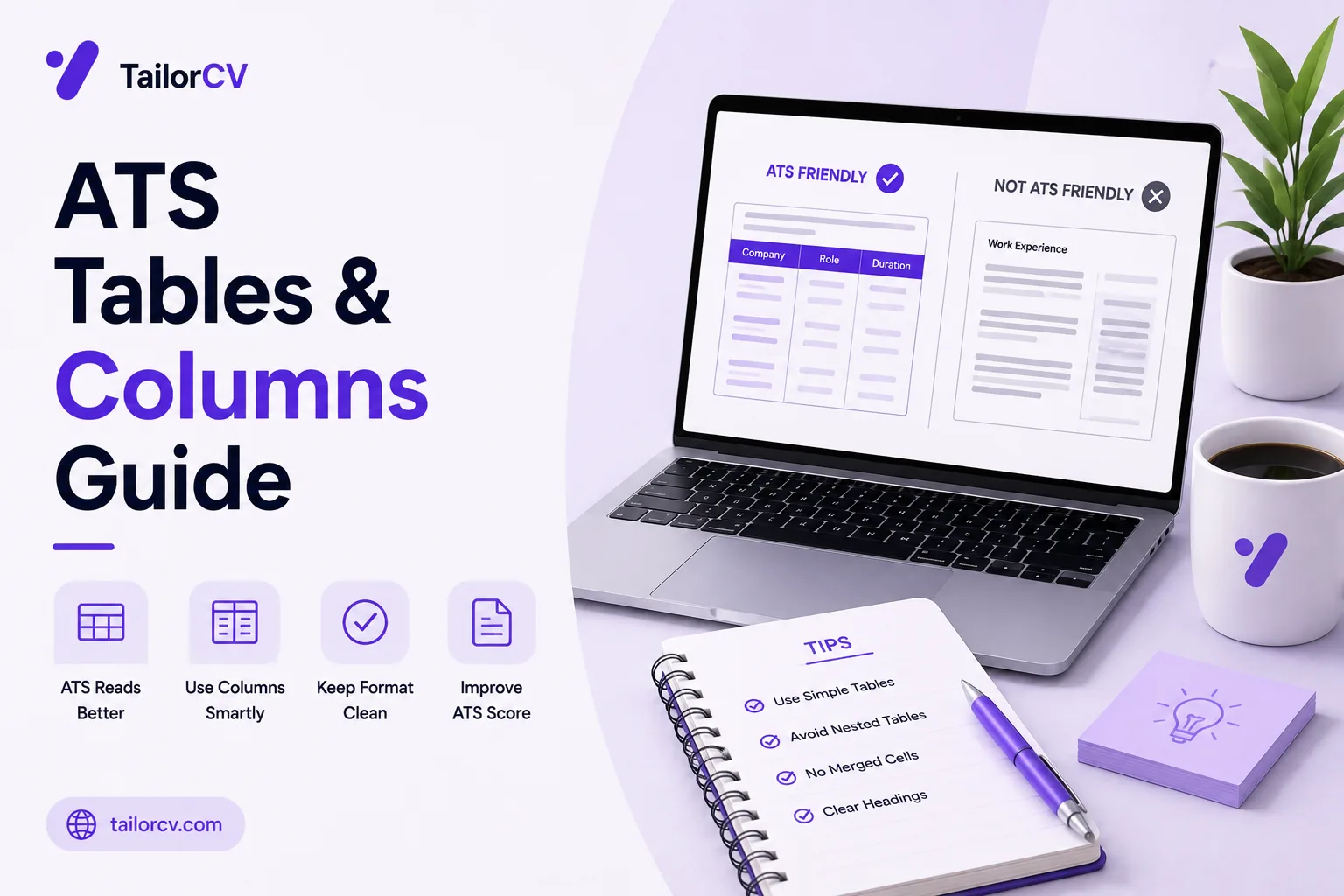
| Pastes scrambled and interleaved | Multi-column layout issue | See the tables and columns guide |
The last row is a different problem from format entirely, and it is covered in the ATS tables and columns guide.
When to send Word
When asked. Recruitment agencies frequently request .docx because they reformat candidate CVs onto their own branded template before sending to clients. That is a genuine working practice, not incompetence — see the UK recruitment agencies guide.
When the application form specifies it. Some portals accept only certain types.
The trade-off with Word: layout can shift between versions and machines, and fonts substitute if the recipient lacks yours. Stick to common fonts if you are sending .docx.
If you must send Word, protect yourself
| Risk | Mitigation |
|---|---|
| Font substitution | Use Arial, Calibri, Georgia or Times only |
| Layout reflow | Avoid text boxes, floating images and tight spacing |
| Page breaks moving | Insert deliberate breaks rather than relying on flow |
| Someone editing it | Keep your own master copy as the reference |
| Version incompatibility | Save as .docx, never .doc |
Formats to avoid
.pages, .odt and other application-specific formats. Many systems cannot open them, and a recruiter who cannot open your file moves on.
.txt. Parses perfectly and looks terrible to the human who decides.
.jpg or .png of a resume. No extractable text, plus it looks unprofessional. This still happens.
Google Docs share links. Some require sign-in, some have permission issues, and the recruiter will not troubleshoot it. Export and attach a file.
Compressed archives. Do not make anyone unzip your application.
The pattern behind all of these is the same: anything that adds a step, a permission check, or an install requirement between the recruiter and your content costs you the application. Nobody troubleshoots a file for a candidate they have not met.
What actually breaks parsing
Format is rarely the problem; structure inside the file usually is.
Tables used for layout. Frequently mangled on extraction.
Text boxes. Often skipped entirely.
Multi-column layouts. Read across rather than down, scrambling your experience into nonsense.
Text inside images or graphics. Extracts as nothing.
Headers and footers carrying contact details, which are commonly dropped — meaning your phone number disappears.
Icons replacing labels. An envelope glyph where the word "Email" should be leaves the field unlabelled.
Unusual section headings. "My Journey" instead of "Experience" prevents categorisation.
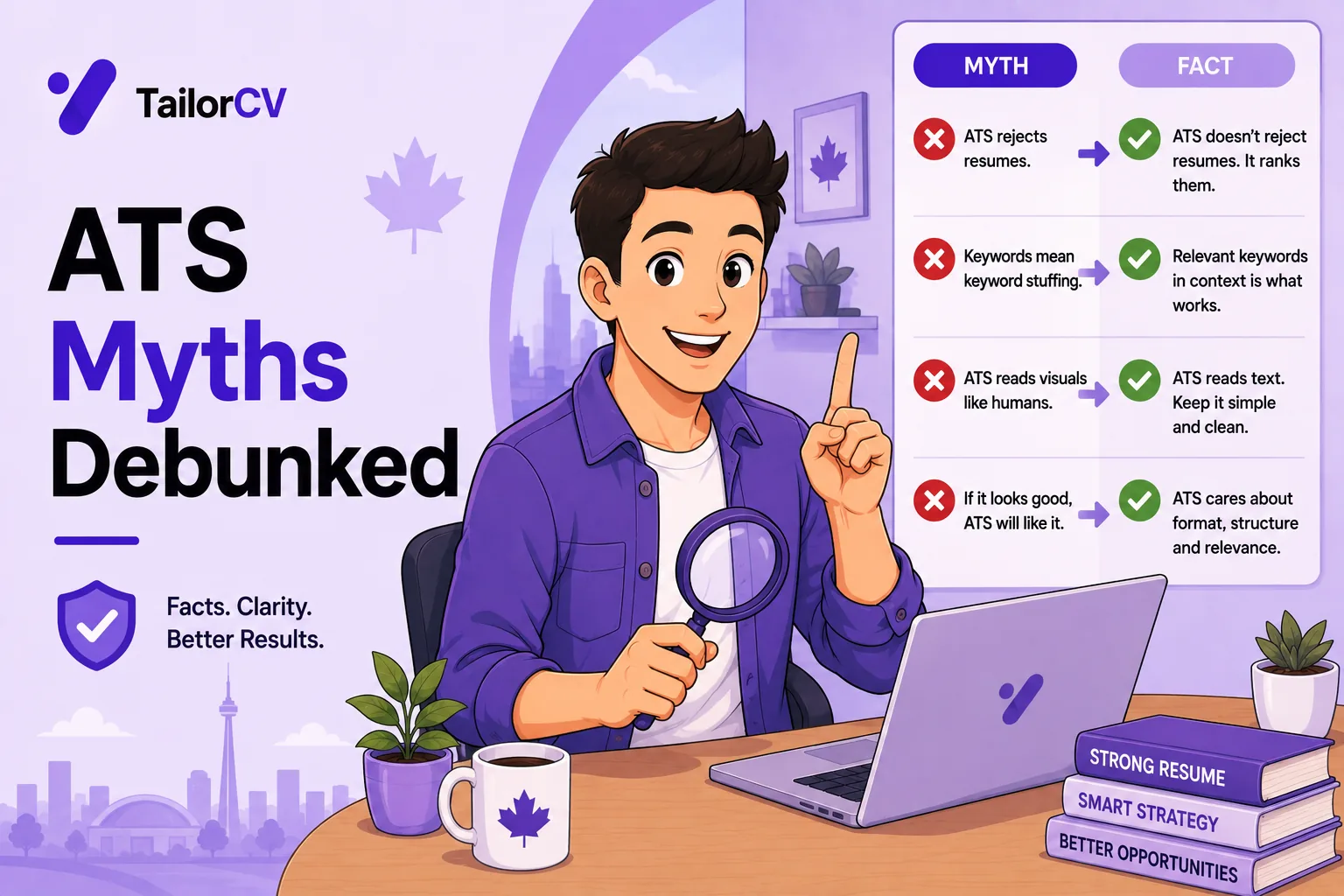
The full list is in ATS resume formatting mistakes, and the broader misconceptions in ATS myths debunked.
File naming
Small, and it matters twice.
Use your name and the document type: Ananya_Sharma_Resume.pdf.
Why it matters:
Perception. resume final final2 updated.pdf reads as careless before the file is opened.
Findability. Recruiters save files locally, and a file named Resume.pdf is indistinguishable from forty others in their downloads folder.
Portal handling. Some systems reject unusual characters, and very long names get truncated.
Add the role if you like — Ananya_Sharma_Backend_Engineer.pdf — but avoid spaces and special characters.
| File name | Verdict |
|---|---|
Ananya_Sharma_Resume.pdf |
Ideal |
Ananya_Sharma_Backend_Engineer.pdf |
Ideal when targeting a role |
AnanyaSharmaCV.pdf |
Acceptable |
Resume.pdf |
Unfindable among forty others |
resume final final2 updated.pdf |
Reads as careless |
CV (1).pdf |
Reads as careless |
my resume - copy@2026!.pdf |
Special characters risk portal rejection |
Resume_for_Google.pdf |
Fatal if sent to another company |
That last row is worth pausing on. Sending a file named for one employer to a different one is a small mistake with a large cost, and it happens most often to candidates applying in volume.
Version control for yourself
Keep a master version with everything, and generate tailored versions from it.
Name your working files clearly, and make sure the version you actually send is the tailored one — sending the wrong version is a real and avoidable error.
Keep the source file, not only the exported PDF. Editing a PDF later is considerably harder than re-exporting.
Re-run the select-text check after any export, particularly if you changed tools.
A simple system that works
| Folder or file | Purpose |
|---|---|
Master_Resume.docx |
Everything you have ever done, unabridged |
Sent/ |
A dated copy of every version you actually submitted |
Sent/2026-08-20_Acme_BackendEngineer.pdf |
What you sent, to whom, when |
| Source file kept alongside each export | Lets you edit rather than rebuild |
Why the Sent/ folder earns its place: when an interviewer references a bullet six weeks later, you can see exactly which version they read. Tailoring per role means the resume in their hand is not the one on your desktop — see how to tailor your resume for every job.
Common Mistakes
Submitting an image-based PDF. It contains no extractable text and fails completely, and people create them accidentally by scanning or exporting from design tools.
Never testing whether text is selectable. A five-second check that catches the single worst failure.
Refusing to send Word when an agency asks. They reformat onto their own template, and it is a genuine working practice rather than a red flag.
Sending application-specific formats. .pages and .odt frequently cannot be opened, and nobody troubleshoots it for you.
Sharing a Google Docs link. Permission problems and sign-in requirements lose you the application.
Careless file naming. It reads as careless before the file opens, and makes your resume unfindable in a recruiter's downloads.
Assuming format is the problem when structure is. Tables, text boxes and multi-column layouts break parsing regardless of file type.
Sending the wrong tailored version. Clear working-file naming prevents an entirely avoidable error.
Leaving another employer's name in the file name. A small slip that ends an application immediately when spotted.
Keeping only the exported PDF. Editing a PDF later is far harder than re-exporting from the source you no longer have.
Frequently Asked Questions
Should I send PDF or Word?
PDF by default, because it preserves layout and parses reliably. Send Word when a recruitment agency or an application form specifically asks.
Are PDFs really readable by applicant tracking systems?
Yes, in modern systems. The advice that they are not dates from systems no longer in general use — provided the PDF contains real text rather than an image.
How do I check my PDF is readable?
Open it, select the text with your cursor and copy it. If nothing selects or pastes, it is an image and a parser sees an empty document.
Why do agencies want Word files?
They reformat candidate CVs onto their own branded template before submitting to clients, which is easier from an editable file.
Can I send a Google Docs link?
Better not to. Permission settings and sign-in requirements cause failures that a recruiter will not troubleshoot. Export and attach a file.
Does the file name matter?
Yes. It affects perception before the file is opened, and it determines whether a recruiter can find your resume again in their downloads.
What if my text pastes as gibberish rather than nothing?
That is usually a font encoding problem. Switch to a standard font like Arial or Calibri and re-export.
Is .doc as safe as .docx?
No. Use .docx. The legacy .doc format is less reliably handled and offers no advantage.
Should I password-protect or lock my PDF?
No. Restrictions can prevent text extraction entirely, which produces the same outcome as an image-based file.
What breaks parsing more than file format?
Tables used for layout, text boxes, multi-column designs, text inside images, and contact details in headers — all independent of whether you send PDF or Word.
Check what a parser actually pulls from your file. Check your ATS score free.
Make This Practical
Open your resume PDF right now and try to select the text. If it does not highlight and copy, it is an image, a parser sees nothing, and every application you have sent with it was effectively blank — this five-second check is the highest-value thing in this guide.
Then default to PDF and follow instructions when given. Send Word to recruitment agencies who ask, since they reformat onto their own template, and never send .pages, .odt, an image, or a Google Docs link that requires permission.
Finally, name the file properly — Firstname_Lastname_Resume.pdf — keep the editable source rather than only the export, and re-run the select-text check after any change of tool or template.
Does your formatting survive the parser?
Upload your resume and see what an ATS actually reads back.
Drop your resume here or choose a file
PDF only. Max 2 MB.
We never share your data or use it to train AI models.

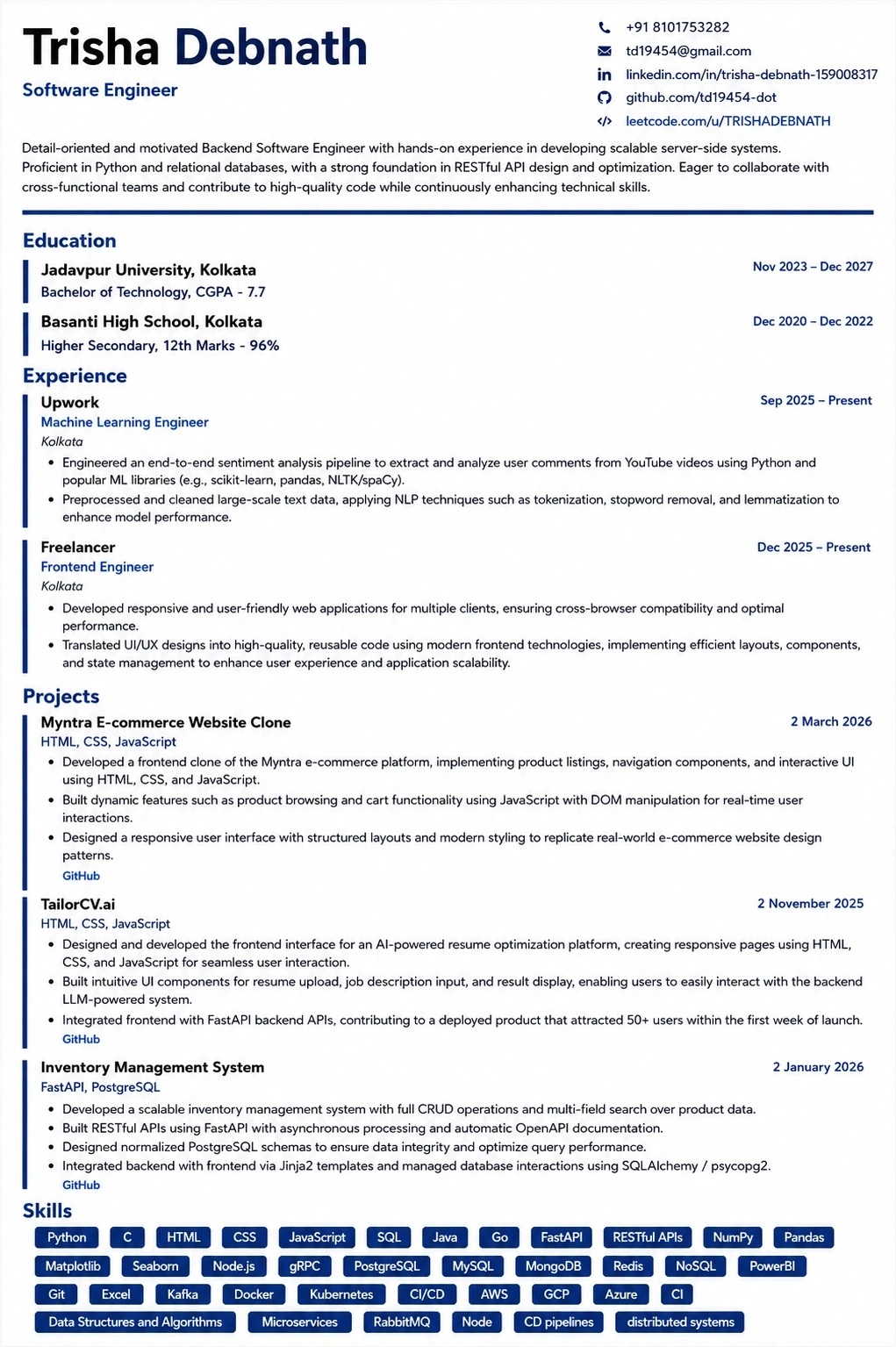
A layout that parses cleanly
Single column, standard headings, no text boxes — the formatting rules in this guide, already applied.
Was this guide useful?
Be the first to rate it.