SS
SS
Key Takeaways
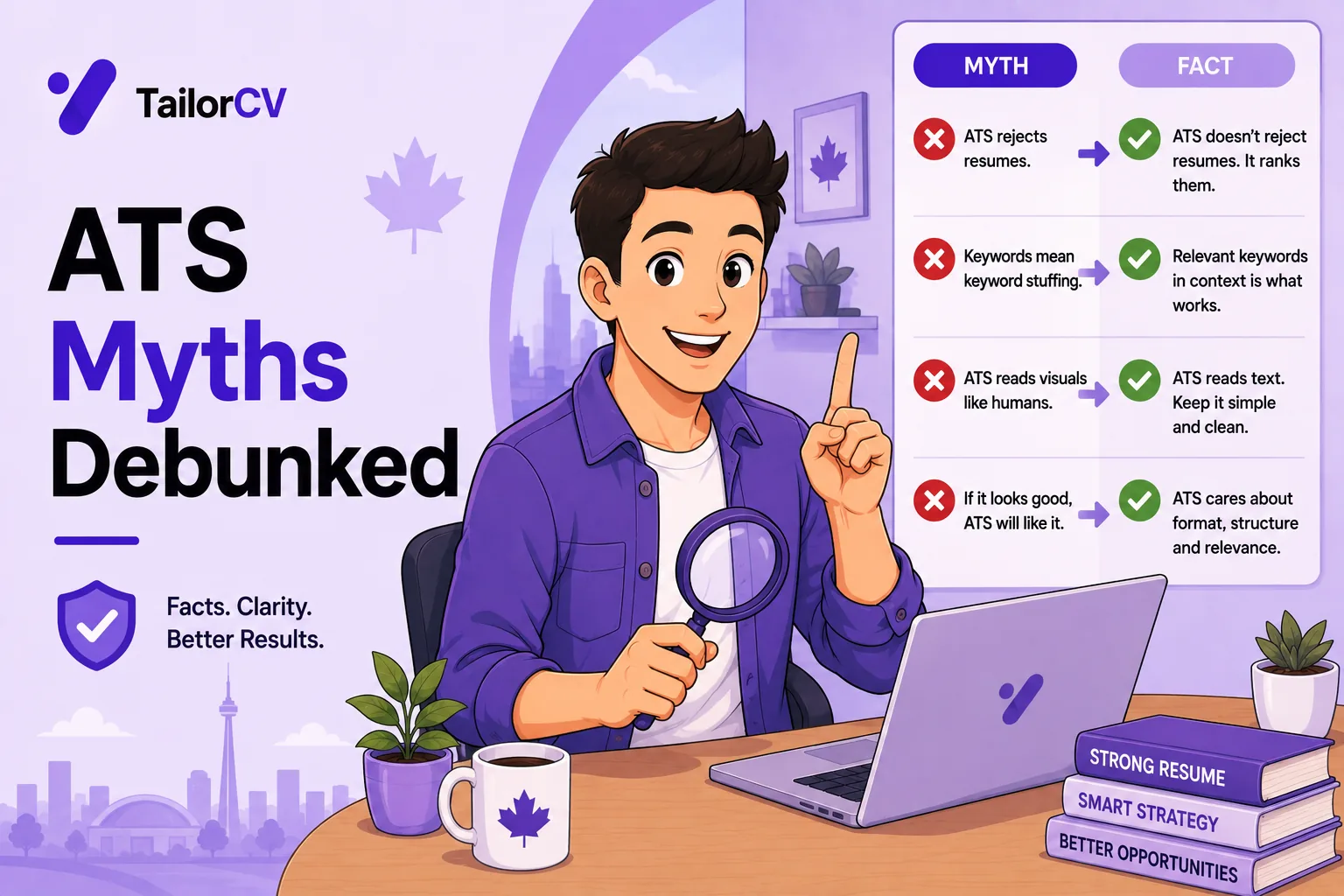
- An ATS is primarily a database, not a robot that rejects resumes on its own.
- White-text keyword stuffing does not work and marks you as dishonest when found.
- There is no universal "ATS score" that companies see — scoring tools are estimates, not the system's verdict.
- Formatting problems cause real failures, but through parsing errors rather than automatic rejection.
- The genuine risk is being unfindable in a database, not being algorithmically rejected.
ATS advice is one of the worst-informed areas of job search guidance. Much of what circulates describes systems as they may have worked a decade ago, or invents mechanisms that never existed.
The result is candidates doing genuinely counterproductive things — white text, keyword stuffing, stripping all formatting — to defeat a system that does not work the way they think.
This guide separates what is true from what is not.
The honest version of what parsing does to your file — the free ATS score checker.
Myth 1: The ATS rejects your resume automatically
Mostly false.
An applicant tracking system is primarily a database and workflow tool. It receives applications, parses them into structured fields, stores them, and lets recruiters search and filter.
What it does not generally do is read your resume, judge its quality, and reject you without human involvement.
What is true: recruiters filter. They search by title, skill and location, and they apply knockout questions on the application form — work authorisation, years of experience, licensure. If you fall outside a filter, you are excluded from the results a human ever sees.
The distinction matters because it changes what you should optimise. You are not trying to satisfy an algorithm; you are trying to be findable and readable by a person using a search tool.
What actually happens to your application
| Stage | What happens | Where candidates are lost |
|---|---|---|
| Submission | File uploaded, fields parsed into the database | Image-based PDFs land as empty records |
| Parsing | Text extracted, mapped to name, titles, dates, skills | Columns and tables scramble the mapping |
| Knockout questions | Form answers checked against hard requirements | Genuine automatic exclusion happens here |
| Recruiter search | Recruiter queries by title, skill, location | Non-standard titles make you unfindable |
| Human review | A person reads the shortlist | Weak evidence and unclear achievements |
| Shortlist | Passed to the hiring manager | Poor relevance to the specific role |
Notice where the automation actually bites. It is at parsing and at knockout questions — not at some quality-judging algorithm. Everything after that is a person making a decision.
Myth 2: White text keyword stuffing works
False, and actively harmful.
The idea: paste job description keywords in white text so the ATS reads them and humans do not.
Why it fails: parsers extract all text regardless of colour. The keywords appear in your profile with no supporting context, which reads as obvious stuffing to any recruiter who looks — and they can see the extracted text, not just your visual layout.
When found, it ends the application. Candidates have been rejected specifically for this.
It is a decade-old trick that no longer even has the theoretical benefit it once claimed.
The related tricks, and why each fails
| Trick | Why people try it | Why it fails |
|---|---|---|
| White text keywords | Invisible to humans, readable by parser | Extracted text shows it plainly |
| 1pt font keyword block | Same idea, smaller | Same outcome, and looks worse when found |
| Keywords behind an image | Hidden under a graphic | Text layer still extracts |
| Metadata stuffing | Hidden in file properties | Rarely parsed; zero benefit |
| Repeating a term 20 times | Assumes frequency ranking | Reads as spam to any human |
The common flaw in all of them is the same assumption: that the machine sees one thing and the human sees another. Recruiters can view the parsed text, so both see the same thing.
Myth 3: There is an official ATS score
False.
No applicant tracking system generates a universal score that recruiters see as "78% match" and act on. Some systems offer optional ranking features that individual employers may or may not enable and configure differently.
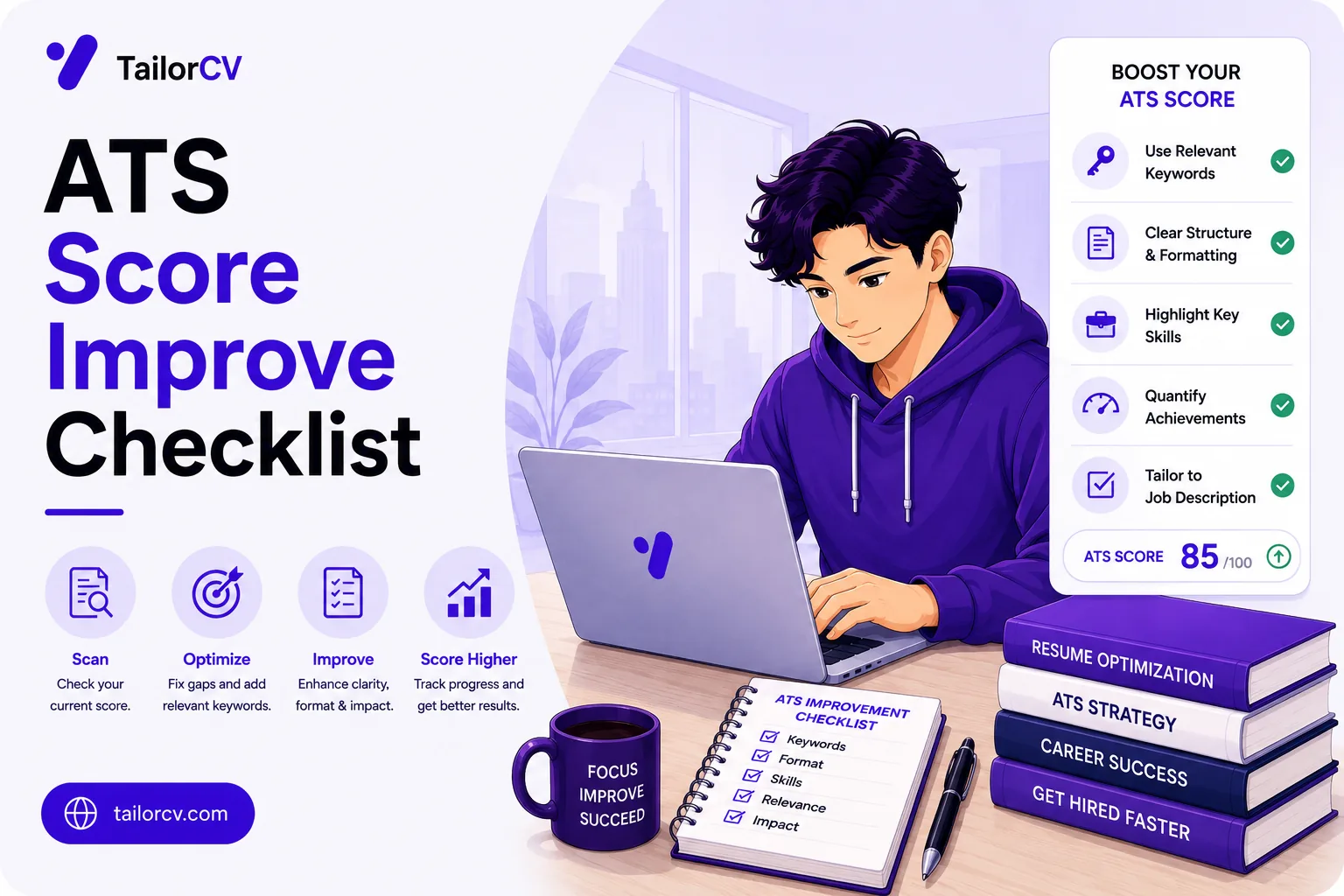
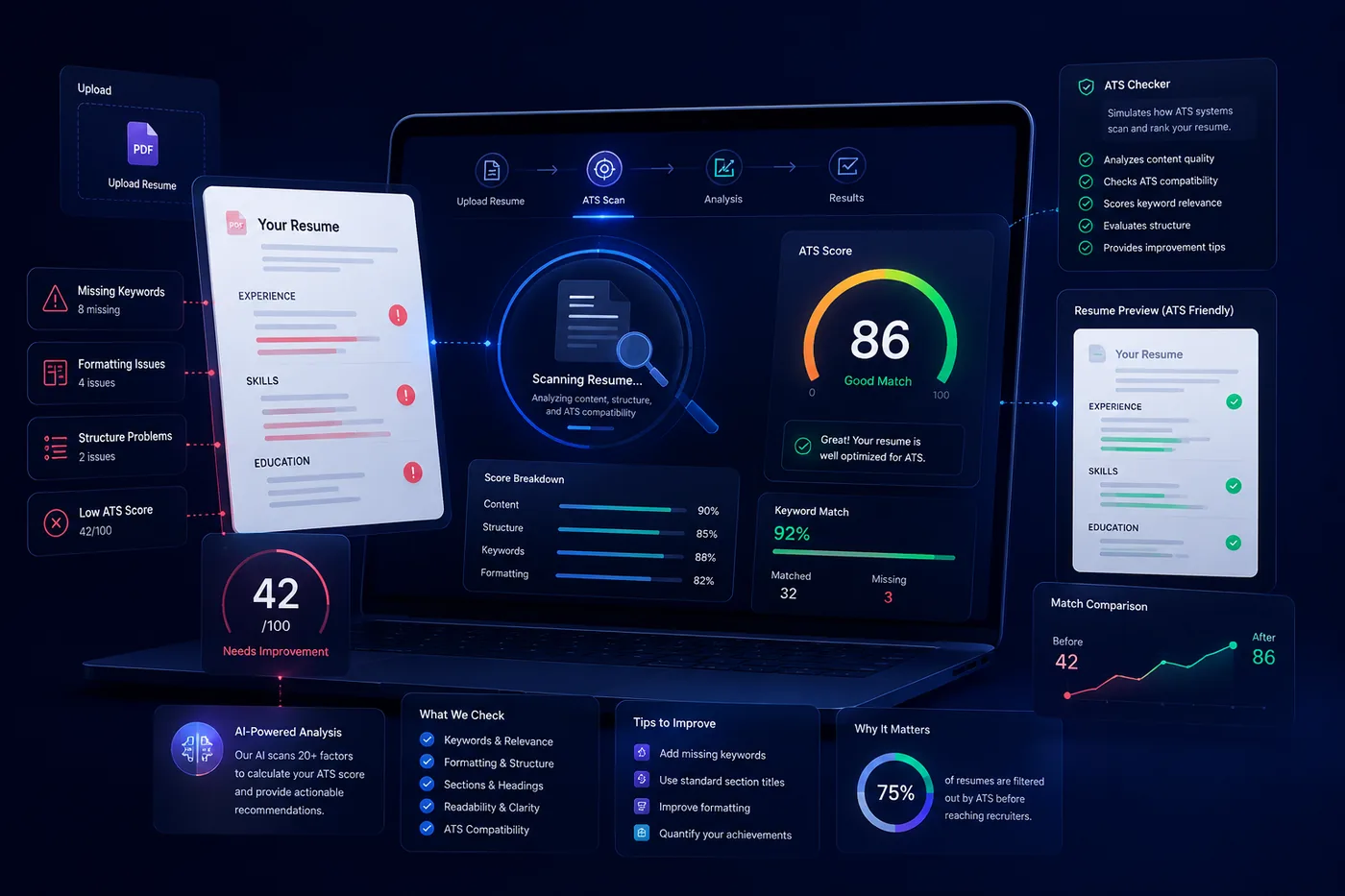
What scoring tools actually do — including ours — is estimate how well your resume matches a job description, and check whether it parses cleanly. That is useful diagnostic information about keyword coverage and structure. It is not a number any employer sees.
Treat any score as a checklist prompt, not a verdict.
| What a score does tell you | What it does not tell you |
|---|---|
| Whether your file parses cleanly | Whether you will be shortlisted |
| Which posting terms you are missing | Whether the employer values those terms |
| Whether key fields extracted correctly | How you compare to other applicants |
| Where structure is causing problems | Anything the hiring manager thinks |
Myth 4: You must strip all formatting
False, and it makes resumes worse.
The advice to remove bullets, bold and all structure produces an unreadable wall of text that fails with the human reader, who is the one who actually decides.
What genuinely causes parsing problems:
- Tables used for layout
- Text boxes
- Multi-column layouts, which get read across rather than down
- Text inside images or graphics, which extracts as nothing
- Headers and footers carrying contact details, which are frequently dropped
- Unusual section headings the parser cannot categorise
What is completely fine: bullet points, bold, italics, standard fonts, sensible use of white space, and a clean single-column layout. See ATS resume formatting mistakes.
Safe versus risky, specifically
| Element | Safe? | Note |
|---|---|---|
| Bullet points | Safe | Standard round bullets extract cleanly |
| Bold and italics | Safe | No effect on extraction |
| Standard fonts | Safe | Arial, Calibri, Georgia, Times |
| Single-column layout | Safe | The most reliable structure available |
| Horizontal rule lines | Safe | Decorative, ignored by parsers |
| Two-column layout | Risky | Frequently read across, interleaving text |
| Tables for layout | Risky | Cell order and relationships lost |
| Text boxes | Risky | Often skipped entirely |
| Header/footer contact details | Risky | Commonly dropped in extraction |
| Icons instead of labels | Risky | Leaves fields unlabelled |
| Text as an image | Fails | Extracts as nothing at all |
The layout question is covered in depth in the ATS tables and columns guide.
Myth 5: You need a different resume for every ATS
False. There is no meaningful optimisation for a specific vendor. A cleanly structured, well-keyworded resume works across all of them.
What you should vary is content per job, not per system — see how to tailor your resume for every job.
Where the myth comes from: vendors do differ slightly in parsing behaviour, and articles extrapolate that into "optimise per system". The differences are real but small, and the fix for all of them is identical — a clean single-column document with standard headings.
Myth 6: PDFs are not readable
Largely false, with one real caveat.
Modern parsers handle PDF fine, and PDF preserves your layout, which is why it is generally the better choice.
The genuine caveat: an image-based PDF — a scan, or a screenshot exported to PDF — contains no extractable text at all. That is a total failure, and it is a real thing people do accidentally.
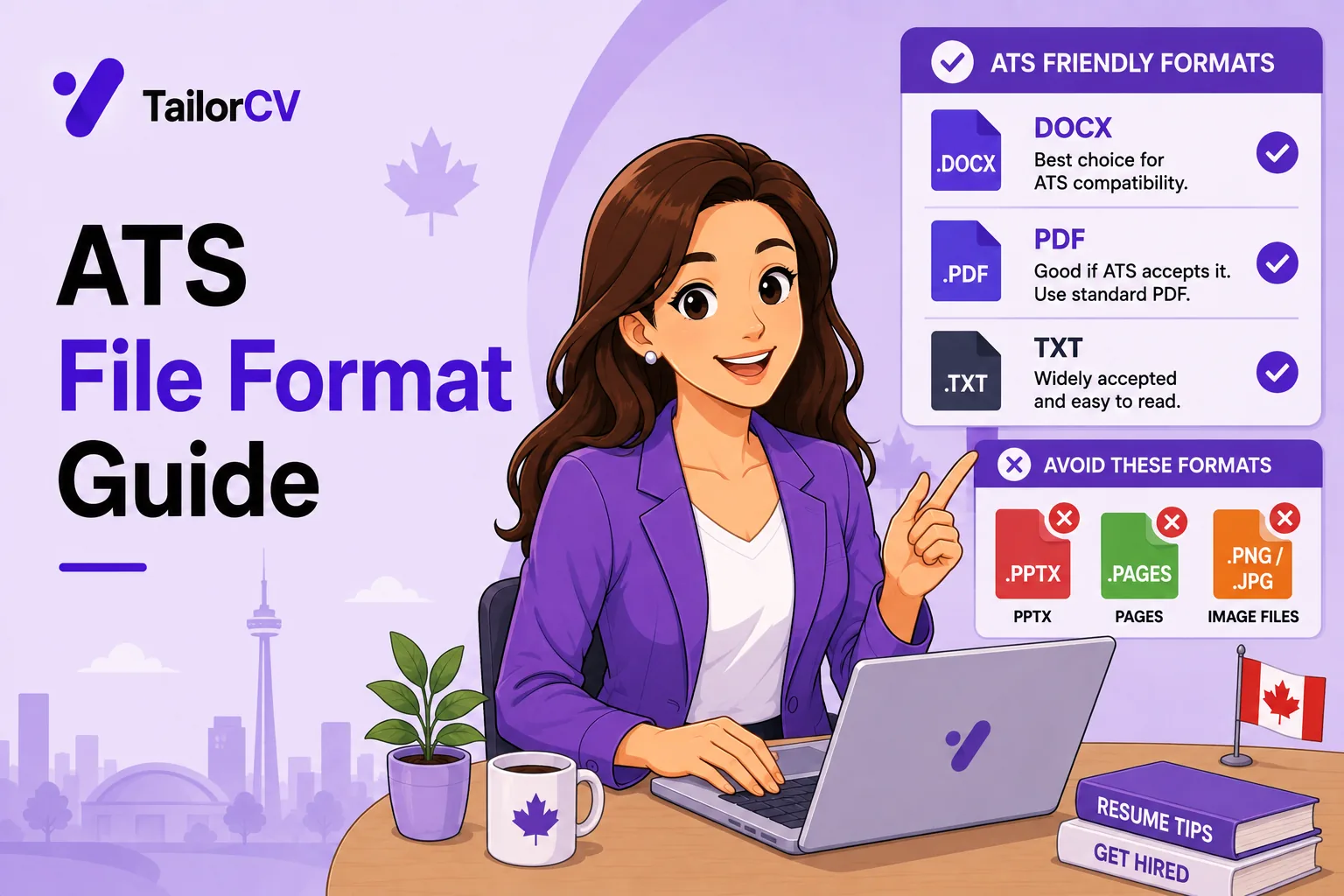
Test it: open your PDF and try to select the text. If you cannot, neither can a parser. See the ATS file format guide.
Send Word when asked. Some recruitment agencies genuinely prefer it because they reformat onto their own template.
Myth 7: More keywords is better
False past a point.
Keywords matter for being found in a recruiter's search. But a skills section listing forty technologies that no experience bullet supports is a recognisable pattern to any human reviewer, and every listed skill is a potential interview question.
The workable rule: include a term if you have genuinely used the thing, and make sure the significant ones also appear in an experience bullet attached to a result — see best resume keywords to beat ATS.
A term earns its place if you can answer ten minutes of questions on it. If you cannot, either move it to a separate "familiar with" line or take it off, because a recruiter who spots one bluffed skill starts doubting the rest of the list.
Myth 8: The statistics people quote
You will see confident numbers everywhere — "75% of resumes are rejected before a human sees them" is the most repeated.
Treat these as unsourced. They circulate between articles without ever tracing to a study, and they are usually cited to sell a product. The underlying point — that plenty of applications never reach a human — is true, but the mechanism is recruiter filtering and volume, not an algorithm scoring you out.
Why this matters practically: if you believe a machine is rejecting you on quality, you optimise for the machine. If you understand that a recruiter is filtering on title, skill and location, you fix your titles, name your skills specifically, and state your location — which are the changes that actually work.
What actually matters
Having removed the noise:
Parse cleanly. Single column, standard headings, real text, nothing critical in headers or images.
Use standard job titles, because that is what recruiters type into search.
Name specific skills, not categories. "AWS" is searchable; "cloud technologies" is not.
Answer knockout questions accurately on the application form — these are the closest thing to genuine automatic filtering.
Write for the human. Once your resume is found and readable, a person decides. Clear achievement bullets with numbers are what convince them.
Where to spend your effort
| Effort | Actual impact | Why |
|---|---|---|
| Verifying the file parses | Very high | A failure here makes everything else irrelevant |
| Standard job titles | Very high | Determines whether search finds you at all |
| Specific named skills | High | Matching is close to exact |
| Achievement bullets with numbers | High | Convinces the human who decides |
| Accurate knockout answers | High | The real automatic filter |
| Tailoring per role | Medium to high | Relevance beats completeness |
| Hidden keyword tricks | Negative | Ends applications when found |
| Optimising per ATS vendor | None | No meaningful per-system difference |
The order matters as much as the list. A perfectly keyworded resume in a two-column layout that scrambles on extraction gains nothing, which is why the improvement checklist puts structure first and keywords second.
Common Mistakes
Using white text or hidden keywords. Parsers extract it regardless of colour, recruiters see the extracted text, and it ends applications when found.
Stripping all formatting. It produces an unreadable document for the human who actually decides, while fixing nothing.
Treating a scoring tool's number as an employer's verdict. No employer sees it — it is a diagnostic prompt about parsing and keyword coverage.
Submitting an image-based PDF. A scan or screenshot contains no extractable text and fails completely.
Stuffing a skills section with unsupported terms. It is visible to human reviewers and every term is a potential interview question.
Using tables, text boxes or multi-column layouts. These are the formatting choices that genuinely break parsing.
Putting contact details in the header. Frequently dropped during extraction, leaving no way to contact you.
Optimising for a specific ATS vendor. There is no meaningful per-system optimisation; vary content per job instead.
Believing unsourced rejection statistics. They push you to optimise for an algorithm rather than for the recruiter search that actually filters you.
Assuming the document looking fine means it parses fine. Appearance tells you nothing about extraction, which is why the select-and-paste check exists.
Frequently Asked Questions
Do applicant tracking systems reject resumes automatically?
Rarely on their own. They parse and store applications so recruiters can search and filter. Exclusion usually comes from a recruiter's filter or a knockout question on the form.
Does white text keyword stuffing work?
No. Parsers extract text regardless of colour, recruiters see it, and applications have been rejected specifically for it.
Is there an official ATS score?
No universal one that employers act on. Scoring tools estimate keyword match and check parsing — useful diagnostics, not an employer's verdict.
Should I remove all formatting from my resume?
No. Bullets, bold and clean structure are fine. Tables, text boxes, multi-column layouts and text inside images are what cause real problems.
Are PDFs safe to submit?
Yes, provided the text is selectable. An image-based PDF from a scan or screenshot has no extractable text and fails entirely.
How many keywords should I include?
Enough to cover the terms genuinely true of you, with significant ones supported by an experience bullet. Long unsupported lists are visible to human reviewers.
Is the "75% of resumes never reach a human" statistic true?
It is unsourced and repeated between articles without tracing to a study. Plenty of applications do not reach a human, but through recruiter filtering and volume rather than algorithmic scoring.
Do different ATS vendors need different resumes?
No. Parsing differences between vendors are small, and the fix for all of them is the same clean single-column structure.
Where does genuine automatic rejection actually happen?
At knockout questions on the application form — work authorisation, years of experience, required licences. Those answers do exclude you automatically.
What actually gets my resume read?
Clean parsing, standard job titles, specific named skills, accurate answers to knockout questions — and then achievement bullets with numbers that convince the human who decides.
See what a parser actually extracts from your file. Check your ATS score free.
Make This Practical
Stop doing the things that actively hurt. Remove any hidden or white text, delete unsupported keyword lists, and check that your PDF has selectable text rather than being an exported image — that last one is a total failure and surprisingly common.
Then fix the formatting choices that genuinely break parsing: tables used for layout, text boxes, multi-column designs, text inside graphics, and contact details in the header. Bullets and bold are fine and always were.
Finally, optimise for the real mechanism. You are trying to be findable in a recruiter's search and readable by the person who decides — so use standard job titles, name specific skills rather than categories, answer knockout questions accurately, and spend the remaining effort on achievement bullets with numbers.
What is your resume scoring right now?
Scan it against a job description and get your ATS match score in about a minute.
Drop your resume here or choose a file
PDF only. Max 2 MB.
We never share your data or use it to train AI models.

Templates that keep this structure intact
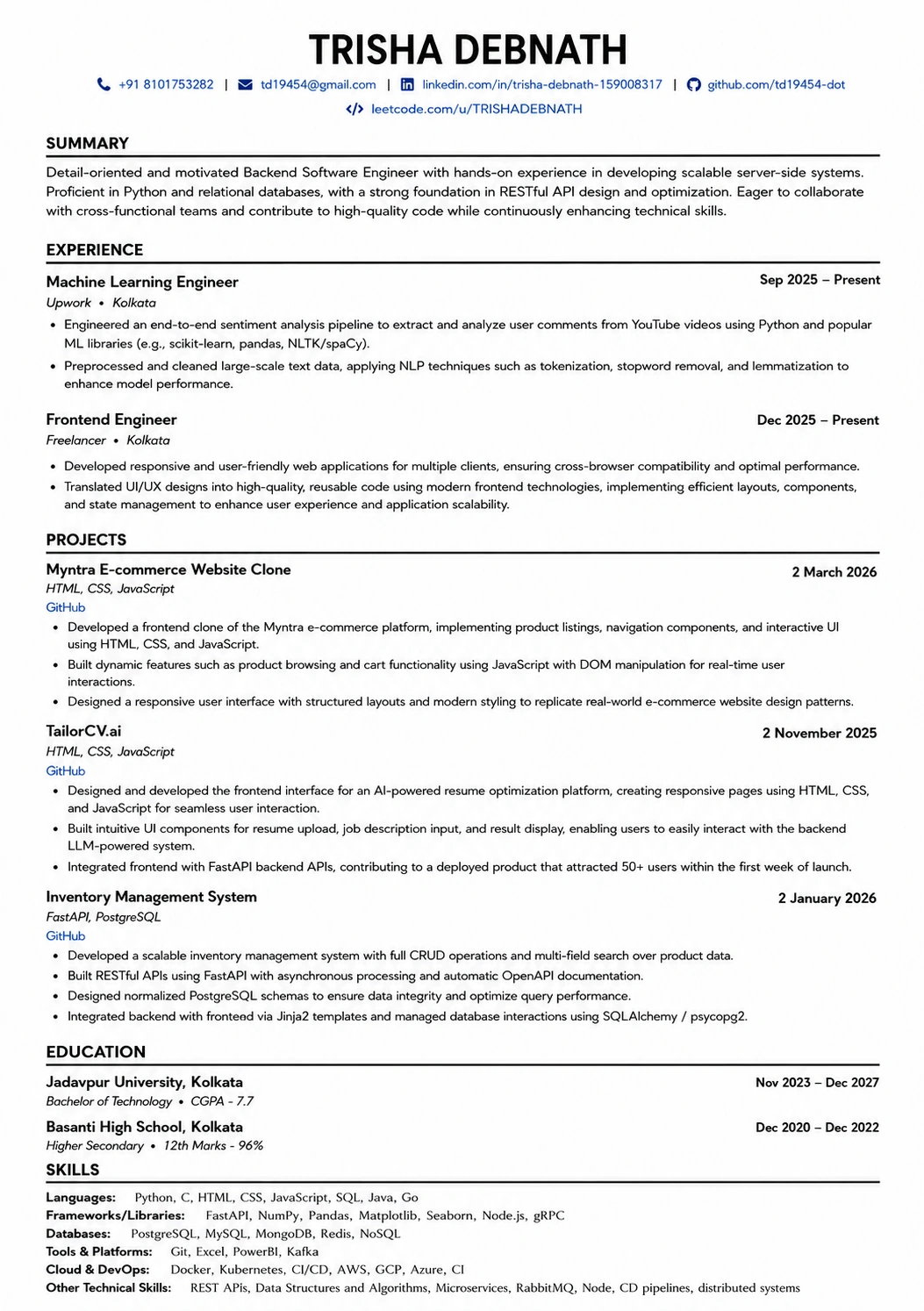
This template is ATS-tested — start from it and the formatting rules in this guide are already handled.
Was this guide useful?
Be the first to rate it.