TD
TD
Key Takeaways
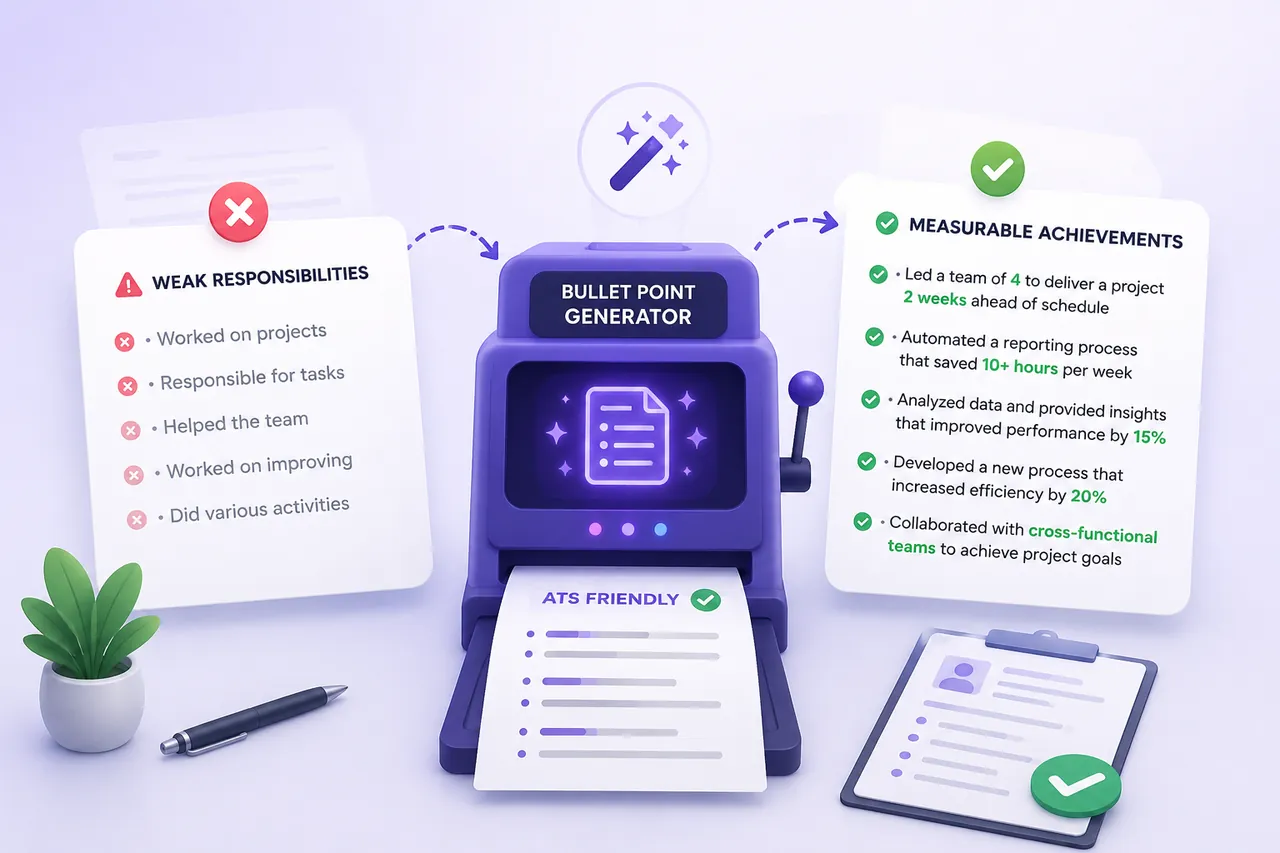
- A resume bullet point generator is a drafting tool that requires specific input to produce useful output; it cannot create metrics or know your impact without your input.
- To avoid generic results, provide detailed information about your tasks, methods, and measurable outcomes when using the generator.
- A strong bullet point should follow the formula: Action verb + task or context + tool or method + measurable result.
- Before using a generator, jot down unpolished notes that include key details about your accomplishments and their impact.
- Vague or overly polished bullet points can raise red flags for recruiters, so aim for specificity and authenticity in your resume.
A resume bullet point generator can turn a flat job description into a sharp, measurable achievement in seconds, but only if you know how to use it. Most people paste in a job title, get back generic output, and assume the tool does not work. In reality, the tool is only as good as what you feed it, and the editing you do afterward matters just as much as the generation itself. This guide covers how to get useful output from a bullet generator, how to spot and fix the generic patterns AI tends to produce, and how to keep every claim honest enough to defend in an interview. For the underlying writing rules, see How to Write Resume Bullet Points and How to Quantify Resume Achievements - this post assumes you already know the basics and focuses specifically on working with a generator well.
Why a Generator Is Not a Magic Fix
A bullet point generator is a drafting tool, not a fact-finder. It cannot invent metrics you never had, and it cannot know your actual impact unless you tell it. What it is good at is structure: turning a rough description into a clean, action-first sentence, suggesting stronger verbs, and formatting the result so it reads consistently with the rest of your resume.
The mistake most people make is treating the generator like a search engine - typing "sales associate bullet points" and expecting something usable. That produces generic filler because the tool has nothing specific to work with. Treat it more like a very fast editor: you give it raw material, it gives you a polished draft, and you check that draft against what actually happened.
This distinction matters because recruiters and hiring managers increasingly recognize AI-flavored resume language. A bullet that sounds impressive but vague is now a bigger red flag than a slightly plain one, because it signals the applicant did not put in the work to make it specific. The goal is not to sound like AI wrote your resume - it is to use AI to get to a strong draft faster, then finish the job yourself.
The Bullet Formula a Generator Needs to Follow
Every strong bullet - AI-assisted or not - follows roughly the same shape:
Action verb + task or context + tool or method + measurable result
Here is what that looks like when all four pieces are present:
- Automated invoice reconciliation using Python scripts, cutting monthly processing time from 10 hours to 3.
- Trained 6 new hires on the internal ticketing system, reducing onboarding time by two weeks.
- Negotiated vendor contracts across 4 suppliers, lowering annual procurement costs by 12%.
Notice that none of these bullets are just a task ("managed vendor contracts"). Each one names what was done, how it was done, and what changed because of it. When you prompt a generator, your job is to supply these same four pieces in plain language. The generator's job is to assemble them into a clean sentence with a strong opening verb - see Best Action Verbs for Resume for a list of options if the generator's default verb feels overused.
If you only give the generator a job title, it has to guess at the task, the method, and the result - which is exactly where generic output comes from.
What Raw Input to Feed the Generator
Before you open a generator, write down the messy, unpolished version of what you did. Do not worry about phrasing - just get the facts down. A useful input usually answers:
- What was the task or project?
- What tool, system, or method did you use?
- Who or what was affected (team size, customer count, dataset size, budget)?
- What changed as a result, even roughly?
- How often did you do this (daily, weekly, per project)?
A single sentence that hits most of these points is enough. You do not need polished writing - the generator's entire purpose is to fix the writing. What it cannot fix is missing information.
Worked Example: From Rough Notes to Polished Bullet
Here is a realistic starting point, the kind of thing most people would type into a generator without thinking twice:
I helped the sales team sell more stuff by using a new CRM.
That is too vague to produce anything useful. A generator fed this line will likely output something equally generic, like "Assisted sales team with CRM to improve performance." Nothing here is wrong, but nothing here is provable or specific either.
Now compare it to a version with the same experience described using the input checklist above:
I helped roll out a new Salesforce CRM for our 8-person sales team over 3 months. After training everyone, deal tracking got faster and the team closed noticeably more deals - maybe 15-20% more that quarter.
That input has a task (CRM rollout), a tool (Salesforce), a scope (8-person team, 3 months), and a rough result (15-20% more closed deals). A generator working from this can produce something like:
Led rollout of a new Salesforce CRM for an 8-person sales team, training all users and driving a 15-20% increase in closed deals over one quarter.
That is a legitimate, defensible bullet - assuming the number holds up, which we will get to in the next section.
Here is the same underlying experience reframed for two different seniority levels, since a generator can (and should) produce different emphasis depending on who is applying:
Entry-level framing: Supported CRM migration to Salesforce for an 8-person sales team, assisting with data entry, user training, and adoption tracking.
Individual contributor framing: Led Salesforce CRM rollout for an 8-person sales team, delivering hands-on training that contributed to a 15-20% increase in closed deals in one quarter.
Management/leadership framing: Directed CRM modernization initiative for the sales org, managing vendor coordination, team training, and adoption - resulting in a 15-20% lift in quarterly deal closures.
Same facts, three different levels of ownership language. Pick the framing that matches what you actually did - do not inflate "supported" into "directed" just because it sounds better. Interviewers will ask follow-up questions, and the framing needs to survive them.
Why AI-Generated Bullets Still Need Human Fact-Checking
A generator will happily produce a confident-sounding bullet even from thin input, and that confidence is the risk. Before any AI-generated bullet goes on your resume, run it through a short verification pass:
- Is the number real? If you estimated 15-20%, do not let the generator round it up to "25%" or "doubled" just because it sounds stronger. Keep the range or the honest figure.
- Can you explain it in an interview? If someone asks "how did you measure that 12% cost reduction," you need an answer. If you cannot reconstruct the logic, soften the claim or remove the number.
- Did you actually do the action verb? If the generator wrote "spearheaded," check whether you led the initiative or supported someone else who led it. "Contributed to" or "supported" is a more honest verb if you were not the driver.
- Is the scope accurate? A generator might say "team of 20" when you meant the whole department loosely interacts with 20 people, not that you managed or worked directly with all 20.
This is not about being modest - it is about making sure nothing on your resume falls apart under a follow-up question. A slightly smaller, fully defensible claim beats an impressive one you cannot back up.
Watch for Generic AI Phrasing Patterns
AI writing tools tend to reach for the same handful of words and constructions, and recruiters who screen a lot of resumes start recognizing them instantly. Watch for these patterns in generator output and edit them out:
- Overused verbs: "spearheaded," "leveraged," "utilized," "orchestrated" - fine occasionally, repetitive when every bullet uses one of them.
- Vague intensifiers: "significantly," "substantially," "greatly" - these add nothing without a number attached.
- Buzzword stacking: "leveraged synergies," "drove cross-functional alignment," "optimized end-to-end workflows" - phrases that sound like they mean something but describe no concrete action.
- Passive hedging: "was responsible for," "helped with," "assisted in" - weak openers that the generator sometimes falls back to when your input was thin.
- Repeated sentence structure: if every bullet on the page reads as [Verb] + [noun phrase] + [comma] + [result], vary it. Not every bullet needs the exact same rhythm.
A quick test: read your bullets out loud. If a phrase sounds like something you would never actually say to a colleague describing your work, rewrite it in your own words.
AI draft: Spearheaded cross-functional initiatives leveraging data-driven insights to optimize operational efficiency.
Edited: Led a 3-person project team that used weekly sales data to redesign the order-fulfillment process, cutting average shipping delays from 4 days to 1.
The edited version says something. The AI draft could describe almost any job at any company.
Quantifying Impact When You Do Not Have Exact Numbers
Not every role gives you clean metrics, and that is fine - a generator still needs something concrete to work with. When you do not have an exact figure, use one of these estimation techniques instead of leaving the bullet vague:
- Frequency: How often did you do this task? "Weekly," "50+ times a month," "daily for 6 months" all give scale without a precise outcome number.
- Scale: How big was what you touched? Team size, number of clients, dataset size, budget range, number of stores or regions.
- Scope: What portion of a larger process did you own? "Managed 3 of the team's 5 key accounts" or "owned the onboarding flow for new hires in one department."
- Percentage change, estimated conservatively: If you know things got noticeably faster or better but not the exact number, use a defensible range ("roughly 20-25% faster") rather than a suspiciously precise one you cannot verify.
- Before-and-after comparison: Even without percentages, "reduced report turnaround from 3 days to same-day" communicates impact clearly.
Feed whichever of these applies into the generator instead of a bare task description. A bullet built on "I organize the weekly team meeting" is weak. A bullet built on "I organize and run a weekly meeting for a 10-person team, and we cut the average meeting length from 60 to 30 minutes by tightening the agenda" gives the generator - and eventually the reader - something real to evaluate.
Editing Generated Bullets So They Do Not Sound Like Everyone Else's
Recruiters who screen resumes daily are now seeing a lot of AI-polished bullets that all sound suspiciously similar. To make sure your resume does not blend into that pile, personalize the output before it goes on the page:
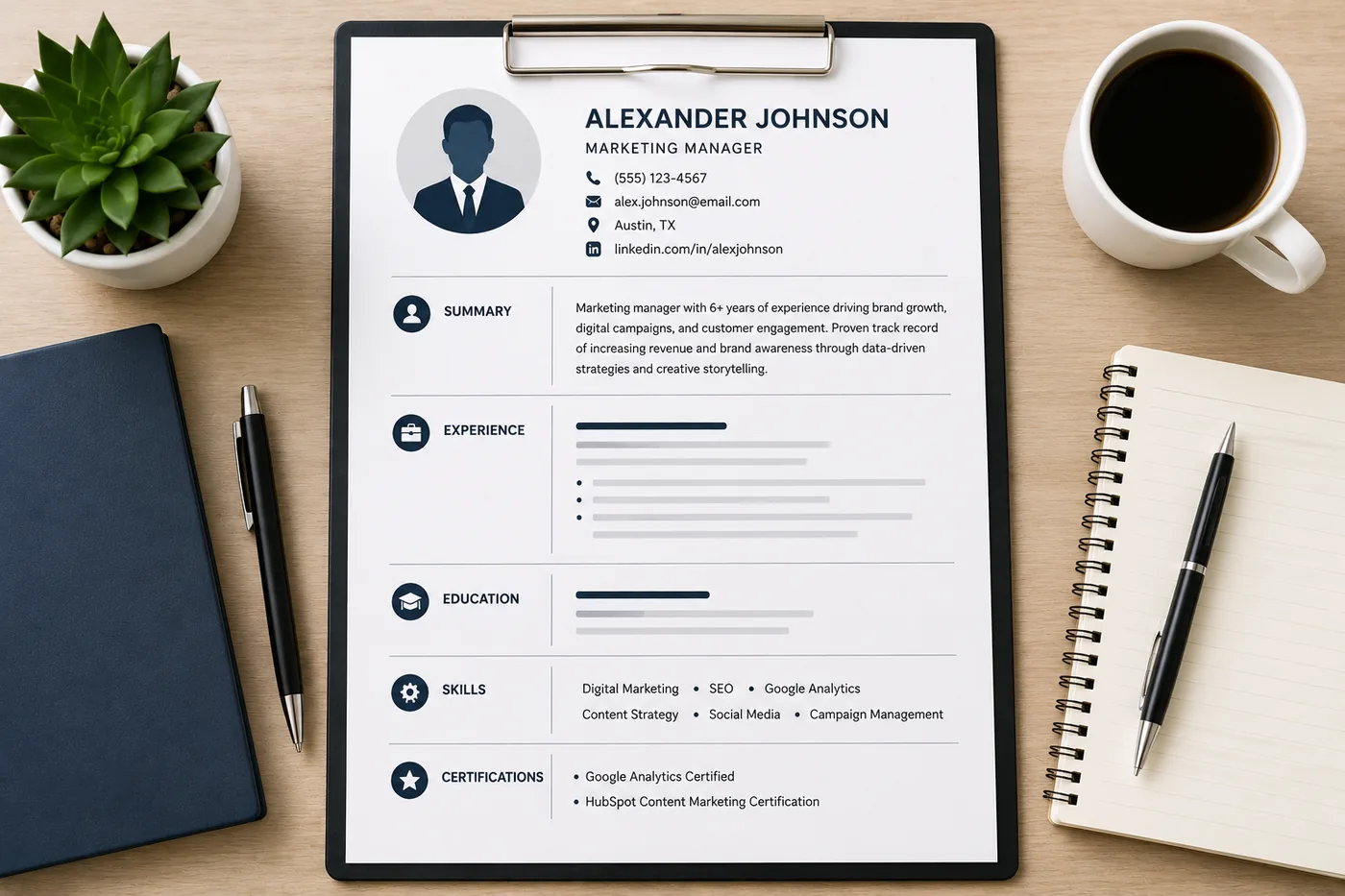
Your resume after optimization
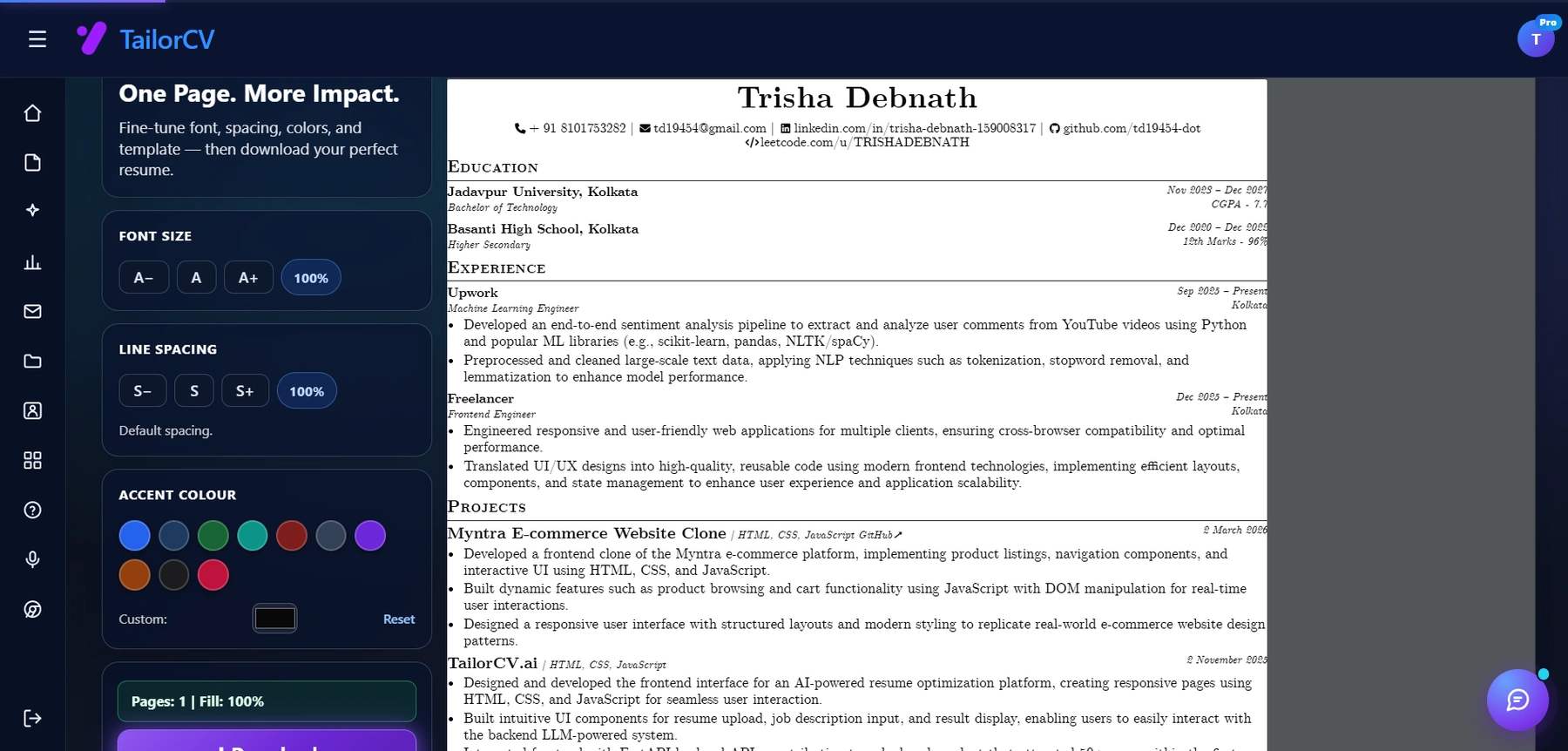
This is the resume after tailoring - the content is already matched, and these controls are how you fit it onto one page.
- Name your actual tools. Replace "using project management software" with the tool you actually used - Jira, Asana, Monday, Excel, whatever it was. Specificity reads as credibility.
- Keep your own voice on soft skills. If the generator adds "excellent communication skills" or similar filler, cut it - that phrase carries no information and every resume claims it.
- Reorder for what matters most in this job. If you are applying to a data-heavy role, move the bullet with the strongest number higher. Do not accept the generator's default order.
- Trim to fit your actual seniority. A generator sometimes stretches a small task into an inflated-sounding sentence. Cut it back to match the actual size of what you did.
- Mix sentence length. If every bullet the tool produces is the same length and shape, manually shorten one or two so the page does not read like a template.
- Add one detail only you would know. A specific client type, an internal system name, a constraint you worked around - these details are what make a bullet unmistakably yours rather than a plausible-sounding generic example.
The output of a generator should be a first draft, not a final answer. Budget five minutes per bullet to make it sound like you.
Troubleshooting Generic, Bloated, or Off-Target Output
If the generator keeps giving you output that misses the mark, the fix is almost always in the input, not the tool. Common problems and fixes:
- Output is too generic. You probably gave it a job title or task with no numbers, tools, or scope. Go back and add at least one concrete detail - team size, frequency, or a rough result estimate.
- Output is too long or wordy. Ask for a shorter version, or manually cut it to one line. A bullet that wraps to three lines on the page is too long regardless of how good the content is - aim for roughly 12-20 words.
- Output does not mention your actual tools or tech stack. The generator guessed because you did not specify. Re-run it with the exact tool names included in your input (e.g., "using Python and Tableau," not "using data tools").
- Output invents a number you never gave it. Delete the number and replace it with your real figure or an honest estimate using the techniques above. Never leave an AI-invented statistic on your resume.
- Every bullet sounds identical. Vary your inputs - do not describe every accomplishment with the same sentence structure, and edit the verbs so they are not all from the same short list.
- Bullet reads well but you cannot defend it in an interview. Rewrite it now, before you submit anywhere. This is the single most important check in the whole process.
Where Bullet Quality Meets ATS Keywords
Strong, specific bullets tend to naturally include the ATS keywords a job description is looking for, because those keywords are usually tools, methods, and role terms - the exact things a well-fed generator includes. A data analyst bullet that names SQL, dashboards, and stakeholder reporting checks both boxes: it reads well to a human and matches machine parsing.
Do not chase keywords at the expense of honesty, though. If you use a generator to rewrite bullets for a specific job posting, compare the draft against the actual posting using How to Match Resume Keywords to Job Description so you add relevant terms you can back up, not just terms lifted from the listing. See also Resume Keywords Guide for how keyword placement affects parsing.
Once your bullets are specific and keyword-relevant, double-check them against common failure patterns in Generic Resume Mistakes That Cost Interviews, and understand why the first few bullets carry the most weight in How Recruiters Read Resumes. Finish with the Resume Proofreading Checklist so a strong bullet is not undercut by a typo or formatting slip.
A Quick Before-and-After Set
To see the full effect of feeding a generator better input, here are three more transformations side by side.
Weak input: I answer customer emails and calls.
Generic output: Responsible for handling customer emails and phone calls in a timely manner.
Better input: I handle about 60 customer support tickets a week across email and phone for a SaaS product, and I have kept our team's average response time under 2 hours.
Strong output: Resolved 60+ customer support tickets weekly across email and phone, maintaining an average response time under 2 hours.
Weak input: I do social media for the company.
Generic output: Managed social media accounts to increase brand awareness.
Better input: I plan and post content for Instagram and LinkedIn, about 5 posts a week, and engagement went up over the last quarter, maybe around 30%.
Strong output: Planned and published 5 weekly posts across Instagram and LinkedIn, growing engagement by roughly 30% in one quarter.
Weak input: I fixed bugs in the app.
Generic output: Fixed bugs and improved application performance.
Better input: I work on the backend team fixing bugs in a Node.js app, closed about 40 tickets last quarter, and cut our average bug-fix turnaround from 3 days to 1.
Strong output: Resolved 40+ backend bugs in a Node.js application over one quarter, cutting average turnaround time from 3 days to 1.
In every case, the difference is not the generator getting smarter - it is the input getting more specific.
Make This Practical
Use a bullet generator as one stage in a full resume workflow, not the whole process. Draft your bullets, then run your resume through the free ATS score checker to see how the language performs against parsing and keyword matching. If the formatting or layout feels dated, pair strong bullets with a clean format from the ATS-friendly resume templates - see the Resume Optimization Guide for how bullets, formatting, and keywords work together.
Once your resume is in good shape, extend the same "specific over generic" principle to the rest of your application. Draft a targeted letter with the AI cover letter generator, rehearse explaining your bullet-point achievements out loud with the AI mock interview tool, and if you want a deeper backup for your strongest projects, build a portfolio that shows the work behind the bullet.
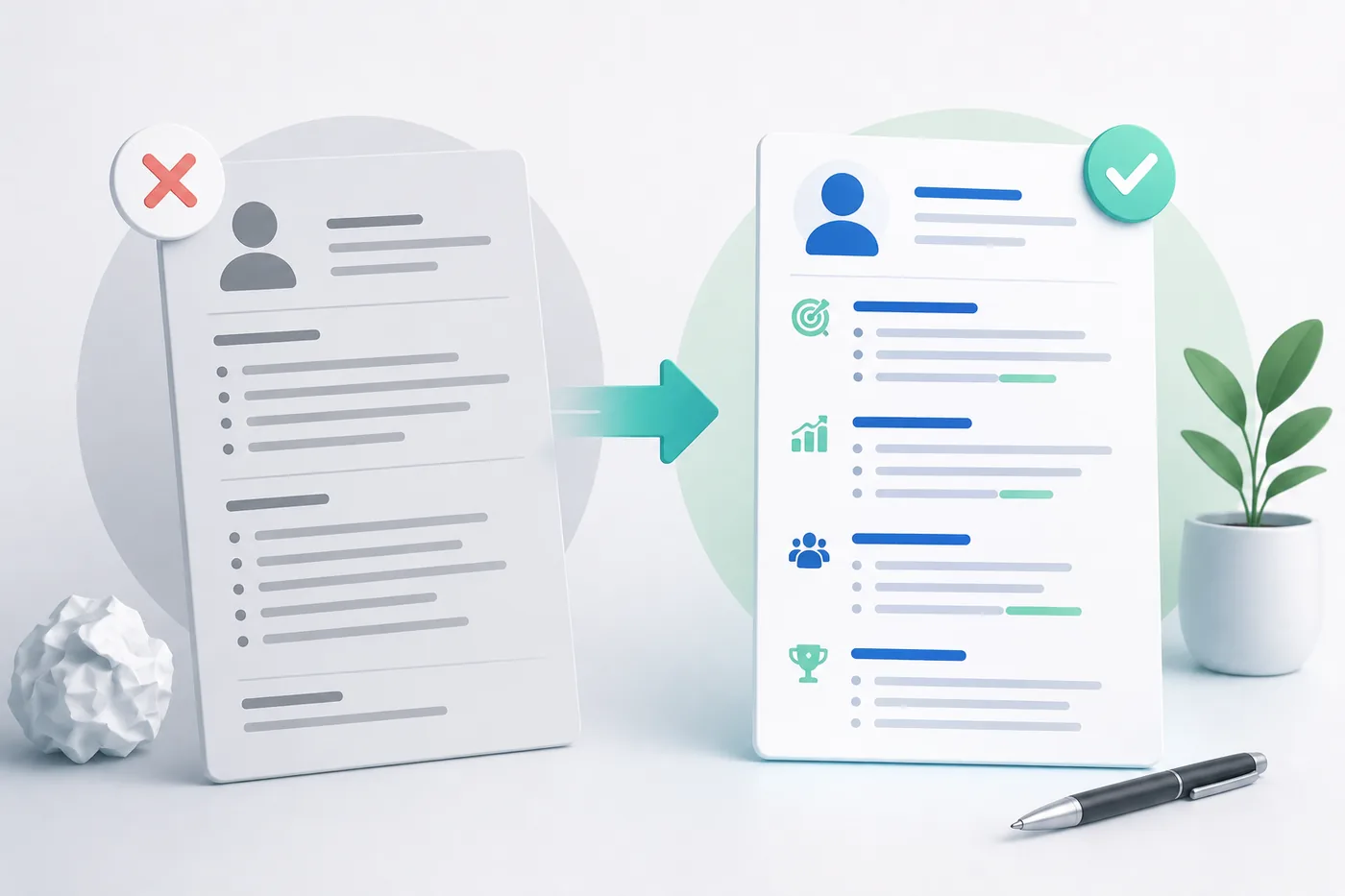
Example Comparison of Generic vs. Tailored Resume Bullet Points
A clear distinction between generic and tailored bullet points can greatly enhance the effectiveness of your resume.
| Generic Bullet Point | Tailored Bullet Point |
|---|---|
| Managed a team of sales associates. | Led a team of 10 sales associates to achieve a 25% increase in quarterly sales through targeted training and motivation. |
| Responsible for customer service. | Enhanced customer satisfaction scores by 30% by implementing a new feedback system and training staff on effective communication. |
| Assisted in project management tasks. | Coordinated cross-functional teams to deliver a $500,000 project two weeks ahead of schedule, improving client satisfaction and retention. |
| Conducted market research. | Conducted in-depth market research that identified three new target demographics, resulting in a 15% increase in market share over six months. |
FAQ
Can I use AI-generated bullets on my resume?
Yes, as long as they are truthful, based on real input you provided, and edited into your own voice before submitting. Never submit a generator's first draft unchanged.
How many bullets should each job have?
Most roles need 3-6 bullets. Use more for recent, relevant roles and fewer for older or less relevant ones - a generator can help you cut a long list down to the strongest entries.
Should every bullet have a number?
Not every bullet needs a hard metric, but most should show scope, frequency, or result in some form. If you truly have no number or scope to offer, that bullet is a candidate for cutting or merging with a stronger one.
What if the generator invents a statistic I never gave it?
Delete it immediately. Replace it with your actual figure, an honest estimate using frequency or scale, or remove the number entirely and describe the outcome qualitatively instead.
Will recruiters be able to tell a bullet was AI-generated?
They can often tell when a bullet is generic, not necessarily when it was AI-assisted. The fix is the same either way: specific tools, real numbers, and language that sounds like you rather than a template.
How much input should I give the generator for one bullet?
One or two sentences describing the task, tool, scope, and rough result is usually enough. More detail produces a better draft; a single vague phrase produces a generic one.
Can I use the same generated bullet for every job application?
You can start from the same bullet, but tailor the emphasis and keywords for each posting using How to Match Resume Keywords to Job Description. A bullet optimized for one role rarely fits another perfectly.
What is the biggest mistake people make with bullet generators?
Giving the tool a bare job title instead of real details. The generator cannot know your actual impact - it can only work with what you tell it, so vague input always produces vague output. Consider using a resume customization checklist to ensure you're providing the right details. Additionally, you might want to check out our Resume Design and Color Guide for 2026 for tips on how to make your resume visually appealing.
Next Step
Draft your bullets, then run your full resume through the free ATS score checker to confirm the language, keywords, and formatting all work together before you apply.
What is your resume scoring right now?
Scan it against a job description and get your ATS match score in about a minute.
Drop your resume here or choose a file
PDF only. Max 2 MB.
We never share your data or use it to train AI models.

Templates that keep this structure intact
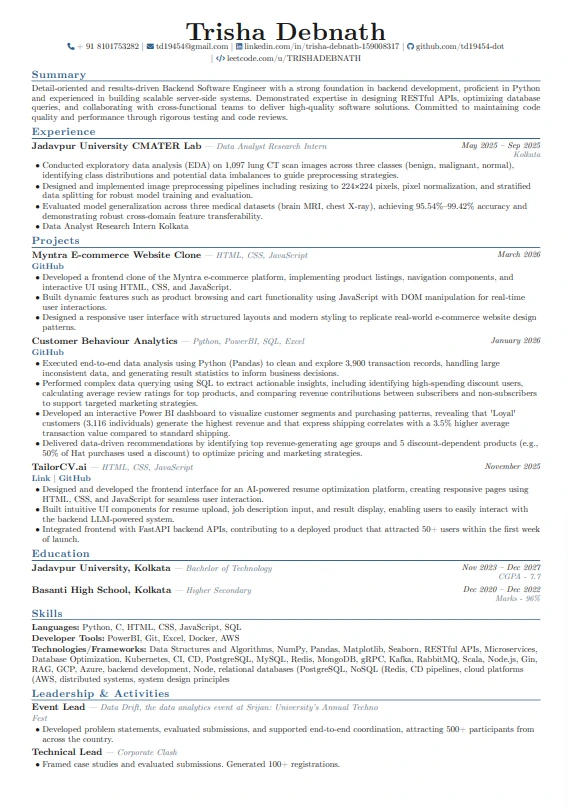
This template is ATS-tested — start from it and the formatting rules in this guide are already handled.
Was this guide useful?
Be the first to rate it.