TD
TD

Key Takeaways
- Do not break reverse-chronological order inside a single "Experience" section. Recruiters read dates first, and out-of-order dates look like an error or a hidden gap.
- The safe way to lead with an older, more relevant job is a split: a "Relevant Experience" section followed by "Other Experience", each in date order.
- Reordering bullets within each job gets most of the benefit with none of the risk. Try it before touching job order.
- ATS parsers handle split sections well when headings are standard, but they can misread dates when jobs appear in a jumbled sequence.
- Your summary can point straight at an older job ("five years in payments at X") so the reader knows where to look.
- Functional resumes that remove dates entirely are the riskiest option and are widely distrusted.
Your most relevant job is not your most recent one, and you want the recruiter to see it first. The short answer: do not shuffle jobs inside one experience section. Split your history into "Relevant Experience" and "Other Experience", keep dates in order within each, and let your summary point at the job that matters.
The rest of this guide covers why the simple swap backfires, the four layouts that work, and which to choose for your situation.
Why Simply Moving a Job to the Top Backfires
It feels logical: the job that matches best goes first. But readers of resumes have a strong expectation, and breaking it costs more than it gains.
Recruiters read the date column first
In a first skim, recruiters scan titles and dates down the left or right edge to build a timeline. When a 2019-2021 job sits above a 2023-present job, the timeline breaks. The reader either assumes a formatting mistake or starts hunting for what you are hiding.
Neither helps you. The first makes you look careless; the second makes them look harder at your dates than they otherwise would. The post on resume red flags recruiters notice lists timeline confusion near the top.
Parsers use order as a signal
Most ATS parsers extract each job's title, employer and dates, and many also infer "current role" from the first entry. If your first entry is from 2020, a parser may record that as your current or most recent job, which then feeds filters like "years in current role" or "currently employed". The mechanics are covered in employment dates parsed wrong.
It solves a problem bullet order already solves
Often the real issue is not which job comes first but what the reader sees first within each job. If your current job's top bullet is the relevant one, you may not need to move anything. See reordering bullets by relevance.
Four Layouts That Work
Here are the options, from least to most disruptive.
Layout 1: Keep order, reorder bullets, point from the summary
Keep strict reverse-chronological order. In each job, move the most relevant bullet to the top. Then use the summary to name the older job directly.
Summary example: "Payments product manager - four years building checkout and fraud tooling at Razorpay, now leading growth analytics at a D2C brand."
The reader now knows the older job is the headline before they reach it. This works when the relevant job is your second or third entry and not buried far down.
Layout 2: Split into "Relevant Experience" and "Other Experience"
Create two sections with standard headings. Put the jobs that match the posting under "Relevant Experience" in reverse-chronological order, then everything else under "Other Experience", also in order.
This is the cleanest way to lead with an older role. Each section's dates flow correctly, the heading tells the reader why the order changed, and parsers read both sections as work history.
Layout 3: A targeted section named for the field
A variation on Layout 2: name the first section after the field, such as "Data Analysis Experience" or "Teaching Experience", followed by "Additional Experience". This is common for career changers and for people returning to an earlier field.
Use it when the section name itself carries signal. Keep the name plain - "Marketing Experience", not "My Marketing Journey".
Layout 4: A "Selected Projects" block above experience
If the relevant work was a project within a job, or freelance, or academic, pull it into a "Selected Projects" section placed above your experience. Each project gets a line saying where and when it happened, so the timeline stays honest.
This is the fresher's version and works well for side projects that prove a skill your jobs do not. See projects in a resume.
Choosing the Right Layout
| Your situation | Best layout | Why |
|---|---|---|
| Relevant job is your 2nd entry | 1 - bullets + summary | Reader reaches it within seconds anyway |
| Relevant job is 3rd or further down | 2 - Relevant / Other split | Brings it up without breaking dates |
| Returning to a field you left 3+ years ago | 3 - field-named section | Section name explains the order |
| Relevant work was a project, not a job | 4 - Selected Projects | Keeps job history honest |
| Career changer with relevant volunteer or freelance work | 3 or 4 | Surfaces non-job evidence |
| All jobs are equally relevant | None - keep order | Reordering adds nothing |
| Relevant job was very short (under 6 months) | 1 | A split section draws attention to its brevity |
What about functional resumes?
A functional resume groups skills at the top and lists jobs with minimal detail or no dates. Many recruiters distrust the format because it is historically used to hide gaps, and ATS parsers extract less from it. Unless you have a very specific reason, a split layout does the same job with less suspicion.
How the ATS Sees Split Sections
Candidates often worry that splitting will confuse the parser. In practice, parsers look for recognisable section headings and date patterns.
Headings parsers recognise
| Heading | Parsed as work history? |
|---|---|
| Experience / Work Experience | Yes |
| Relevant Experience | Yes, on most parsers |
| Professional Experience | Yes |
| Other Experience / Additional Experience | Yes, on most parsers |
| Career Highlights | Unreliable - often not treated as jobs |
| My Journey / Where I've Been | Often missed |
Keep headings plain. The parser-friendly format guide covers how parsers find sections. If you want to test it, the copy-paste ATS test shows in thirty seconds whether your sections come through in the right order.
Keep each entry complete
Every job, in either section, should keep its title, employer, location and dates in the same format. Do not drop dates from the "Other" section to save space; missing dates are a bigger red flag than an extra line.
Worked Example 1: A Career Returner Leading With an Older Role
Situation: Kavya worked as a UX designer for four years (2016-2020), then spent four years in customer success (2020-2024) and is now applying for UX roles again.
Original layout (single section, reverse-chronological):
- Customer Success Manager, 2022-present
- Customer Success Associate, 2020-2022
- UX Designer, 2018-2020
- Junior UX Designer, 2016-2018
A recruiter skimming for UX sees two customer-success titles first and may stop.
Reordered with a field-named section:
UX Design Experience UX Designer - Fintech Co, 2018-2020 Junior UX Designer - Studio Nine, 2016-2018
Additional Experience Customer Success Manager - SaaS Co, 2022-present Customer Success Associate - SaaS Co, 2020-2022
Her summary adds the bridge: "UX designer with four years in fintech product design, returning after four years in customer success spent running 200+ user interviews and feedback sessions." The customer-success years now read as user research, which they partly were.
Worked Example 2: A Mid-Career Specialist With a Short Detour
Situation: Rahul spent five years as a backend engineer, then took a year-long role as an engineering manager at a startup that folded. He is now applying for senior backend roles.
He considered moving the manager role below his engineering roles. That would break the timeline for a job that was only a year long.
Better approach (Layout 1):
- Keep order: Engineering Manager (2025-2026) first.
- Give the manager role three bullets, leading with hands-on technical work: "Wrote and reviewed the payment reconciliation service while managing a team of four."
- Summary: "Backend engineer with five years building high-volume payment systems in Go, plus a year leading a small team at an early-stage startup."
The reader sees the full timeline and immediately understands the story. More on moving back to engineering is in moving from management back to IC.
Worked Example 3: A Fresher With Relevant Internship Buried Under Part-Time Work
Situation: Aman graduated in 2026. His most recent work is a part-time retail job (2025-2026). His data science internship was in 2024. He is applying for junior data roles.
Before: Experience - Retail Associate (2025-26), Data Science Intern (2024), Tutor (2023).
After: Relevant Experience - Data Science Intern (2024). Selected Projects - Placement prediction model (final-year project, 2026). Other Experience - Retail Associate (2025-26), Tutor (2023).
The internship and project lead, the retail job still shows he has been working, and every date is in order within its section. For more on project placement, see fresher resume projects that get interviews.
Worked Example 4: A Teacher Moving Into Corporate Training
Situation: Nandita taught secondary school for seven years, then spent two years as an academic coordinator. She is applying for learning and development (L&D) roles in companies. Her most relevant work - designing a teacher-training programme for 40 staff - sits inside the coordinator role, but her resume opens with a long list of classroom duties.
Why reordering jobs is not the answer: her two roles are already in the right order, and both are relevant in different ways. What needs to change is emphasis inside each role and a summary that tells the reader where to look.
Before (coordinator role, first bullet): "Coordinated academic schedules and timetables for Classes 6-10."
After (first bullet): "Designed and ran a 12-session training programme for 40 teachers on assessment design; post-programme observation scores rose from 3.1 to 3.9 out of 5."
Summary: "Educator with nine years in teaching and staff development - most recently designed and delivered a training programme for 40 teachers - moving into corporate learning and development."
Her teaching role is condensed to three bullets that show facilitation and measurement: large-group delivery, needs assessment through test results, and parent workshops. No section split was needed; the right bullet in the right place did the job. For the vocabulary shift into a corporate setting, see tailoring across industries.
Edge Cases: Overlaps, Promotions and Side Work
The four layouts cover most situations, but three patterns trip people up.
Two jobs at the same time
If you held two roles at once - a full-time job and a weekend teaching post, say - order them by start date, most recent first, and keep both date ranges visible. Do not merge them into one entry. If only one is relevant, the split layout lets you put it under Relevant Experience while the other sits under Other, with overlapping dates that explain themselves.
Several roles at one employer
Promotions are a strength, so do not scatter them across sections. Group them under one employer heading, newest title first:
Acme Logistics - Bengaluru Senior Analyst, 2024-present Analyst, 2022-2024
If only the older title is relevant, keep the grouping anyway and lead the older title's bullets with the relevant work. Splitting one employer across two sections makes it look like you left and came back.
Freelance or contract work alongside employment
Freelance projects that match the posting can sit in a Selected Projects block or under Relevant Experience as "Freelance Data Analyst (part-time), 2023-present". Label it part-time so the reader does not think you are double-counting years. The approach for contract-heavy histories is covered in tailoring for freelance and contract roles.
A gap that sits between your two sections
Splitting sections can accidentally hide a gap - or appear to. If there is a real gap, a one-line entry ("Career break - caring for family, 2021-2022") in date order is more reassuring than silence. The dates and gaps parsing guide shows how to format it so parsers read it correctly.
At Each Career Stage
Whether and how to reorder depends on how much history you have.
| Stage | Typical situation | Usual answer |
|---|---|---|
| Fresher | Internship older than a part-time job | Relevant Experience / Other Experience split, or Selected Projects first |
| Early career | Second job less relevant than the first | Keep order; lead each job with its most relevant bullet |
| Mid-career | Relevant role 2-3 entries down | Summary pointing to it, or a Relevant / Other split |
| Senior / returner | Most relevant work 8+ years ago | Field-named section ("Regulatory Affairs Experience") first |
Early career: order rarely needs changing
With two or three entries, a reader sees everything in seconds. Bullet order and a strong summary are almost always enough.
Senior and returning candidates: sections do the work
When the relevant experience is old, a field-named section is the cleanest option, paired with a summary that explains the return. How far back your experience should go covers how much of the older history to keep.
Common Mistakes When Reordering
Moving a job without explaining why
If the order changes, a heading or summary line has to tell the reader why. Without it, a changed order looks like an error.
Using too many sections
Two experience sections is the limit for most resumes. "Relevant", "Leadership", "Consulting" and "Other" in one resume fragments your history and makes the timeline hard to rebuild.
Hiding a current job in "Other"
If you are currently employed, the reader needs to find your current role quickly. Putting it in "Other Experience" at the bottom can look like you are hiding it. If your current job is unrelated, keep it short, but keep it findable.
Reordering when bullets were the problem
If each job's first bullet is its most generic duty, no job order will fix the skim. Start with which bullets to rewrite before restructuring sections.
Letting versions drift
If you split sections for one application and not another, keep both versions saved and labelled. The system in managing multiple resume versions prevents you sending the wrong layout.
How This Comes Up in Interviews
A restructured experience section invites one predictable question: why is your history laid out this way? Have a one-line answer.
"I grouped my UX roles together because that's the work this role needs - the customer success years in between were mostly user research, and I'm happy to go through them."
Interviewers may also ask you to walk through your timeline in order. Practise telling it chronologically even though the page groups it differently, so the two versions match. If you used a Selected Projects block, expect questions about when and where each project happened.
| Layout you used | Likely question |
|---|---|
| Relevant / Other split | "Talk me through your career in order." |
| Field-named section | "Why did you leave that field, and why come back?" |
| Selected Projects first | "Was this paid work or personal? How long did it take?" |
| Summary pointing to an older job | "What have you done in this area more recently?" |
The interview story bank method helps you keep a chronological version of your story ready.
How Reordering Fits Into Tailoring
Reordering is a structural edit. It belongs after the quick wins - title, summary, bullet order, skills - and only when those do not surface the right evidence fast enough.
A quick decision sequence
- Reorder bullets inside each job so the most relevant lead.
- Rewrite the summary to name your most relevant experience.
- Check the skim: does a reader reach relevant evidence within the top third of page one?
- If not, split into Relevant / Other.
- If the relevant evidence is projects rather than jobs, add a Selected Projects block.
Most applications stop at step 3. The broader sequence is in what to change when tailoring.
Check the result
After restructuring, run the resume and the posting through the free ATS scan to confirm your sections and dates parsed correctly - it takes about a minute. If you want the rewording done for you, the AI resume optimizer reorders bullets toward the posting without changing your job history or dates.
Quick Checklist
- Is the most relevant evidence visible in the top third of page one?
- If not, have you tried bullet order and the summary first?
- If you split sections, do both use standard headings ("Relevant Experience", "Other Experience")?
- Are dates in reverse-chronological order within each section?
- Does every entry keep title, employer, location and dates?
- Is your current job easy to find?
- Does the copy-paste test show sections in the right order?
Frequently Asked Questions
Can I list my work experience out of chronological order?
Not within a single experience section - it looks like an error and can confuse ATS date parsing. If you need an older job first, split your history into "Relevant Experience" and "Other Experience", with each section in reverse-chronological order.
Should I put my most relevant experience first on my resume?
Yes, but do it with structure, not by shuffling dates. Use a Relevant Experience section, a Selected Projects block, or a summary that names the job. Within each job, put the most relevant bullet first.
Is a "Relevant Experience" section ATS-friendly?
On most modern parsers, yes, because "Relevant Experience" is a recognised heading. Keep the heading plain and keep full titles, employers and dates on every entry.
Do recruiters like functional resumes?
Generally not. Functional resumes that remove or hide dates are associated with concealing gaps, and many recruiters distrust them. A hybrid layout with a split experience section usually achieves the same goal without the suspicion.
What if my current job is unrelated to the role?
Keep it in the timeline, but keep it short - two or three bullets that show transferable skills. If you use a Relevant / Other split, it goes under Other Experience, but make sure a reader can still find it quickly.
How many experience sections can a resume have?
Two is the practical limit: one relevant, one other. More than that fragments your history and makes it hard for a recruiter to rebuild your timeline.
Should I remove old jobs instead of reordering?
Sometimes. Very old, short or unrelated roles can often be cut or condensed. Read how far back your experience should go and cutting irrelevant experience without creating a gap before deciding.
Does reordering bullets count as tailoring?
Yes - it is one of the most effective tailoring edits because recruiters mostly read the first one or two bullets in each role. It is lower-risk than reordering jobs.
Can I put an older job first if it's more relevant?
Only by using a separate section, such as "Relevant Experience", with dates in order inside it. Moving an older job above a newer one in the same section looks like an error.
Does reordering my work history affect background checks?
No, as long as titles, employers and dates are accurate. Background checks verify facts, not the order you present them in.
What to Do Now
Open your resume and look at where your most relevant evidence sits. If it is in the top third of page one already, reorder bullets and move on. If it is further down, choose the layout from the table above - usually the Relevant / Other split - and rebuild the experience section with dates in order within each block.
Then test it: paste the resume text into a plain document to check section order, or run it through the ATS scan. Next, read how far back your experience should go to decide what the "Other" section should contain.
What is your resume scoring right now?
Scan it against a job description and get your ATS match score in about a minute.
Drop your resume here or choose a file
PDF only. Max 2 MB.
We never share your data or use it to train AI models.

Templates that keep this structure intact
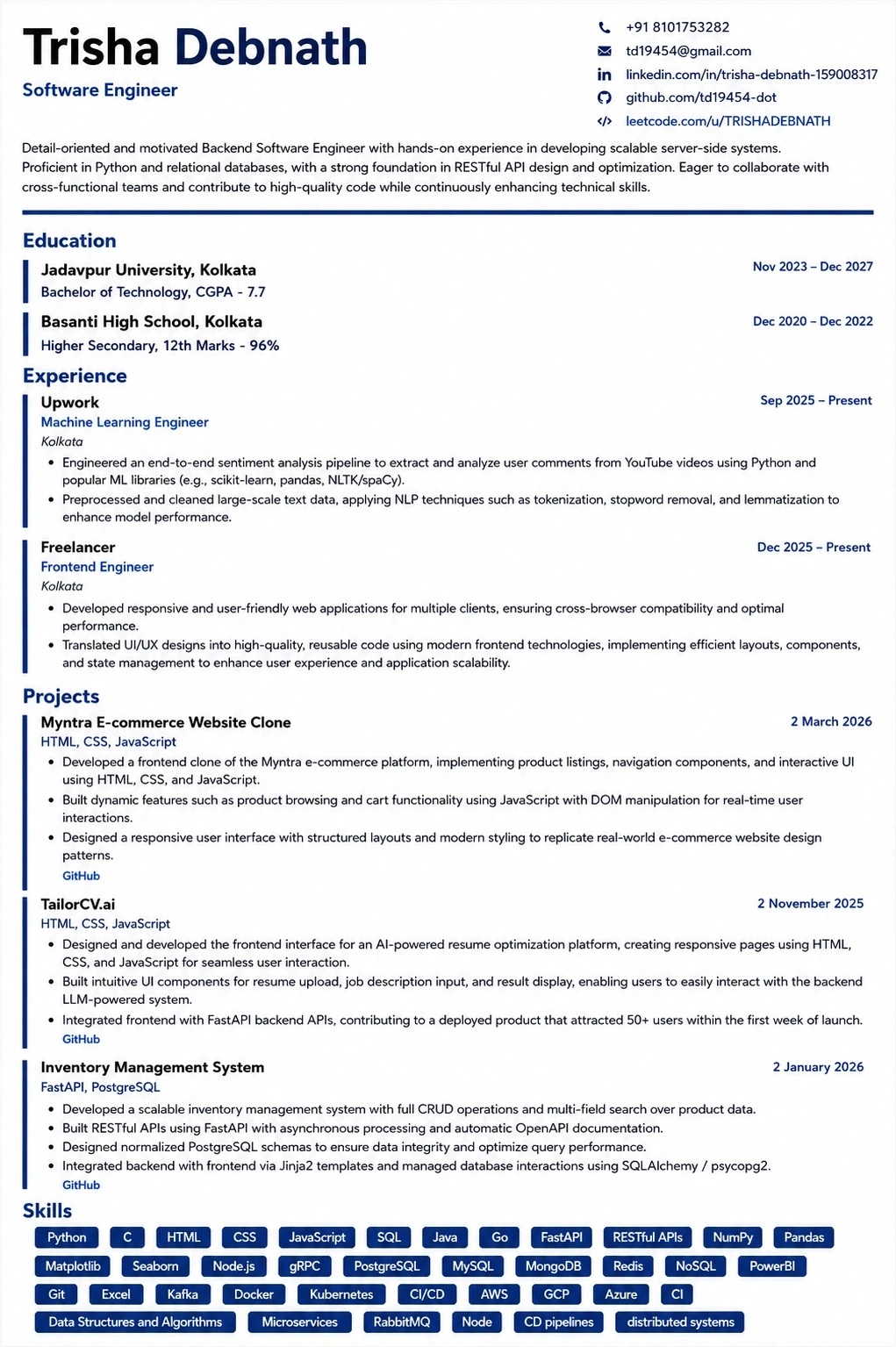
This template is ATS-tested — start from it and the formatting rules in this guide are already handled.
Was this guide useful?
Be the first to rate it.