TD
TD

Key Takeaways
- Parsers extract dates to build a timeline. Inconsistent formats break that reconstruction silently.
- The safest format is consistent throughout:
Month Year - Month Year, applied identically to every entry. - Mixing "Present" and "Current" across different roles is a small inconsistency with an outsized parsing effect.
- Table-based date columns are a common, invisible cause of scrambled employment history.
- A real employment gap is far less costly than a poorly formatted one that reads as an error.
Dates seem like the simplest part of a resume, and they are one of the more common places where formatting quietly breaks parsing. Here is what actually goes wrong and the format that avoids it.
Why Dates Matter So Much to a Parser
An applicant tracking system builds a structured timeline from your resume — this job, these dates, this job, those dates — and uses it to calculate total experience, check for gaps, and order your history correctly. Unlike free text, dates are expected to follow a predictable pattern, and when they do not, the parser's confidence in what it extracted drops.
A parsing failure here does not usually produce an error message you would see. It produces a silently wrong timeline: a role assigned the wrong dates, an employment gap that appears where none exists, or a miscalculated total years of experience — all invisible to you, all potentially costly.
The Safe Format
Pick one format and use it identically for every single entry:
Mar 2022 - Present Jun 2019 - Feb 2022 Aug 2016 - May 2019
Or the numeric equivalent, equally fine as long as it is consistent:
03/2022 - Present 06/2019 - 02/2022 08/2016 - 05/2019
What breaks parsing is not either format individually — it is switching between them mid-resume.
The Five Common Date Mistakes
1. Mixing formats across entries. "March 2022" in one role and "03/22" in another. Individually fine, together inconsistent in a way parsers do not always handle gracefully.
2. Mixing "Present" and "Current." Both mean the same thing to a human. To a parser expecting a consistent end-date marker, using both across different sections of the same resume adds unnecessary ambiguity.
3. Omitting the day or assuming month precision when only years are given. "2022 - 2023" without months can understate your actual tenure — that range could be eleven months or twenty-three months, and a parser calculating experience length will likely assume the shorter interpretation.
4. Dates in table cells. This is the highest-risk formatting mistake for dates specifically. When dates sit in a table column separate from the role and company, some parsers lose the association entirely, attaching the wrong dates to the wrong job or dropping them altogether. See ATS formatting mistakes.
5. Dates in a different visual position per entry. If some roles have the date on the same line as the title and others have it below the company name, the inconsistent structure makes it harder for a parser to reliably locate the pattern.
How to Format an Employment Gap
A real gap is not the problem — an unclearly formatted one is. Do not blur or omit dates to hide a gap; this often reads worse to a parser than a clean, honest gap, because ambiguous dates can produce timeline errors that look like something is being concealed even when nothing is.
If the gap needs no explanation on the resume itself:
Marketing Coordinator, Acme Inc — Jun 2019 - Feb 2022 Marketing Manager, Beta Corp — Nov 2022 - Present
The eight-month gap is simply visible and unremarked upon — this is normal and does not require justification on the document itself.
If you want to address a longer gap directly:
Career Break — Mar 2022 - Oct 2022 Family caregiving
A single honest line, formatted with the same date convention as everything else, reads as controlled information rather than an error. See explaining an employment gap for the fuller approach to framing gaps in your narrative, separate from the formatting question covered here.
Checking Your Own Resume
1. List every date range on your resume in a plain text file, in order. Do they all follow the identical format?
2. Check "Present" appears in only one place — your current role — and consistently as "Present," not sometimes "Current" or "Ongoing."
3. Confirm no dates sit inside a table. If they do, this is worth fixing regardless of any other issue, since it is a common cause of scrambled employment history.
4. Run the copy-paste test — paste your exported file's text into a plain editor and check the dates extracted in the correct order, attached to the correct roles.
Month-Year vs Year-Only
Month-year precision (Mar 2022 - Feb 2024) is generally preferable to year-only (2022 - 2024), for two reasons: it gives a more accurate picture of actual tenure, and it makes small gaps visible rather than hidden inside a year boundary — which reads as more transparent, not less.
The exception is very old roles, more than ten years back, where year-only is a widely accepted convention and month-level precision adds little value to either a parser or a human reader.
Gaps are often self-inflicted when people delete an unrelated job; cutting irrelevant experience without creating a gap shows how to condense or group roles instead.
Frequently Asked Questions
Does an employment gap actually hurt my ATS score? Not directly — most matching focuses on skills and requirements, not gap detection specifically. The risk is a poorly formatted gap producing a scrambled or miscalculated timeline, not the gap itself.
Should I write "Present" or an actual end date for my current job? "Present," consistently. It is the standard convention and any parser expecting a date range is built to recognise it.
What if I don't remember the exact month I started a job? Use your best accurate estimate. Being off by a month rarely matters; a fabricated precise date that turns out wrong on a background check does.
Is year-only ever the better choice? For roles more than a decade old, yes — it is a normal convention there. For anything recent, month-year is safer.
Should dates be left-aligned or right-aligned? Either is fine visually, but avoid using a table or tab-stop structure to achieve the alignment — see ATS formatting mistakes for why.
Verify Your Dates Extract Correctly
The only reliable way to know whether your date formatting is causing a problem is to see what a parser actually extracts from your file.
Scan your resume and check the extracted employment history against what you expect. If a date is missing, misattributed, or your total experience looks wrong, that points directly at a formatting fix — often a five-minute change.
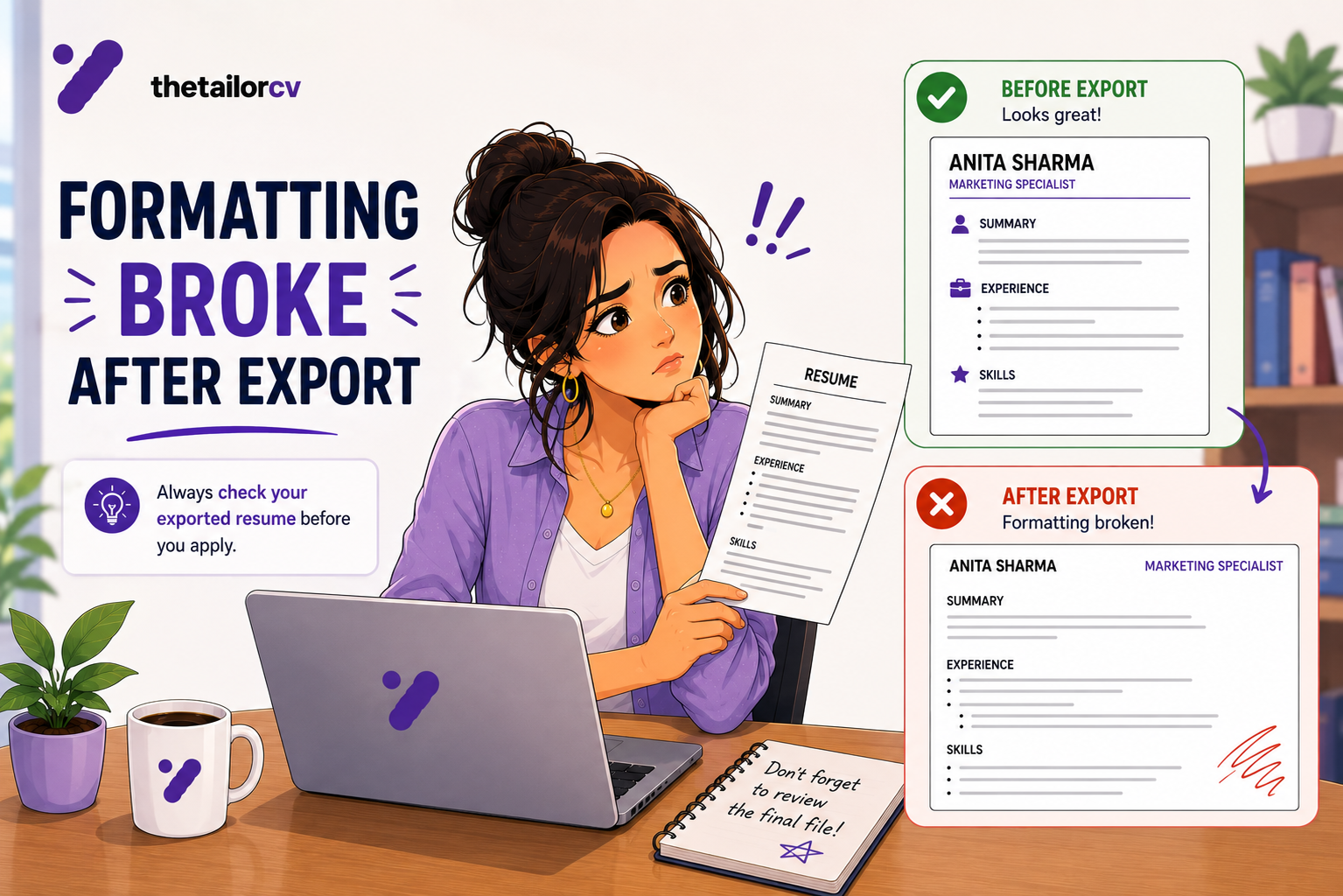
Free, about a minute. See also resume formatting that broke after export and explaining an employment gap.
What is your resume scoring right now?
Scan it against a job description and get your ATS match score in about a minute.
Drop your resume here or choose a file
PDF only. Max 2 MB.
We never share your data or use it to train AI models.

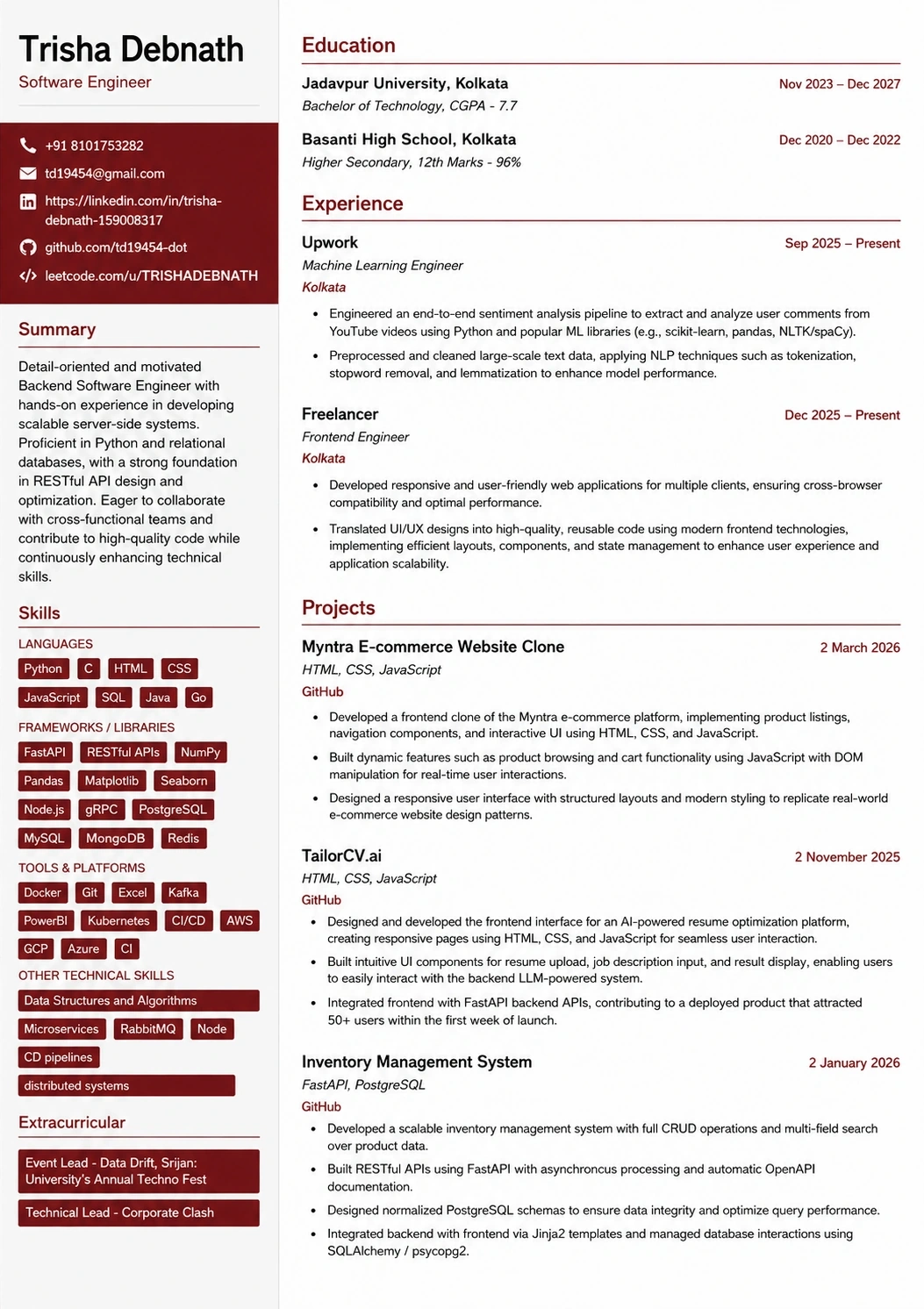
Templates that keep this structure intact
This template is ATS-tested — start from it and the formatting rules in this guide are already handled.
Was this guide useful?
Be the first to rate it.