TD
TD
Key Takeaways
- A large share of hiring starts with a search, not with your application.
- Searches match on specific terms — titles, tools, certifications and locations.
- Being findable is a separate skill from being persuasive, and it is more mechanical.
- Titles carry disproportionate weight because they are the most searched field.
- Both your resume and your public profile need the terms someone would actually type.
What the searches contain
The fields that get queried most.
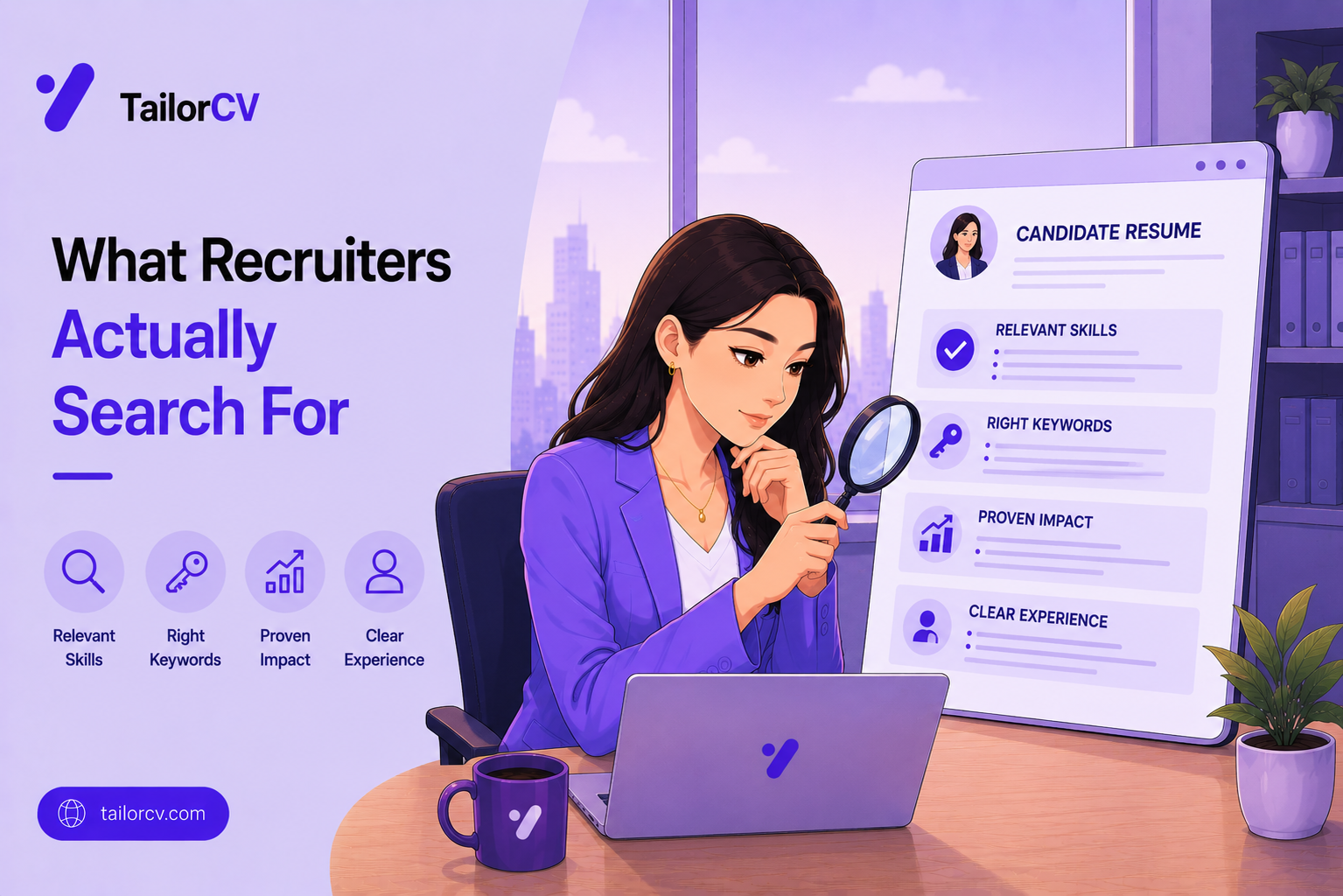
Job titles, first and most heavily. Recruiters search for the title they are filling and its close variants, which is why an unusual internal title makes you hard to find.
Tools and technologies by exact name, including versions and abbreviations, because these are unambiguous and easy to filter on.
Certifications and qualifications, particularly where a role requires them, since they are a clean binary filter.
Location, which is frequently the first constraint applied and can exclude you before anything else is considered.
Company names, when a recruiter is targeting people from particular employers or from a competitor.
Seniority markers such as senior, lead or manager, which narrow a large result set quickly.
And industry or domain terms, which matter most in specialised fields where general skill names are insufficient.
Making yourself findable
The practical adjustments.
| Problem | Fix |
|---|---|
| Unusual internal title | Add a recognised equivalent alongside it |
| Tools named inconsistently | Use the exact official spelling |
| Only the acronym used | Include both acronym and full form once |
| No location stated | Add city and region, or your remote status |
| Seniority unclear | Make the level explicit in title or summary |
| Skills only implied in prose | Add a scannable skills section |
Invented titles are a genuine cost. If your company calls you a Growth Ninja, nobody searching for a marketing manager will find you, and adding the recognised equivalent solves it immediately.
Exact naming matters more than elegance. Writing a tool the way its makers write it is what matches a query, and a stylistic variation quietly costs you the result.
Include both the acronym and the expansion once, since recruiters vary in which they search, and covering both costs a few words.
And state location explicitly, including whether you are open to remote or relocating, because an ambiguous location is frequently filtered out rather than investigated.
Where the searches happen
The places your details are queried.
Professional networks are the largest source, where recruiters run filtered searches daily and contact people who match.
Applicant tracking systems hold every resume you have ever sent to a company, and recruiters search that internal database when a new role opens.
Job board databases contain the resumes uploaded there, searchable by employers with access.
Referral networks operate differently, running on people rather than queries, which is why a referral bypasses this entire mechanism.
Specialist communities and portfolios matter in particular fields, where public work is itself the search result.
And previous applications are a real channel. A resume rejected for one role frequently surfaces later for a different one, which is a reason to apply to companies you want even when the current opening is imperfect.
Optimising without distorting
Being findable while staying honest.
Add recognised equivalents, do not replace true titles. Listing your actual title with a standard one beside it is accurate; claiming a title you never held is not.
Include only tools you can discuss. Keyword stuffing survives the search and fails immediately at interview, which is a worse outcome than not being found.
Put terms where they belong. A skills section, the role descriptions and the summary are natural locations; a hidden block of white text is a manipulation that parsing detects and readers penalise.
Keep the density natural. A resume that repeats one term twelve times reads badly to the human who eventually opens it.
Update your profile as well as your resume, since they are searched separately and an outdated profile undoes the work you did on the document.
And remember the search is only the first step. Being found gets you read; everything after that depends on whether the content supports the terms that surfaced you.
Mini checklist
- unchecked: Job title recognisable outside your company
- unchecked: Tools named in their official form
- unchecked: Acronyms and expansions both present
- unchecked: Certifications listed with full names
- unchecked: Location and remote status explicit
- unchecked: Seniority level clear
- unchecked: Skills section scannable rather than buried in prose
- unchecked: Public profile consistent with your resume
- unchecked: Domain terminology included where relevant
Scenarios
Scenario 1: Your title is company-specific
Put the recognised equivalent in your summary or beside the internal title. This is accurate rather than misleading, and it is the difference between appearing in searches and not.
Scenario 2: You are open to relocating
State it explicitly. Recruiters filter by location constantly, and a candidate whose willingness to move is unstated is simply excluded rather than asked.
Scenario 3: Your skills are described in prose
Add a distinct skills section. Prose is fine for humans reading closely and poor for both automated matching and fast scanning.
Tip: Search for your own likely title alongside your key tool and location, exactly as a recruiter would, and see what kind of profile comes back. The gap between those results and your own materials tells you precisely what to add.
Do's and Don'ts
Do
- Use recognised job titles
- Name tools in their official form
- Include acronyms and full forms
- State location and remote status
- Make seniority explicit
- Keep your profile and resume consistent
Don't
- Rely on an invented internal title
- Vary the spelling of key technologies
- Bury skills inside paragraphs
- Leave location ambiguous
- Assume searches find implied experience
- Let your public profile contradict your resume
Common Mistakes
- Invented titles only. They make you invisible to title searches.
- Inconsistent tool names. A stylistic variation loses the match.
- Missing location. Frequently the first filter applied.
- Skills hidden in prose. Neither scanned nor matched reliably.
- Profile and resume disagreeing. It raises questions unnecessarily.
- Ignoring the acronym. Recruiters search for both forms.
Related Guides
Keep building on this with the related guides in this series:
- How Recruiters Read Your Resume
- LinkedIn Profile Optimization
- LinkedIn Profile Versus Resume
- Resume Keywords Guide
- Writing for Recruiter Outreach
You can also check your resume's ATS score for free, generate a tailored cover letter, or build a portfolio website in minutes.
Frequently Asked Questions
How do recruiters find candidates?
Largely by searching databases and professional networks for specific titles, tools, certifications and locations, then contacting people who match. Much hiring begins before any application is made.
Why does my job title matter so much?
Because it is the most searched field. An invented internal title means nobody searching for the standard equivalent will find you, however well it describes the work.
Should I use acronyms or full names?
Both, once each. Recruiters differ in which they search for, and including both forms costs a few words and covers either query.
Does location really matter?
Yes, and it is frequently the first filter applied. An unstated or ambiguous location usually results in exclusion rather than a question.
Do I need a separate skills section?
Yes. Skills described only in prose are matched unreliably and scanned poorly, while a distinct section is both searchable and quick to read.
Should my profile match my resume?
Yes. Recruiters routinely see both, and unexplained differences in titles or dates raise questions that a consistent pair never would.
Where do recruiters actually search?
Professional networks, applicant tracking systems holding every resume you have sent that company, job board databases, and specialist communities. Previous applications frequently resurface for later roles.
How do I include search terms without keyword stuffing?
Add recognised title equivalents alongside your real one, include only tools you can genuinely discuss, place terms in natural locations, and keep repetition at a level a human reader would not notice.
What is your resume scoring right now?
Scan it against a job description and get your ATS match score in about a minute.
Drop your resume here or choose a file
PDF only. Max 2 MB.
We never share your data or use it to train AI models.

Was this guide useful?
Be the first to rate it.