SS
SS
Key Takeaways
- Check in order. Parsing failures make every other fix pointless, so they come first.
- Most "ATS problems" are actually one of three things: unreadable file, missing keywords, or wrong-level applications.
- Fonts, colour and "ATS-friendly templates" matter far less than people are told.
- After each change, re-scan. An edit that does not move the score did not address the requirement.
- Two of the seven checks cost nothing and take under a minute each.
If your resume keeps getting filtered, the temptation is to change everything at once — new template, new wording, new format. That makes it impossible to know what helped. Work through these in order instead, because each one makes the next meaningful.
1. Can the Parser Read the File at All?
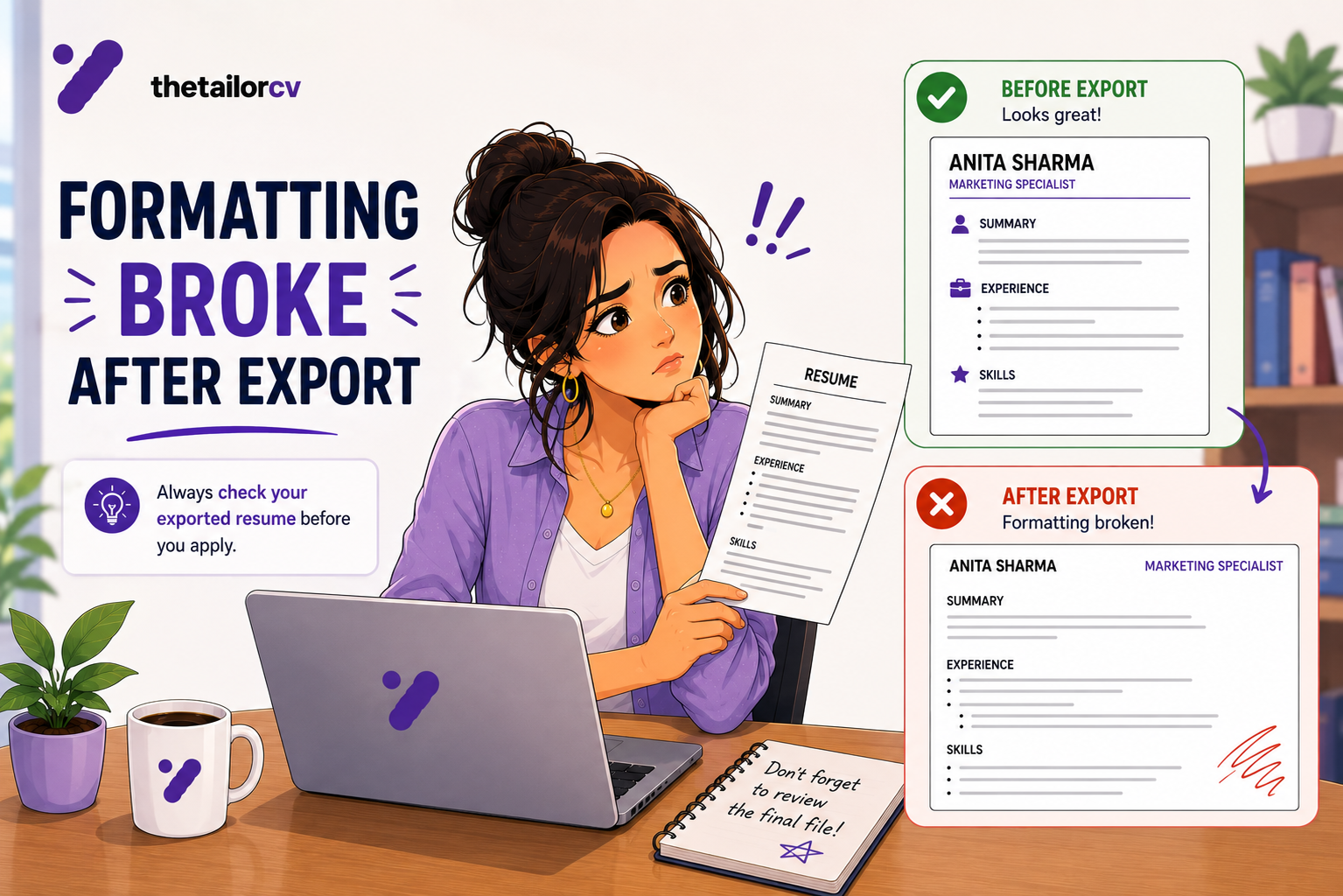
Everything else is downstream of this. A resume that parses badly produces garbage data no matter how good the writing is.
Check for:
- Multi-column layouts. Frequently read across columns, interleaving unrelated text.
- Tables. Dates and titles in cells often vanish or attach to the wrong role.
- Text boxes and shapes. Commonly skipped entirely.
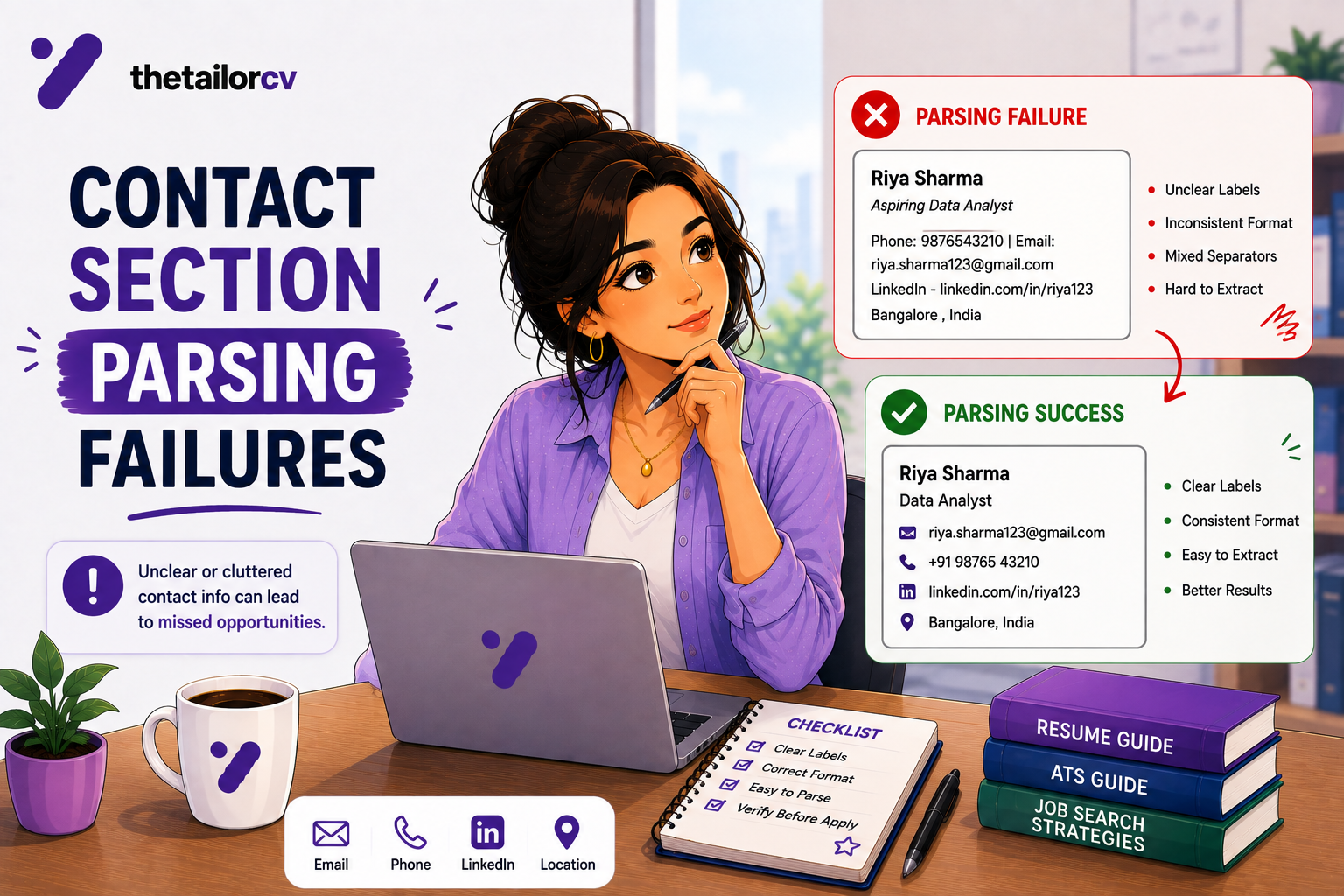
- Contact details in the header/footer. Some parsers ignore these regions — your phone number may never arrive.
- Image-based or scanned PDFs. Nothing extractable.
- Unusual fonts that do not map to standard character sets.
How to confirm: scan your actual file and read the extracted data before looking at any score. If job titles are missing, dates are wrong, or the skills section is empty, stop here and fix formatting. Our parser-friendly format guide covers what to use.
This single check resolves more cases than the other six combined, and almost nobody does it.
2. Does the File Type and Name Work?
Small, fast, occasionally decisive.
- Use PDF unless the posting says otherwise. Some older systems prefer .docx; if a posting specifies, follow it.
- Never send a Pages, ODT or image file.
- Name it plainly:
firstname-lastname-resume.pdf. Notresume_final_v3_USE THIS.pdf.
Our file format guide covers the edge cases.
3. Do Your Section Headings Use Standard Names?
Parsers look for recognisable section labels. Creative headings break that mapping.
Use: Experience (or Work Experience), Education, Skills, Certifications, Projects, Summary.
Avoid: "Where I've Made an Impact", "My Journey", "What I Bring", "Career Highlights" as a replacement for Experience.
This is a two-minute fix and it occasionally rescues an entire resume.
4. Does the Resume Evidence What the Posting Asked For?
This is the biggest cause after parsing, and the one people misunderstand as "keyword stuffing."
It is not about repeating words. It is about whether a requirement in the posting is evidenced anywhere in your resume. If the posting asks for stakeholder reporting and your resume describes exactly that work without ever using those words, you may not match.
How to check: run your resume against the specific posting and read the missing-requirements list. Then sort it into two piles:
- Things you have but did not state clearly. Fix immediately — this is usually most of the list, and it is just wording.
- Things you genuinely lack. Do not invent them. Decide whether the role is a fit.
How to match resume keywords to a job description covers doing this properly, and ATS keyword mistakes covers the ways it goes wrong.
5. Are Your Job Titles Recognisable?
Internal titles are a quiet killer. If your company called you a "Growth Ninja" or "Member of Technical Staff II", the posting's matching has nothing to work with.
The fix is to write the recognisable title, optionally with the internal one:
Senior Software Engineer (internal title: Member of Technical Staff II)
This is honest — you are clarifying, not inflating. Inflating ("Director" when you were a manager) is a different thing and it surfaces in reference checks.
6. Are Dates and Structure Clean?
Parsers extract employment history as structured records. Ambiguity breaks it.
- Use a consistent format throughout:
Mar 2022 - Presentor03/2022 - Present, not both. - Put dates on the same line as the role, not in a separate column or table cell.
- Do not use "Present" in one role and "Current" in another.
- Make gaps explicit rather than blurring dates to hide them — see explaining employment gaps.
7. Are You Applying at the Right Level?
Last, because it is not a resume problem — but it explains many "ATS rejections" that were never about the ATS.
If a posting requires 8 years and you have 3, or requires a licence you do not hold, or excludes sponsorship and you need it, you will be filtered regardless. Our guide to required vs preferred qualifications covers which requirements are genuinely hard.
What Matters Far Less Than You Think
Worth saying plainly, because a lot of advice fixates here:
- Font choice. Any standard font is fine. This is not why you were filtered.
- Colour. A modest accent colour is harmless.
- "ATS-friendly template" branding. A single-column, table-free layout is what matters, not who sold it.
- Exact keyword density. Stuffing a term ten times does not beat evidencing it once — and reads badly to the human who eventually sees it. See resume keyword density.
- Length, within reason. Two pages is fine for experienced candidates. See our length guide.
Several of the common ATS myths live in this list.
Re-Scan After Each Change
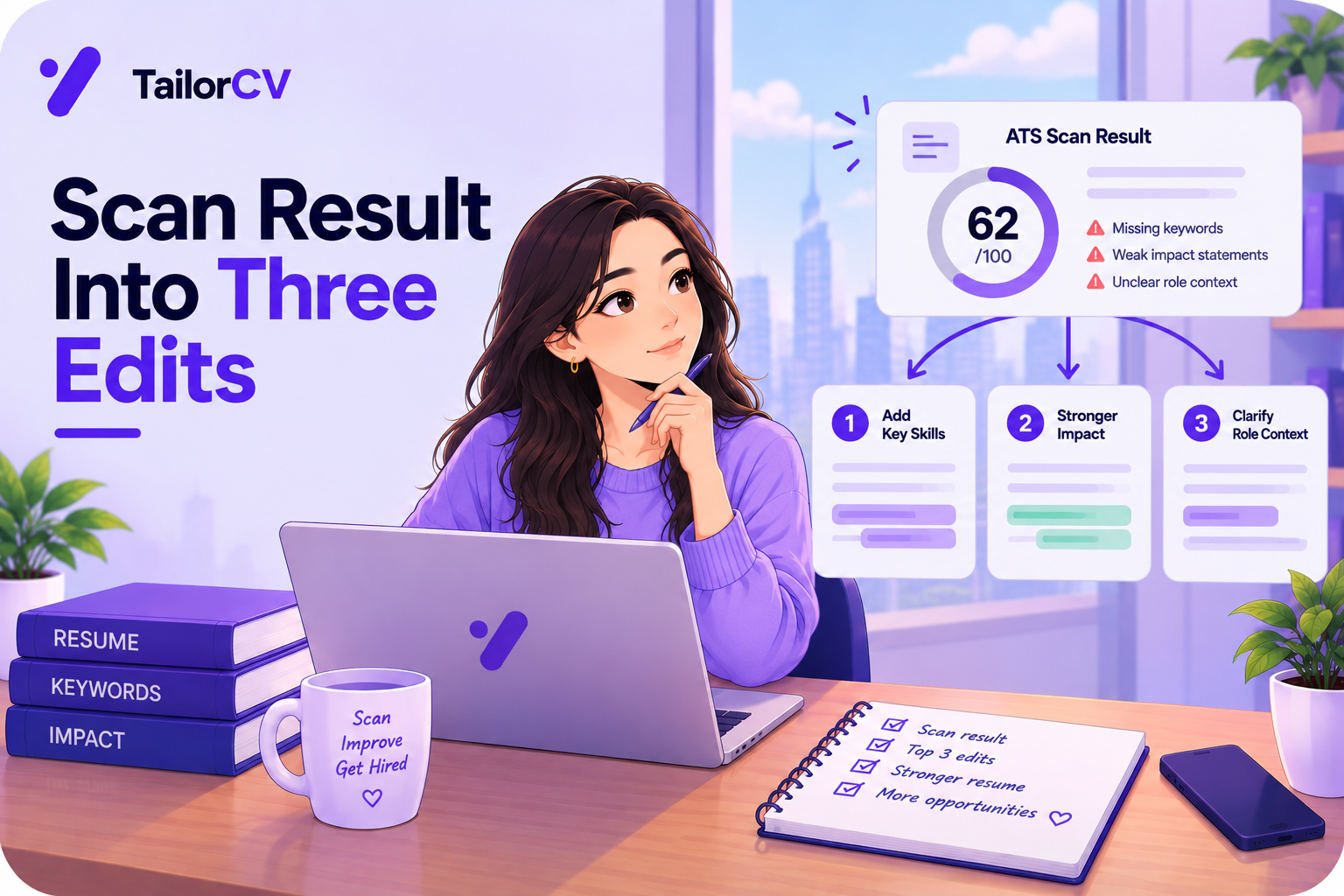
This is the discipline that makes the difference. After you edit, run the resume against the same posting again and check whether the score moved and whether the specific missing item cleared.
If it did not move, your edit did not address what the posting asked for — which is useful information, not a failure. Guessing at fixes without measuring is how people spend weeks on a resume that never improves.
The Order, Summarised
- Parsing — does the file read correctly?
- File type and name — PDF, sensibly named
- Section headings — standard labels
- Requirement coverage — does it evidence what was asked?
- Job titles — recognisable, not internal jargon
- Dates and structure — consistent and parseable
- Application level — are you eligible for this role?
Do them in that order. Steps 1 and 4 resolve the large majority of cases.
Frequently Asked Questions
Do I need a special ATS template? No. Single column, standard headings, no tables or text boxes. That is the whole requirement.
Will a two-page resume be rejected? No. Length is not an automatic filter for experienced candidates.
Should I put keywords in white text? No. It is detected, it is treated as manipulation, and it will disqualify you.
How many keywords should I include? Enough to evidence the posting's actual requirements. There is no target count, and stuffing is counterproductive.
How do I know a fix worked? Re-scan against the same posting and check whether that specific requirement cleared.
Start With Step 1
The check that resolves the most cases is also the fastest, and almost nobody runs it.
Scan your resume file and look at what the parser actually extracted — not the score, the extraction. If your titles, dates and skills came out wrong, you have found the problem and everything else on this list can wait.
Free, about a minute. See also our ATS score guide and why is my ATS score low.
What is your resume scoring right now?
Scan it against a job description and get your ATS match score in about a minute.
Drop your resume here or choose a file
PDF only. Max 2 MB.
We never share your data or use it to train AI models.

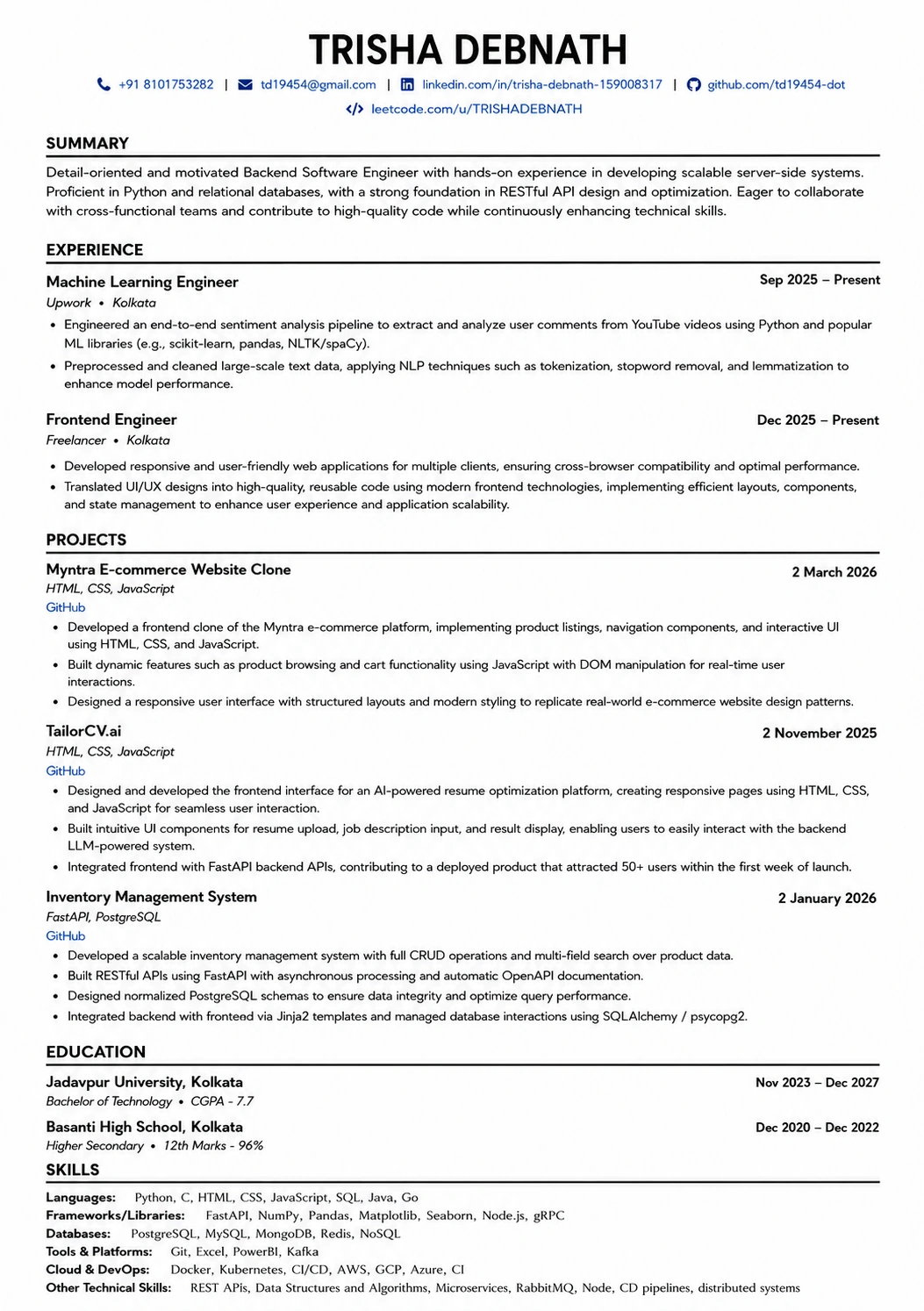
Templates that keep this structure intact
This template is ATS-tested — start from it and the formatting rules in this guide are already handled.
Was this guide useful?
Be the first to rate it.