SS
SS
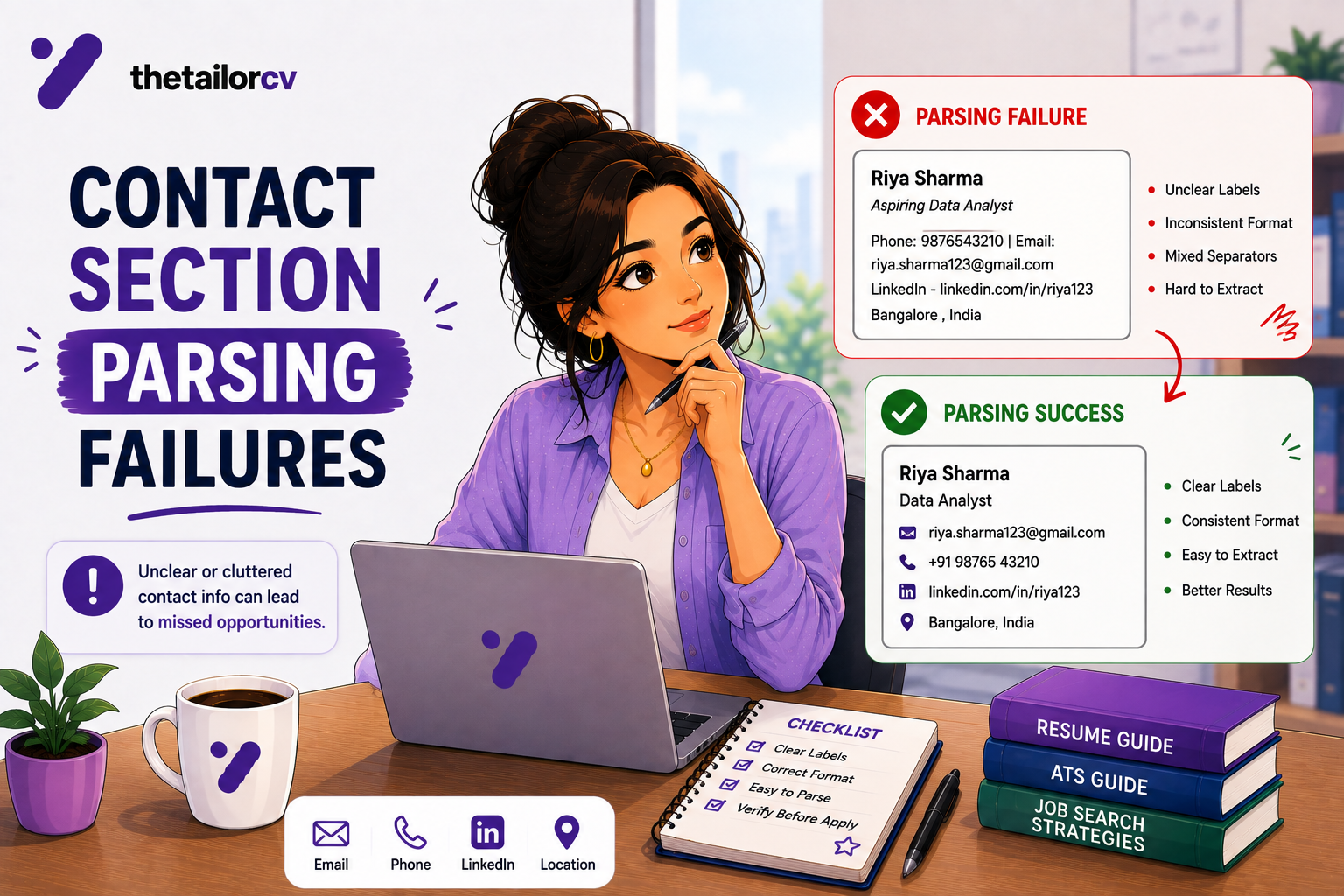
Key Takeaways
- If your contact details are in a header or footer region, some parsers never extract them at all.
- This failure is the most costly on the list, because you pass every other filter and are still unreachable.
- Text boxes and image-based headers are the two other common causes of the same silent failure.
- The fix is simple: contact details as plain text, in the body of the document, not decorative.
- Check this specifically — it will never show up as an error, only as unexplained silence.
Every other resume mistake costs you a ranking position. This one can cost you the entire outcome even when everything else about your application was strong, because the recruiter who wants to call you literally cannot find the number.
Why This Is the Costliest Mistake on the List
Every other formatting or content issue affects how well you rank in a filtering pass. A contact-section failure is different: your resume can score well, reach a human, impress them — and then go nowhere, because there is no working way to reach you. You will never know this happened. It just looks like silence, indistinguishable from a normal rejection.
The Three Causes
1. Contact details in a header or footer. Many word processors let you place your name and contact information in a header region for visual polish. Some parsers do not read header or footer regions at all — they are treated as separate from the main document flow. Your name might extract; your phone number and email, sitting a few lines below it in the header, might not.
2. Contact details inside a text box or graphic element. A stylised contact block — icons next to your phone number, a coloured banner across the top — is frequently rendered as a positioned object rather than as flowing text. Depending on the export, the text inside it may not be selectable or extractable at all.
3. Contact details as an image. Rare, but it happens when a resume is exported from a design tool that flattens the header into a graphic for visual consistency. If the text is not selectable, it is not extractable, full stop.
How to Check This on Your Own Resume
This is the single most important check on this entire list, and it takes fifteen seconds.
1. Open your exported file — the actual PDF or DOCX you send, not the source document.
2. Try to select your phone number with your cursor, the way you would to copy it.
3. If it selects as plain text, you are fine. If your cursor cannot select it, or selects the wrong thing, or the number sits inside what is clearly a graphic element, you have found the problem.
4. Copy your name, phone number and email and paste them into a plain text editor. Confirm all three came through as readable text, in a sensible order, not garbled or missing.
This test is more reliable than looking at the resume, because a header can look identical whether or not it is extractable — the failure is invisible on screen.
The Safe Format
Put your contact information as plain text, in the body of the document, as the first lines of content — not in a header, not in a text box, not as an image:
Sarah Chen Austin, TX · (512) 555-0142 · sarah.chen@email.com · linkedin.com/in/sarahchen
No icons required. No coloured banner required. This format is unambiguous to every parser and reads perfectly well to a human, which is the combination you actually need.
What About Icons Next to Contact Details?
A phone icon next to your number is common in templates and looks clean, but the icon itself is often implemented as an inserted image or a special font glyph rather than plain text. This usually does not break the text extraction directly, but it is a signal that the whole block may have been built as a graphic element rather than flowing text — worth double-checking with the selection test above rather than assuming.
If you want icons for visual appeal on a version you know will be read by a human directly (not through an ATS first), that is a separate decision. For anything going through an application system, plain text is the safer default.
LinkedIn and Portfolio Links Specifically
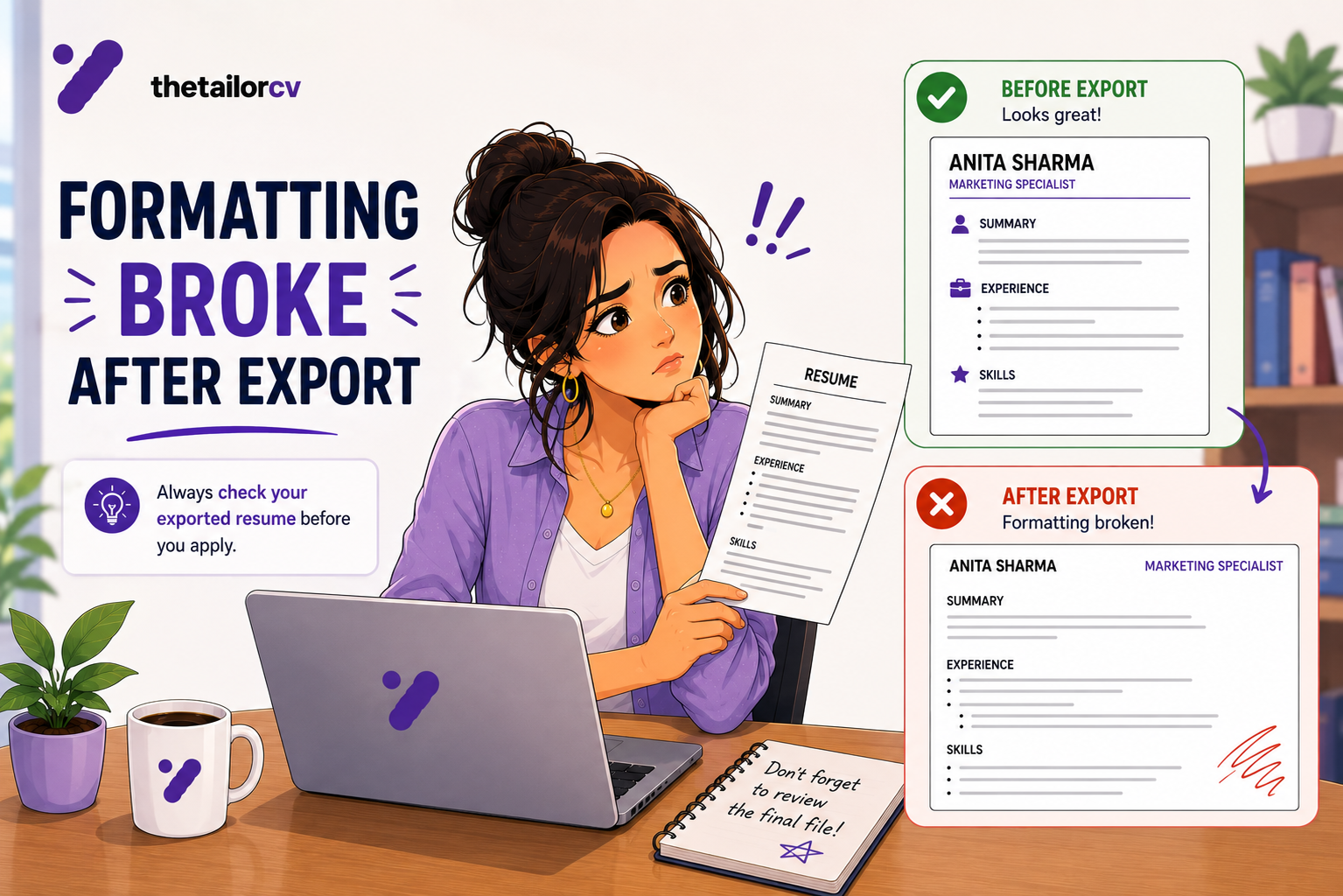
These deserve their own check, separate from your phone and email, because they fail in a related but distinct way: the visible text can look correct while the underlying hyperlink is broken or missing entirely — commonly the result of an export process that drops the href while keeping the blue underlined text. Click every link in your exported file, not just your source document, to confirm it actually resolves. See resume formatting that broke after export for the fuller version of this check.
Why This Mistake Persists
Templates that use a styled header for contact information look genuinely better on screen — a clean top band with your name and details laid out attractively. The visual appeal is real, which is exactly why the underlying extraction risk is easy to miss: nothing about how it looks tells you anything about how it parses.
A Two-Minute Fix
If you find your contact details are in a header, text box, or graphic:
- Cut the contact information out of the header/text box.
- Paste it as the first lines of the document body, above your summary.
- Format it simply — name on one line, details separated by a middle dot or pipe character on the next.
- Re-export and re-run the selection test to confirm it is now extractable.
This single change removes the highest-cost, most-invisible failure mode a resume can have.
Frequently Asked Questions
How would I know if this has been happening to me? You would not, from the outside — it produces silence indistinguishable from any other rejection. This is exactly why checking directly matters more than waiting to notice a pattern.
Is it fine to put my name in a large, styled font at the top? Yes, as long as it is still selectable plain text and not a graphic. Large and styled is a visual choice; the extraction risk is specifically about text boxes, headers/footers, and images.
Should I include my full address? No — city and state (or city and country) is standard and sufficient. A full street address is unnecessary and occasionally a privacy concern.
Do I need a LinkedIn link on my resume? Not required, but including one is common and useful if your profile is strong. If included, verify it resolves in the exported file.
Does this affect resumes submitted by email attachment, not through an ATS? Less so — a human opening an attachment directly can usually see a styled header fine. This issue specifically affects systems parsing the file automatically, which is most large-company application processes.
Confirm You Are Actually Reachable
This is worth checking directly rather than assuming, because it is invisible until it is too late.
Upload your resume and check the extraction — confirm your name, phone number and email all appear correctly in what was pulled from the file. If any are missing or garbled, you have found something worth fixing before you send another application.
Free, about a minute. See also resume formatting that broke after export and ATS formatting mistakes.
Find out why your score is low
Scan your resume against the job description and see exactly which checks fail.
Drop your resume here or choose a file
PDF only. Max 2 MB.
We never share your data or use it to train AI models.

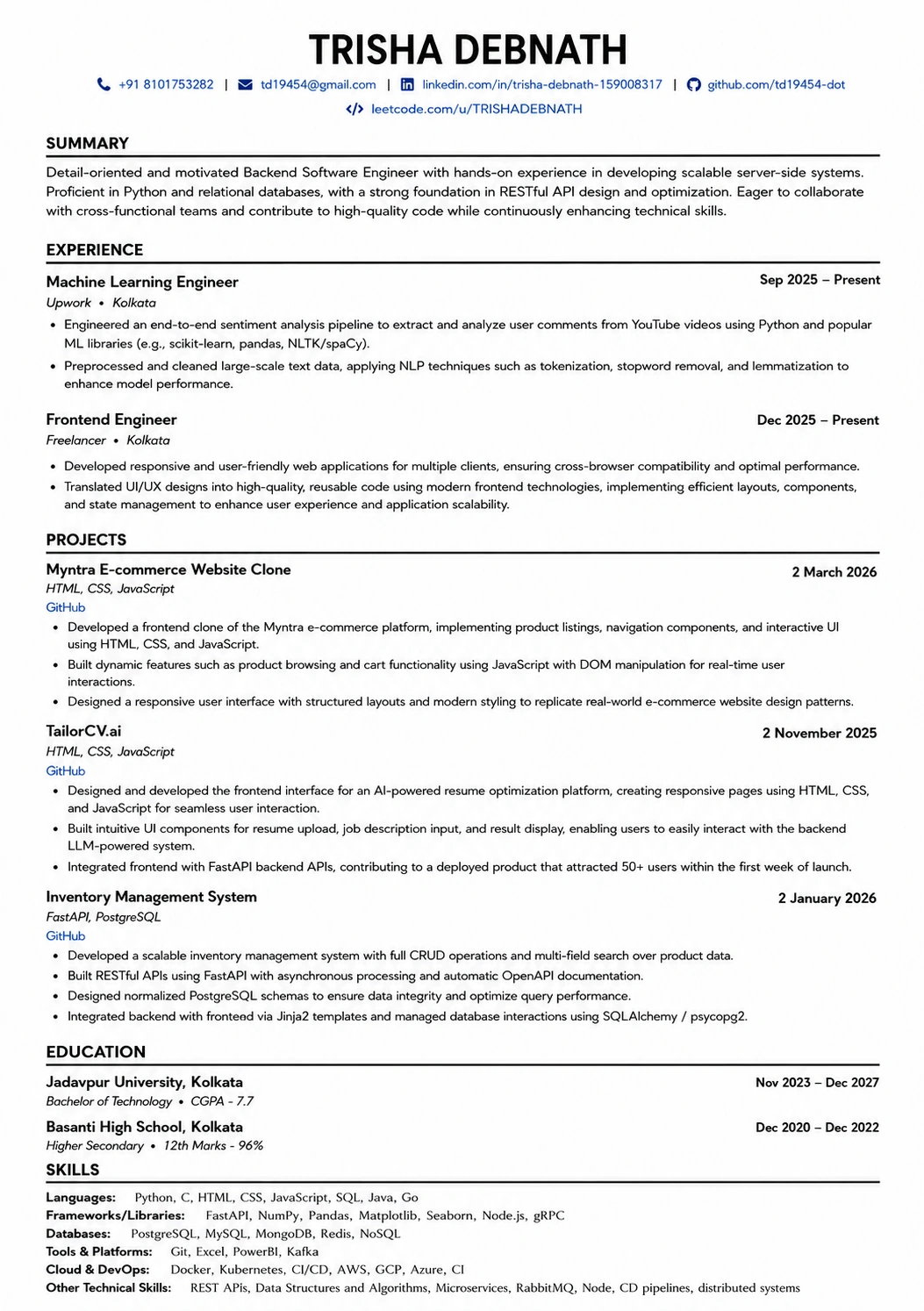
Templates that keep this structure intact
This template is ATS-tested — start from it and the formatting rules in this guide are already handled.
Was this guide useful?
Be the first to rate it.