TD
TD
Key Takeaways
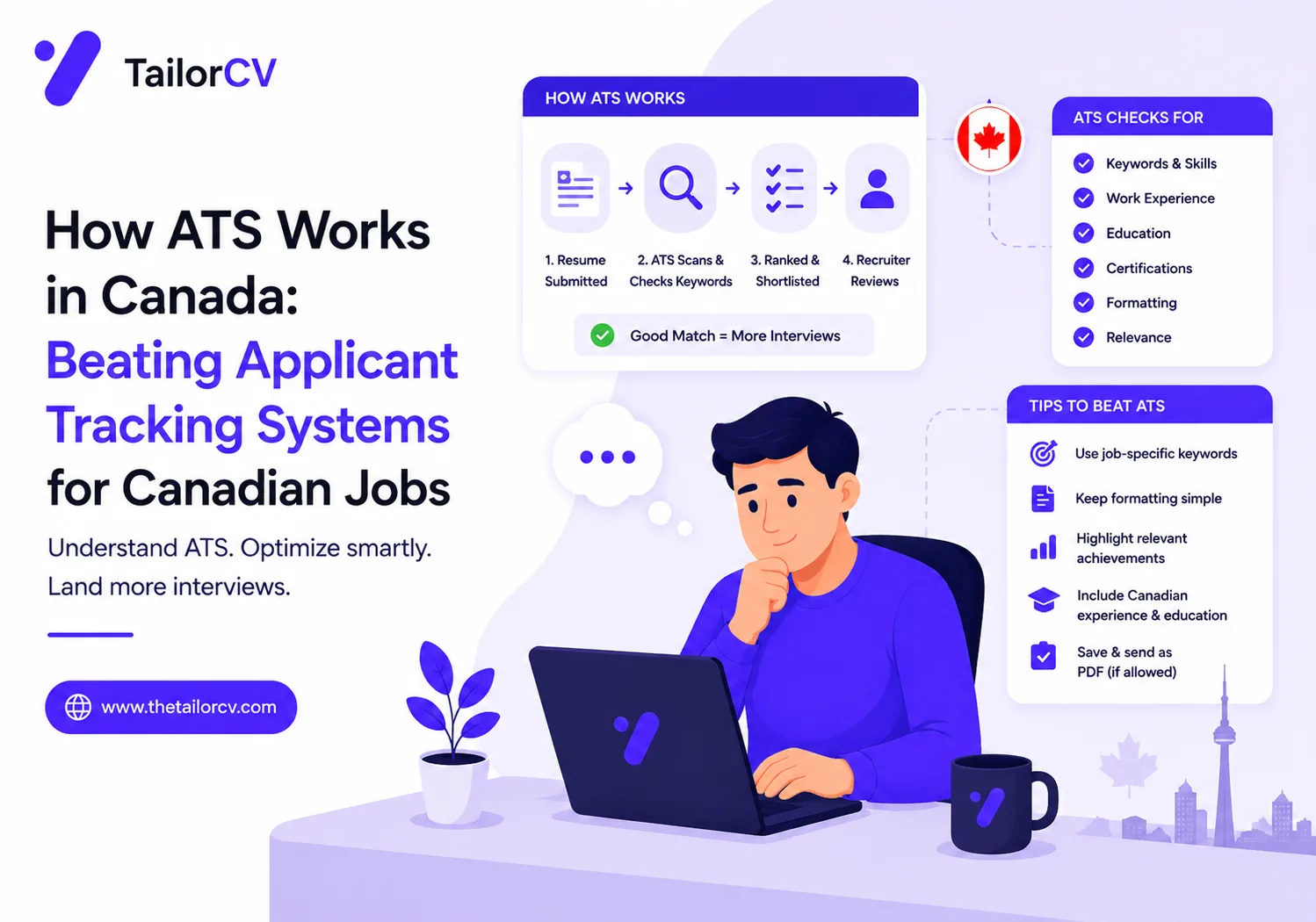
- Applicant Tracking Systems (ATS) automate resume sorting and rely on keyword matching to identify suitable candidates.
- Canadian resumes should avoid personal information, adhere to a two-page limit, and follow specific formatting norms.
- Customizing your resume for each job application by using relevant keywords and matching job titles is crucial for ATS success.
- Including a dedicated skills section with both hard and soft skills can enhance your ATS score.
- Standard formatting with clear headings and bullet points improves readability and helps ATS accurately parse your resume.
Navigating the Canadian job market can be challenging, especially for newcomers and international students. One of the key hurdles many job seekers face is the Applicant Tracking System (ATS), a software that many employers use to filter resumes before they even reach human eyes. Understanding how ATS works in Canada is crucial for crafting a resume that not only gets noticed but also passes through this digital gatekeeper. In this article, we will explore practical steps you can take to optimize your resume for ATS, ensuring you stand out in the competitive Canadian job landscape.
What is ATS and Why Does It Matter?
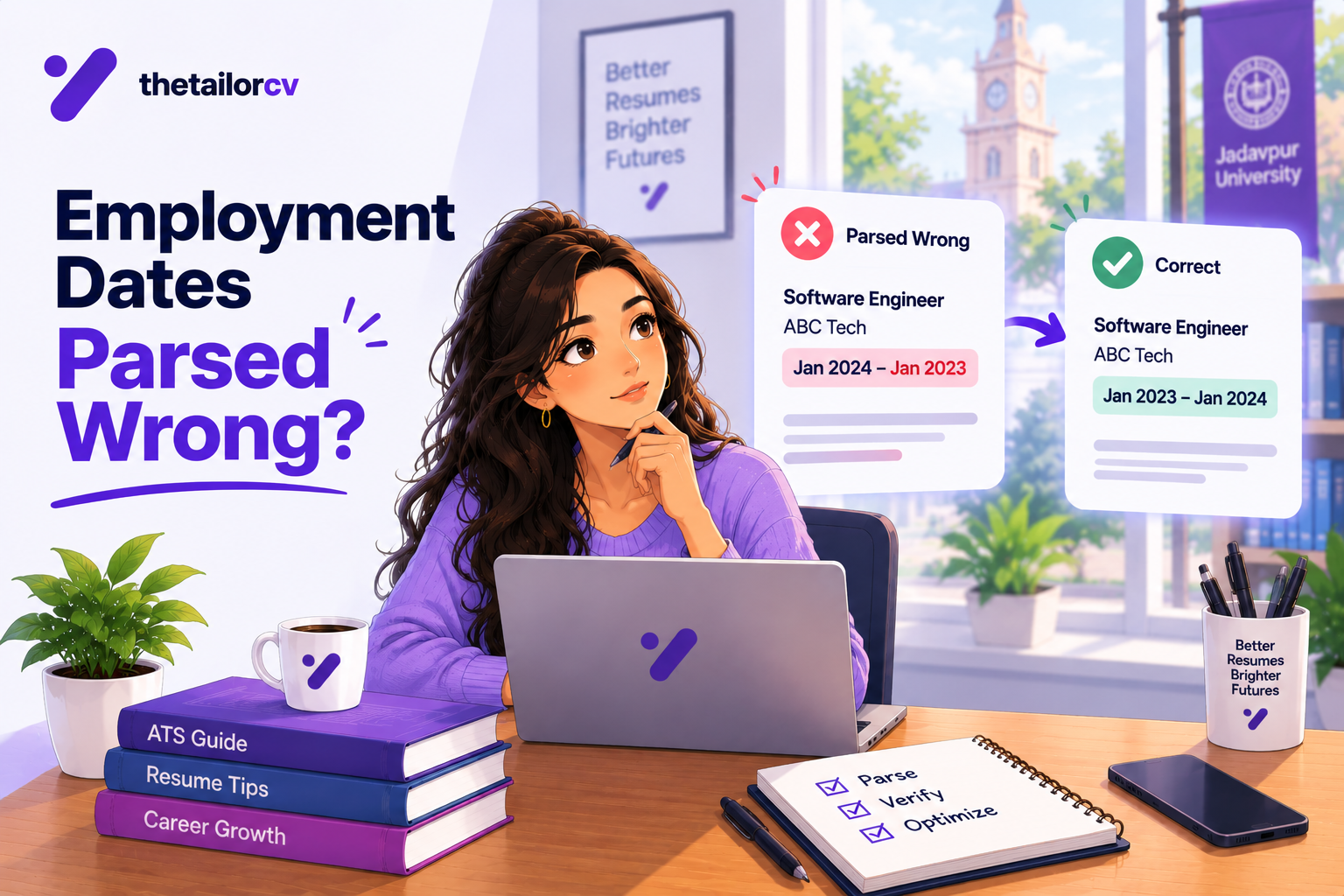
Applicant Tracking Systems are designed to streamline the hiring process by automating the collection and sorting of resumes. They parse information from your resume and match it against job descriptions to determine which candidates best fit the role. Given that many Canadian employers, especially larger companies, utilize ATS, understanding how to optimize your resume for these systems is essential.
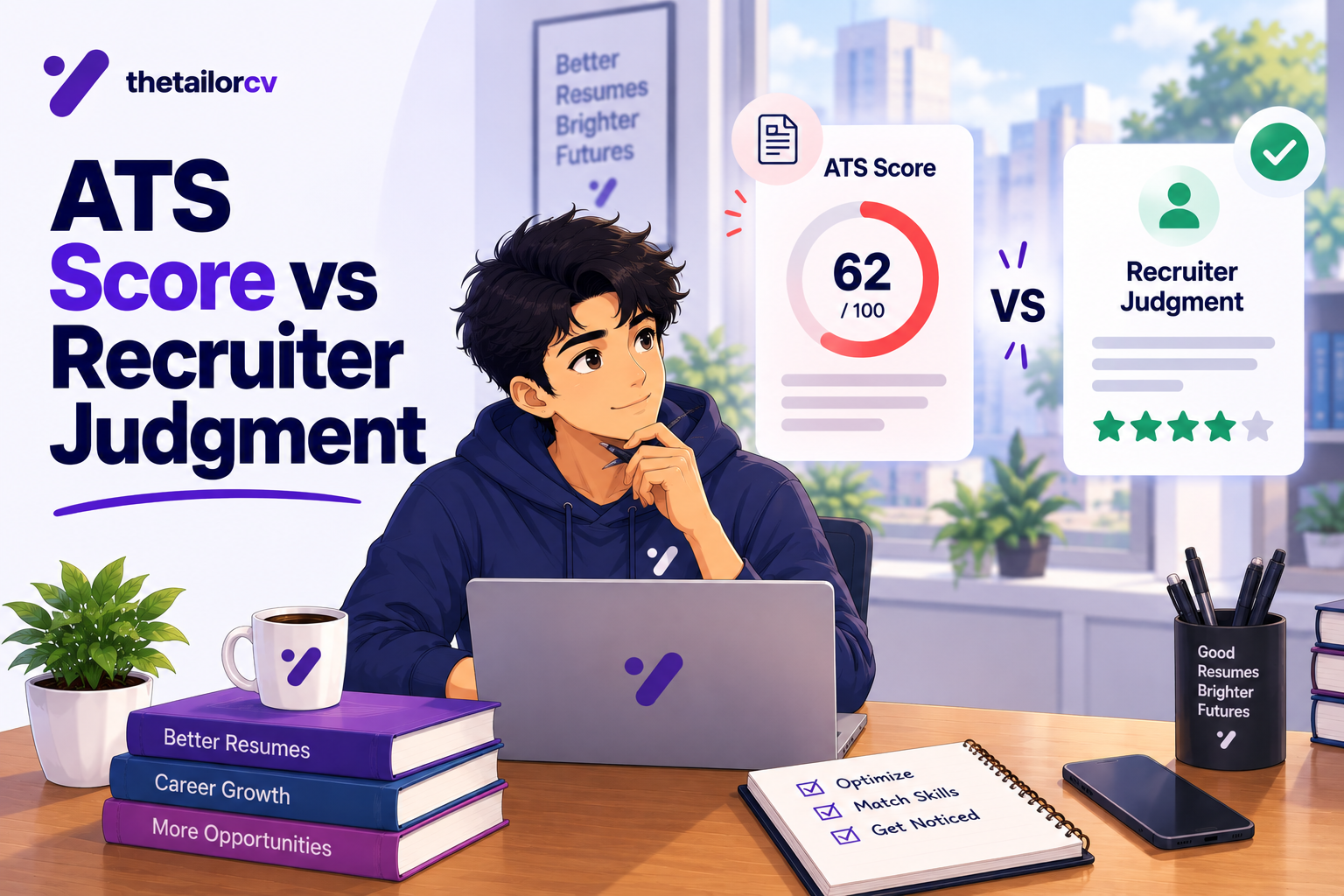
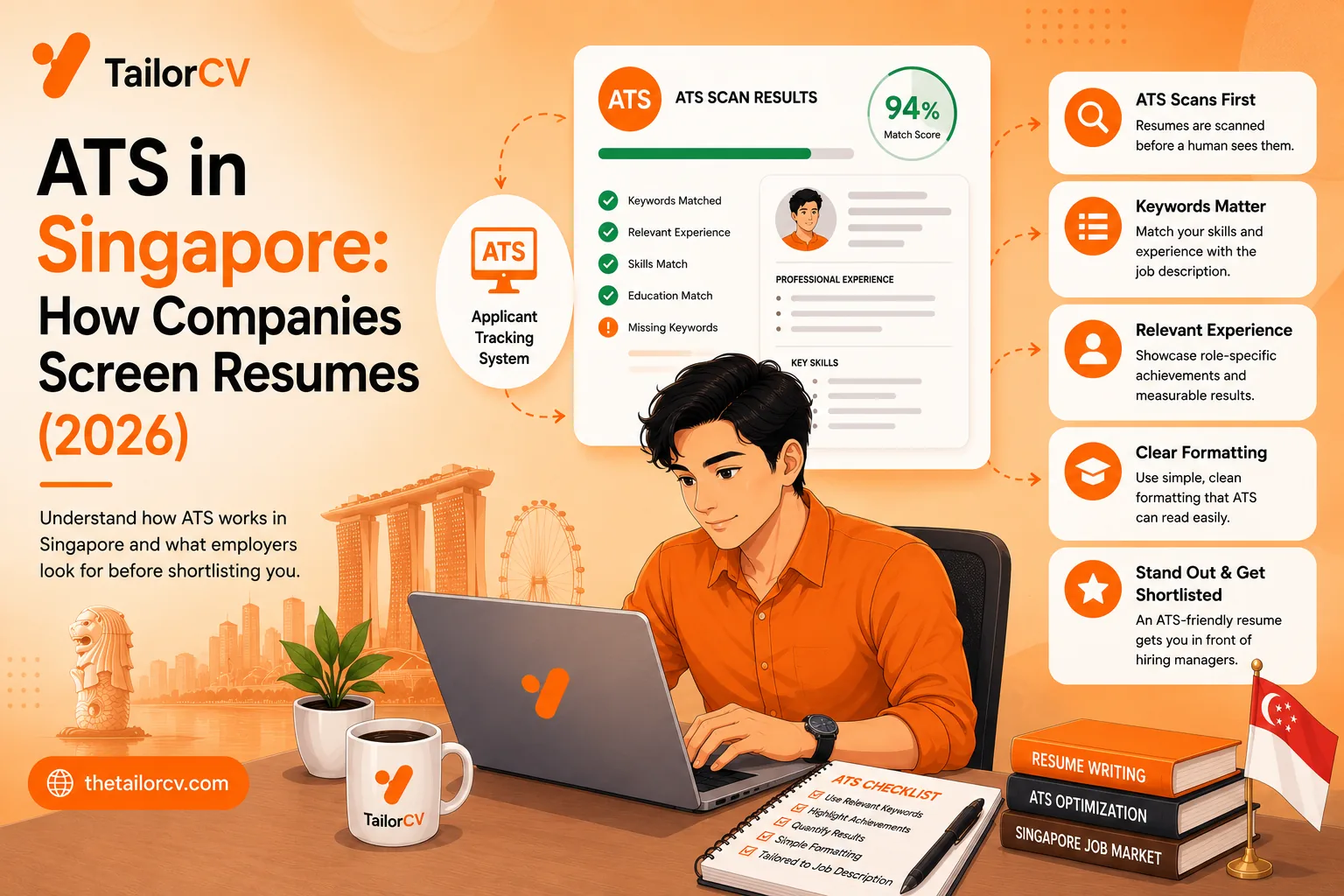
What an ATS score report actually shows you

A score on its own is not actionable. The per-check list beside it - missing LinkedIn, skills gap, formatting the parser cannot read - is what you work through.
Key Features of ATS
- Keyword Matching: ATS scans for specific keywords related to the job description.
- Formatting Issues: Complex formatting can confuse ATS, leading to missed information.
- Data Extraction: ATS extracts information such as your name, contact details, work experience, and education.
By tailoring your resume to meet ATS requirements, you improve your chances of landing an interview.
Understanding Canadian Resume Norms
Before diving into ATS optimization, it's important to familiarize yourself with Canadian resume norms:
| Rule | What it means |
|---|---|
| No Personal Information | Avoid including a photo, age, or marital status |
| Length | A two-page resume is acceptable if it’s well-organized and relevant |
| Contact Information | Use the Canadian format for phone numbers and addresses (e.g., (123) 456-7890, 123 Street Name, City, Province, Postal Code) |
| References | State "References available upon request" rather than listing them on your resume |
Understanding these norms will help you create a resume that resonates with Canadian employers while also being ATS-friendly.
Steps to Create an ATS-Friendly Resume
1. Use Standard Formatting
ATS can struggle with unusual formats. Stick to:
- Standard fonts like Arial, Calibri, or Times New Roman.
- Simple layouts without images, tables, or graphics.
- Clear headings (e.g., "Work Experience", "Education").
For more detailed guidance on this, check our resume file format guide.
2. Tailor Your Resume for Each Job Application
Customizing your resume for each job is essential for ATS success. Here’s how:
- Use Keywords: Analyze the job description and incorporate relevant keywords into your resume.
- Match Job Titles: Align your previous job titles with those listed in the job posting, as long as it accurately reflects your experience.
- Highlight Relevant Skills: Focus on skills that are specifically mentioned in the job description.
For tips on matching your resume with job descriptions, read our resume matching guide.
3. Optimize Content with Keywords
Keywords are the backbone of ATS. Here’s how to effectively use them:
- Identify Keywords: Look for skills, qualifications, and industry jargon in the job description.
- Incorporate Naturally: Integrate these keywords into your summary, experience, and skills sections without keyword stuffing.
- Use Synonyms: Different companies may use different terminology for the same skills, so include variations.
To learn more about effective keyword usage, explore our resume optimization guide.
4. Include a Skills Section
A dedicated skills section can enhance your ATS score. Consider the following:
- Hard Skills: Specific technical skills related to the job (e.g., software proficiency, languages).
- Soft Skills: Include relevant interpersonal skills (e.g., communication, teamwork).
- Certifications: List certifications that are relevant to the position.
5. Use Bullet Points for Clarity
Bullet points improve readability and help ATS parse your information. Follow these tips:
- Start with Action Verbs: Use strong verbs like "Developed", "Managed", or "Created".
- Quantify Achievements: Whenever possible, use numbers to showcase your accomplishments (e.g., "Increased sales by 20%").
- Keep it Concise: Limit each bullet to one or two lines for clarity.
For assistance with crafting bullet points, check out our guide on how to write a resume from scratch.
Testing Your Resume with ATS
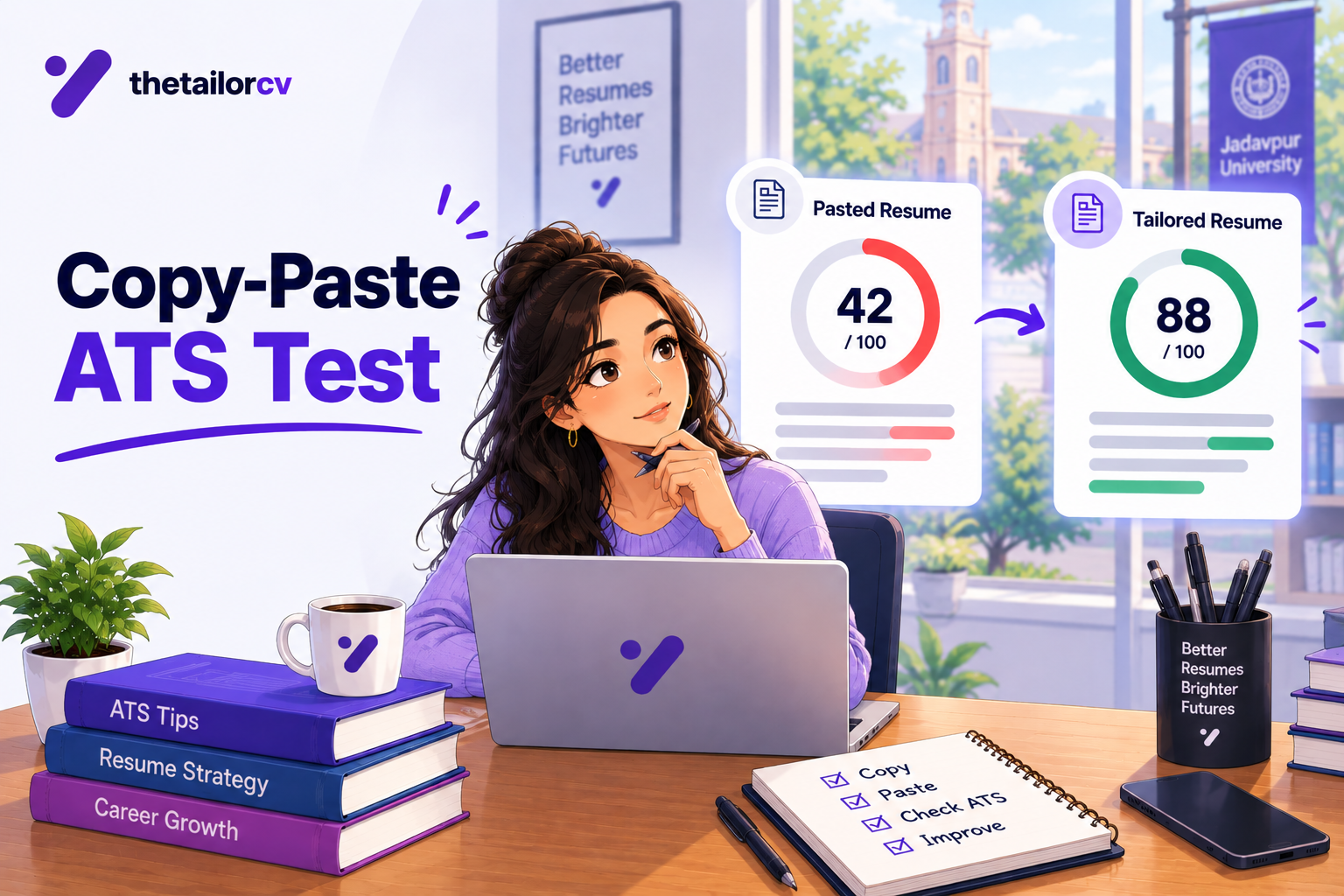
Before submitting your resume, it’s wise to test it for ATS compatibility. TailorCV offers a free ATS score checker that evaluates how well your resume aligns with ATS requirements. This tool can help pinpoint areas for improvement, ensuring your resume stands the best chance of passing through ATS filters.
The Importance of a Cover Letter
While your resume is crucial, a well-crafted cover letter can complement your application and provide context for your experience. TailorCV's AI cover letter generator can assist you in creating a personalized cover letter that resonates with Canadian employers.
Preparing for Interviews
Once your resume gets you an interview, preparation is key. Utilizing TailorCV’s AI mock interview can help you practice common interview questions and improve your confidence.
Building Your Online Presence
In addition to a polished resume, having a strong online presence can enhance your job search. Consider creating a portfolio website with TailorCV’s portfolio website builder to showcase your work and skills.
Common ATS Mistakes to Avoid
When it comes to crafting an ATS-friendly resume, many candidates unknowingly make mistakes that can hurt their chances of getting noticed. Here’s a list of common pitfalls to avoid:
-
Using Non-Standard Formatting: ATS systems often struggle with complex formatting. Stick to a simple layout with clear headings and bullet points. Avoid using tables, graphics, or images that may not be parsed correctly.
-
Overloading with Keywords: While incorporating keywords is essential, overstuffing them can lead to a negative impression. Ensure that your keywords flow naturally within the context of your experience and skills.
-
Ignoring Job Descriptions: Failing to tailor your resume to the specific job description can be detrimental. Analyze the job listing and incorporate relevant keywords and phrases found within it. For more on this, check out ATS Keywords - How to Find and Add Them to Boost Your Score.
-
Using Uncommon Job Titles: If your previous job title was unique to your company, consider using a more widely recognized title that reflects your role accurately. This can help ensure ATS systems recognize your experience.
-
Neglecting the File Format: Submitting your resume in an unsupported format can lead to rejection. Stick to standard formats like .docx or .pdf, but always check the job posting for specific requirements. For more on formatting, refer to ATS Resume Parser Friendly Format.
Step-by-Step Guide to Tailoring Your Resume
Tailoring your resume for ATS doesn’t have to be complicated. Follow these steps to ensure your resume stands out to both the ATS and hiring managers:
-
Analyze the Job Description: Identify keywords, required skills, and qualifications mentioned in the job posting. Highlight these elements for easy reference.
-
Match Your Experience: Go through your work history and find relevant experiences that align with the job description. Make notes of accomplishments and responsibilities that correlate with the identified keywords.
-
Incorporate Keywords Naturally: Begin drafting your resume by integrating the keywords into your summary, work history, and skills sections. Ensure they fit seamlessly into your narrative.
-
Use Simple Formatting: Choose a clean, professional layout. Use standard headings like “Work Experience,” “Education,” and “Skills.” Maintain consistency in font and size.
-
Run an ATS Check: Before submitting your resume, use an ATS checker to evaluate its compatibility. Tools available at TailorCV can provide insights into how well your resume aligns with ATS criteria.
-
Revise and Edit: Make necessary adjustments based on the ATS check results. Ensure that your resume is free from spelling and grammatical errors, as these can also impact your ATS score.
Mini Checklist for ATS Optimization
Before you hit send on your job application, use this mini checklist to ensure your resume is ATS-friendly:
- unchecked: Is my resume in a compatible file format?
- unchecked: Have I tailored my resume to include relevant keywords from the job description?
- unchecked: Is my formatting simple and clear (no tables or images)?
- unchecked: Are my job titles easily recognizable and relevant?
- unchecked: Have I included a brief summary that highlights key skills and experiences?
- unchecked: Did I proofread for spelling and grammatical errors?
- unchecked: Have I utilized bullet points for easy readability?
- unchecked: Is my contact information prominently displayed at the top?
Scenarios: How ATS Impacts Job Applications
Understanding how ATS works can be more effective when you visualize real-life scenarios. Here are two examples of how ATS can directly impact job applications:
-
Scenario 1: The Overqualified Candidate
Jane applies for a mid-level project management role but lists her previous experience as a senior project manager. While she possesses the skills needed, the ATS may overlook her application due to the mismatch in job title. To improve her chances, Jane should align her title with the mid-level role while still showcasing her senior experience in the job description. -
Scenario 2: The Keyword Stuffing Mistake
Mike submits his resume for a marketing position, stuffing it with the word "marketing" in every section. The ATS flags his resume as spam, and it gets disqualified. Instead, Mike should focus on using the term strategically and incorporate variations such as "digital marketing," "content marketing," and "social media marketing" to demonstrate a broader understanding.
Best Practices for Crafting an ATS-Friendly Cover Letter
Your cover letter is just as important as your resume when it comes to ATS. Here are best practices to optimize your cover letter for ATS:
-
Include Keywords: Just like your resume, use relevant keywords from the job description. This not only enhances your ATS score but also shows your alignment with the role.
-
Maintain a Standard Format: Use a traditional format with clear headings, such as “Introduction,” “Body,” and “Conclusion.” Avoid fancy designs that can confuse ATS.
-
Personalize Your Content: Address the hiring manager by name if possible, and tailor the content to reflect your enthusiasm for the specific role and organization.
-
Keep It Concise: Aim for a one-page cover letter that succinctly summarizes your qualifications and interest in the position. Avoid unnecessary fluff.
-
Proofread: Ensure your cover letter is free from errors. Typos can diminish your professionalism and affect how ATS interprets your document. For assistance, use the TailorCV cover letter tool.
By following these strategies, you can enhance your chances of success in navigating the ATS landscape in Canada.
Related Guides
Keep building your Canadian job search with these related TailorCV guides:
- Canadian Resume Format Guide (2026): How to Write a Resume for Canada
- How to Write a Cover Letter for Canadian Jobs (With Structure)
- How to Get a Job in Canada in 2026: A Step-by-Step Guide
- In-Demand Jobs in Canada for 2026 (and How to Match Your Resume)
- How to Check Your ATS Score for Free (2026 Guide)
- What Is a Good ATS Score? Benchmarks and Targets for 2026
- ATS Keyword Mistakes That Are Costing You Interviews (And How to Fix Them in 2026)
- ATS Mistakes Experienced Professionals Make (And Why Your Resume Stops Working After 5+ Years)
- Canada Startup Visa Guide 2026 - Permanent Residence Through Entrepreneurship
You can also check your resume's ATS score for free, generate a tailored cover letter, or build a portfolio website in minutes.
Frequently Asked Questions
1. What is an ATS-friendly resume?
An ATS-friendly resume is formatted and structured to be easily read by Applicant Tracking Systems. It avoids complex formatting, uses standard fonts, and includes relevant keywords from the job description. For more tips, check our how to make a resume ATS-friendly.
2. How can I improve my ATS score?
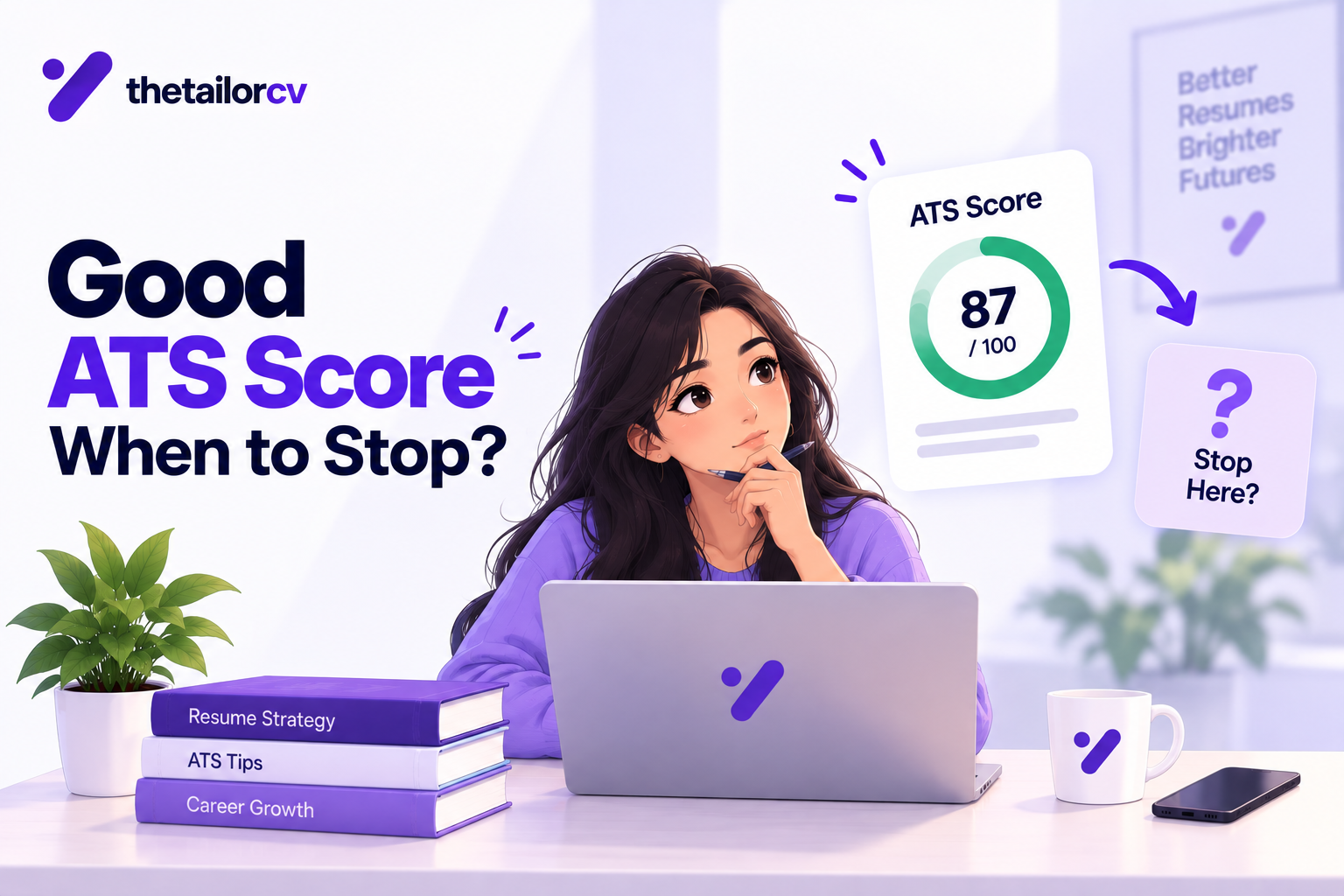
To improve your ATS score, tailor your resume for each job application by incorporating relevant keywords, using standard formatting, and including a skills section. For detailed guidance, refer to our what is a good ATS score.
3. Are Canadian resumes different from those in other countries?
Yes, Canadian resumes have specific norms, such as not including personal information like photos or marital status, and typically being two pages long. For more insights, read our Canadian resume format guide.
4. How do I tailor my resume for a specific job?
Tailoring your resume involves analyzing the job description for keywords and required skills, then ensuring these are reflected in your resume's content. For a comprehensive approach, see our how to get a job in Canada.
5. What should I include in my resume?
Your resume should include contact information, a summary statement, work experience, education, and skills. Ensure that each section is formatted simply and clearly for ATS readability. For more tips, check our resume tips for newcomers to Canada.
What is your resume scoring right now?
Scan it against a job description and get your ATS match score in about a minute.
Drop your resume here or choose a file
PDF only. Max 2 MB.
We never share your data or use it to train AI models.
Templates that keep this structure intact
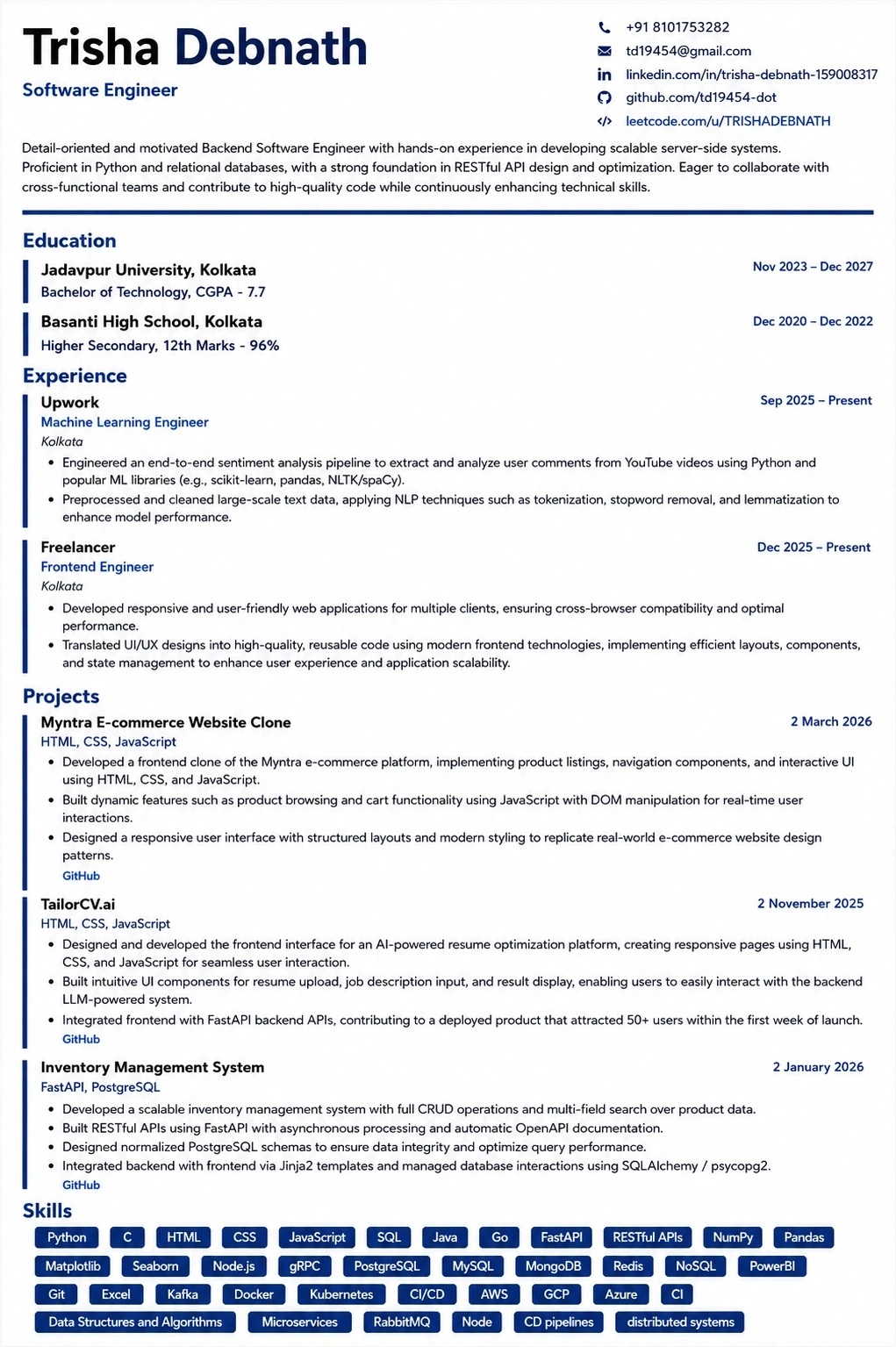
This template is ATS-tested — start from it and the formatting rules in this guide are already handled.
Was this guide useful?
Be the first to rate it.