TD
TD
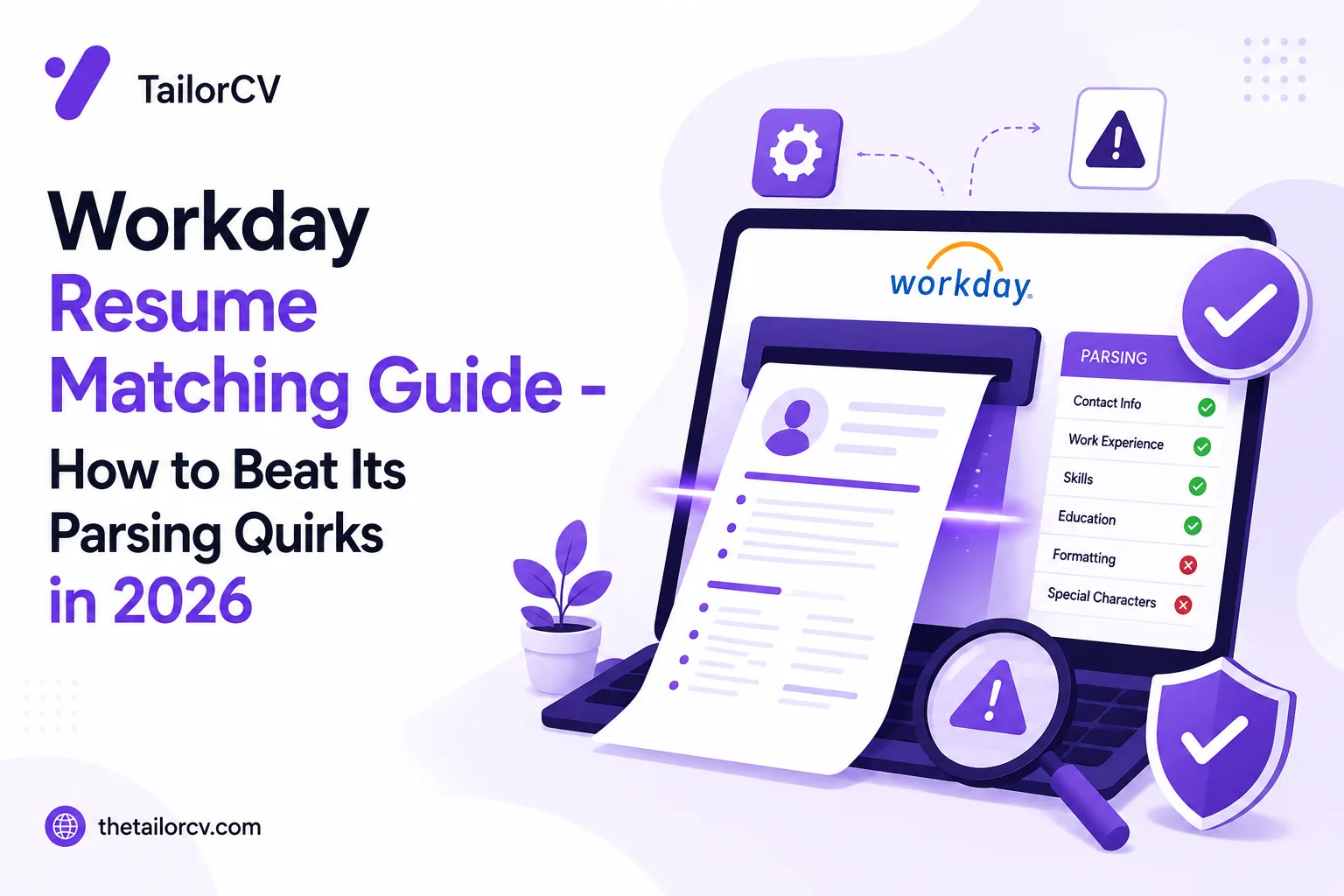
Key Takeaways
- Workday's parsing differs from generic ATS platforms, affecting how resumes are scored and matched to job descriptions.
- The auto-fill extraction process can lead to matching failures if resumes use complex formatting like multi-columns or tables.
- Workday scores resumes based on exact keyword matches, making it crucial to align your skills with the job description.
- Always check and correct auto-filled fields before submitting your application, as errors can lead to disqualification.
- Use a single-column layout, standard section headers, and save as .docx or text-based PDFs to improve parsing accuracy.
Workday is the ATS behind more Fortune 500 job applications than almost any other platform. If you have applied to a large company recently, you have probably typed your work history into a Workday form and wondered whether it even read your resume.
It did. But Workday parses differently than a generic ATS, and it scores differently too. A resume that is perfectly ATS-friendly on one platform can still lose points on Workday if you do not understand its quirks.
This guide covers exactly how Workday parses and ranks resumes, and how to match your resume to a Workday job description so nothing gets lost in translation.
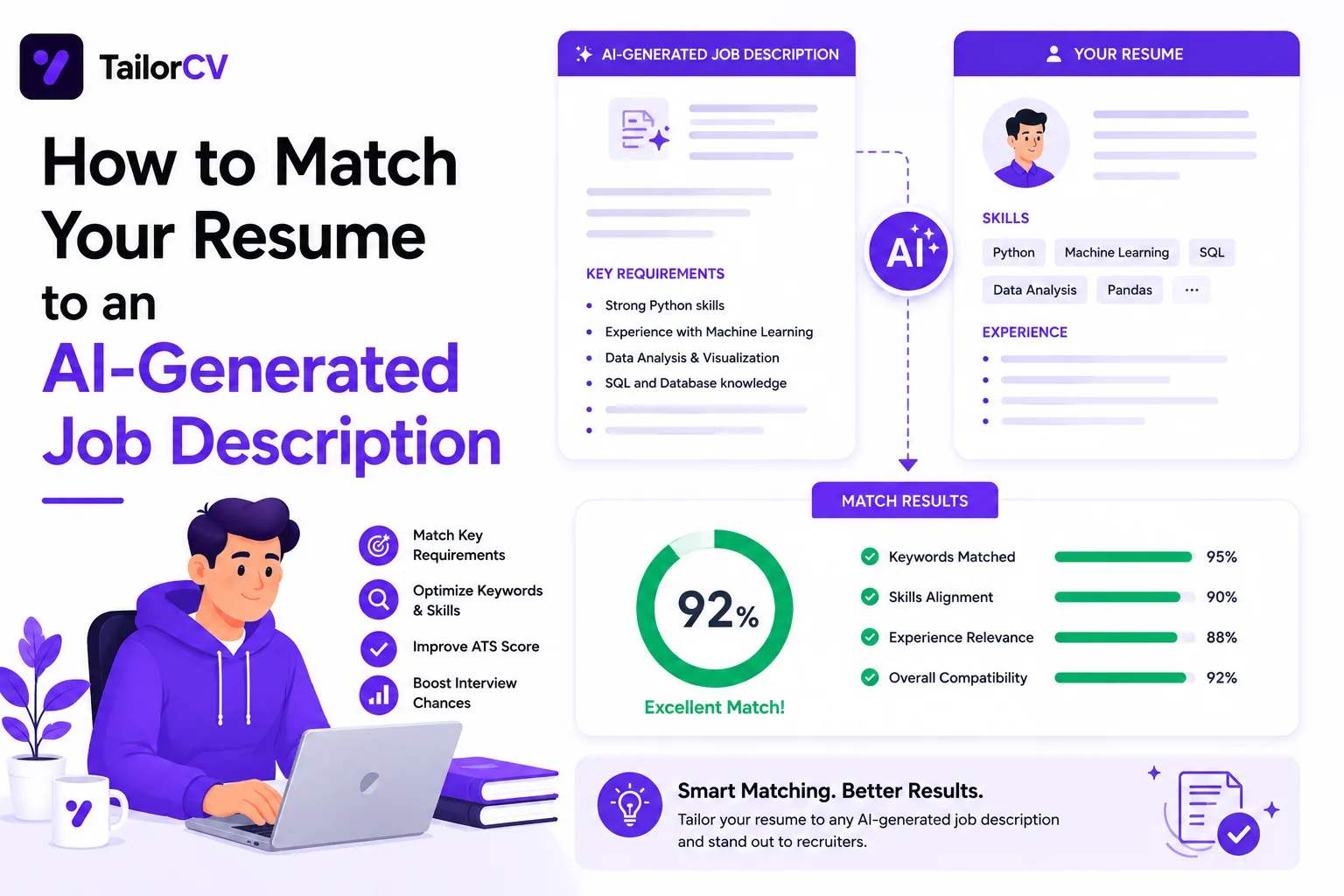
Check your resume against any job description in seconds with the TailorCV ATS score checker before you submit it through Workday.
What Makes Workday Different From Other ATS Platforms
Workday is not just a resume parser. It is a full applicant management system used by large enterprises, so it layers extra steps on top of standard ATS scoring:
- It auto-fills application fields from your resume, and asks you to confirm or correct them
- It frequently includes supplemental screener questions separate from the resume
- It re-parses your resume every time you apply to a different req at the same company
- Recruiters can filter and sort candidates using the structured fields Workday extracted, not just the raw PDF
That last point matters most. If Workday mis-parses your dates, titles, or skills into the wrong fields, a recruiter filtering by "5+ years experience" or "current job title" may never see you, even if your resume clearly qualifies.
How Workday Parses and Scores Your Resume
Step 1: Auto-Fill Extraction
When you upload your resume, Workday extracts your contact details, work history, education, and skills into its own form fields. This is the step most candidates never think about, but it is where most matching failures happen.
Complex formatting, such as multi-column layouts, text boxes, or tables, confuses this extraction. Fields end up blank, merged, or scrambled.
Step 2: Keyword and Skills Matching
Once the data is structured, Workday compares your parsed skills and experience against the job description's requirements. This works the same way most ATS keyword matching does: exact terms score higher than paraphrases.
Step 3: Supplemental Questions
Workday applications almost always include extra screener questions ("Do you have 3+ years of Python experience?", "Are you authorized to work in this country?"). These answers are scored independently of your resume and can disqualify you even with a strong resume match.
Workday-Specific Formatting Rules
| Rule | Why It Matters |
|---|---|
| Use a single-column layout | Multi-column resumes often parse out of order in Workday's extraction engine |
| Avoid tables and text boxes | Content inside tables is frequently skipped entirely |
| Use standard section headers | "Work Experience", "Education", "Skills" parse more reliably than creative headers |
| Save as .docx or PDF (text-based, not scanned) | Workday's parser reads text layers, not images |
| Spell out dates clearly (Month Year - Month Year) | Ambiguous date formats can break the employment-history field |
| List job titles exactly as held | Workday matches parsed titles against the job's title requirements |
Your resume after optimization
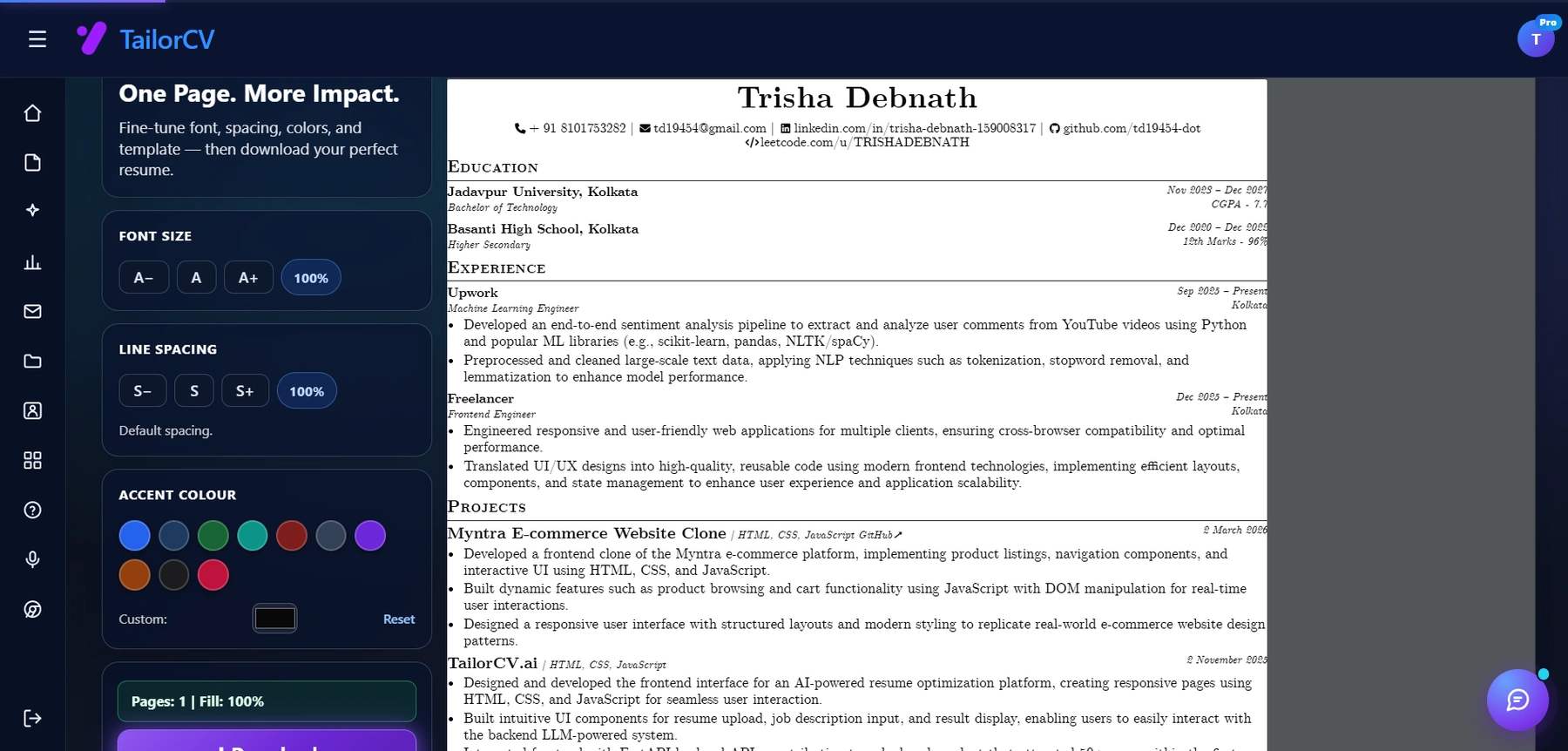
This is the resume after tailoring - the content is already matched, and these controls are how you fit it onto one page.
Start from an ATS-friendly resume template built for exactly this kind of parsing, so you are not troubleshooting formatting after the fact.
Common Workday Resume Mistakes
Letting Auto-Fill Errors Go Unchecked
Workday shows you the fields it extracted before you submit. Most candidates skip past this screen. Always review it. If your most recent title landed in the wrong field, fix it manually before submitting.
Treating the Resume Upload as the Whole Application
Your resume gets you parsed. The supplemental questions and the manually entered fields often carry equal or greater weight in Workday's scoring. Do not neglect them in favor of a perfect resume.
Reusing One Resume Across Every Workday Req
Different reqs at the same company can have very different job descriptions, even for similar titles. Read how much to change your resume for every job and adjust accordingly.
Ignoring Common Formatting Mistakes
Workday inherits the same weaknesses as most parsers. Review ATS resume formatting mistakes and ATS resume parser friendly format before you apply anywhere through Workday.
How to Match Your Resume to a Workday Job Description, Step by Step
- Read the full job description, not just the summary. Workday postings often bury required skills in a separate "qualifications" block.
- Extract the required keywords using the same method as the job description keyword extraction guide.
- Rewrite your summary and skills section to mirror the job's exact language, following the resume matching guide.
- Simplify your formatting to a single-column, standard-header layout.
- Upload and review the auto-filled fields carefully before submitting.
- Answer every supplemental question honestly and completely — a skipped question can auto-reject you.
- Check your match score with the TailorCV ATS checker before you hit submit, so you know your resume is ready before Workday ever sees it.
How TailorCV Helps You Match Workday Applications Faster
Manually reformatting a resume for every Workday req is slow. TailorCV's resume optimizer reads the job description, flags keyword gaps, and rewrites your resume in a clean, single-column, parser-friendly format that plays well with Workday's extraction engine. Once your resume is ready, generate a matching AI cover letter for the same role in minutes, or prep for the next stage with an AI mock interview.
Practical Examples of Resume Matching for Workday
To better understand how to tailor your resume for Workday, let’s look at a couple of practical examples.
Example 1: Marketing Manager Position
Job Description Highlights:
- Required: 5+ years in digital marketing, proficiency in SEO and SEM, experience with Google Analytics.
- Preferred: Familiarity with CRM tools, content management systems, and social media strategy.
Matching Strategy:
- Keywords: Ensure your resume includes terms like "digital marketing," "SEO," "SEM," and "Google Analytics." Highlight these skills in your professional experience section.
- Accomplishments: Quantify your achievements. For instance, "Increased organic traffic by 30% through targeted SEO strategies" demonstrates your proficiency and aligns with the required qualifications.
- Preferred Qualifications: While not mandatory, mention your experience with CRM tools and content management systems. This can be included in a separate section titled “Additional Skills” or during your job responsibilities.
Example 2: Software Engineer Role
Job Description Highlights:
- Required: Proficient in Python and Java, understanding of cloud technologies.
- Preferred: Experience with Agile methodologies, knowledge of DevOps practices.
Matching Strategy:
- Technical Skills Section: Clearly list Python and Java under your technical skills. Use bullet points for clarity.
- Project Descriptions: Include specific projects where you utilized cloud technologies. For example, "Developed a cloud-based application using Python and deployed it on AWS."
- Agile and DevOps: Even if these are preferred qualifications, mention any experience you have with Agile methodologies, such as "Worked in a Scrum team to deliver software updates bi-weekly."
Step-by-Step Checklist for Workday Resume Preparation
To ensure your resume passes through the Workday ATS effectively, follow this checklist:
-
Analyze the Job Description: - Highlight required and preferred qualifications. - Identify key skills and keywords.
-
Create a Keyword Map: - Use the Resume Keyword Map Template to align your skills with the job description.
-
Format Your Resume Correctly: - Stick to standard fonts (Arial, Calibri, Times New Roman). - Use clear headings (e.g., Experience, Education, Skills) and avoid unusual formatting.
-
Tailor Your Content: - Customize your professional summary to reflect the job title and key qualifications. - Use bullet points to list achievements and responsibilities, aligning them with the job description.
-
Check for Common Mistakes: - Avoid using images or graphics as Workday ATS may not parse them correctly. - Ensure there are no spelling or grammatical errors.
-
Run an ATS Compatibility Check: - Use tools like the ATS checker to ensure your resume meets ATS standards.
Do's and Don'ts of Workday Resume Matching
Do's
- Do Use Relevant Keywords: Match your skills with the job description to boost your score.
- Do Quantify Achievements: Use numbers and metrics to demonstrate your impact.
- Do Tailor Your Resume for Each Application: Customize your resume for every job you apply to, focusing on the specific qualifications mentioned.
Don'ts
- Don’t Use Complex Formatting: Avoid tables, columns, or text boxes that can confuse the ATS.
- Don’t Include Irrelevant Information: Keep your resume focused on the job you’re applying for. Exclude unrelated job experiences.
- Don’t Ignore the Preferred Qualifications: While they are not mandatory, addressing them can give you an edge.
Scenario: Overcoming Common Workday Resume Challenges
Imagine you’re applying for a position where the job description mentions “experience with data visualization tools” as a required qualification. You realize that although you have used such tools, you haven’t explicitly mentioned them in your resume.
Solution:
- Update Your Skills Section: Add data visualization tools you are familiar with (e.g., Tableau, Power BI).
- Revise Job Descriptions: In your previous roles, describe how you used these tools. For instance, "Created interactive dashboards using Tableau to track sales performance."
By addressing this gap, you can improve your chances of passing the Workday ATS and getting noticed by hiring managers.
Final Thoughts: Continuous Improvement and Learning
Job application processes are ever-evolving, and so are the tools used by employers. Stay updated on best practices for various ATS platforms, including Greenhouse ATS Resume Tips and Lever ATS Resume Guide, to refine your resume matching strategies. Regularly revisit and adjust your resume based on feedback and new job descriptions to enhance your chances of success.
Frequently Asked Questions
Does Workday penalize creative resume designs?
Workday does not "penalize" design directly, but heavily designed resumes with columns, graphics, or text boxes often parse incorrectly, which indirectly hurts your match score and the accuracy of your application.
Why did Workday put my information in the wrong fields?
This almost always comes down to formatting. Non-standard section headers, tables, or unusual date formats confuse the parser. Simplify your layout and re-upload.
Should I still tailor my resume if Workday has supplemental questions?
Yes. Supplemental questions and your resume are scored separately. A strong resume gets you past the initial filter; strong answers to screener questions keep you there. You can learn more about how to prioritize what you match to enhance your application.
Can I use the same resume for multiple Workday applications at one company?
Only if the roles are nearly identical. Otherwise, follow how to tailor your resume for every job and adjust for each req.
What file format does Workday prefer?
A text-based PDF or .docx file works best. Avoid scanned images or resumes exported from design tools that flatten text into images. For more tips, check out our resume keyword map template.
Related Guides
- Resume Matching with Job Description - Complete Guide
- Greenhouse ATS Resume Tips
- Lever ATS Resume Guide
- iCIMS and Taleo Resume Formatting Guide
- ATS Score Guide 2026
- ATS Resume Formatting Mistakes
- ATS Resume Parser Friendly Format
- Job Description Keyword Extraction Guide
- How to Make Your Resume ATS-Friendly
- Managing Multiple Resume Versions
Conclusion
Workday rewards resumes that are clean, structured, and matched to the specific req, not just resumes that look good. Simplify your formatting, mirror the job description's language, and never skip the auto-fill review screen.
Before you submit your next Workday application, check your match score with the TailorCV ATS checker and fix the gaps it finds.
Match My Resume to This Job - Free
What is your resume scoring right now?
Scan it against a job description and get your ATS match score in about a minute.
Drop your resume here or choose a file
PDF only. Max 2 MB.
We never share your data or use it to train AI models.

Templates that keep this structure intact
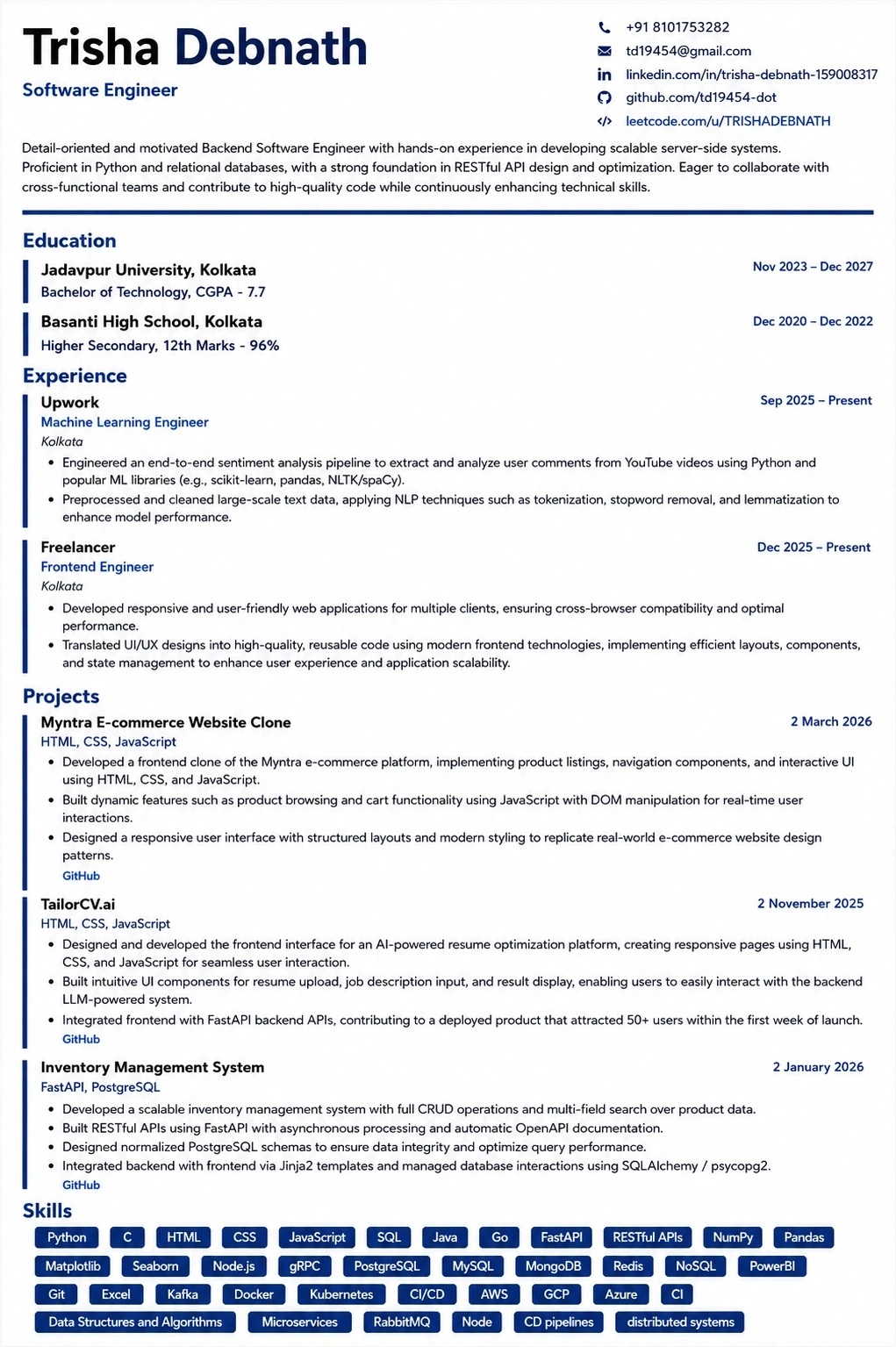
This template is ATS-tested — start from it and the formatting rules in this guide are already handled.
Was this guide useful?
Average 5.00 / 5.00 · 1 rating