TD
TD
Key Takeaways
- Lever parses resumes into structured candidate profiles, making clean formatting essential to avoid parsing errors throughout the hiring pipeline.
- To enhance visibility, resumes should match the job description's keywords and required skills, improving searchability for recruiters.
- Maintaining a current and tailored resume is crucial, as Lever keeps profiles in its system for future roles, not just the one applied for.
- Consistency between your resume and LinkedIn profile is important, as discrepancies can confuse recruiters during the review process.
- Avoid using the same generic resume for multiple applications at Lever-powered companies to demonstrate focus and relevance for each role.
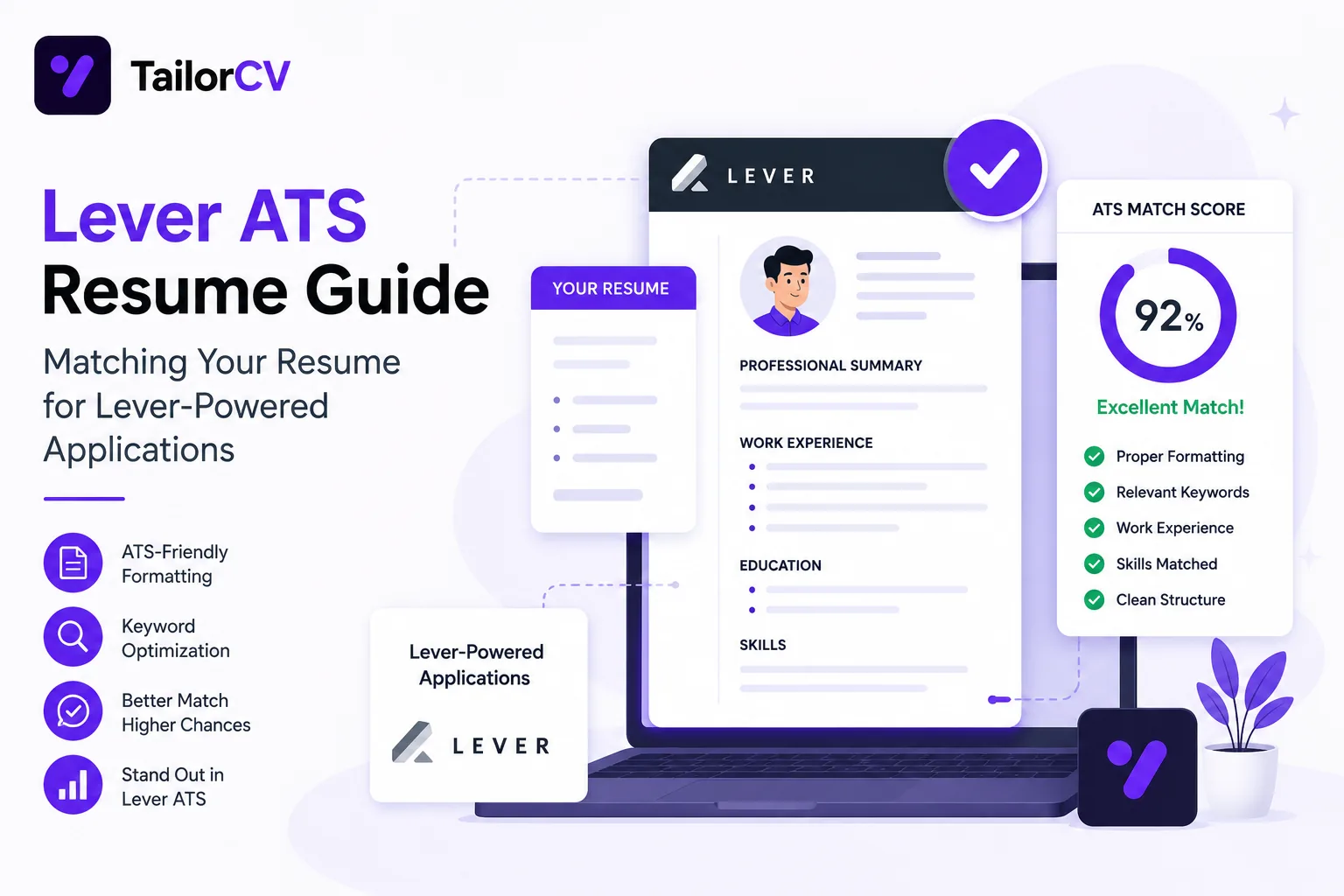
Lever is a widely used ATS and recruiting CRM, popular with mid-size and growth-stage companies. If a job posting redirects you to a "jobs.lever.co" application page, your resume is about to be parsed into Lever's candidate database and evaluated against the role's requirements.
Lever leans heavily on its CRM features, meaning recruiters often manage candidates across a longer pipeline and multiple touchpoints, not just a single application moment. Your resume needs to hold up not only at the initial screen but through however many stages that pipeline includes.
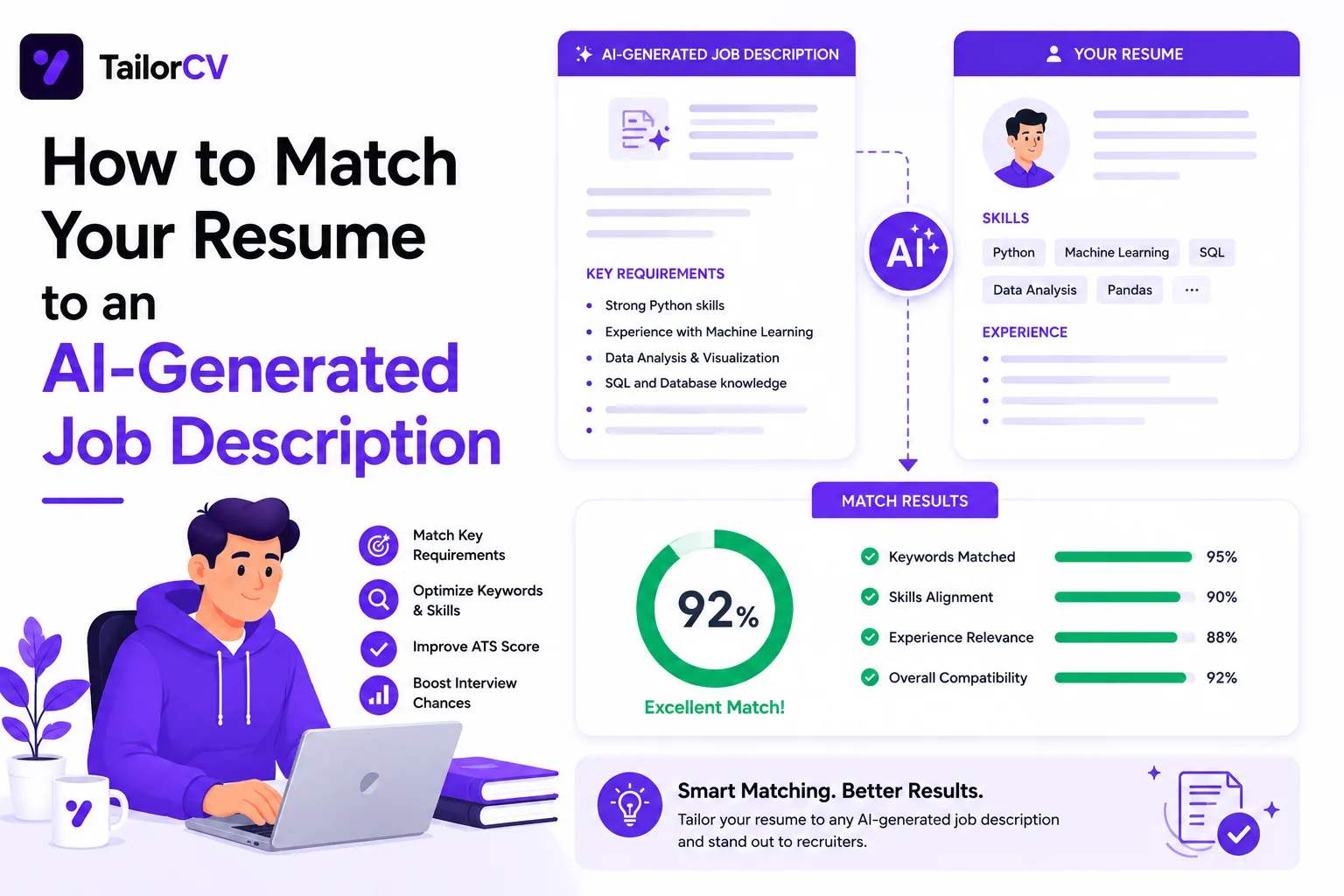
This guide explains how Lever parses resumes and how to match yours to the job description before you submit.
Use the TailorCV ATS score checker to see your match score against any Lever job posting before you apply.
How Lever Parses and Organizes Resumes
Parsing Into Candidate Profiles
Lever extracts your resume data into a structured candidate profile that recruiters reference throughout the entire hiring pipeline, not just at the application stage. This makes clean, standard formatting especially important, since parsing errors can follow you through multiple pipeline stages.
Keyword and Tag Matching
Recruiters using Lever frequently tag and filter candidates by keyword, source, and requirement match. A resume that clearly reflects the job description's required skills and tools is easier to find and tag correctly, which affects whether you surface in a recruiter's filtered search later in the process.
Pipeline Visibility
Because Lever is built around ongoing candidate relationships, a strong, well-matched resume can keep you visible for future roles, not just the one you applied for. A generic or poorly matched resume, by contrast, is easy to overlook even for a role you are otherwise qualified for.
Formatting Rules for Lever Applications
| Rule | Why It Matters |
|---|---|
| Use a single-column, standard layout | Ensures accurate parsing into Lever's candidate profile fields |
| Use consistent, standard section headers | Improves both parsing accuracy and recruiter scanability |
| Front-load your most relevant experience | Recruiters managing large pipelines skim before they read in depth |
| Match tool and skill names exactly | Improves keyword tagging and searchability within Lever |
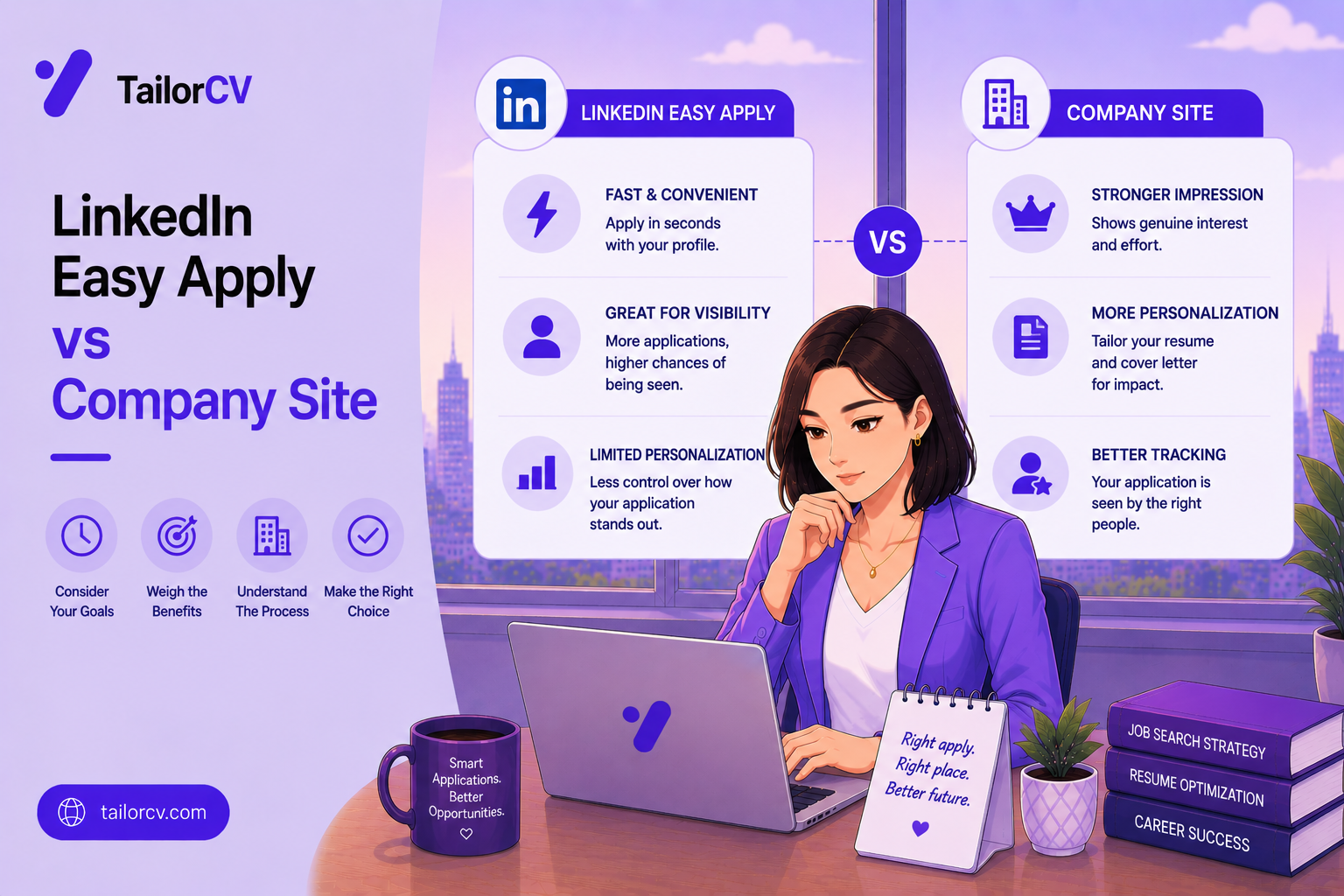
| Keep your resume current for LinkedIn-sourced applications | Lever frequently pulls candidates directly from LinkedIn, so consistency matters |
Start with an ATS-friendly resume template so your formatting survives parsing cleanly the first time.
Common Mistakes with Lever Applications
Treating It as a One-Time Application
Because Lever keeps your profile in its system, a weak or outdated resume can hurt you across multiple future roles at the same company, not just the one you applied for. Keep your resume current and re-tailor it for each new opportunity you pursue.
Ignoring LinkedIn Consistency
Lever often pulls or cross-references LinkedIn data. If your resume and LinkedIn profile tell noticeably different stories, it creates confusion for recruiters reviewing your profile. Review LinkedIn profile optimization alongside your resume updates.
Underestimating Recruiter Search and Filtering
Recruiters searching Lever by keyword will not find you if your resume avoids the exact terms used in the job description. Review the hidden keywords in job descriptions guide to catch terms you might be missing.
Applying to Multiple Roles With an Identical Resume
If you apply to more than one role at a Lever-powered company, recruiters may see both applications. Submitting the same generic resume for different roles signals a lack of focus. Follow how to tailor your resume for every job.
How to Match Your Resume to a Lever Job Posting
- Read the full job posting and separate required skills from nice-to-haves.
- Extract exact keywords using the job description keyword extraction guide.
- Update your resume's summary, skills section, and top bullets to reflect those exact terms.
- Align your LinkedIn profile with the same key terms and recent experience.
- Simplify your resume formatting for clean parsing.
- Check your ATS match score before applying.
What an ATS score report actually shows you

A score on its own is not actionable. The per-check list beside it - missing LinkedIn, skills gap, formatting the parser cannot read - is what you work through.
How TailorCV Helps With Lever Applications
Paste the Lever job posting into TailorCV's resume optimizer to instantly see your match score and close keyword gaps. Since Lever pipelines can move slower and involve more touchpoints, use the AI mock interview tool to prepare while you wait, and build a tailored cover letter to reinforce your fit at the application stage.
Step-by-Step Guide to Tailoring Your Resume for Lever
-
Analyze the Job Description: Start by thoroughly reading the job description. Highlight key terms and phrases, especially those related to skills, qualifications, and responsibilities. Use the Job Description Analysis Checklist Before You Apply to ensure you capture all essential elements.
-
Create a Keyword Map: Develop a keyword map using the highlighted terms from the job description. This will serve as a reference for your resume. For guidance, check out our Resume Keyword Map Template - Match Your Resume to Any Job Description.
-
Match Your Experience: Align your professional experience with the keywords identified. Use concrete examples that demonstrate your expertise in the required areas. Focus on quantifiable achievements and relevant projects, ensuring that you use the same terminology as the job posting.
-
Tailor Your Summary Statement: Craft a compelling summary statement that includes the most relevant keywords. This statement should succinctly encapsulate your qualifications and align with the position’s priorities.
-
Review and Adjust Formatting: Ensure your resume adheres to the formatting rules for Lever applications, such as avoiding complex layouts and graphics. Simple, clean formatting improves parsing accuracy.
-
Proofread and Optimize: Before submitting, proofread your resume for spelling and grammatical errors. Use an ATS checker to ensure your resume is optimized for Lever’s system.
Common Mistakes to Avoid When Applying to Lever
-
Neglecting Keywords: Failing to include specific keywords from the job description can result in your resume being overlooked. Make sure to integrate both required and preferred qualifications from the posting. Learn how to Prioritize What You Match.
-
Using an Irrelevant Format: Overly creative formats can confuse ATS systems. Stick to standard fonts and a straightforward layout.
-
Ignoring the Job Title: Ensure your resume reflects the job title you are applying for. If you have held similar roles, consider including them in your experience section to reinforce relevance.
-
Submitting a Generic Resume: A one-size-fits-all resume can dilute your chances. Customize each application to reflect the specific requirements and culture of the company.
-
Omitting Relevant Experience: Even if certain jobs seem unrelated, include transferable skills and experiences that align with the job description.
Scenarios: Resume Adjustments Based on Job Types
-
Scenario 1: Applying for a Technical Role
If you’re applying for a software engineer position, emphasize your technical skills and projects. Include programming languages, frameworks, and methodologies mentioned in the job description. -
Scenario 2: Transitioning to a New Field
If you’re moving from marketing to project management, focus on transferable skills such as leadership, communication, and organization. Highlight any relevant certifications or coursework. -
Scenario 3: Entry-Level Position
For an entry-level role, emphasize your education, internships, and volunteer work. Use keywords that relate to the skills required, even if your experience is limited.
Do’s and Don’ts for Lever Resume Applications
Do’s:
- Do Use Action Verbs: Start each bullet point with strong action verbs to convey your achievements effectively.
- Do Tailor Each Application: Customize your resume for every application to maximize relevance.
- Do Include Metrics: Quantify your achievements (e.g., increased sales by 20%) to demonstrate impact.
- Do Keep It Concise: Aim for a one-page resume if you have less than 10 years of experience.
Don’ts:
- Don’t Use Jargon: Avoid industry jargon that might not be familiar to all recruiters.
- Don’t Include Irrelevant Information: Stick to experiences and skills that are pertinent to the job.
- Don’t Forget to Update Your LinkedIn: Ensure your LinkedIn profile matches your resume; discrepancies can raise red flags for recruiters. For tips, read our LinkedIn for a Canadian Job Search: Get Found by Canadian Recruiters.
Mini Checklist for Your Lever Resume Submission
- unchecked: Have you tailored your resume for the specific job posting?
- unchecked: Did you use keywords from the job description?
- unchecked: Is your formatting ATS-friendly?
- unchecked: Have you quantified your accomplishments?
- unchecked: Did you proofread for errors?
- unchecked: Is your LinkedIn profile updated and consistent with your resume?
- unchecked: Have you included a strong summary statement?
By following this guide and utilizing the provided resources, you can enhance your chances of making a strong impression on Lever-powered applications.
Frequently Asked Questions
Does Lever keep my resume after I apply?
Yes. Lever stores your candidate profile in its CRM, which recruiters may reference for future roles at the same company, so keeping your resume current matters even after you submit an application.
Should my resume match my LinkedIn profile exactly?
They should tell a consistent story, even if the wording differs slightly. Large inconsistencies in dates, titles, or claims raise questions for recruiters cross-referencing both.
Can recruiters search Lever by keyword?
Yes, recruiters commonly filter and search candidate profiles by keyword and tag, which is another reason to mirror the job description's exact terminology in your resume.
Is Lever used mostly by startups?
Lever is popular with growth-stage and mid-size companies, though usage varies. Regardless of company size, treating every Lever application with a fully matched resume improves your odds.
How do I check my match score before applying through Lever?
Use the TailorCV ATS score checker to compare your resume against the job posting instantly and see exactly which keywords are missing. You can also refer to our resume keyword map template for additional guidance on matching your resume effectively.
Related Guides
- Resume Matching with Job Description - Complete Guide
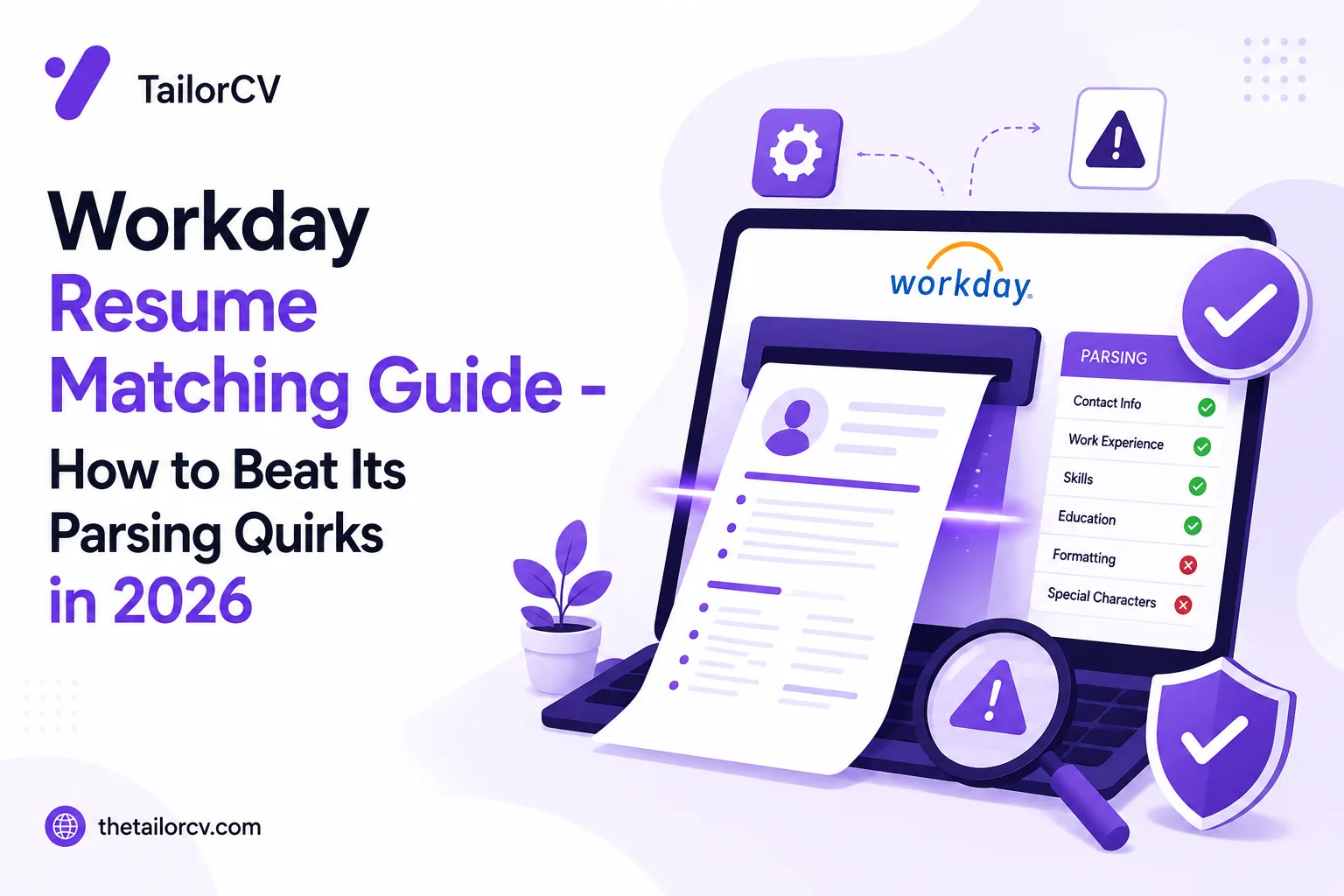
- Workday Resume Matching Guide
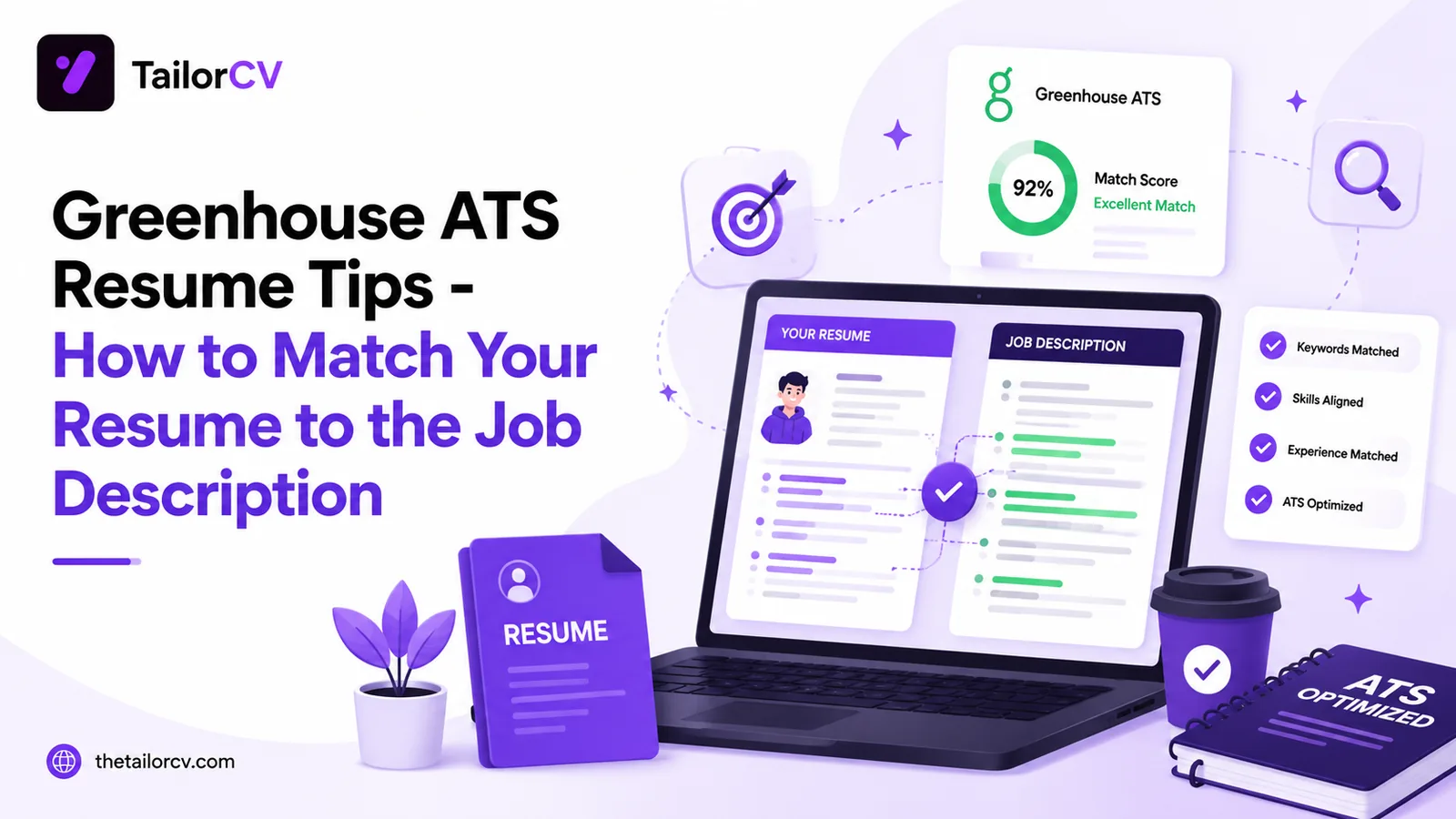
- Greenhouse ATS Resume Tips
- iCIMS and Taleo Resume Formatting Guide
- LinkedIn Profile Optimization Guide
- Hidden Keywords in Job Description
- How to Tailor Your Resume for Every Job Application
- Job Description Keyword Extraction Guide
- ATS Score Guide 2026
- Networking Tips for Job Search
Conclusion
Lever applications live longer than a single click. Your resume becomes part of an ongoing candidate profile that recruiters can revisit for this role and future ones, so it needs to be matched, accurate, and consistent with your LinkedIn profile.
Check your resume's match score with TailorCV before you apply, and keep it current for every Lever-powered opportunity that follows.
Match My Resume to This Job - Free
What is your resume scoring right now?
Scan it against a job description and get your ATS match score in about a minute.
Drop your resume here or choose a file
PDF only. Max 2 MB.
We never share your data or use it to train AI models.
Templates that keep this structure intact
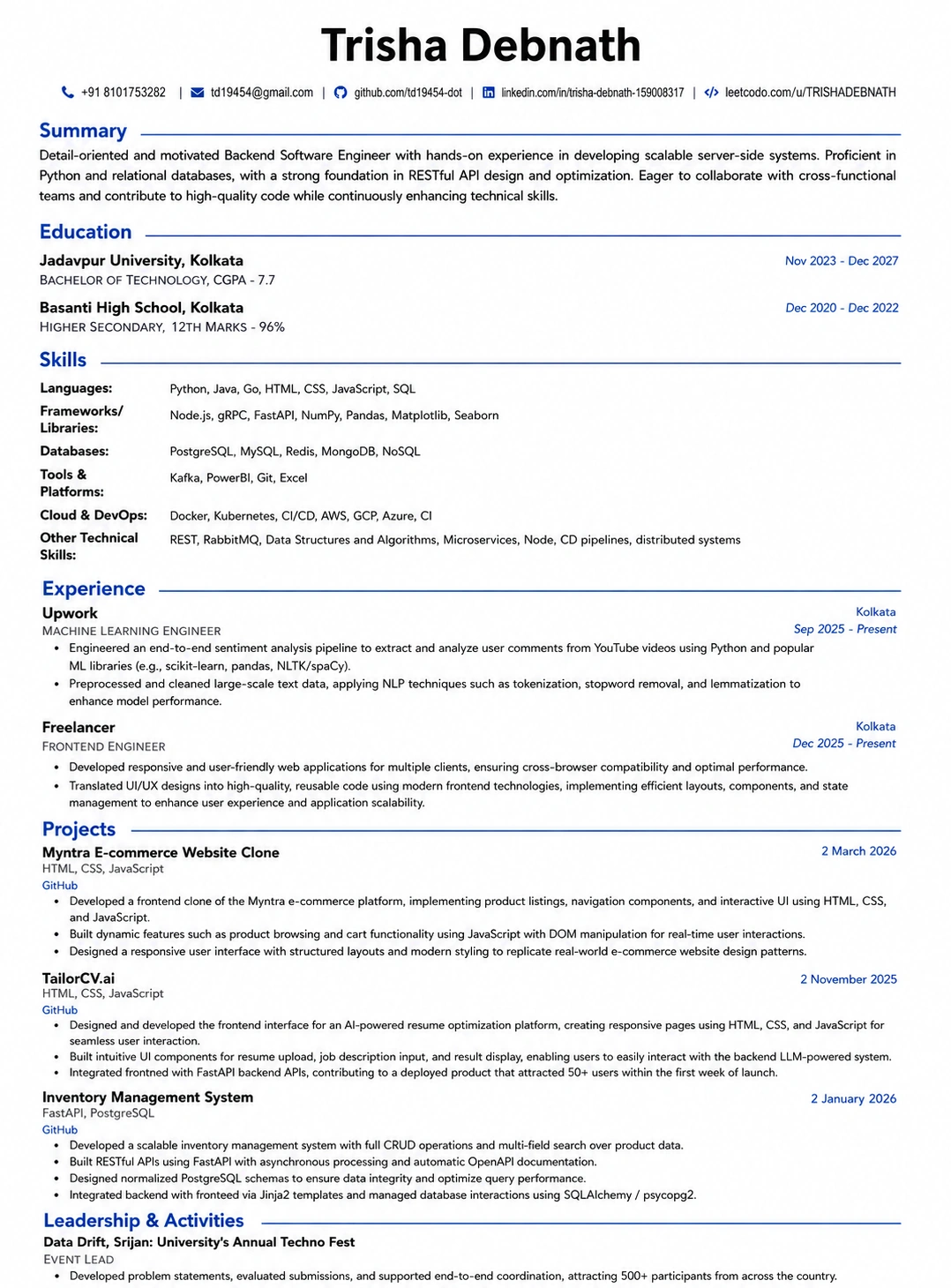
This template is ATS-tested — start from it and the formatting rules in this guide are already handled.
Was this guide useful?
Be the first to rate it.