SS
SS

Key Takeaways
- One-page portfolios are best for early-career candidates and generalists with 3-5 projects, offering quick scanning and simplicity.
- Multi-page portfolios suit designers and developers with detailed case studies, allowing for in-depth project context and better organization.
- A hybrid approach, combining a one-page overview with links to deep-dive pages, often serves both recruiters and hiring managers effectively.
- Common mistakes include creating overly long one-page portfolios, unclear navigation in multi-page sites, and inconsistent project depth.
- Starting with a one-page structure is advisable for early career professionals, expanding to multi-page as experience grows.
Before you write a line of content, you have to decide on structure: one scrolling page, or several linked pages with dedicated project detail views. This choice affects how deep you can go on each project and how a recruiter navigates your work. Pair this with How to Build a Professional Portfolio and Portfolio Website Themes 2026.
One-Page Portfolios
Best for: early-career candidates, generalists, and anyone with 3-5 projects that do not need deep individual write-ups.
Pros:
- Fast to scan - a recruiter sees everything in one scroll
- Simple to build and maintain
- Works well on mobile with minimal navigation
Cons:
- Limited room for deep case studies - each project usually gets a short blurb, not a full narrative
- Can feel cramped once you have more than 4-5 strong projects
- Harder to target different audiences (e.g., a recruiter vs. a technical interviewer) with different depth levels
Multi-Page Portfolios
Best for: designers and developers with detailed case studies, senior professionals with a large body of work, or anyone using How to Write a Portfolio Case Study-style deep dives.
Pros:
- Each project gets its own page with full context (Problem -> Process -> Solution -> Outcome)
- Easier to organize by category (case studies, writing samples, code repos) for different audiences
- Scales better as your body of work grows over a multi-year career
Cons:
- Takes longer to build and keep updated
- Risk of losing a recruiter's attention if navigation is unclear or projects are buried too many clicks deep
- Requires more discipline to keep every sub-page current
How to Decide
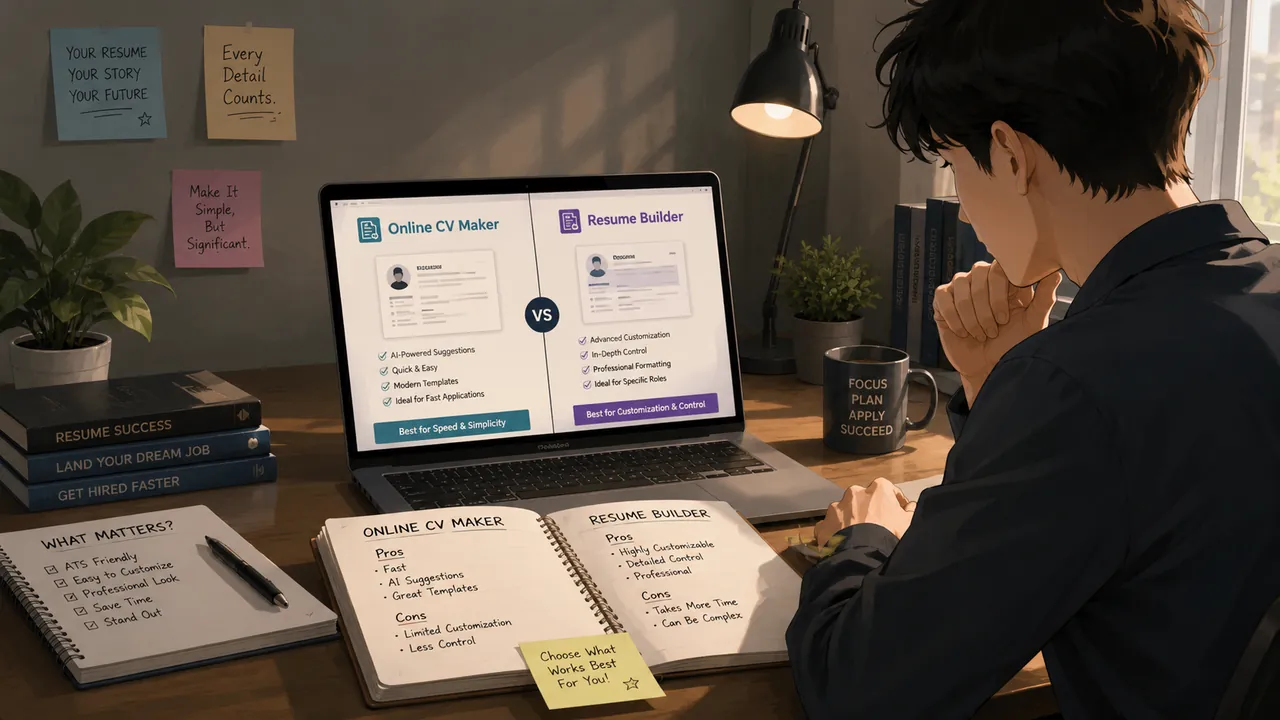
- Count your strongest projects. Three to five shallow entries: one-page. Two to four deep case studies: multi-page.
- Consider your audience. Recruiters skim; hiring managers and technical interviewers often want depth. A hybrid - one-page overview with links out to a few deep-dive pages - serves both.
- Match your industry. UX and product design almost always benefit from multi-page case studies; sales, marketing generalists, and early-career candidates usually do better with a tight one-page summary.
The Hybrid Approach (Usually the Right Answer)
Most strong portfolios are actually a hybrid: a single homepage with your intro, skills, and a card for each project, where 2-3 of the strongest projects link out to a dedicated deep-dive page. This gives a recruiter the fast scan and gives an interested hiring manager somewhere to go deeper. The TailorCV portfolio builder supports this structure natively across its themes.
Common Mistakes
- A one-page portfolio so long it effectively becomes an unnavigable multi-page site without the navigation
- A multi-page portfolio with no clear homepage summary, forcing recruiters to click into every project to understand your range
- Inconsistent depth - two detailed case studies next to one thin, one-line project description
- No mobile testing - long one-page scrolls and deep multi-page navigation both need to work on a phone
Pro Tips
- Start with a one-page structure if you are early career; expand into multi-page as your portfolio and experience grow
- Use anchor links on a one-page site so you can still share a direct link to one section (e.g.,
yourname.com/#projects) - Preview both structures in the portfolio builder with your real content before committing - it is faster than guessing
Real-World Scenarios: When to Use Each Portfolio Type
Understanding when to use a one-page or multi-page portfolio can often be the difference between landing a job or missing out. Here are a few scenarios to clarify when each type excels:
Scenario 1: The Creative Designer
Situation: A graphic designer applying for a position at a creative agency. Recommendation: A one-page portfolio is ideal here. It allows the designer to showcase their best work upfront, with strong visuals that grab attention quickly. They can highlight key projects with brief descriptions, leading to a more engaging and memorable presentation.
Scenario 2: The Software Developer
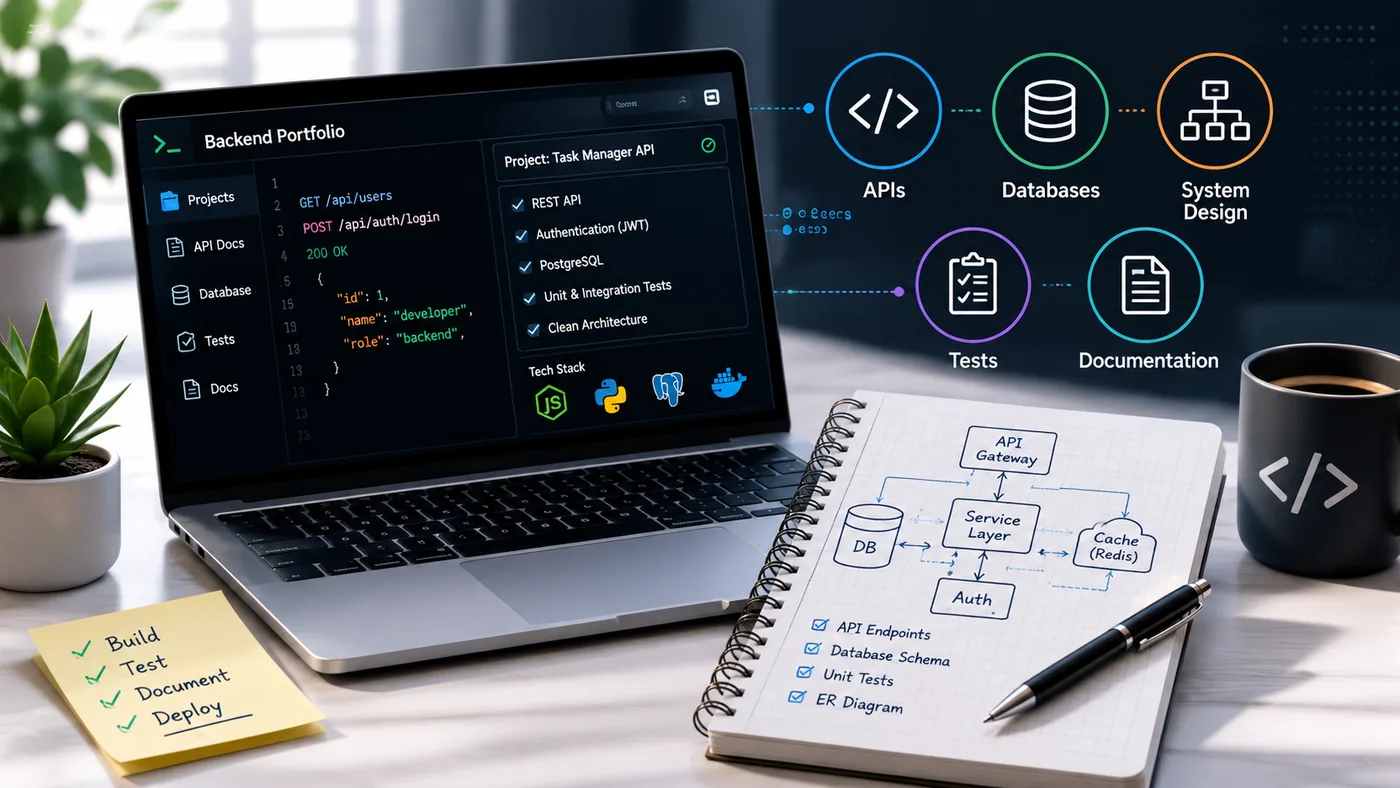
Situation: A software developer looking to demonstrate various coding projects. Recommendation: A multi-page portfolio works best. The developer can create separate pages for different projects, detailing the technologies used, challenges faced, and the impact of their work. This structure allows for more in-depth explanations, showcasing their problem-solving skills and technical expertise.
Scenario 3: The Business Analyst
Situation: A business analyst aiming to apply for a role in a data-driven organization. Recommendation: A hybrid approach would be beneficial. The first page can summarize key skills and notable achievements, while subsequent pages delve into case studies or specific projects. This format allows the analyst to present a concise overview while still providing detailed insights when necessary. For more on this, check out our Business Analyst Portfolio Guide.
Step-by-Step Checklist: Building Your Portfolio
Creating a portfolio that converts requires careful planning and execution. Follow this checklist to ensure you cover all bases, whether you choose a one-page or multi-page format:
Turning a resume into a portfolio site

The three steps are template, details, publish. Uploading an existing CV fills in the details step for you, which is why this takes minutes rather than a weekend.
-
Define Your Goals - What do you want to achieve with your portfolio? (e.g., job applications, freelance clients)
-
Choose the Right Format - Decide whether a one-page, multi-page, or hybrid portfolio suits your needs best.
-
Select Your Best Work - Curate a selection of your most relevant projects that align with your goals.
-
Create Engaging Descriptions - Write concise descriptions for each project, focusing on your role, the tools used, and the results achieved.
-
Optimize for SEO - Use relevant keywords in your project descriptions and titles to improve searchability.
-
Include Testimonials - Add quotes from clients or colleagues that speak to your skills and work ethic.
-
Design for Usability - Ensure that your portfolio is easy to navigate, visually appealing, and mobile-friendly.
-
Test Functionality - Check all links, forms, and multimedia elements to ensure they work properly.
-
Seek Feedback - Share your portfolio with trusted peers or mentors for constructive criticism.
-
Launch and Promote
- Once finalized, launch your portfolio and promote it through social media and professional networks.
Dos and Don'ts for Your Portfolio
When creating your portfolio, adhering to certain dos and don'ts can significantly impact its effectiveness.
Dos:
- Do Tailor Your Portfolio: Customize your portfolio for different job applications or target audiences.
- Do Use High-Quality Images: Visuals speak louder than words; ensure your project images are clear and professional.
- Do Keep It Updated: Regularly refresh your portfolio with new projects and skills to reflect your current capabilities.
Don'ts:
- Don't Overload with Information: Avoid clutter; too much content can overwhelm visitors.
- Don't Use Jargon: Keep descriptions simple and relatable, especially for non-technical audiences.
- Don't Neglect Mobile Optimization: Ensure your portfolio is responsive and looks good on all devices.
Examples of Effective Portfolios
To inspire your portfolio creation, here are a few examples of effective one-page and multi-page portfolios from various fields:
-
One-Page Portfolio Example: - A freelance illustrator uses a one-page format to showcase a visually stunning array of artwork. Each piece is accompanied by a brief description and a link to purchase prints.
-
Multi-Page Portfolio Example: - A UX designer features a multi-page portfolio that includes detailed case studies for each project. Each case study outlines the design process, user research, and final outcomes, providing a comprehensive view of their work.
-
Hybrid Portfolio Example: - A marketing professional combines elements of both formats, starting with a one-page overview of their skills and experience, followed by multi-page sections dedicated to specific campaigns and their impact. For insights on how to structure your work, refer to our guide on How to Put Your Portfolio on a Custom Domain.
By applying these practical steps, scenarios, and guidelines, you can create a portfolio that not only showcases your work but also converts visitors into employers or clients.
Frequently Asked Questions
Which structure do recruiters prefer?
Neither is universally preferred - what matters is that the structure matches how much content you have and that navigation is fast and obvious either way.
Can I switch from one-page to multi-page later?
Yes. Start simple and expand into dedicated case study pages for your strongest projects as your body of work grows. You can use a portfolio builder to help create these pages.
Does structure affect SEO?
Multi-page sites can rank for more individual search terms (one project page per keyword), while one-page sites concentrate everything under a single URL - see Portfolio SEO: Get Found for more. Additionally, consider how to put your portfolio on a custom domain to enhance your SEO efforts. You might also explore our Business Analyst Portfolio Guide for more insights on structuring your portfolio effectively.
Build Your Portfolio Now
You do not need to code a site or spend a weekend on a website builder. Turn your existing resume into a live, shareable portfolio in minutes with the TailorCV portfolio builder - choose a theme, upload your CV, let AI pull in your experience, then decide between a one-page overview or multi-page case studies and publish a link for your resume and LinkedIn. Before you apply, run your resume through the free ATS score checker and switch to an ATS-friendly resume template so your portfolio and resume tell one consistent story.
Related Guides
- How to Build a Professional Portfolio
- How to Write a Portfolio Case Study
- Portfolio Website Themes 2026
- Portfolio Homepage Copy Examples
- Portfolio SEO: Get Found
- AI Portfolio Builder: No Code Required
- Portfolio Checklist Before Applying
- Portfolio Mistakes to Avoid
- UX Designer Portfolio Guide
- Personal Website vs Portfolio
- Custom Domain Portfolio Guide
- Portfolio Contact Section
Make This Practical
If this topic connects to your work samples, turn the advice into a live proof page with the TailorCV portfolio builder. After publishing, add the link correctly using How to Add Your Portfolio Link to Your Resume, tighten the page with the Portfolio Checklist Before Applying, and make sure recruiters can contact you through a clean Portfolio Contact Section.
Your portfolio works best when it supports the resume, not when it replaces it. Run the resume through the free ATS score checker, choose an ATS-friendly resume template, and use Portfolio SEO: Get Found so your name and strongest work are easier to discover.
Related Guides to Strengthen This Topic
Use these internal guides to connect this topic with the rest of your job-search workflow:
- How to Build a Professional Portfolio
- Portfolio Website for Job Applications
- Portfolio Checklist Before Applying
- Portfolio Mistakes to Avoid
- How to Write Portfolio Case Study
- Add Portfolio Link to Resume
- Resume Matching With Job Description
- ATS-Friendly Resume Builder
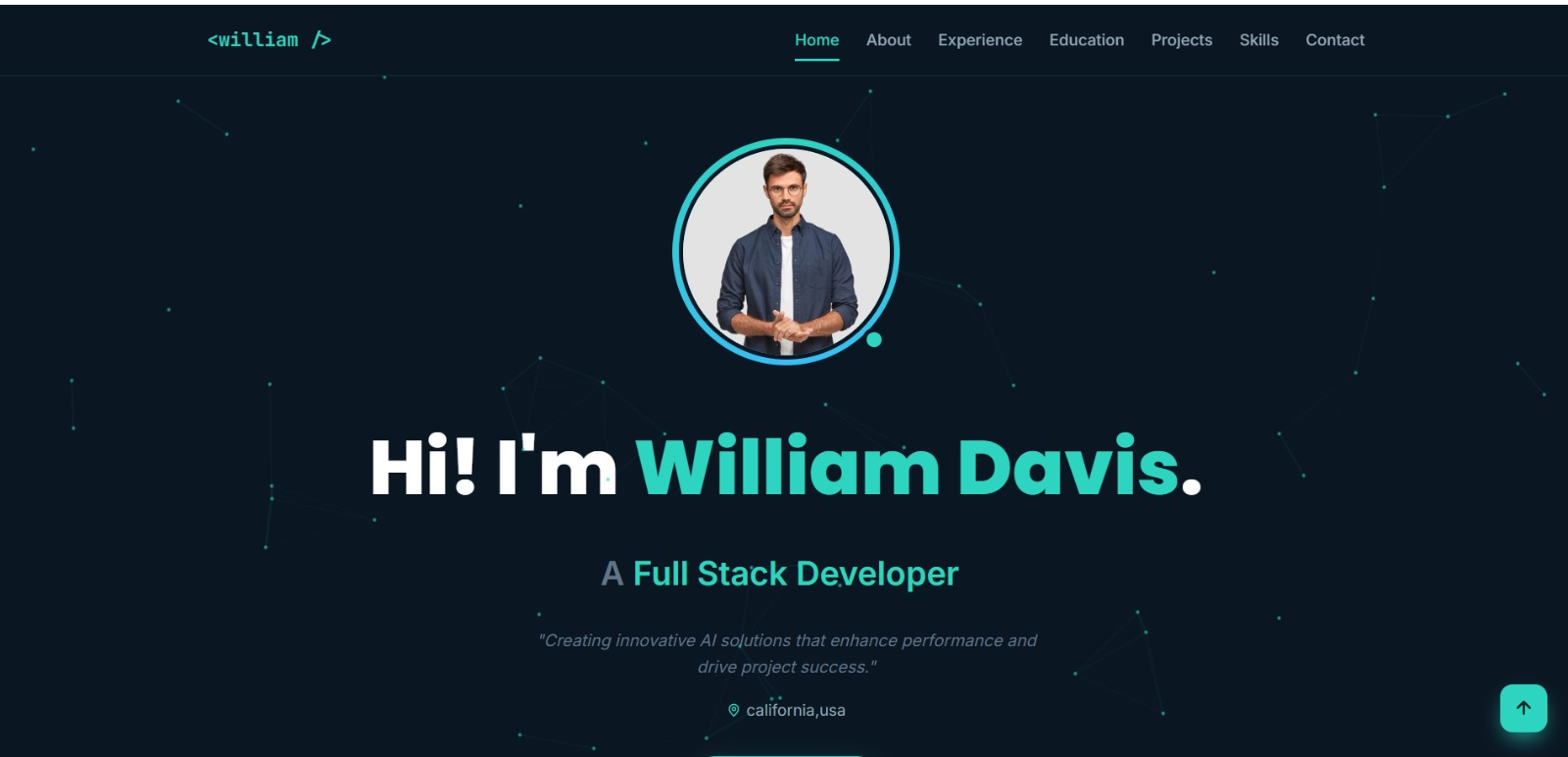
See what your portfolio could look like
This theme is built straight from your resume — pick one and your portfolio is live in minutes.
Was this guide useful?
Be the first to rate it.