SS
SS
Key Takeaways
- Workday auto-fills application fields from your resume, and you must review every field it populates — it gets things wrong more often than people expect.
- A large share of large-enterprise hiring runs on Workday, so getting comfortable with its specific quirks pays off across many applications.
- The parsing step and the resume file itself are separate layers — a clean resume still needs its auto-filled fields checked.
- Simple formatting matters more here than almost anywhere else, because Workday's parser is used by some of the largest, most standardised hiring pipelines.
- Workday's own internal candidate profile, once created, persists and pre-fills future applications at the same company family — worth keeping current.
Workday is one of the most widely used enterprise applicant tracking and HR platforms, and a large share of large-company job applications run through it. It has specific behaviours worth knowing before you submit.
How Workday Actually Processes Your Resume
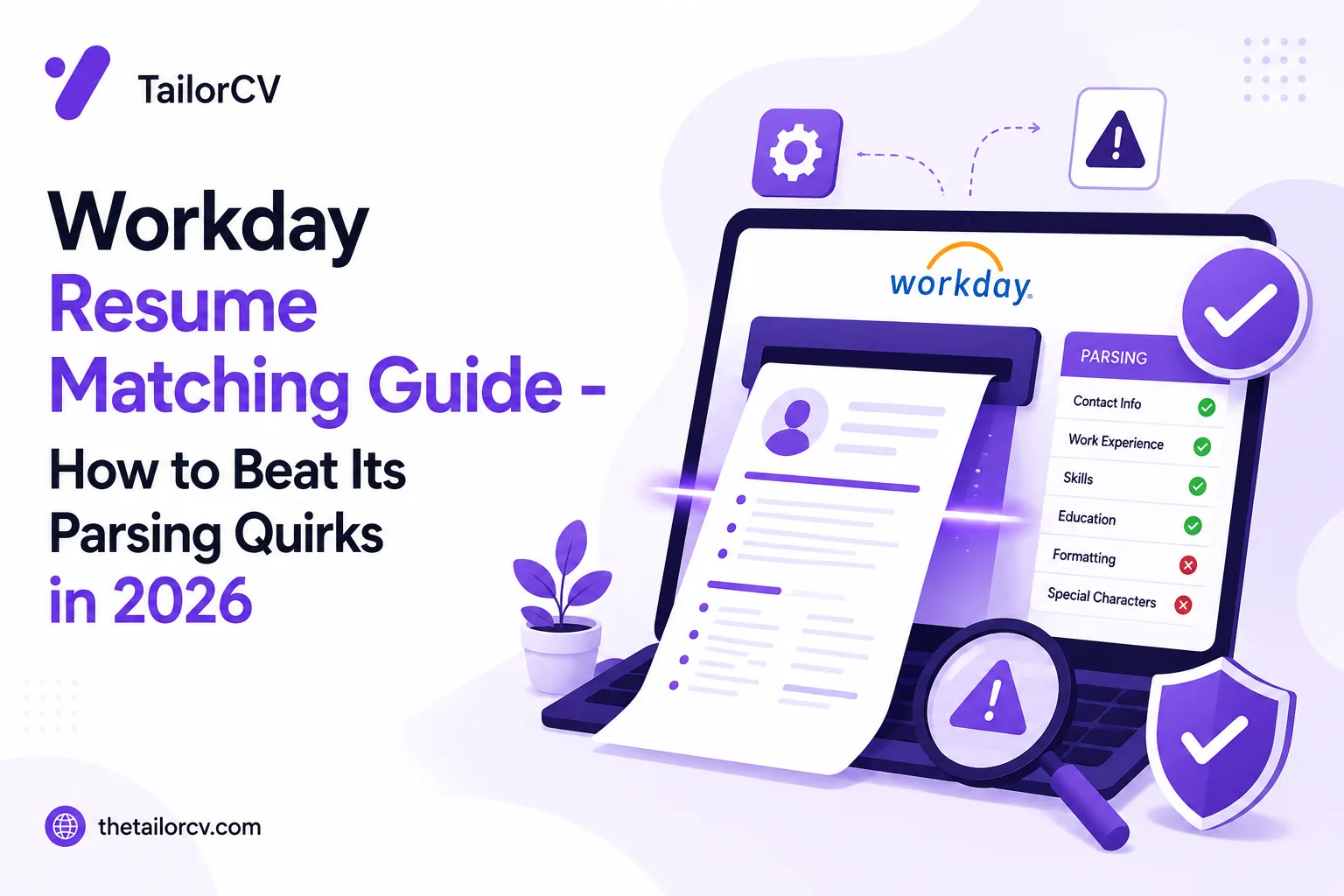
When you upload a resume to a Workday-powered application, it runs the file through a parser that attempts to auto-populate the application's structured fields — work history, education, skills — directly from your document. This is different from simply attaching a file for later human review; the parsed data becomes the actual structured record the system stores and later ATS matching uses.
This means two things matter independently: whether your resume file itself is well-formatted enough to parse cleanly (see ATS formatting mistakes), and whether the auto-filled fields Workday generates from that parse are actually correct.
Always Review the Auto-Filled Fields
This is the single most important, specific piece of advice for Workday applications. After uploading your resume, Workday typically presents you with pre-filled fields for each job entry, education entry, and sometimes skills — and these are frequently wrong in small but consequential ways: a job title truncated, a date range shifted by one field, a company name split incorrectly across two fields, a bullet point cut off mid-sentence.
Before submitting, scroll through every auto-filled section and correct anything wrong. This takes a few extra minutes and is worth it — the auto-filled structured data, not your original PDF, is often what a recruiter or hiring manager actually sees first when reviewing the application in their dashboard.
Formatting That Helps Workday Parse Correctly
Single column, standard section headings, no tables or text boxes — the same principles that help any parser apply here, and Workday's parser is not more forgiving than average. See ATS formatting mistakes for the full list.
Clean, consistent date formatting matters particularly here, since dates feed directly into structured fields that Workday uses for experience calculations. See dates and gaps parsing errors.
Contact information in the document body, not a header or footer — see contact section parsing failures for why this specifically risks silent extraction failures.
Workday Accounts Persist Across a Company Family
A detail worth knowing: many large organisations that use Workday operate multiple related entities or subsidiaries under a shared Workday instance, and your candidate profile can persist and be reused across applications to different roles or entities within that same family. This means keeping your Workday profile current — not just your resume upload, but the structured fields themselves — has value beyond any single application, since a stale profile can resurface on a future application without you actively updating it.
Workday's Skills Assessment and Screening Questions
Many Workday applications include a set of knockout screening questions — work authorisation, willingness to relocate, salary expectations — separate from the resume itself. As covered in rejected within 24 hours, these questions frequently function as hard filters independent of resume quality, and a fast rejection after a Workday application is more likely to trace to one of these than to the resume content. Read each question carefully rather than moving through them quickly.
PDF or DOCX for Workday Specifically
Unlike most application contexts where PDF is the safer default (see our file format guide), Workday's own parsing engine is generally reported to handle .docx files more reliably than PDF for the auto-fill step specifically. If a Workday posting does not specify a required format, .docx is a reasonable choice here even though PDF remains the better general-purpose default elsewhere.
Recruiter Search Uses the Structured Data, Not Your File
Worth understanding clearly: once your resume is parsed, recruiter search and filtering inside Workday typically operates on the structured fields it extracted — job titles, dates, skills, education — rather than on your original uploaded document directly. This is exactly why reviewing and correcting the auto-filled fields matters as much as it does: a recruiter searching for "Tableau" is searching the structured skills field Workday built from your resume, not re-reading your PDF to check whether you mentioned it in a different phrasing.
A Practical Workday Application Checklist
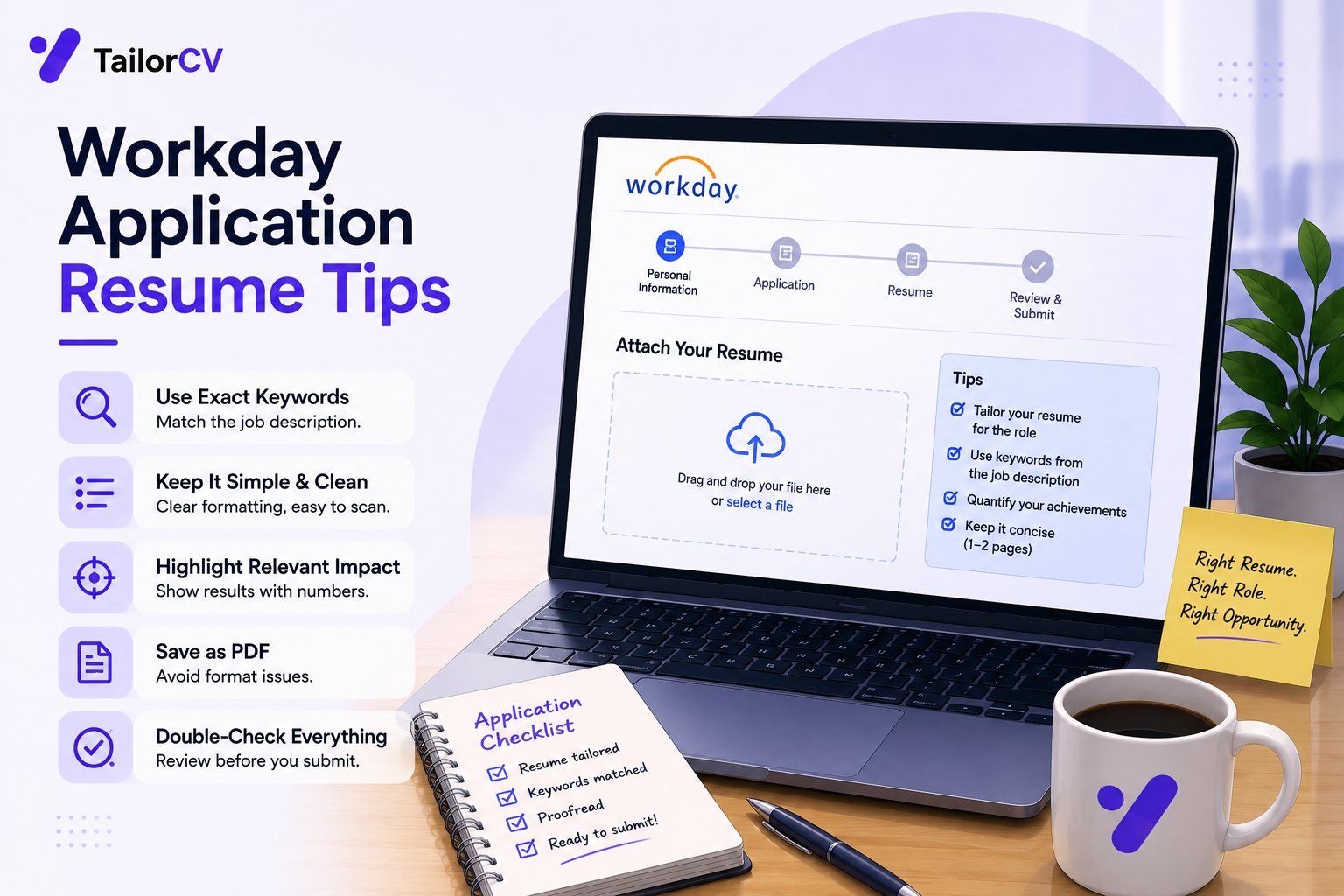
- Upload your resume and let it parse.
- Review every auto-filled field individually — job titles, dates, company names, bullet content — correcting anything wrong.
- Check the skills section it generated, adding anything genuinely missing that the posting requires.
- Answer screening questions carefully and accurately, since these often function as independent hard filters.
- Use .docx unless the posting specifies otherwise, and confirm your resume file itself is clean and well-formatted.
- Save or note your login for this Workday instance if you plan to apply to other roles at the same company or its related entities, since your profile will likely persist.
Frequently Asked Questions
Does Workday's parser handle two-column resumes worse than other systems? It follows the same general parsing challenges as most ATS platforms — multi-column layouts remain a common cause of scrambled extraction here as elsewhere.
Should I manually re-type my experience instead of relying on the auto-fill? Reviewing and correcting the auto-filled fields is usually faster than starting from scratch, but be thorough in the review rather than skimming past it.
Does my Workday profile carry over between different companies? No — each company's Workday instance is typically separate, though multiple related entities under one corporate family may share a single instance, in which case your profile can persist across them specifically.
Is there a way to skip the resume upload and just fill fields manually? Some Workday instances allow this, though most default to the upload-then-review flow described here.
Do Workday screening questions really matter that much? Yes — they frequently function as hard, automated filters independent of your resume's content or quality.
Check Your Resume Before It Meets Workday's Parser
The cleanest way to reduce the auto-fill correction burden is to start from a resume that already parses well.
Scan your resume and check the extracted data before you ever reach a Workday application — a resume that extracts cleanly here is also more likely to auto-fill correctly there, since the underlying parsing challenges are similar across systems.
Free, about a minute. See also ATS formatting mistakes and rejected within 24 hours.
What is your resume scoring right now?
Scan it against a job description and get your ATS match score in about a minute.
Drop your resume here or choose a file
PDF only. Max 2 MB.
We never share your data or use it to train AI models.

Templates that keep this structure intact
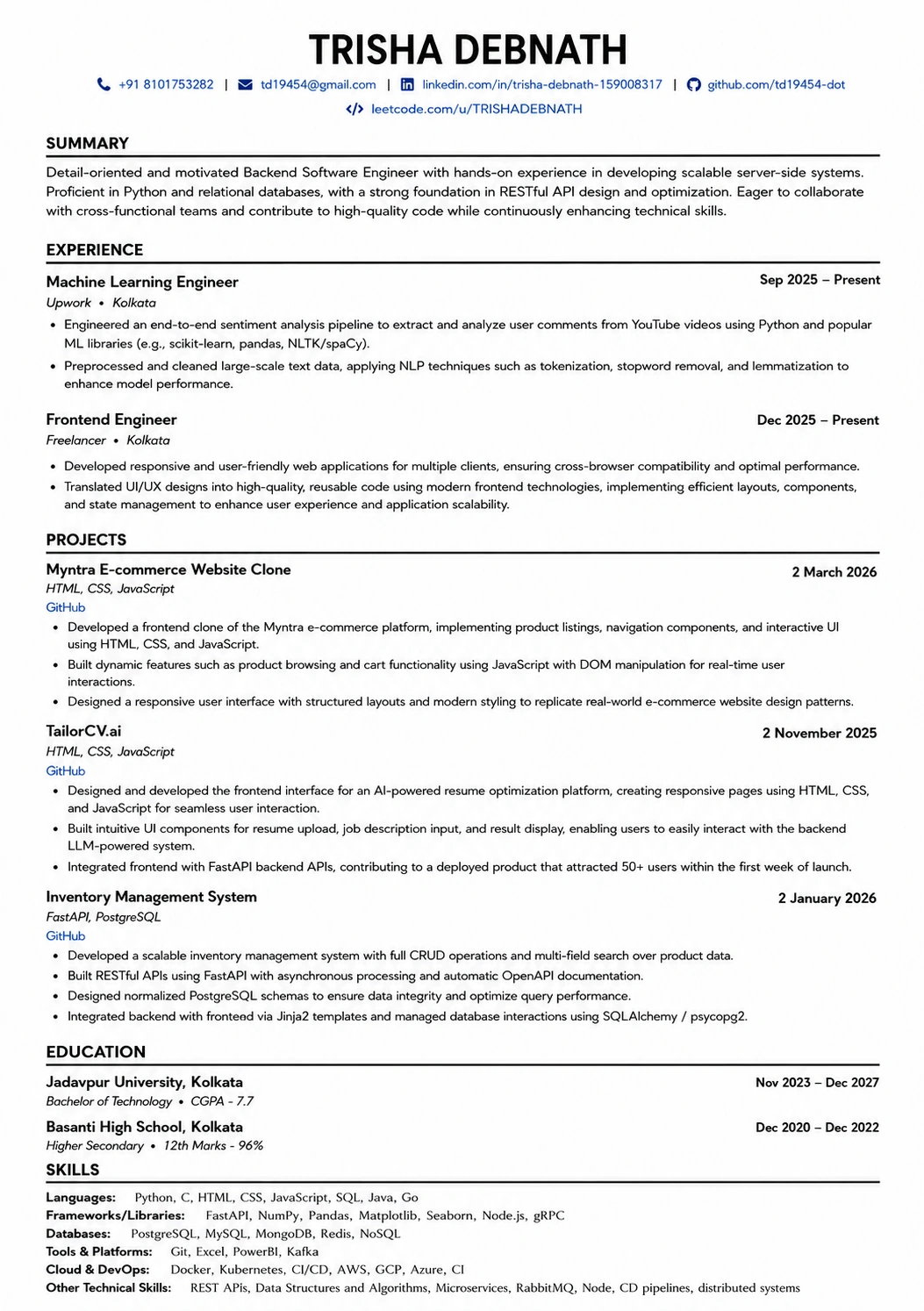
This template is ATS-tested — start from it and the formatting rules in this guide are already handled.
Was this guide useful?
Be the first to rate it.