TD
TD
Key Takeaways
- Greenhouse shows your resume two different ways: your actual uploaded file to a human recruiter who opens your profile, and parsed text to the AI layer that surfaces candidates in searches and rankings.
- A visually appealing resume that parses badly can still lose out, because the AI layer only ever sees the parse — a plainer, cleanly-parsing resume can outrank it.
- Greenhouse has a file size limit for parsing — an oversized file can fail to parse at all.
- Recruiters can search stored resumes by keyword inside Greenhouse, which makes exact-term matching valuable beyond just the initial screening pass.
- Once a human opens your profile, they see your original file as submitted — so design quality still matters for that later stage.
Greenhouse is widely used, particularly by tech and venture-backed companies, and it has a specific two-layer structure worth understanding before you apply.
The Two-Layer System
This is the single most important thing to know about Greenhouse specifically: your resume is effectively read twice, by two different viewers.
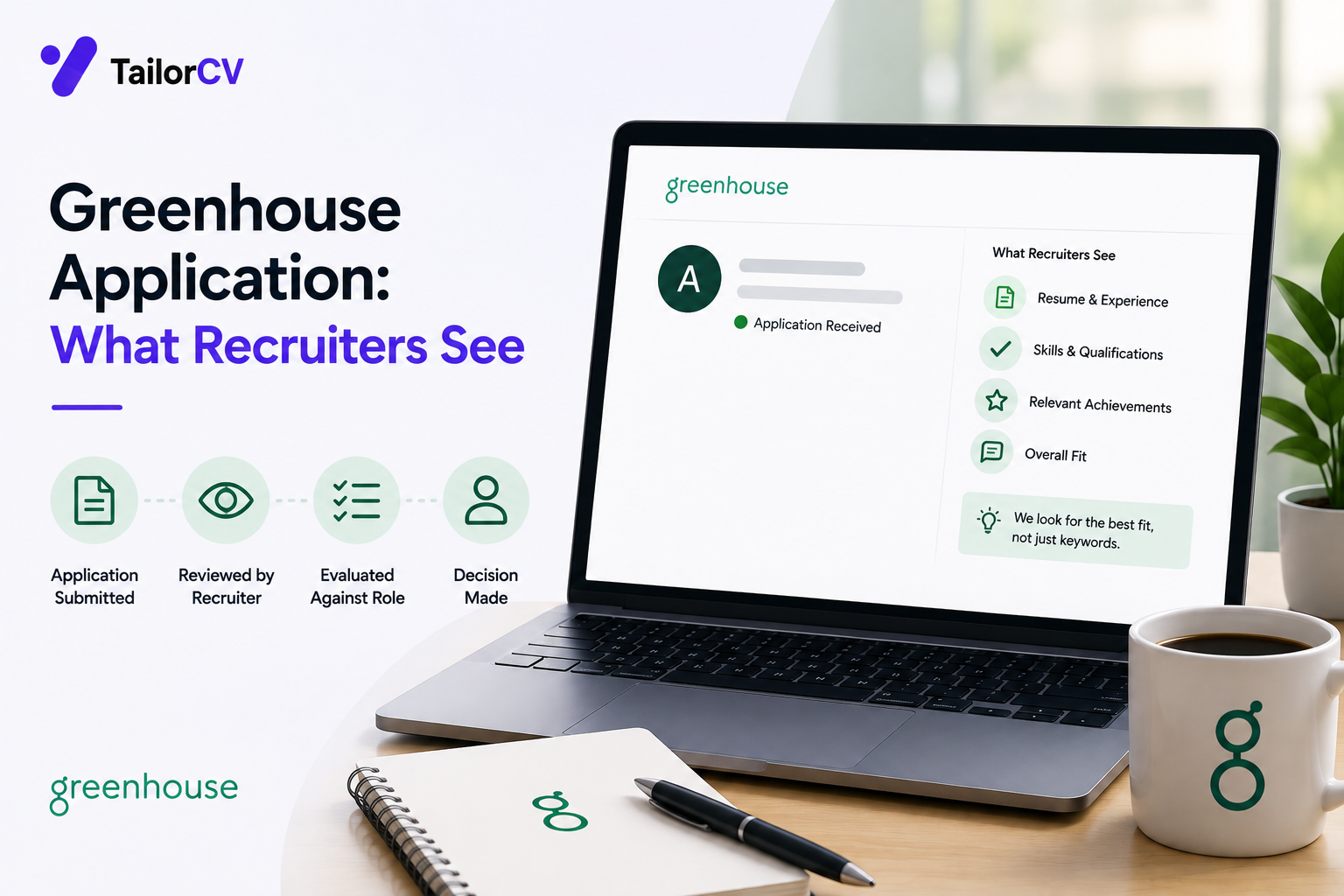
Layer one — the parser and AI ranking. When you upload your resume, Greenhouse extracts the text and structures it, and this parsed version is what its AI-assisted layer uses to rank and surface candidates in search and filtering. This layer never sees your design, your layout, or your visual choices — only the extracted text.
Layer two — the human recruiter's direct view. When a recruiter opens your specific candidate profile, they typically see your original uploaded file exactly as you submitted it — the actual PDF or document, with its full design intact.
The consequence: a resume that looks excellent but parses poorly can lose out at the first layer, before a human ever reaches the second layer where the design would have helped you. A plainer resume that parses cleanly can outrank a more polished one that a parser mangles.
Why This Changes How You Should Think About Design
This does not mean design does not matter at all — once a recruiter opens your profile directly, they see the real file, and a well-designed, easy-to-scan resume still helps at that stage. What it means is that design cannot come at the cost of clean parsing, because you may never reach the stage where the design gets credit for anything.
The practical implication: prioritise clean, parseable structure first — single column, standard headings, no tables or text boxes, selectable text rather than embedded graphics (see ATS formatting mistakes) — and layer visual polish on top of that foundation, rather than choosing a visually striking template that compromises the underlying structure.
Watch Your File Size
Greenhouse has a file size limit for resume uploads, and a resume that exceeds it can fail to parse correctly or at all. This is rarely an issue for a standard text-based resume, but it can catch people who export a heavily graphic-laden or image-embedded design at high resolution. Keep your file reasonably sized — a clean, text-based one or two-page resume is almost always well within any reasonable limit.
Recruiters Can Search Stored Resumes by Keyword
Beyond the initial application screening, Greenhouse allows recruiters to search across stored resumes by keyword — meaning your resume's discoverability does not end at the first parse. This reinforces the value of exact-term matching, covered in matching resume keywords to a job description: if a recruiter later searches for a specific tool or term, having it present as selectable text (not buried in an image or oddly formatted) affects whether you surface in that later search too.
Standard Dates and Section Headings
As with most parsers, consistent date formatting and standard section headings ("Experience," "Education," "Skills") help the extraction process produce clean, usable structured data. See dates and gaps parsing errors for the date-specific formatting guidance, which applies here as much as anywhere.
A Practical Greenhouse Checklist
- Prioritise clean parsing over visual complexity — the AI layer never sees your design, only the text extraction.
- Keep your file size reasonable — a standard text-based one or two-page PDF is safe.
- Use standard section headings and consistent date formatting.
- Include exact-match keywords as real, selectable text, not embedded in graphics — this matters for both the initial parse and later recruiter searches.
- Do not sacrifice structural cleanliness for design polish — once past the parsing stage, a recruiter will see your actual file, but you have to reach that stage first.
Frequently Asked Questions
Does a beautifully designed resume hurt me on Greenhouse? Not directly, but if the design compromises clean text extraction — multi-column layouts, text boxes, graphics — it can hurt you at the parsing and ranking stage, before a human ever sees the design's benefit.
Will a recruiter definitely open my original file eventually? Not guaranteed — this depends on whether your application clears the initial parsing and ranking stage in the first place, which is exactly why that first layer matters so much.
Should I avoid PDF for Greenhouse specifically? No — a clean, well-formatted, text-selectable PDF parses fine on Greenhouse. The concern is complex layouts and embedded graphics, not the PDF format itself.
Does keyword stuffing help with the later resume-search feature? No — see keyword stuffing. Genuine, evidenced use of exact terms helps both the initial parse and later searches; stuffing without evidence does not.
Is Greenhouse's parser more or less forgiving than other major ATS platforms? It varies across platforms and changes over time as each vendor updates its systems — the safest general approach is clean, simple formatting regardless of which specific platform a posting uses.
Check How Your Resume Parses Before It Reaches Greenhouse
Since the parsing layer is what determines whether you are even surfaced for human review, checking your extraction quality beforehand is directly useful here.
Scan your resume and review what gets extracted — this approximates what Greenhouse's parsing layer would see, separate from how the file looks to a human eye.
Free, about a minute. See also ATS formatting mistakes and resume not passing the ATS: what to check first.
What is your resume scoring right now?
Scan it against a job description and get your ATS match score in about a minute.
Drop your resume here or choose a file
PDF only. Max 2 MB.
We never share your data or use it to train AI models.

Templates that keep this structure intact
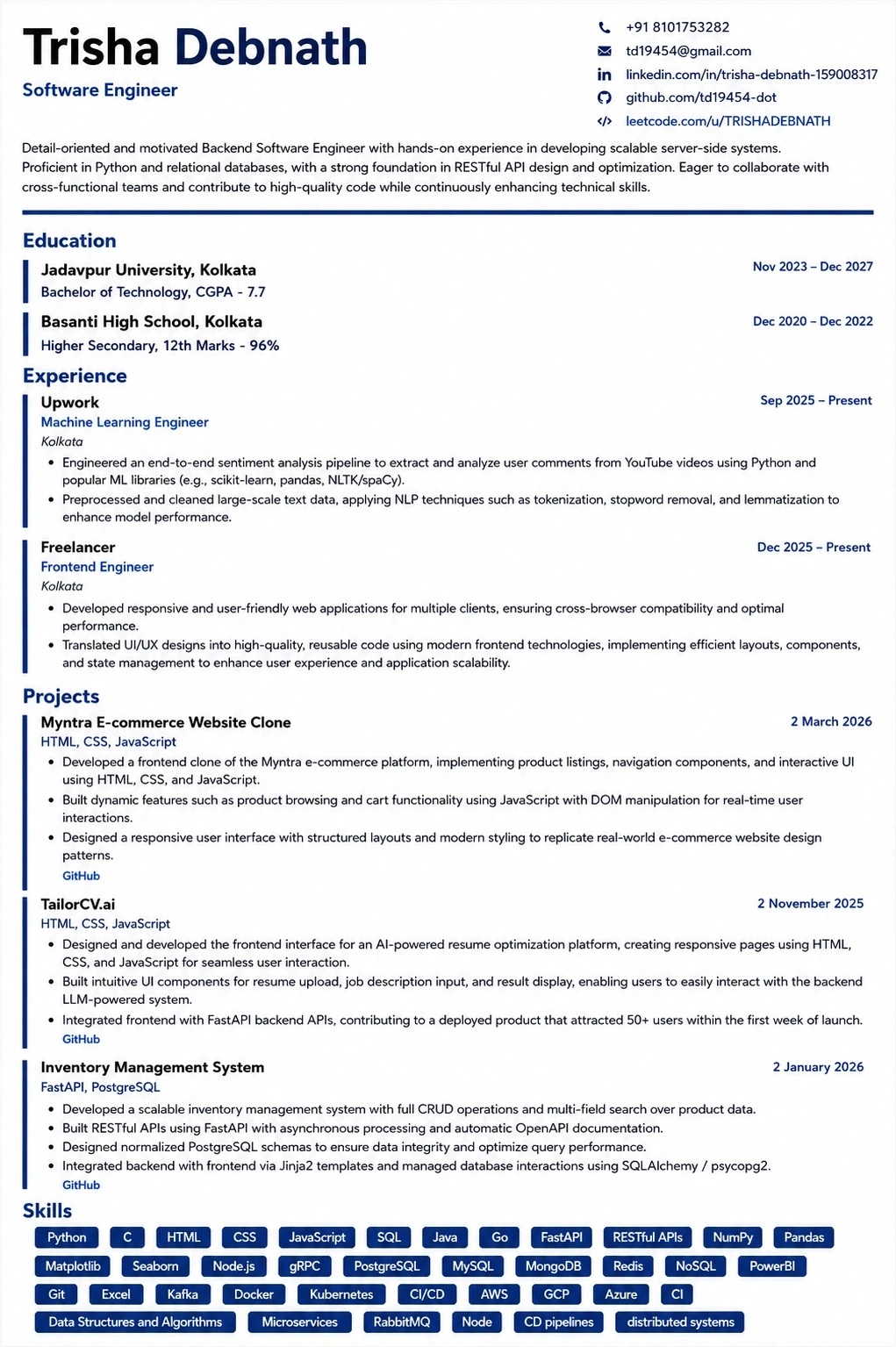
This template is ATS-tested — start from it and the formatting rules in this guide are already handled.
Was this guide useful?
Be the first to rate it.