SS
SS
Key Takeaways
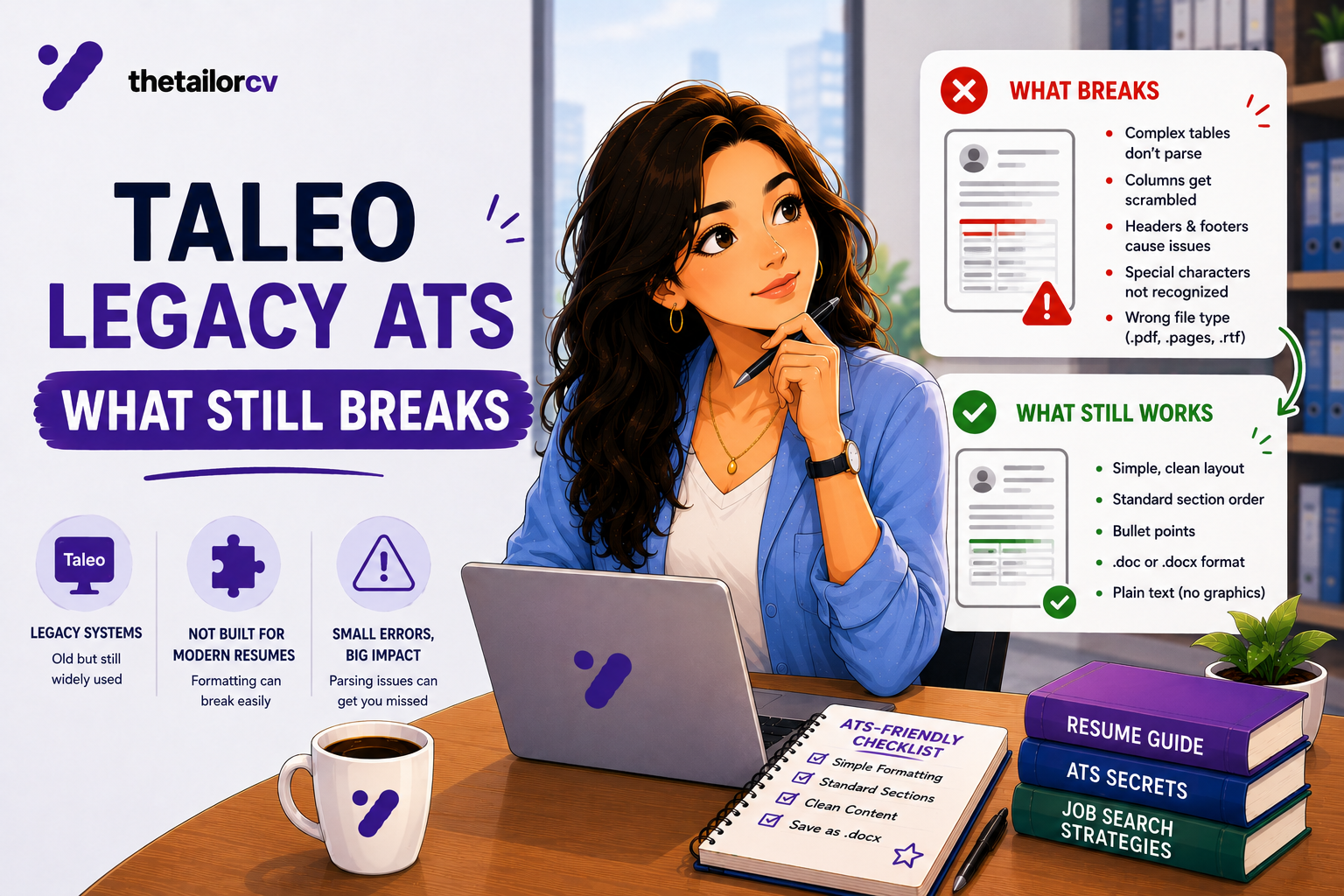
- Taleo is an older, long-established ATS still used by many large organisations, and its parsing logic is generally considered stricter than more modern systems.
- It does not understand synonyms — it relies on close, literal keyword matching, which makes exact wording from the posting more important here than on more semantically flexible systems.
- Unicode characters and special symbols cause real, disproportionate parsing problems on Taleo specifically.
- Complex layouts fail here more often than on many newer systems — the safe baseline formatting matters even more.
- A .docx file is generally reported to parse more reliably here than PDF.
Taleo is one of the oldest applicant tracking systems still in wide use, and many large, established organisations continue running it because migrating away carries real cost and disruption to integrated HR systems. Its age shows in how it parses resumes.
Why Taleo Is Still Around
Organisations that built extensive integrations around Taleo — connecting it to payroll, onboarding, compliance and other HR systems — face a genuinely difficult, multi-year undertaking to migrate to a newer platform. For many large, established employers, the switching cost has outweighed the benefit of moving to a more modern system, which is why Taleo remains common at exactly the kind of large, long-established companies many job seekers target.
The Formatting Baseline Matters More Here
Every general ATS formatting principle — single column, standard headings, no tables or text boxes, real selectable text rather than graphics (see ATS formatting mistakes) — applies with less tolerance for deviation on Taleo than on some newer systems. Complex layouts are reported to cause parsing errors at a meaningfully higher rate here than on more modern parsers, so a resume that "mostly worked" on a newer platform's more forgiving parser can fail more visibly here.
Taleo Does Not Understand Synonyms
This is the most important specific thing to know about Taleo. Where some more modern systems attempt broader semantic matching — recognising a related term as connected even without exact wording overlap — Taleo is generally understood to rely on much closer, literal keyword matching.
The practical consequence: using the posting's exact wording matters more here than on a system with more semantic flexibility. If the posting says "project management" and your resume says "managing projects," a more modern system might connect these; Taleo may not. This raises the stakes on precisely mirroring the posting's own language, as covered generally in matching resume keywords to a job description — but treat that guidance as a stricter requirement here, not just a best practice.
Unicode and Special Characters Cause Real Problems
Taleo's parser is reported to struggle specifically with Unicode characters and special symbols more than many other systems — smart quotes, em dashes, bullet characters beyond the most basic ones, accented characters, and similar. Where these might pass cleanly through a more modern parser, they carry a higher risk of causing extraction errors here.
Practical fix: use plain, standard ASCII characters where possible. Basic hyphens rather than em dashes, straight quotes rather than curly ones, simple bullet points (•, -, or *) rather than decorative or unusual bullet characters. This is a level of caution beyond what most other platforms require, but worth applying specifically for Taleo.
File Format: .docx Is Generally the Safer Choice Here
Unlike the more common general guidance favouring PDF (see our file format guide), Taleo is generally reported to parse .docx files more reliably than PDF specifically. If a Taleo-powered posting does not explicitly require PDF, .docx is the safer default choice for this platform — similar to the same specific exception covered for Workday.
Standard Section Headings, Strictly
Use conventional, exact section headings — "Work Experience," "Education," "Skills" — rather than creative alternatives. Given Taleo's generally stricter, more literal parsing approach, deviating from standard headings carries more risk here than on systems with more forgiving section detection.
Dates and Contact Information
The same principles apply as elsewhere, with less margin for error: consistent, standard date formatting (see dates and gaps parsing errors), and contact information in the document body rather than a header or footer (see contact section parsing failures). Given Taleo's overall stricter parsing behaviour, these fundamentals matter more, not less, here.
A Practical Taleo Checklist
- Use single-column, standard-heading formatting strictly — this platform is less forgiving of deviation than many others.
- Prefer .docx over PDF unless the posting specifies otherwise.
- Avoid special characters and non-standard symbols — smart quotes, unusual bullets, em dashes, accented characters where avoidable.
- Match the posting's exact wording closely, since this system is understood to rely on literal keyword matching rather than broader semantic understanding.
- Keep contact information in the document body, not a header or footer.
Frequently Asked Questions
Is Taleo harder to pass than most modern ATS platforms? It is generally considered stricter and less forgiving of formatting deviation and looser keyword phrasing than several newer systems, based on how it is commonly described by those who study ATS behaviour.
Should I use different wording strategies for Taleo specifically? Yes — lean more heavily on the posting's exact phrasing here than you might on a platform with more semantic flexibility, since exact-match keyword behaviour is more consequential on this system specifically.
Why does my resume look fine but seems to fail on Taleo applications specifically? Complex formatting, special characters, or PDF-specific parsing quirks are more likely culprits here than on some other platforms — try the copy-paste extraction test and consider switching to .docx if you have been using PDF.
Are large companies still using Taleo in 2026? Yes — many organisations that built extensive integrations around it have found migration costly enough to continue running it, particularly larger, more established employers.
Does Taleo's strictness mean I need a completely different resume for it? Not a different resume necessarily, but applying the standard ATS-safe formatting principles more rigorously, and being more precise about mirroring the posting's exact language.
Check Your Extraction Before Applying
Given how much more sensitive this specific platform is to formatting and phrasing choices, checking your resume's extraction quality beforehand is particularly worthwhile here.
Scan your resume and review the extracted data carefully — anything that looks even slightly off is worth fixing before submitting to a Taleo-powered application specifically, given this platform's generally lower tolerance for imperfect parsing.
Free, about a minute. See also ATS formatting mistakes and applying through Workday.
What is your resume scoring right now?
Scan it against a job description and get your ATS match score in about a minute.
Drop your resume here or choose a file
PDF only. Max 2 MB.
We never share your data or use it to train AI models.

Templates that keep this structure intact
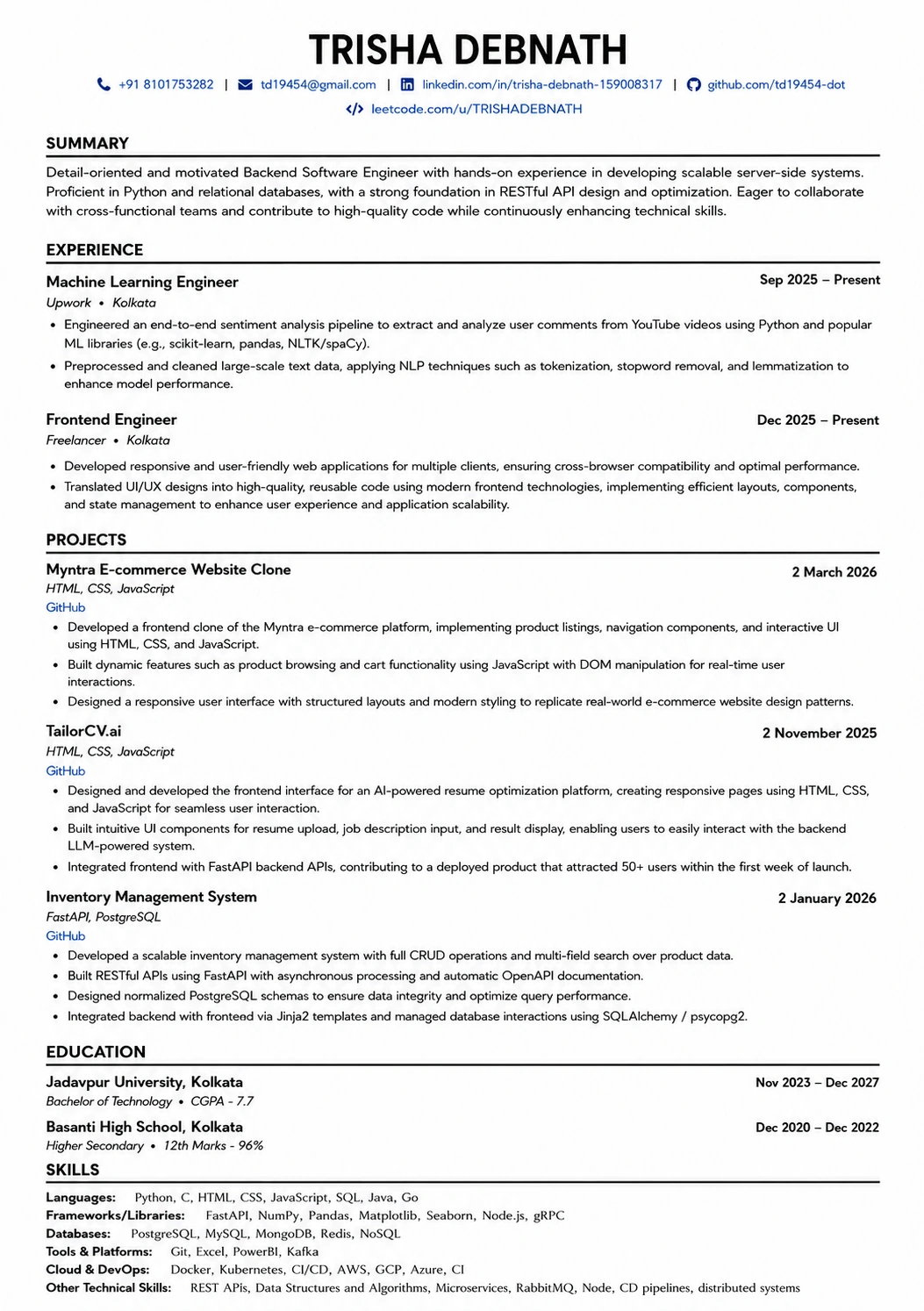
This template is ATS-tested — start from it and the formatting rules in this guide are already handled.
Was this guide useful?
Be the first to rate it.