SS
SS
Key Takeaways
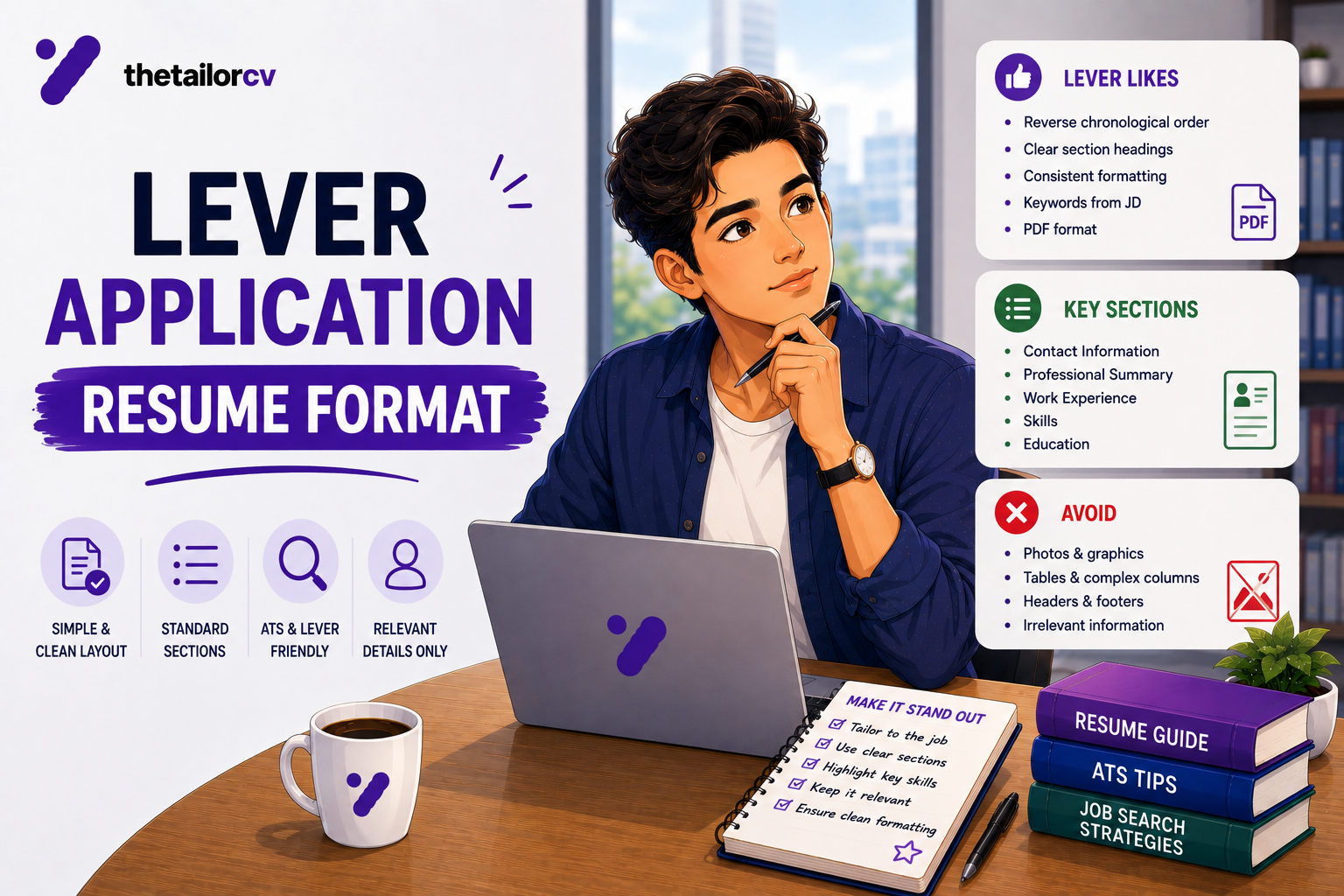
- Lever is generally considered more tolerant of complex layouts than several other major ATS platforms, though "more tolerant" does not mean formatting no longer matters.
- Lever strips visual emphasis aggressively — bold and italic formatting is often invisible in the recruiter's view, even when present in your file.
- Like most systems that auto-fill from a parsed resume, Lever's auto-populated fields need the same careful review before submitting.
- Avoid embedded graphics, logos and photos regardless of platform tolerance — these remain unreadable everywhere.
- Standard, consistent date formatting still helps here, even on a platform with generally higher layout tolerance.
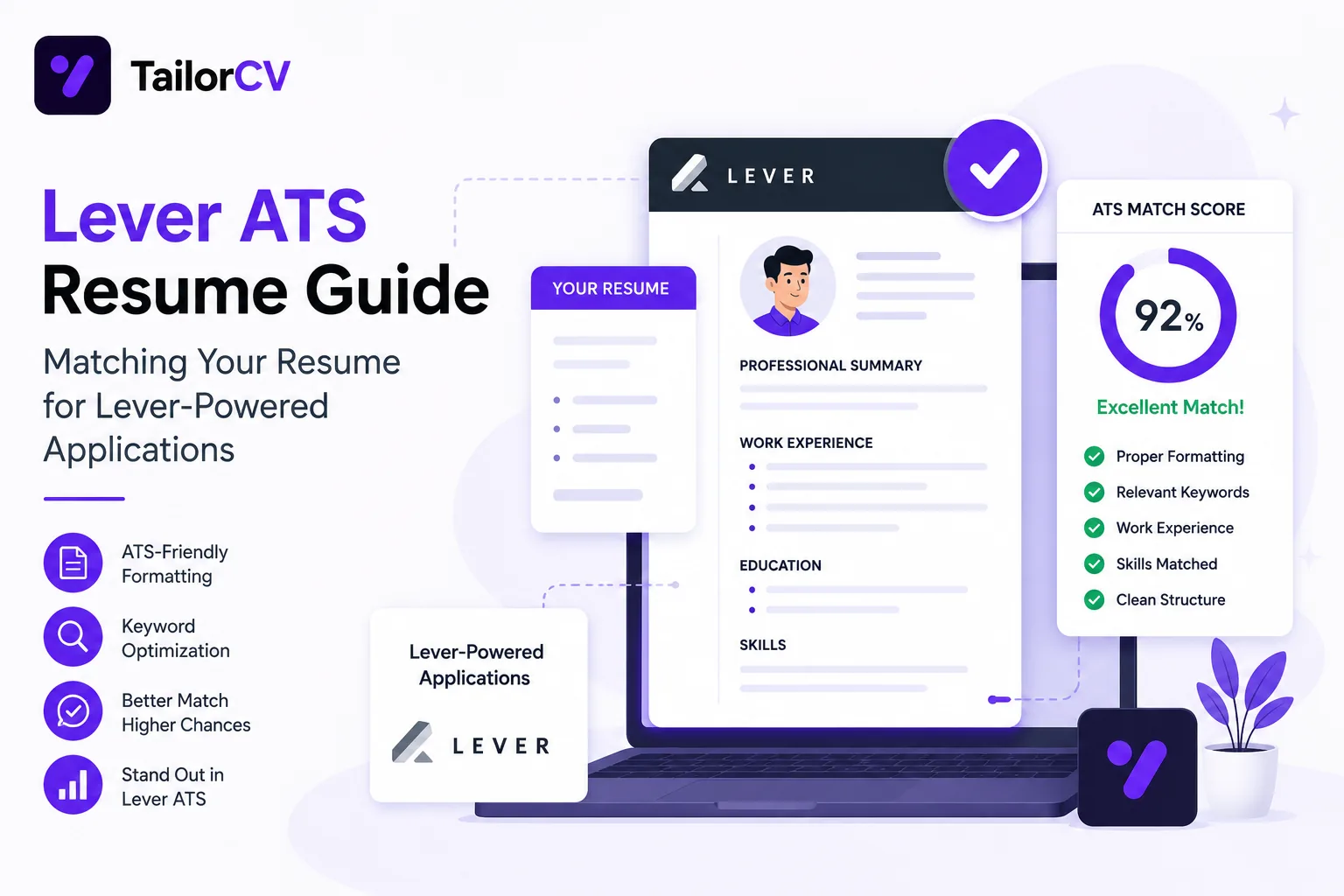
Lever is used by a meaningful share of mid-size and growth-stage companies, and it has a somewhat different risk profile from other major platforms — generally more forgiving on layout, but with its own specific quirks worth knowing.
Lever Is Comparatively More Forgiving on Layout
Compared with some other major ATS platforms, Lever's parser is generally reported to handle a wider range of layouts reasonably well, including some two-column structures that cause more significant problems elsewhere. This is a genuine, useful difference — but it should not be read as licence to ignore formatting fundamentals altogether, since "more forgiving" is relative, not absolute, and Lever's actual behaviour can still vary by document specifics.
The safer approach remains the same regardless of any platform's reported tolerance: single column, standard section headings, and real selectable text rather than graphics — see ATS formatting mistakes — because this baseline works reliably everywhere, including on a platform that might tolerate more.
Bold and Italic Formatting Often Disappears
A specific quirk worth knowing: Lever is reported to strip visual emphasis — bold and italic text — fairly aggressively in how it renders or processes resume content, meaning formatting choices you rely on to draw attention to key terms or job titles may not carry through as intended in the recruiter's view.
The practical implication: do not depend on bold or italic emphasis alone to signal importance. Structure your content so the important information — job titles, key achievements, specific skills — is clear from word choice and placement, not solely from visual styling that might not survive the platform's processing.
Avoid Graphics Regardless of Platform
Even on a platform with more layout tolerance, embedded images, logos, charts, and photos remain unreadable to any text-based parser — there is no ATS platform, however forgiving of layout, that can extract meaning from an embedded picture. Anything conveyed only through a graphic element is effectively invisible to automated processing, and often to search functions as well. Keep all substantive content as plain text.
Auto-Fill Behaviour Is Similar to Other Platforms
Like several other major ATS platforms, Lever commonly auto-populates application fields from your parsed resume — and just as with any auto-fill system, a parsing error (a shifted date, a misattributed company name, a truncated bullet) can propagate directly into your submitted application if not caught. Always review every auto-filled field before submitting, the same discipline covered for Workday applications, since the underlying risk is the same across platforms that use this pattern.
Dates Still Matter
Even with Lever's generally higher layout tolerance, consistent, standard date formatting remains worth getting right, since dates feed into structured fields regardless of how forgiving the surrounding layout parsing may be. See dates and gaps parsing errors for the specific formatting guidance.
A Practical Lever Checklist
- Do not rely on Lever's relative layout tolerance as an excuse to skip formatting fundamentals — single column and standard headings remain the safer default.
- Do not depend on bold or italic emphasis to convey importance — it may not survive processing.
- Never embed substantive content in a graphic, logo, or image — this is universally unreadable regardless of platform.
- Review every auto-filled field carefully before submitting, the same as on any platform using this pattern.
- Use consistent, standard date formatting throughout.
Frequently Asked Questions
Does Lever's higher tolerance mean any resume format will work? No — "more tolerant" is relative to other platforms, not a guarantee. The safer default formatting still applies and performs at least as well.
Why does my bolded text look plain when a recruiter views it on Lever? This reflects a known quirk in how Lever processes and displays visual emphasis — rely on word choice and structure rather than styling alone to convey importance.
Is a two-column resume actually safe on Lever? It is generally reported to be handled better here than on some other platforms, but this is not a strong enough guarantee to recommend deliberately choosing a two-column layout — a single-column resume remains the more universally reliable choice across all the platforms you are likely to encounter.
Should I still review auto-filled application fields on Lever? Yes — this discipline applies across essentially every platform that auto-fills from a parsed resume, Lever included.
Does Lever support the same file types as other major platforms? Lever generally accepts common resume file types including PDF and DOCX — a clean, text-selectable PDF is a safe default choice here as elsewhere.
Check Your Resume's Extraction Quality
Regardless of any individual platform's relative tolerance, confirming your resume extracts cleanly is a useful check before any application.
Scan your resume and review what gets extracted — a resume that parses cleanly here is a safer bet across every platform you are likely to encounter, Lever included.
Free, about a minute. See also ATS formatting mistakes and applying through Workday.
Does your formatting survive the parser?
Upload your resume and see what an ATS actually reads back.
Drop your resume here or choose a file
PDF only. Max 2 MB.
We never share your data or use it to train AI models.

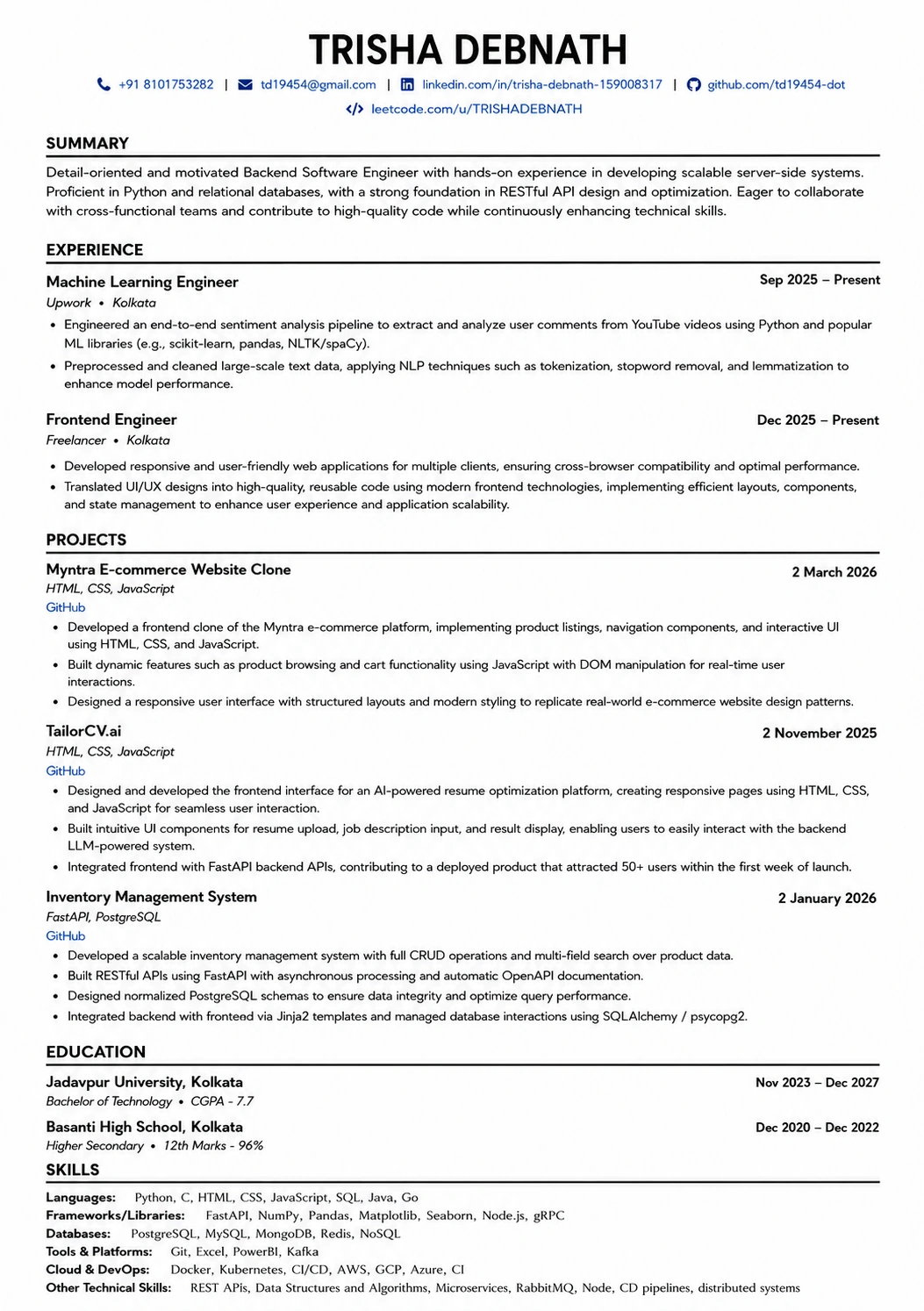
A layout that parses cleanly
Single column, standard headings, no text boxes — the formatting rules in this guide, already applied.
Was this guide useful?
Be the first to rate it.