SS
SS
Key Takeaways
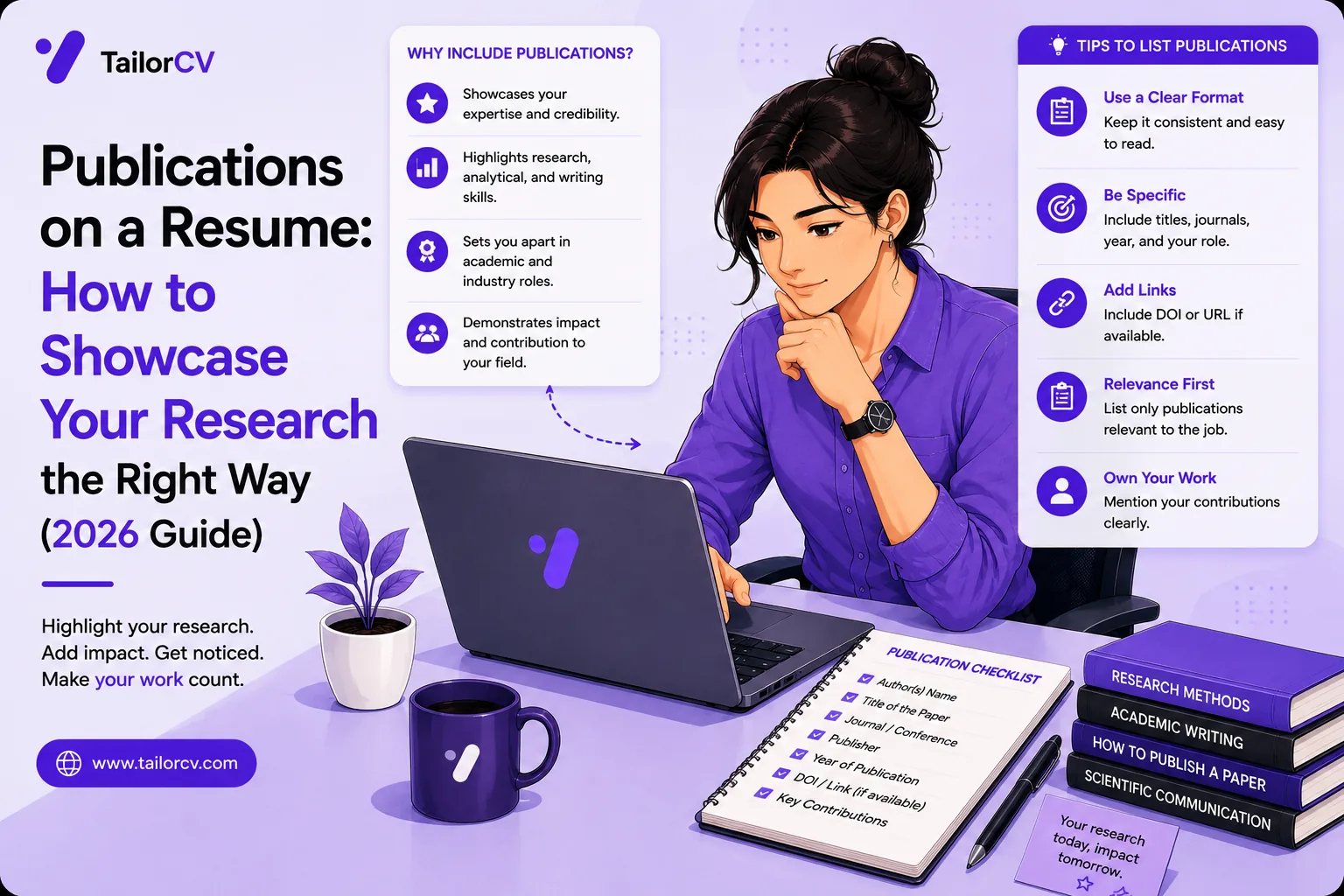
- Publications belong on your resume when they are relevant to the role - not automatically.
- Use one consistent citation style matching your field (APA, MLA, IEEE, or Chicago) and list newest first.
- Where the section sits depends on whether the role is academic or industry.
- For non-academic jobs, do not let publications crowd out your experience and quantified achievements.
- For a substantial body of work, a Google Scholar or ORCID profile beats cramming everything onto the resume.
For researchers, academics, technical experts, and thought leaders, publications are proof of credibility — evidence you've contributed to your field, not just worked in it. But most job seekers list them awkwardly, inconsistently, or bury them where no one looks. Done right, a publications section signals authority; done wrong, it clutters your resume and confuses the ATS. This guide shows you exactly how to present them.
Before you fine-tune publications, make sure the core of your resume is strong and passes screening — confirm it with the free ATS score checker and start from an ATS-friendly template.
When to include publications
Publications belong on your resume when they're relevant to the role:
- Academic and research positions — expected, often as a full CV.
- R&D, scientific, and medical roles — publications demonstrate expertise.
- Senior technical or thought-leadership roles — a few standout pieces build authority.
- Any role where you're hired for domain credibility — a well-known article or book can be a genuine differentiator.
For most other jobs, one or two standout pieces are plenty — and sometimes a link to your full list is better than a long section. Understand the difference between a resume vs a CV, since academic and international contexts often expect the longer CV format.
How to format publications
Use a consistent citation style — APA, MLA, IEEE, or Chicago — matching the convention in your field, and list your work newest first. A typical entry looks like:
Your resume after optimization
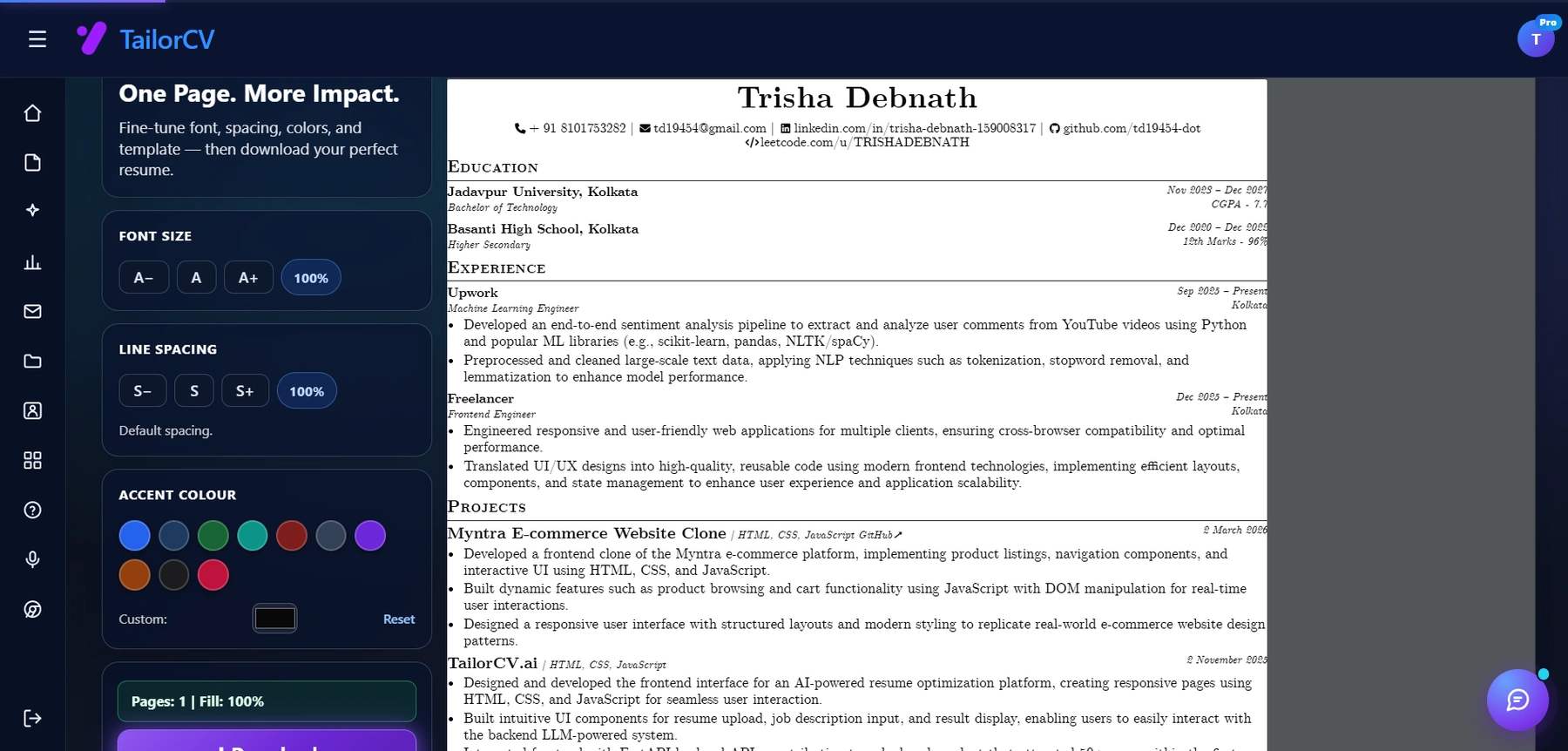
Font size, spacing, accent colour and template are all adjustable, with a live page counter.
Author(s). (Year). Title of the work. Journal / Publisher, volume(issue), pages. DOI or link.
A few rules that make the section look professional:
- Bold your own name so it stands out among co-authors.
- Be consistent — same style, punctuation, and order for every entry. Inconsistency reads as carelessness, the same way a typo does.
- Include links or DOIs where possible so a reader can verify the work.
- Group by type if you have many — Journal Articles, Conference Papers, Books, Book Chapters.
Where to place the publications section
Placement depends on the role:
- Academic/research roles: a dedicated "Publications" section, usually on a full CV, often quite long.
- Industry roles: a short "Selected Publications" list of your three to five strongest pieces, or a single line linking to a fuller list on a portfolio or Google Scholar profile.
For a standard resume, keep it below your experience and education unless publishing is the core of the job. The resume section order guide helps you decide.
Keep industry resumes tight
For non-academic jobs, don't let publications crowd out your experience and quantified achievements. A hiring manager for an industry role cares more about impact than a long bibliography. Link to a portfolio website or a scholar profile with your full list, and feature only the pieces that reinforce your fit for this specific job description. Keeping the resume to the right length matters even for accomplished authors.
Make publications ATS-safe
A long, complex publications list can trip the ATS if it's formatted with tables, columns, or unusual characters. Keep it as clean, single-column text with standard punctuation, per how to make your resume ATS-friendly and ATS formatting mistakes. Then confirm it parses with the ATS score checker.
Publications vs projects vs presentations
If you don't have formal publications but do have relevant output, related sections can serve the same purpose. Projects show applied work — see projects in resume. Presentations, talks, and conference appearances demonstrate thought leadership. Patents and technical reports count in engineering and science. Choose the section that best proves your credibility for the target role, and treat it with the same consistent formatting.
Use Google Scholar, ORCID, and a portfolio
For anyone with a substantial body of work, maintaining an external profile is smarter than cramming everything onto your resume. A Google Scholar profile shows citation counts and an h-index at a glance; ORCID gives you a permanent researcher ID; and a personal portfolio website lets you present publications alongside projects, talks, and context. Link one of these from your header so a curious reviewer can see your full record without you sacrificing resume space — the same logic behind adding a portfolio link to your resume. For guidance on building that presence, see how to write a portfolio case study.
Common publication-listing mistakes
| Mistake | Why it costs you |
|---|---|
| Inconsistent citation style | pick one and apply it everywhere; inconsistency reads like carelessness on a proofread |
| Listing everything | for industry roles, curate to your strongest few and link the rest |
| Hiding your own name | bold it so a reviewer spots your contribution instantly |
| Formatting in tables or columns | it breaks the ATS; use plain text |
| Crowding out experience | keep quantified experience front and center on a standard resume |
For a broader list of what quietly weakens applications, read why your resume gets no responses.
Tailor to the role
Feature the publications most relevant to each application. Tailor your resume with the resume optimizer so the pieces that match the job description are the ones that show. For a research-heavy hire, more is better; for an industry role, curate ruthlessly.
Final checklist
Your publications section is ready when it:
- unchecked: Is relevant to the role and appropriately sized.
- unchecked: Uses a consistent citation style, newest first, with your name bolded.
- unchecked: Links to a fuller list where helpful (e.g., a portfolio or scholar profile).
- unchecked: Stays clean and ATS-safe and passes the ATS score checker.
Build a polished resume in the resume builder, score it with the free ATS checker, and let your published work prove your authority.
What is your resume scoring right now?
Scan it against a job description and get your ATS match score in about a minute.
Drop your resume here or choose a file
PDF only. Max 2 MB.
We never share your data or use it to train AI models.

Templates that keep this structure intact
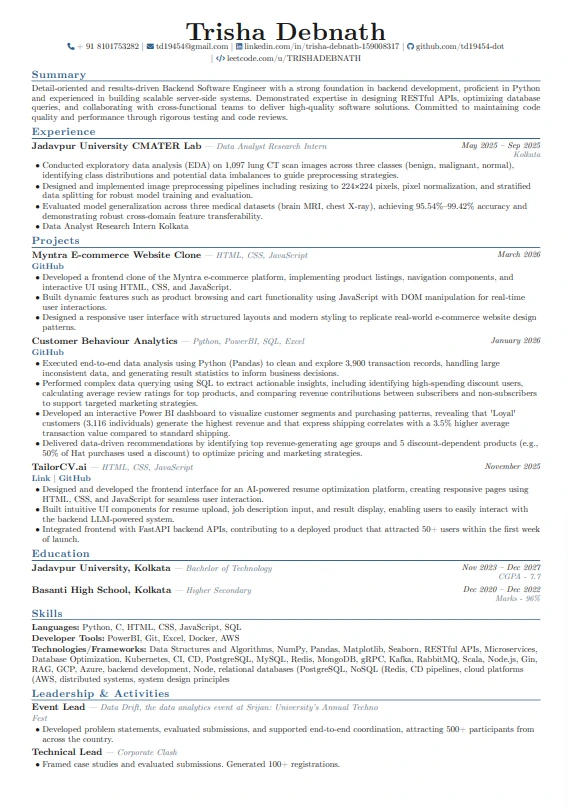
This template is ATS-tested — start from it and the formatting rules in this guide are already handled.
Was this guide useful?
Be the first to rate it.