SS
SS
Key Takeaways
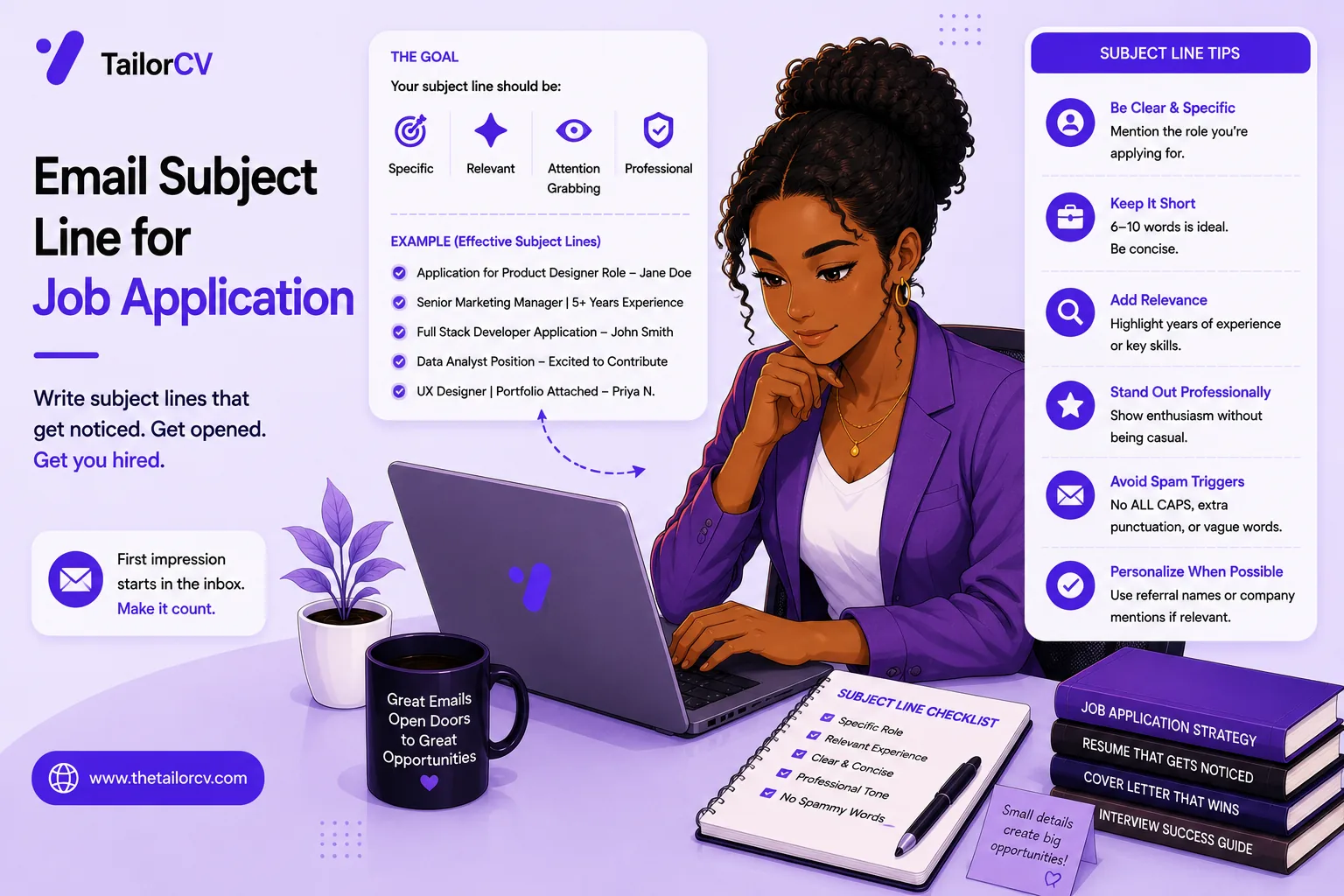
- An effective subject line does four things at once, so treat it as its own piece of writing rather than an afterthought.
- A few clean formats work reliably - use one of those rather than inventing something clever.
- Certain phrasings act as instant-delete triggers and are worth steering clear of.
- The subject gets the email opened; a short, tailored body of a few lines does the rest.
- How you name and attach the resume file matters, as does timing your send and addressing a real person where possible.
When you email a resume directly to a recruiter or hiring manager, the subject line decides whether your message gets opened or buried. A vague or missing subject line is one of the easiest ways to get ignored — a busy recruiter scanning dozens of emails simply skips what they can't identify. A clear, professional subject line gets you read. This guide covers exactly what to write, with templates, plus how to handle the rest of the application email.
Emailing your application is often the moment right after you've tailored your resume and want to reach a real person. Make sure the resume you attach is strong and ATS-ready first, then get the email itself right.
What a good subject line does
An effective subject line does four things at once:
- States the role you're applying for so it's instantly identifiable.
- Includes your name so you're easy to find later.
- Adds a reference number if the posting has one.
- Stays short and professional — no gimmicks.
Recruiters often sort and search their inbox by role and name, so giving them exactly that makes their job easier and makes you look organized.
Subject line templates that work
Use one of these clean formats:
Application: [Role] — [Your Name][Role] Application — [Your Name] (Ref #1234)[Your Name] — Applying for [Role][Role] — [Your Name], [Key Qualification](e.g., "Marketing Manager — Jane Doe, 6 yrs B2B SaaS")
That last format sneaks a qualification into the subject, which can earn an extra second of attention. If a referral sent you, mentioning them is powerful: [Role] Application — [Your Name] (referred by [Contact]).
Subject lines to avoid
Steer clear of these instant-delete triggers:
- "Job" or "Resume" — far too vague.
- "Please hire me" / "Desperate for work" — unprofessional and off-putting.
- ALL CAPS or excessive punctuation!!! — reads as spam.
- Blank subject line — the fastest way to get ignored.
Professionalism in the subject sets the tone for the whole application, the same way a clean, ATS-friendly resume signals care.
Get the email body right too
The subject gets you opened; a short, tailored body does the rest. Keep it to a few lines: a warm greeting, one or two sentences on why you're a strong fit for this role, a mention of your attached resume (and cover letter if included), and a polite close. Mirror the priorities in the job description, and don't paste your whole resume into the body. For cold outreach to a recruiter you don't know, the cold email to a recruiter guide goes deeper.
Attach the resume the right way
A few practical rules for the attachment itself:
- Use a professional file name —
Firstname-Lastname-Resume.pdf, notresume-final-v3.pdf. See the resume file format guide. - Attach a text-based PDF, which is safest for parsing and preserves your formatting.
- Double-check the attachment is actually there before you hit send — forgetting it is embarrassingly common.
- Confirm the resume is tailored and ATS-scored for the role.
When and who to email
Timing and targeting help. Applying early to a fresh posting improves your odds, as how to apply to jobs faster explains. Where possible, address a real person rather than a generic inbox — a little company research or LinkedIn digging can surface the hiring manager or recruiter. Personalized beats generic every time. And if you don't hear back, a brief, polite follow-up after a week is appropriate.
Application email checklist
Before you send, confirm your email:
What optimizing actually does to your resume
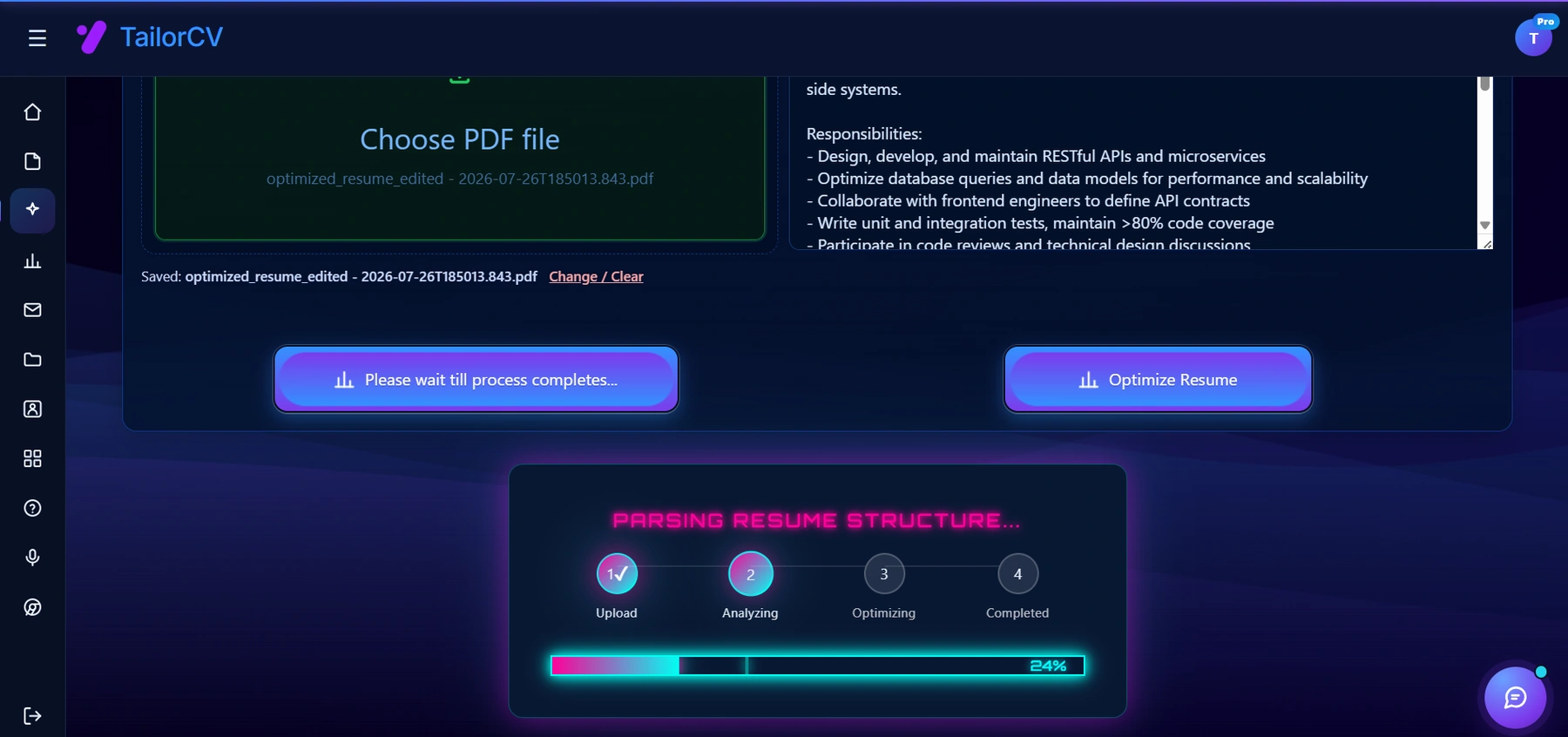
Optimising runs against the specific job description you paste in, not in the abstract.
Keeping every tailored resume with its job
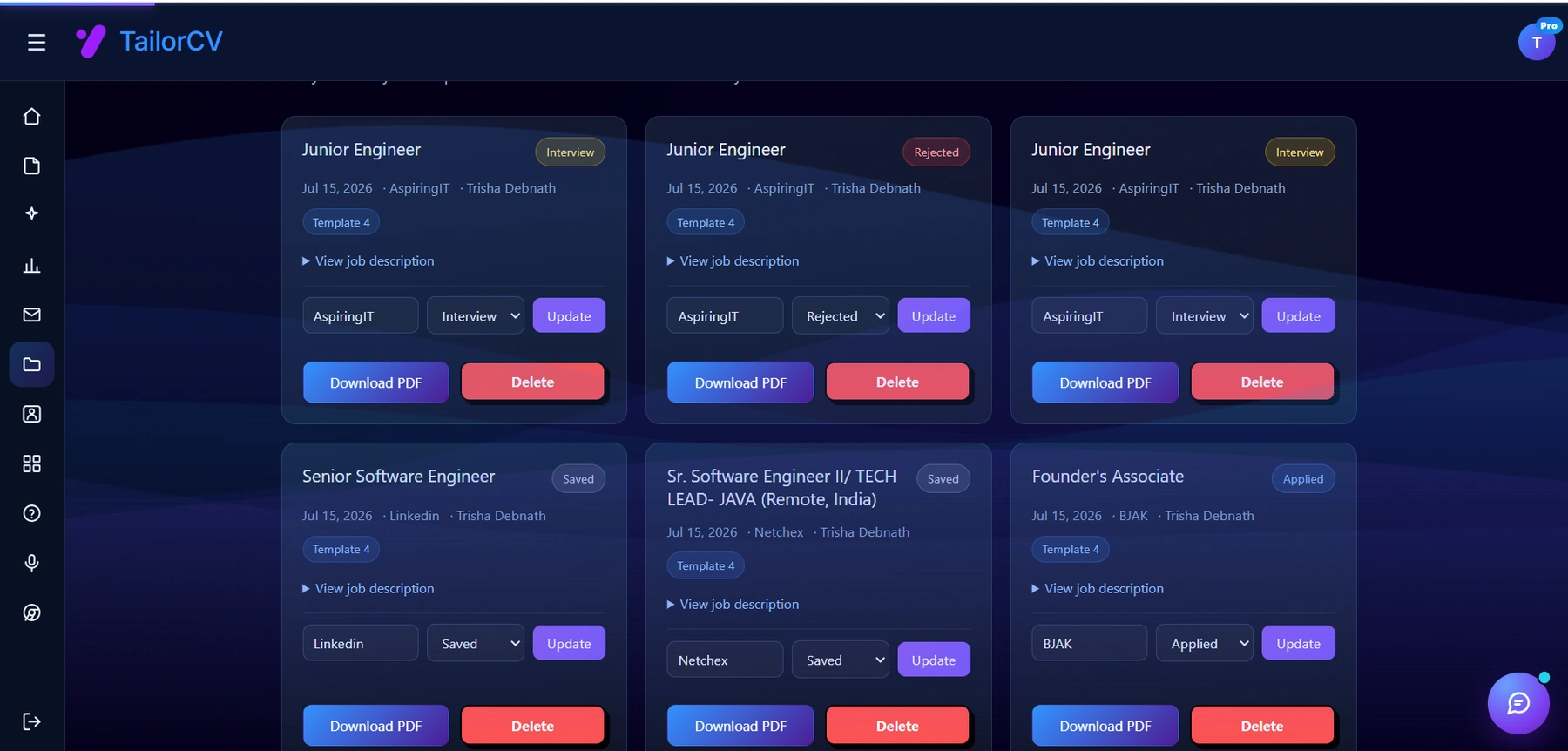
Every resume you tailor is saved against the job it was written for, with the company, the job description and a status you can move from Saved to Applied to Interview. That is the part a spreadsheet usually gets wrong - the tracker and the actual document drift apart, and you end up guessing which version you sent.
- Has a clear, professional subject line with the role and your name.
- Includes a short, tailored body, not a pasted resume.
- Attaches a well-named, text-based PDF resume (and cover letter if asked).
- Goes to a real person where possible, sent promptly.
Get the subject line right and your application actually gets seen. Pair it with a tailored resume scored on the ATS checker, and you've maximized your odds of a reply.
What is your resume scoring right now?
Scan it against a job description and get your ATS match score in about a minute.
Drop your resume here or choose a file
PDF only. Max 2 MB.
We never share your data or use it to train AI models.

Was this guide useful?
Be the first to rate it.