SS
SS
Key Takeaways
- A dropped score almost always means something was removed or reworded, not that the scan is unreliable.
- The five usual causes: deleted content, replaced keywords, template change, condensed bullets, or a different posting.
- Compare the two missing-lists side by side — the item that newly appears tells you exactly what broke.
- "Improving" the writing sometimes removes the specific language a parser was matching on.
- The fix is almost always to restore the removed term into the new, better-written version.
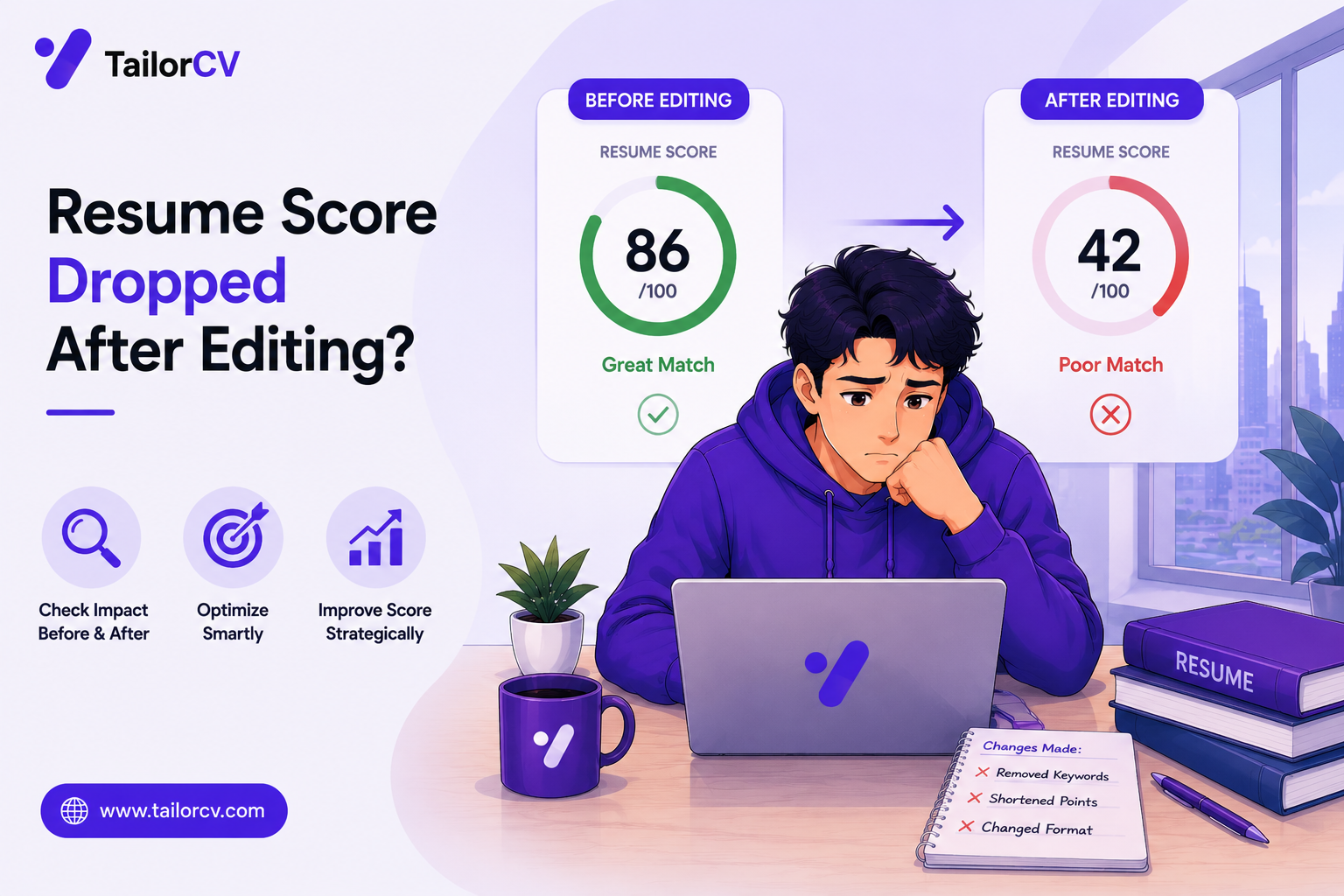
You made your resume better — tighter, cleaner, more polished — and the score went down. This is more common than it should be, and it has a specific, findable cause almost every time.
It Is Not Random
Scores do not fluctuate on their own between identical scans of identical text. If the number moved, something in the resume actually changed relative to the posting's requirements. Your job is to find what.
The Five Usual Causes
1. You deleted something while trimming. Cutting a resume to fit one page is a common source. A bullet describing exactly the experience a posting wanted gets cut for length, and the requirement it evidenced disappears with it. See resume length for when trimming is actually necessary.
2. You replaced a matched word with a synonym. "Managed" becomes "oversaw." "Built" becomes "developed." Small writing improvements that occasionally break a match, because the posting's exact string is gone. Fine for a human reader, costly for a parser.
3. You changed templates. A new template can shift content into a header, footer, table or column that the parser reads differently — or skips. This is a formatting failure wearing a content disguise. See ATS formatting mistakes.
4. You condensed bullets and lost specifics. Combining three bullets into one for brevity often drops the concrete noun that mattered. "Managed reporting, stakeholder communication and forecasting" reads efficiently and evidences less than three separate bullets did.
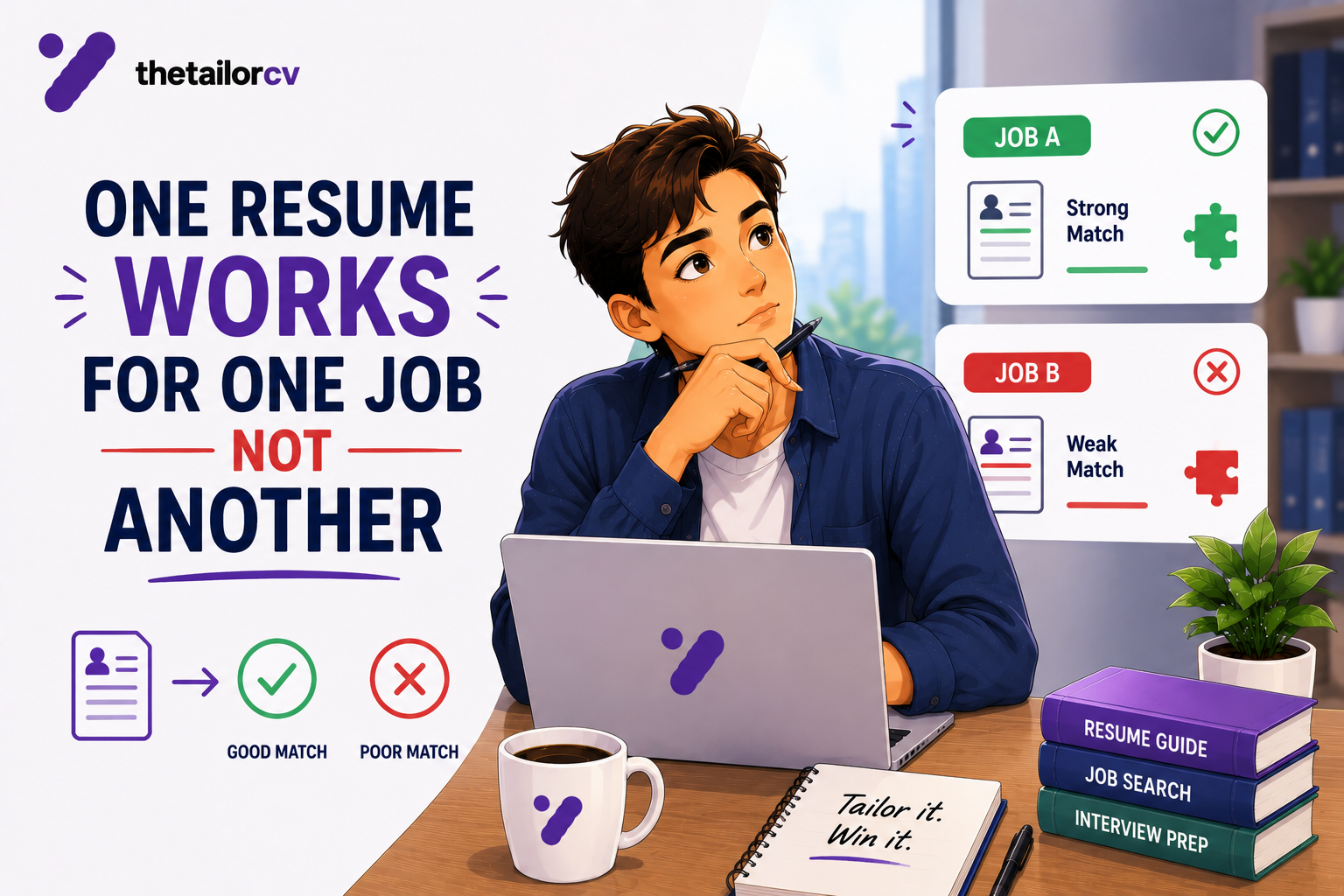
5. You are comparing against a different posting. If you scanned an updated resume against a new job rather than the same one, the drop is expected and correct — see why one resume cannot serve every application.
How to Find Which One Happened
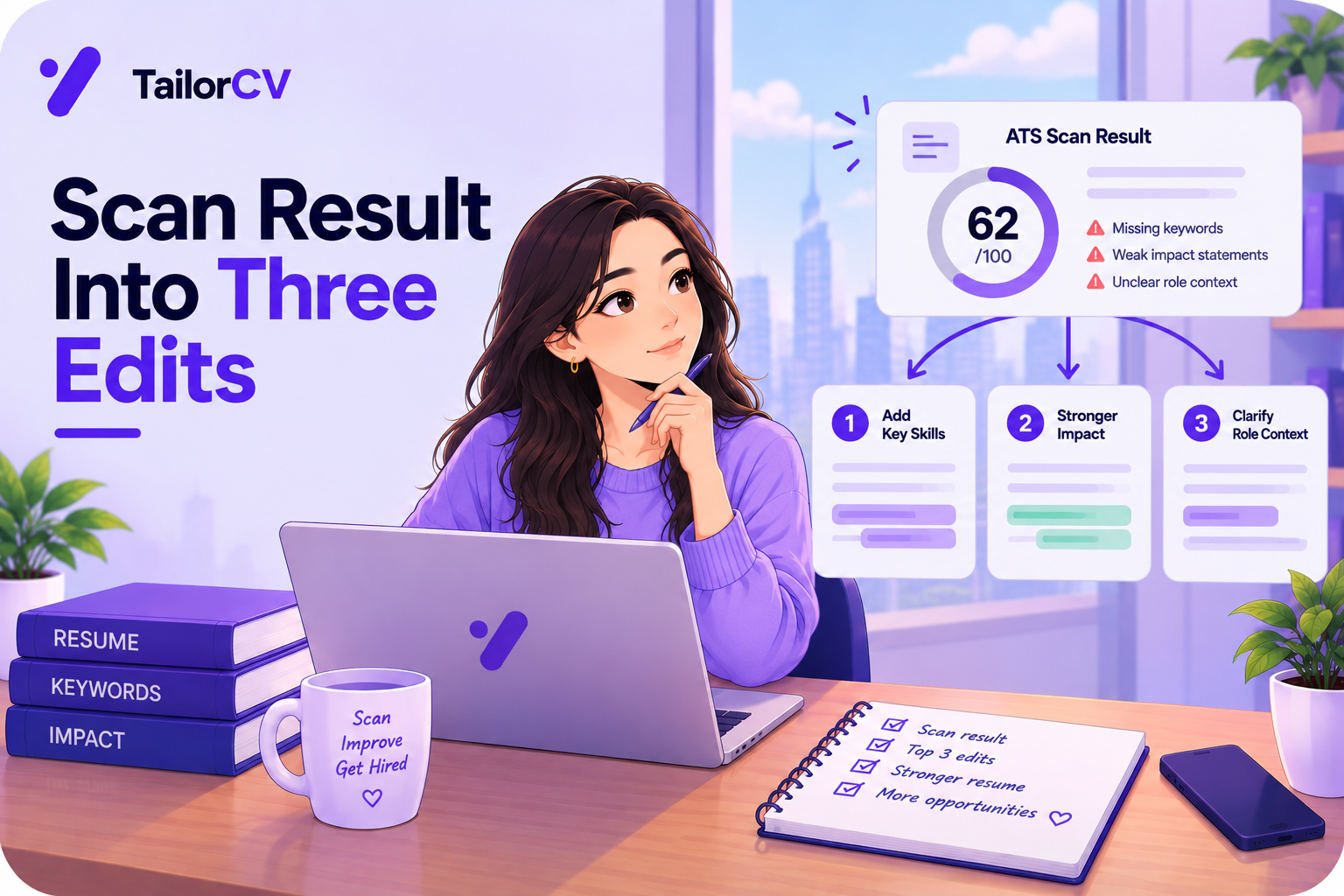
Pull up both scan results — before and after — and compare the missing-requirements lists side by side.
Items that are newly missing tell you exactly what broke. If "stakeholder management" appears in the new missing list but not the old one, search your new resume for that phrase. If it is gone, you know precisely what to restore.
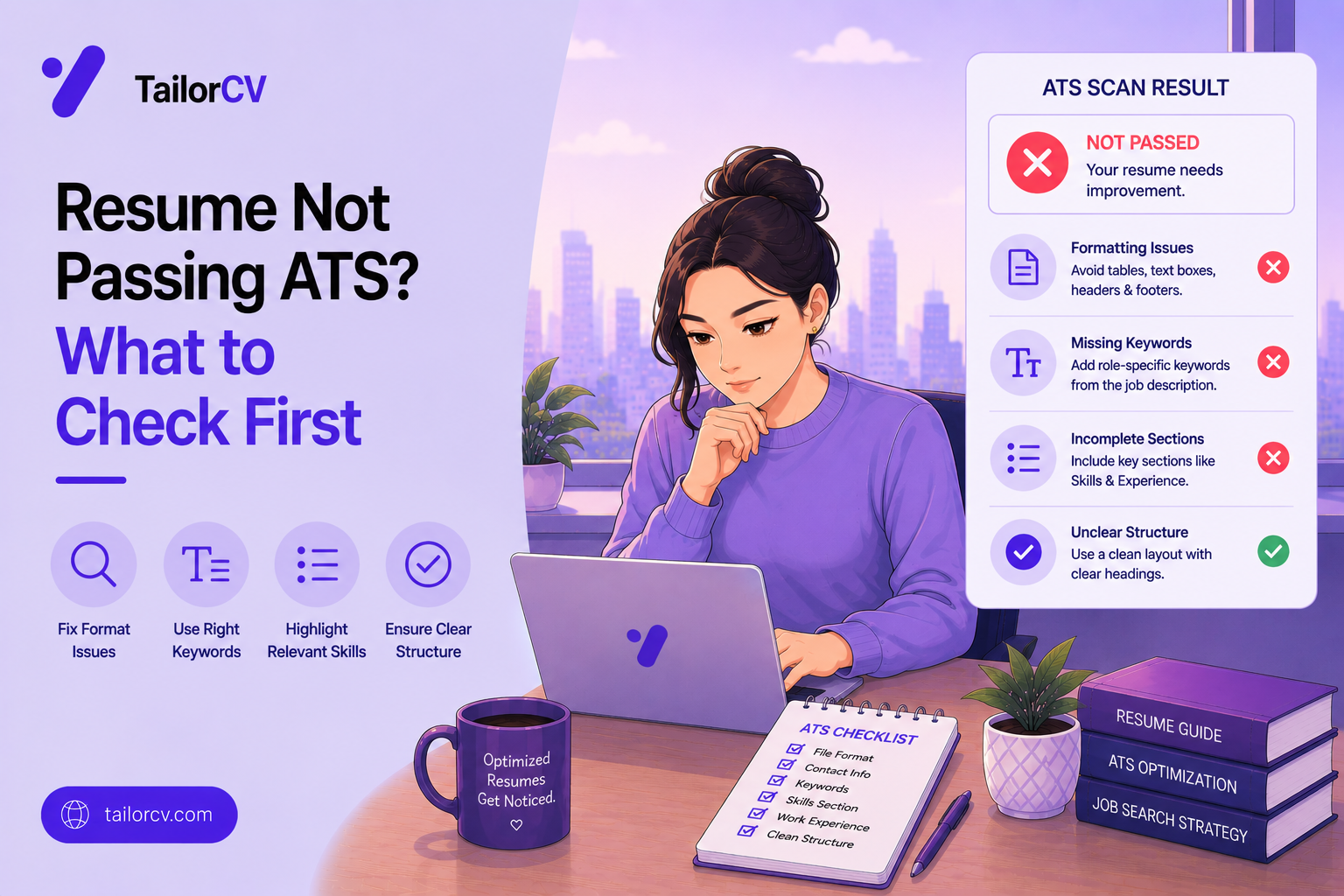
If several items are newly missing at once, suspect cause 3 (template/formatting) rather than content — a formatting change can silently remove an entire section from what gets read. Run the copy-paste test: paste your exported file's text into a plain editor and check whether everything you expect is actually there.
The "Better Writing" Trap
This deserves its own mention because it is counterintuitive and common.
A resume can become better prose and worse evidence at the same time. Compressing "Built and maintained the ETL pipeline moving Salesforce data into Redshift nightly" into "Owned core data infrastructure" reads more senior and matches nothing, because the specific terms the posting was scanning for are gone.
The fix is not to write worse. It is to keep the specific nouns even when you tighten the sentence:
Before: Built and maintained the ETL pipeline moving Salesforce data into Redshift nightly, handling roughly 2M records. Over-trimmed: Owned core data infrastructure. Fixed: Built and maintained nightly ETL pipelines (Salesforce → Redshift, ~2M records).
Same length reduction, same specificity retained.
What to Do
- Pull both missing-lists. Compare them directly rather than trusting memory.
- Identify what is newly missing. That is your search target.
- Search your new resume for that exact phrase or a close variant. If it is truly gone, that is your answer.
- If nothing content-related changed, check formatting. A template swap is the usual silent cause.
- Restore the term into the current, better-written version — do not revert entirely. You can usually keep the improvement and the match.
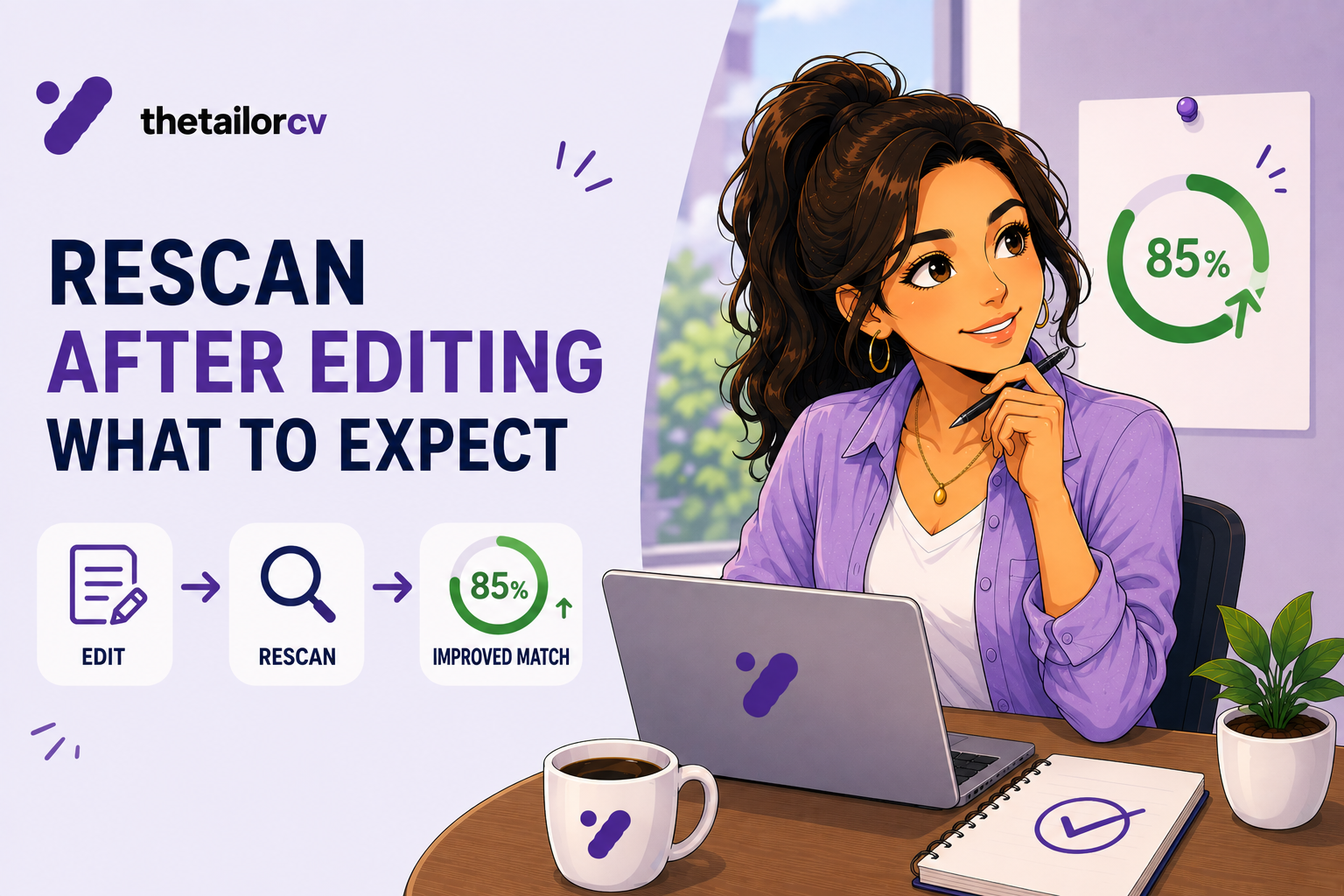
- Re-scan and confirm. See what to expect when you re-scan.
When a Drop Is Actually Fine
Not every drop needs fixing. If you removed a fabricated or exaggerated claim you should not have had, the score correctly fell — and that is the right outcome. See improving your score without lying.
Similarly, if you cut an old, irrelevant role to make room for a stronger recent one, a small drop in one dimension can be a net improvement in how the resume reads overall. The score is one input, not the whole decision.
Frequently Asked Questions
Can the same resume score differently on repeated scans? Against the identical posting and identical text, no meaningful variation should occur. If you see this, check you scanned the exact same file.
I only fixed a typo. Why did the score change? Unlikely to be the typo itself unless it was inside a keyword. More likely you changed something else in the same edit session without noticing.
Should I keep a backup before editing? Yes. Keep the previous version so you can diff what changed when a score moves unexpectedly.
Does cutting to one page always hurt the score? Only if it removes evidence the posting was scanning for. Trimming filler is safe; trimming specifics is not.
What if I cannot find what changed? Re-paste both versions into a document and use track changes or a diff tool. It is tedious but conclusive.
Compare the Two Scans Directly
The fastest way to solve this is side by side, not from memory.
Re-scan your current resume against the same posting and put the missing list next to your earlier one. The newly-missing items point directly at what changed — usually a specific phrase that got trimmed, reworded, or moved somewhere the parser no longer reads.
Free, about a minute. See also which missing skills actually matter and resume formatting that broke after export.
What is your resume scoring right now?
Scan it against a job description and get your ATS match score in about a minute.
Drop your resume here or choose a file
PDF only. Max 2 MB.
We never share your data or use it to train AI models.

Templates that keep this structure intact
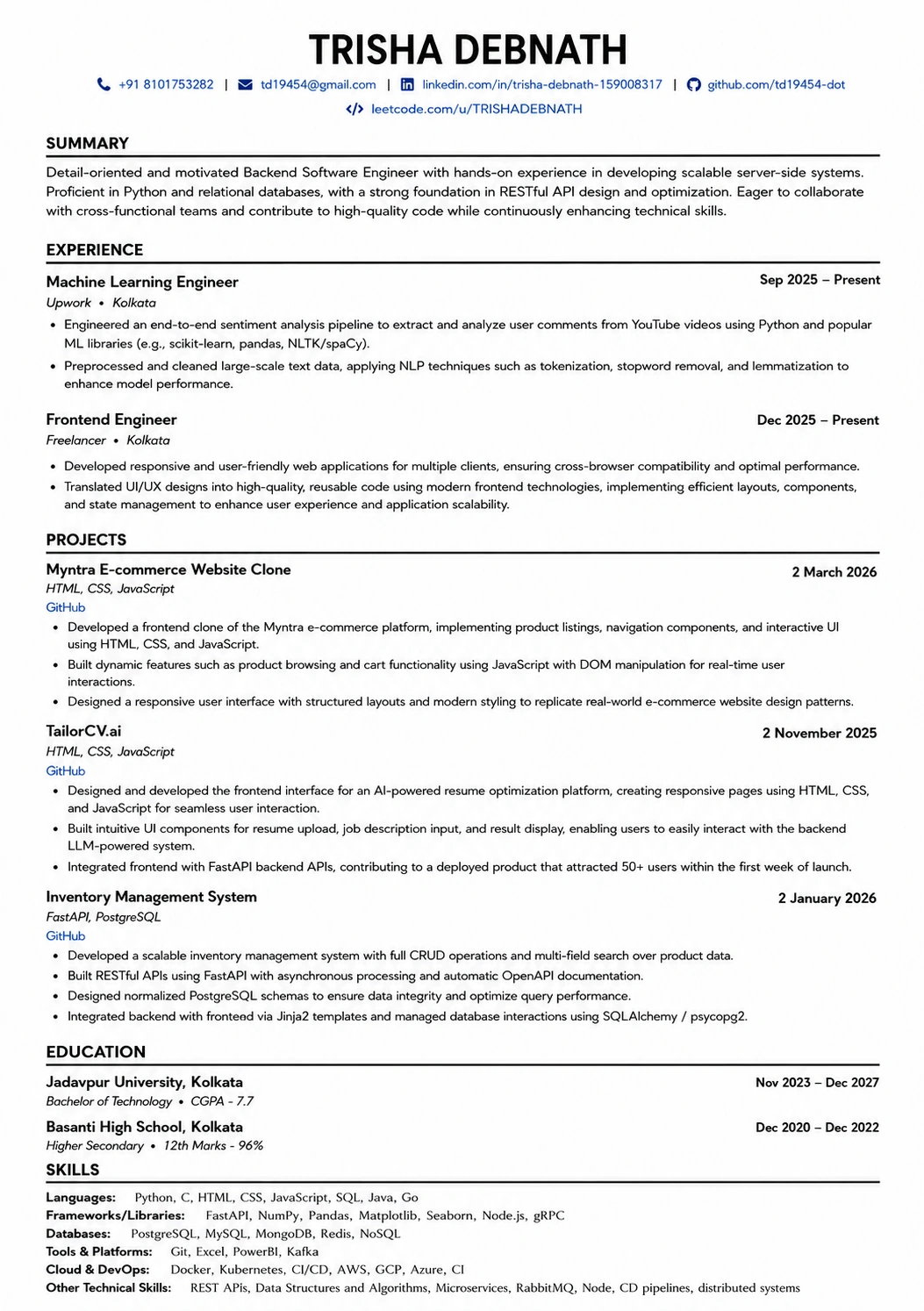
This template is ATS-tested — start from it and the formatting rules in this guide are already handled.
Was this guide useful?
Be the first to rate it.