SS
SS

Key Takeaways
- Skills near the top of the list get more attention from both parsers and human skimmers — order is not neutral.
- Lead with the posting's required items, not your personal favourites or the skills you enjoy most.
- Group by category (technical, tools, domain) rather than one long undifferentiated list.
- Reordering costs nothing and takes two minutes — it is one of the fastest tailoring edits available.
- Do not alphabetise. It optimises for nothing relevant to the reader.
Most people write their skills section once, in whatever order the ideas occurred to them, and never touch the order again. That is a missed, nearly free edit.
Why Order Matters
Two separate readers are affected by skills order, for different reasons.
Human skimmers read left-to-right, top-to-bottom, and spend seconds on this section. Whatever sits first gets seen; whatever sits fifteenth often does not, especially if the list runs long. This is the same six-second scanning behaviour covered in how recruiters read a resume.
Some matching systems weight position, treating earlier items as more central to the candidate's profile — though this varies by system and is not something you can verify directly. What is certain is the human effect, which alone justifies the two minutes it takes to reorder.
The Ordering Principle
Lead with what the specific posting asks for, not with your personal preference or comfort level.
This sounds obvious stated directly, and it is routinely ignored. People list skills in the order they think of them, or lead with the tool they enjoy most, rather than the tool the posting is actually screening for.
A Worked Example
Original, unordered:
Skills: Excel, Python, communication, Tableau, SQL, project management, Git, public speaking, Jira, data visualisation
Posting emphasises: SQL, data visualisation, stakeholder reporting.
Reordered:
Skills: SQL, Tableau, data visualisation, Python, Excel, Git, Jira, project management
Same true skills, no additions, no removals — just reordered so the posting's priorities lead. Soft skills ("communication," "public speaking") were also dropped from the list entirely, since they rarely earn their place there and their absence makes room for something more useful.
Group by Category, Not One Flat List
A long undifferentiated list is harder to scan than the same skills organised into short labelled groups:
Flat, harder to scan:
Skills: Python, SQL, Tableau, AWS, Git, Docker, Jira, Agile, stakeholder management, A/B testing, Excel, communication
Grouped:
Technical: Python, SQL, Tableau Tools & Platforms: AWS, Docker, Git, Jira Methods: Agile, A/B testing, stakeholder reporting
Grouping helps a skimmer find the category they care about immediately, and it signals organisation — a small but real credibility marker.
Do Not Alphabetise
Alphabetical order is tempting because it feels neutral and effortless, but it optimises for nothing relevant to the reader. It puts "AWS" first regardless of whether AWS matters to this posting, and "Zendesk" last regardless of whether it is your strongest, most relevant qualification.
Order by relevance to the specific application, every time. It takes the same two minutes as alphabetising and it is genuinely useful rather than arbitrarily neutral.
Reordering Per Application
This is one of the fastest tailoring edits available, and it is worth doing for every application rather than only your master resume.
For each posting: read the requirements section, note the two or three tools or methods mentioned first or repeated, and move those to the front of your skills list. If you keep a base skills list, this is a copy-and-reorder task, not a rewrite — genuinely two minutes.
See how to tailor a resume in 5 minutes for where this fits into a fast tailoring pass overall.
What Goes at the Very Top vs the Bottom
Top priority: anything the posting explicitly lists as required, that you genuinely have.
Middle: skills relevant to the role generally, even if not explicitly named in the posting.
Bottom, or cut entirely: skills unrelated to this specific application, even if impressive in general. A skill irrelevant to the posting is taking up space that a relevant one could occupy.
Should the Skills Section Come Before or After Experience?
This is a separate placement question from internal ordering, and it depends on role type.
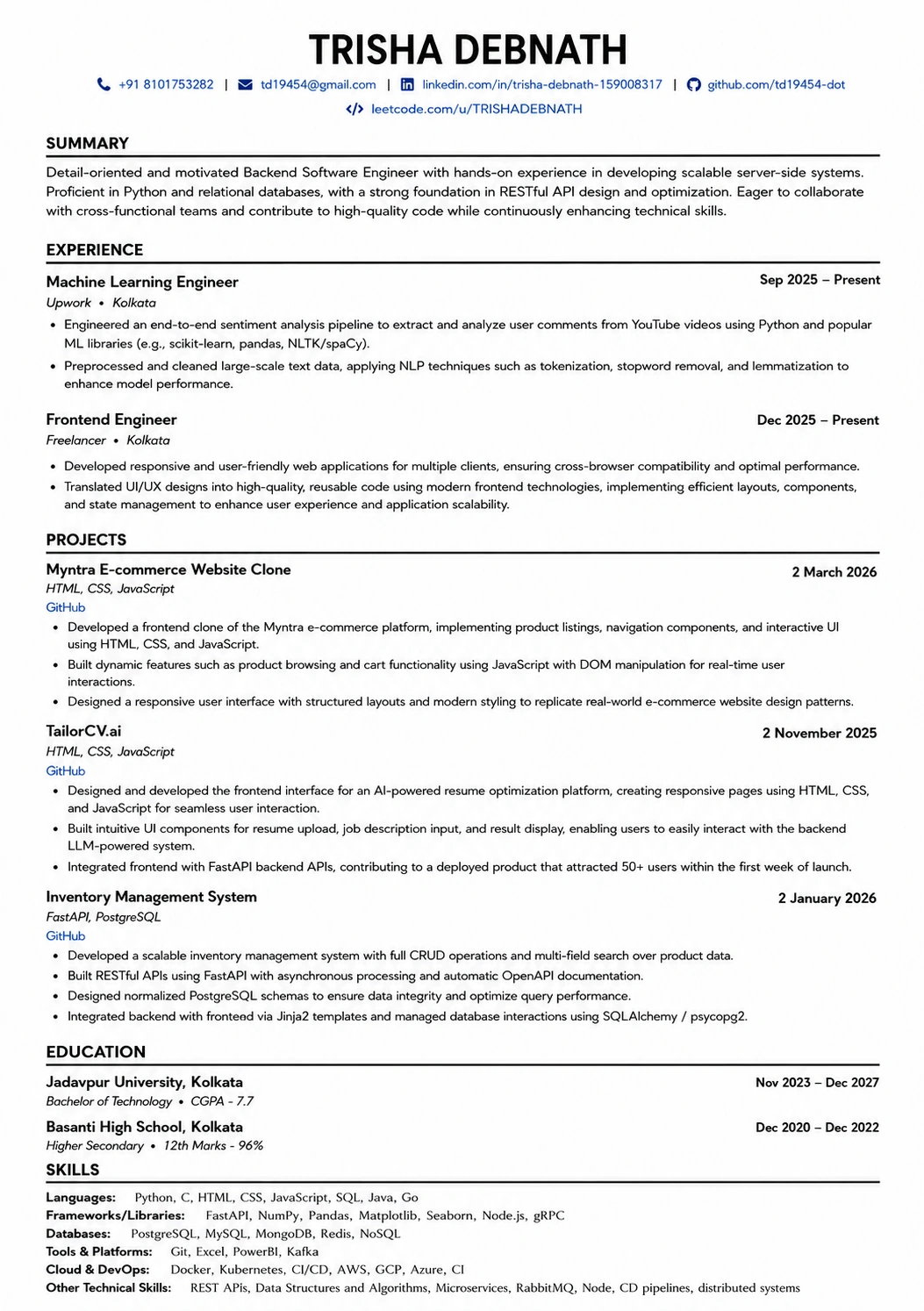
For technical and tool-driven roles (engineering, data, IT), placing skills near the top — right after the summary — lets a fast-scanning reader immediately confirm you have the required stack.
For experience-driven roles (management, sales, most senior positions), skills typically sit after experience, since the work history carries more weight than a list of tools.
Either placement is fine; what matters more is that once placed, the internal order reflects the specific posting.
For roles that mix two disciplines, splitting skills into two labelled groups often works best - see tailoring for a hybrid role.
Frequently Asked Questions
Does skill order actually affect my ATS score? Some systems weight earlier terms more heavily; this varies and is not something you can verify per-tool. The human-read effect is certain regardless, which alone justifies reordering.
Should I have one skills list or several by category? Categorised groups are easier to scan for most resumes with more than eight or nine skills. A very short list can stay flat.
How many skills should I list total? Enough to cover the posting's requirements plus a few genuinely relevant others — typically 10-15 is a reasonable range. Beyond that, consider whether every item is earning its place. See keyword stuffing.
Should I reorder for every single application? Ideally yes, since it takes two minutes and the return is real. At minimum, do it whenever the postings you are applying to differ meaningfully in what they emphasise.
Do soft skills belong in this section? Generally not as a bare list — see soft skills nobody can verify for why evidencing them in bullets works better than listing them here.
Check What the Posting Actually Prioritises
Reordering only works once you know what a specific posting is actually screening for, rather than guessing.
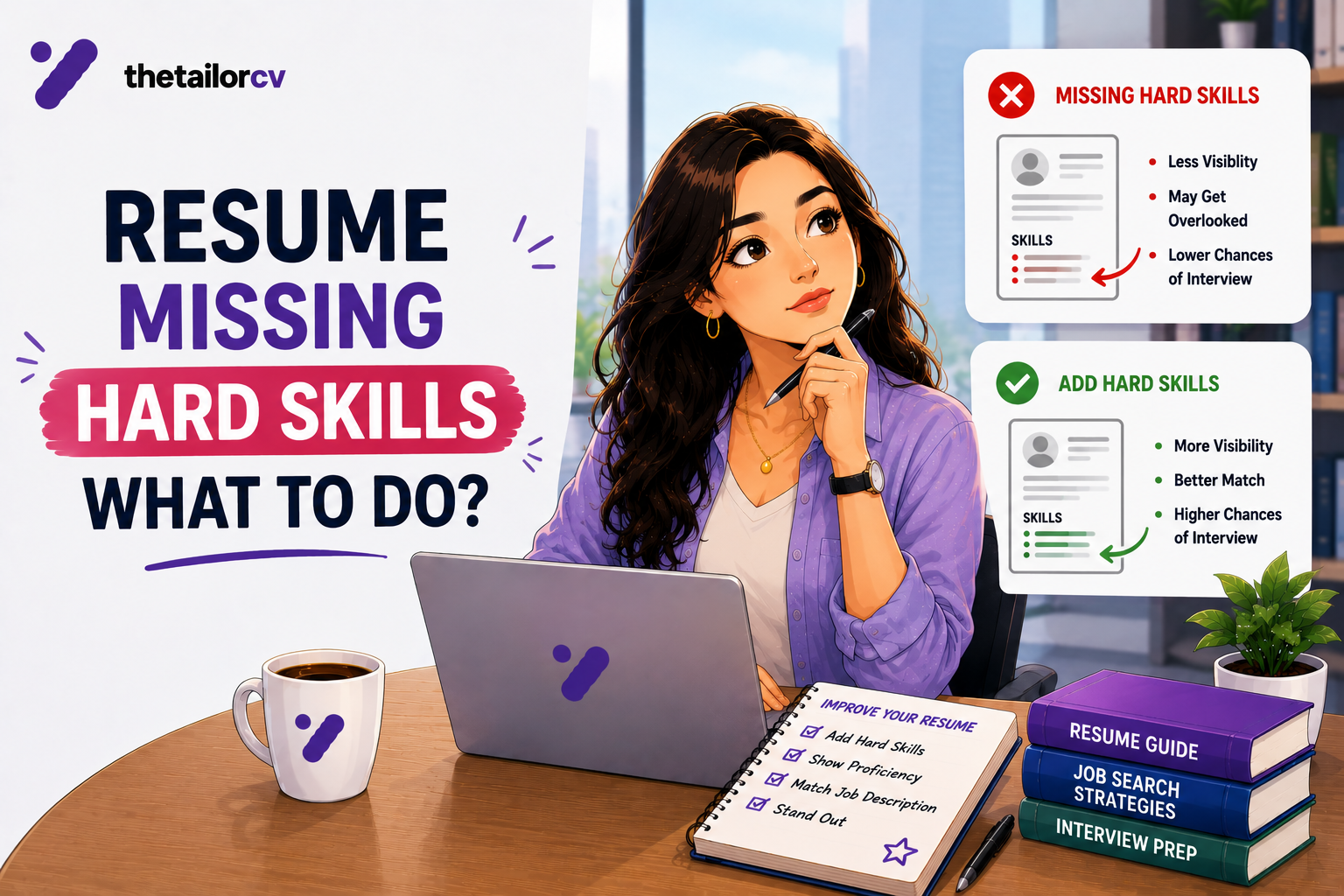
Scan your resume against the posting and look at which of your listed skills matched and which requirements are still missing. That tells you exactly what to move to the front — and whether anything genuinely needs adding rather than just reordering.
Free, about a minute. See also which missing skills actually matter and how to match resume keywords to a job description.
What is your resume scoring right now?
Scan it against a job description and get your ATS match score in about a minute.
Drop your resume here or choose a file
PDF only. Max 2 MB.
We never share your data or use it to train AI models.

Templates that keep this structure intact
This template is ATS-tested — start from it and the formatting rules in this guide are already handled.
Was this guide useful?
Be the first to rate it.