SS
SS
Key Takeaways
- A custom domain is inexpensive and makes a disproportionate difference to how a portfolio is perceived.
- Static hosting is free, fast and sufficient for the overwhelming majority of portfolios.
- Free tiers that sleep after inactivity are the biggest practical hazard — a slow wake loses the reviewer.
- Site builders are a legitimate choice; nobody is assessing whether you hand-coded your portfolio.
- Whatever you choose, verify HTTPS works and the site loads fast on mobile.
Hosting is the part of portfolio building where people either overthink or under-check. Some spend weeks configuring infrastructure for a five-page site; others deploy to a free tier that sleeps and never discover that reviewers are waiting thirty seconds for it to wake.
The requirements are genuinely modest. This guide covers the options and the settings that matter.
Before anything, make sure the resume linking to it works — the free ATS score checker.
What a portfolio actually needs
Fast loading. Under a couple of seconds, on mobile data.
Always available. No cold starts, no sleeping.
HTTPS. A browser warning about an insecure site is an immediate credibility problem.
Mobile responsive. A large share of reviewers open links on a phone.
A URL you can say out loud and put on a resume without embarrassment.
Notice what is absent: a database, a backend, server-side rendering, or a complex build pipeline. Almost every portfolio is a static site, which is why the free options are genuinely sufficient.
The main options
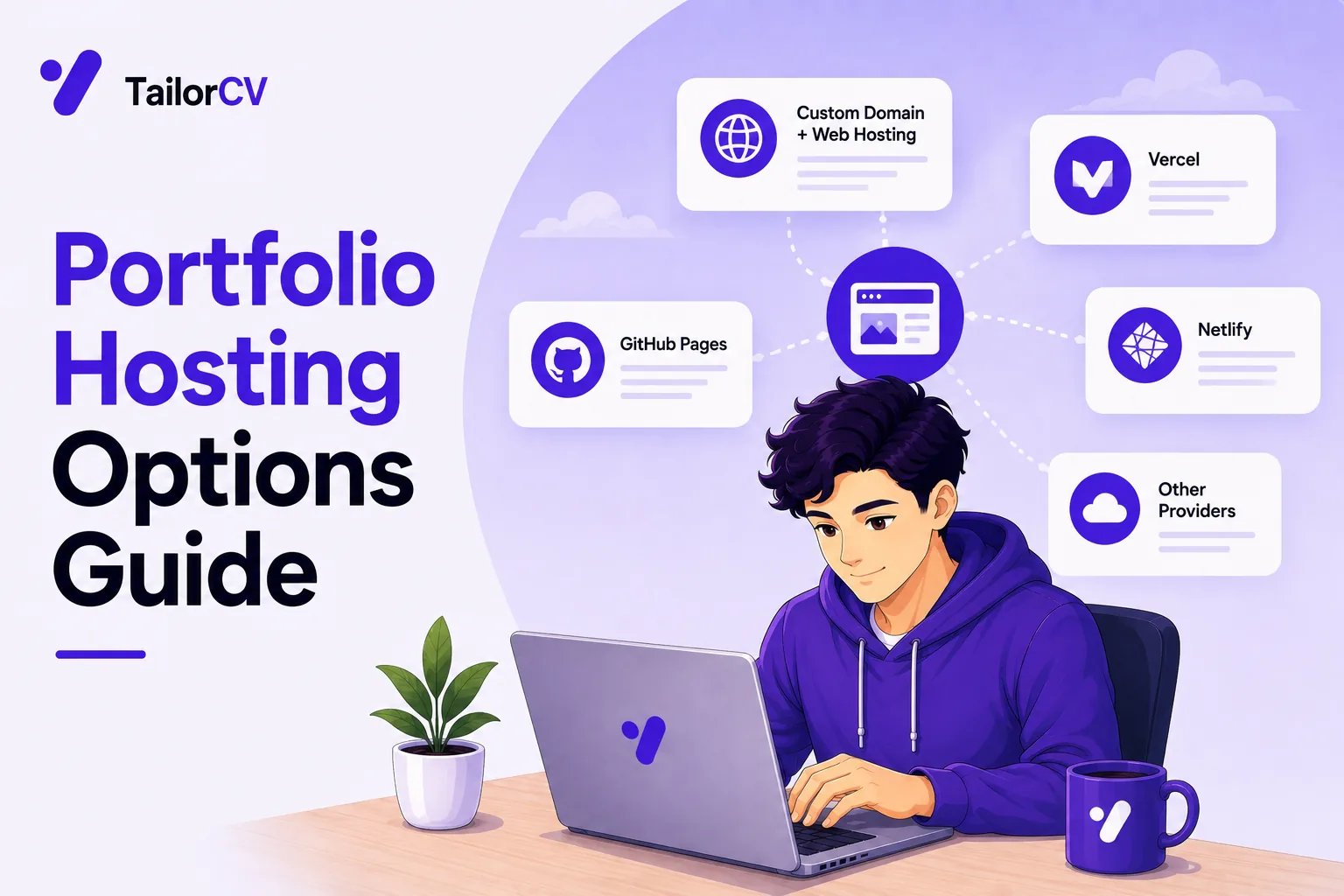
Static hosting platforms. The default choice for most people — deploy from a Git repository, free tier that is genuinely adequate, automatic HTTPS, global CDN, custom domains supported. Several well-known providers offer essentially the same thing. If you have a static site or a built front-end app, this is where it should go.
GitHub Pages. Free, tied to your repository, supports custom domains. Simple and dependable, with fewer features than dedicated hosting platforms but entirely sufficient for a static portfolio. A natural pairing if your GitHub is already part of your application — see how to optimise your GitHub profile.
Site builders and no-code platforms. Entirely legitimate. If you are not a developer, or you are a developer who would rather spend the time on case studies than on CSS, a builder gets you a good-looking responsive site quickly. Costs a monthly fee for a custom domain and removing platform branding.
Portfolio-specific platforms. Field-specific communities for designers, photographers and writers. Useful for discovery within those fields, and worth having alongside your own site rather than instead of it.
A PDF. Underrated for non-technical roles, where a document you can attach or leave behind is frequently more useful than a website — see portfolio for non-tech roles.
Application hosting platforms. Only necessary if your portfolio genuinely needs a backend. Most do not, and this is where the sleeping problem below usually appears.
Choosing between them
| If you are | Use | Because |
|---|---|---|
| A student with a static site | GitHub Pages or static hosting | Free, no sleeping, and the repo is already there |
| A developer with a built React/Vue app | Static hosting | Handles the build step, free HTTPS and CDN |
| Not a developer at all | A site builder | An afternoon rather than a fortnight, and nobody checks |
| In HR, finance or operations | A PDF | Attachable, printable, leave-behind at interview |
| A designer or photographer | Own site plus a field platform | Site for control, platform for discovery |
| Building a project with a real backend | Static site for the portfolio, dynamic only for the demo | Keeps the sleeping problem off your main page |
The pattern: put the portfolio itself somewhere that cannot sleep, whatever your individual demos need.
The sleeping deployment problem
The single most common practical failure, and worth its own section.
Many free tiers spin down after a period of inactivity. The first request afterwards has to start the service, which can take twenty to thirty seconds.
Why that matters: a reviewer clicking your link and staring at a blank page for half a minute concludes the site is broken and leaves. You will never know it happened.
Where it bites: free tiers on application hosting platforms, particularly for projects with a backend. Static hosting does not have this problem, which is another reason it is the better default.
How to handle it:
- Host the portfolio itself statically, even if individual demo projects are dynamic
- If a demo must be dynamic, consider a paid tier for the duration of your job search — it is a small cost against the opportunity
- Warn the reviewer if you cannot avoid it: "Live demo (free hosting — first load takes ~30s)". A reviewer who knows why they are waiting will wait. One who does not, will not.
- Test it cold. Do not visit your own site for a day, then load it from a phone and time it
This is the same failure discussed in portfolio common mistakes, and it is worth checking during any active search.
Custom domains
Buy one. A .com, .dev, .me or a country domain costs very little per year and changes how the link reads on a resume.
ananyasharma.dev versus ananya-portfolio-final.netlify.app is a real difference in perceived professionalism, for the price of a coffee or two annually.
Choose it sensibly. Your name if available, otherwise your name plus your field. Avoid numbers, hyphens where possible, and anything you would have to spell out on a phone call.
| Domain | Verdict |
|---|---|
ananyasharma.com |
Ideal |
ananyasharma.dev |
Ideal for engineers |
ananyasharmadesign.com |
Good if your name is taken |
ananya-sharma-2026.com |
The year dates it, the hyphens need spelling out |
ananyas-portfolio.netlify.app |
Free, and reads like it |
thecodewizard.xyz |
You will regret this in three years |
Point it at your hosting. All the platforms above document this, and it is a DNS record rather than a technical project. Allow up to a day for it to take effect, so do not buy it the night before you send applications.
Enable HTTPS, which is generally automatic once the domain is connected. Verify it in a browser rather than assuming.
Set a calendar reminder for the renewal. An expired domain during a job search means every link on every resume you have already sent is dead. Auto-renew if the registrar offers it.
Set up email forwarding from the domain if you want a professional address — many registrars include it.
What nobody is assessing
Worth saying plainly, because people waste time here.
Nobody cares whether you hand-coded it. Using a site builder does not count against you, including for developer roles. What is assessed is the work you present, not the framework presenting it.
Nobody is auditing your hosting choice.
Nobody expects a custom CMS.
The time you would spend building infrastructure is better spent on case studies, which is what actually gets assessed — see portfolio case study writing.
Common Mistakes
Deploying to a free tier that sleeps. Reviewers wait for a blank page, conclude it is broken, and leave — and you never find out.
Not testing the site cold. Visiting your own portfolio daily hides exactly the problem you need to detect.
Not warning about a slow demo. A reviewer who is told the first load takes thirty seconds will wait; one who is not, leaves.
Skipping a custom domain. It costs very little annually and materially changes how the link reads on a resume.
Letting the domain expire mid-search. Every link on every resume already sent goes dead at once.
Not verifying HTTPS. A browser security warning is an immediate credibility problem.
Ignoring mobile performance. Large unoptimised images are the usual cause, and a large share of reviewers are on phones.
Over-engineering the infrastructure. Almost every portfolio is a static site, and time spent on the pipeline is time not spent on case studies.
Avoiding site builders out of pride. Nobody assesses how the site was built, including for developer roles.
Choosing a domain that must be spelled out. Hyphens, numbers and unusual spellings all cost you when saying it aloud.
Frequently Asked Questions
Where should I host my portfolio?
Static hosting for almost everyone — free, fast, HTTPS included, and no sleeping problem. GitHub Pages is a solid equivalent if you already use GitHub heavily.
Do I need a custom domain?
Not strictly, but it costs very little annually and makes a disproportionate difference to how the link reads on a resume.
What is the sleeping deployment problem?
Free tiers on some application hosting platforms spin down after inactivity, so the first request takes twenty to thirty seconds. Reviewers assume the site is broken and leave.
What if I cannot avoid a slow demo?
Label the link with the expected wait. A reviewer who knows why the page is blank will give it thirty seconds; one who does not will assume it is broken.
Is it bad to use a site builder?
No. Nobody assesses how your portfolio was built, including for developer roles. What matters is the work you present.
Do I need a backend?
Almost certainly not. Most portfolios are static sites, which is why free static hosting is genuinely sufficient.
How long does a custom domain take to work?
Up to about a day for DNS to propagate, so buy it before you need it rather than the night before you start applying.
Should I use a portfolio platform instead of my own site?
Use both if your field has one — platform profiles help with discovery, while your own site gives you control over how the work is presented.
How do I test my site properly?
Leave it alone for a day, then open it on a phone using mobile data in a browser where you are not logged in, and time the load.
The resume is what gets people to your site. Check your ATS score free.
Make This Practical
Host the portfolio itself as a static site, whatever your individual demo projects need. That removes the sleeping deployment problem from the page reviewers actually land on, gives you free HTTPS and CDN delivery, and is sufficient for almost every portfolio ever built.
Then buy a custom domain in your own name, set it to auto-renew, and buy it before you need it rather than the night before you apply. It costs very little per year, changes how the URL reads more than any design decision will, and an expiry mid-search kills the link on every resume you have already sent.
Finally, test cold before you send the link anywhere. Leave the site alone for a day, open it on a phone using mobile data while logged out, and time the load — because a reviewer waiting thirty seconds for a sleeping deployment simply leaves, and you never find out it happened.
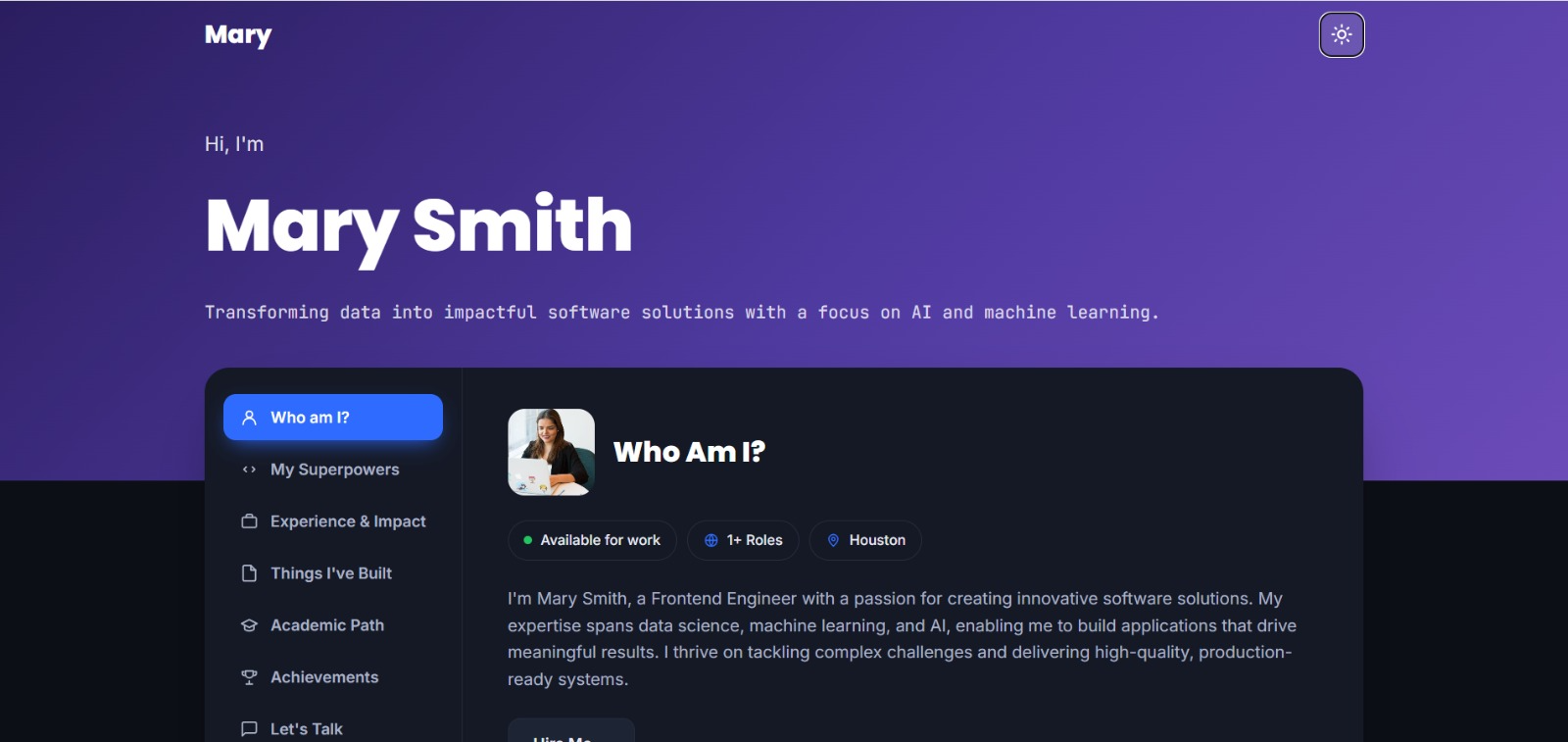
See what your portfolio could look like
This theme is built straight from your resume — pick one and your portfolio is live in minutes.
Was this guide useful?
Be the first to rate it.