TD
TD
Key Takeaways
- Legal job descriptions require precise language matching, as terminology and software requirements vary significantly across practice areas.
- Use specific keywords related to practice areas, legal software, core skills, credentials, and soft skills to enhance resume relevance.
- For paralegal roles, mirror the exact practice area and software tools listed in the job posting, and quantify your relevant experience.
- Associate attorney resumes should emphasize practice area focus, bar admission status, and specific terminology used by the firm.
- Avoid generic resumes by ensuring alignment with the specific language and requirements of the job description to improve chances of passing ATS filters.
Legal hiring is unusually precise about language. A job description for a litigation paralegal and one for a corporate paralegal can look similar at a glance, but the practice-area terminology, required software, and even the phrasing of responsibilities differ enough that a mismatched resume gets filtered out fast, whether by an ATS or a hiring partner skimming a stack of applications.
Legal employers, from solo practices to large firms, increasingly use ATS software to screen applicants, especially at firms handling high application volumes for paralegal and entry-level associate roles.
This guide covers exactly how to match your resume to a legal job description, whether you are applying for a paralegal position, a legal assistant role, or an associate attorney opening.
Paste any legal job posting into the TailorCV resume optimizer to see your match score and close keyword gaps instantly.
Why Legal Resumes Need Precise Matching
Legal job descriptions are written by people trained to be exact with language, and they expect the same from candidates. Two specific challenges make legal resume matching harder than most industries:
- Practice area specificity. "Litigation," "corporate," "family law," "IP," and "employment law" are not interchangeable, and using the wrong term signals a lack of familiarity with the role.
- Software and tool requirements. Legal roles frequently list specific case management or e-discovery tools (Clio, Relativity, iManage, Westlaw, LexisNexis) as hard requirements, not preferences.
A resume that ignores these specifics reads as generic, even if the underlying experience is strong. Review how ATS detects a generic resume to understand why.
Keywords That Matter in Legal Job Descriptions
| Category | Examples |
|---|---|
| Practice areas | Litigation, corporate law, family law, employment law, IP, real estate law |
| Legal software | Clio, Relativity, iManage, Westlaw, LexisNexis, NetDocuments |
| Core skills | Legal research, drafting, e-discovery, case management, docketing, deposition prep |
| Credentials | Bar admission (by state), notary certification, paralegal certification (NALA, NFPA) |
| Soft skills | Client confidentiality, attention to detail, deadline management |
Use the resume keywords guide to understand how to prioritize which of these terms belong in your summary versus your skills section.
Matching a Paralegal Resume to the Job Description
Paralegal postings almost always specify a practice area and a software stack. Before you apply:
- Confirm the posting's practice area and mirror that exact term in your summary and experience bullets
- List every required software tool you have used, using its exact name
- Highlight certifications like NALA or NFPA if the posting mentions them
- Quantify your caseload experience where possible (number of active cases, deposition volume, filing deadlines met)
Read how to quantify resume achievements for guidance on adding measurable detail to paralegal-specific bullets.
Matching an Associate Attorney Resume to the Job Description
Associate postings weigh practice area experience and bar admission status heavily, often as hard filters before anything else is considered.
- Lead your summary with your practice area focus and bar admission status
- Match the firm's specific practice group language (some firms use "M&A" where others use "corporate transactions")
- Include representative matter types if the posting specifies deal size, case type, or client industry
- Mirror any technical or regulatory keywords specific to the practice area (SEC, HIPAA, GDPR, UCC, etc.)
If you are transitioning practice areas, review resume matching for career changers for strategies on translating adjacent experience into the new practice area's language.
Common Mistakes in Legal Resume Matching
Using a Generic "Legal Professional" Summary
A summary that does not name a practice area reads as unfocused. Rewrite it for every application using the resume summary matching guide.
Omitting Specific Software by Name
Listing "case management software" instead of naming Clio or Relativity directly can cause a keyword-matching miss. Always use exact tool names.
Ignoring Confidentiality and Compliance Language
Legal postings frequently emphasize discretion, client confidentiality, and regulatory compliance. These are not filler phrases. Reflect them explicitly where they are genuinely part of your experience.
Formatting That Fails ATS Parsing
Legal resumes with dense formatting or unconventional layouts risk parsing failures. Review ATS resume formatting mistakes and use a clean, ATS-friendly template.
How TailorCV Helps Legal Job Seekers Match Faster
Paste any paralegal or associate attorney job posting into TailorCV's resume optimizer to instantly identify which practice-area and software keywords are missing from your resume. TailorCV rewrites your bullets to reflect the posting's exact terminology while keeping your experience accurate, and checks your formatting against ATS parsing rules before you apply. Pair it with a tailored cover letter for each firm you apply to.
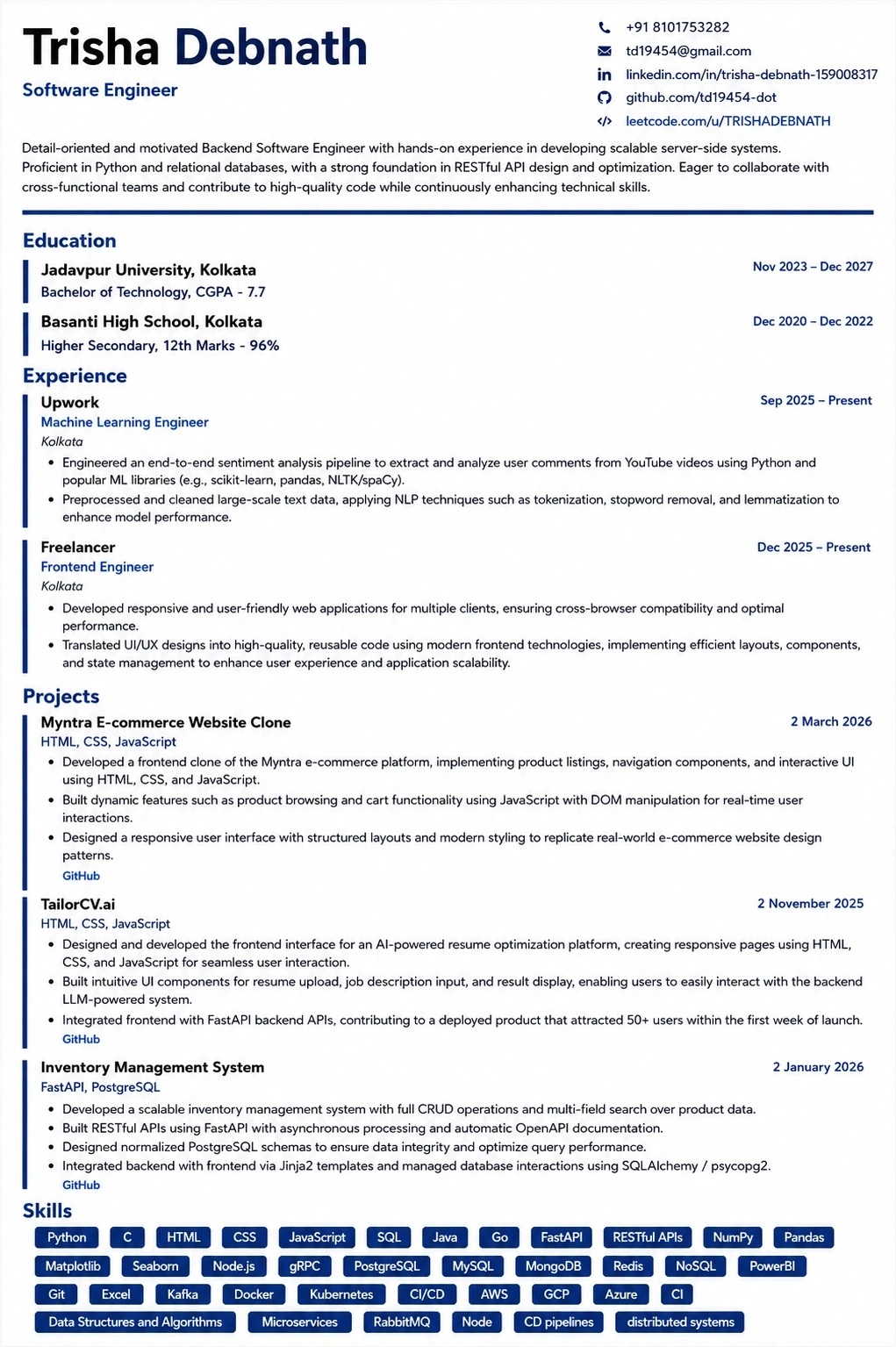
Your resume after optimization
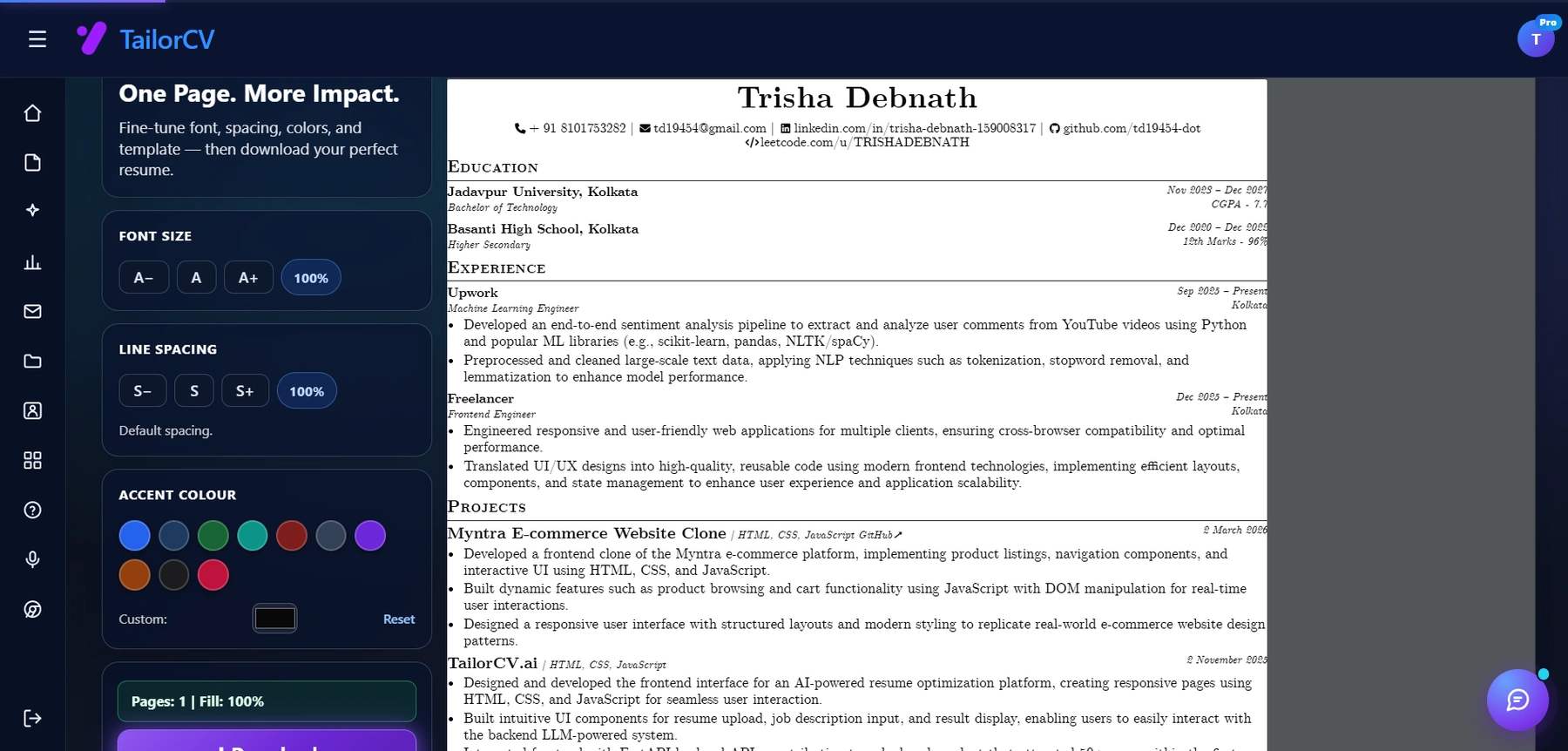
This is the resume after tailoring - the content is already matched, and these controls are how you fit it onto one page.
Step-by-Step Guide to Analyzing a Legal Job Description
To effectively match your resume to a legal job description, follow this systematic approach:
-
Identify Key Responsibilities: Start by listing the main tasks and responsibilities outlined in the job description. Look for verbs like "draft," "analyze," and "research." These action words can guide you in framing your experience.
-
Highlight Required Skills: Note the essential skills mentioned, such as legal research, communication, or case management. Compare these with your own skill set.
-
Extract Keywords: Use a highlighter or digital tool to mark keywords and phrases that appear frequently. These are often the terms that Applicant Tracking Systems (ATS) will look for. You can use the Resume Keyword Map Template - Match Your Resume to Any Job Description to organize these keywords.
-
Cross-reference with Your Resume: Review your current resume and identify where you can incorporate the highlighted keywords and phrases. Ensure that your resume reflects the language of the job description to enhance ATS compatibility.
-
Tailor Your Experience: For each responsibility or skill, think of specific examples from your work history that demonstrate your competence. Quantify achievements where possible to add impact.
-
Review and Revise: After making changes, take a step back and review your resume. Does it clearly align with the job description? Make adjustments as necessary.
Common Pitfalls to Avoid When Matching Your Resume
When tailoring your resume, be mindful of these common mistakes:
-
Generic Applications: Avoid sending out the same resume for every job. Each application should be customized to reflect the specific role and firm culture.
-
Ignoring Soft Skills: Legal roles often require strong interpersonal skills. Don’t overlook mentioning your communication, teamwork, and problem-solving abilities.
-
Failing to Quantify Achievements: Simply stating your responsibilities is not enough. Use metrics and specific examples to demonstrate your impact (e.g., "Reduced case processing time by 20%").
-
Overstuffing Keywords: While it’s important to include relevant keywords, avoid cramming them into your resume unnaturally. This can make your resume less readable and may raise red flags with hiring managers.
-
Neglecting Formatting: Ensure your resume is well-structured and visually appealing. A cluttered or confusing layout can detract from your qualifications.
Do’s and Don’ts of Resume Matching for Legal Positions
Do’s
- Do Use Action Verbs: Start bullet points with strong action verbs that convey your contributions effectively.
- Do Research the Firm: Understand the firm’s values and culture. Tailor your resume to reflect how your experience aligns with their mission.
- Do Keep It Concise: Aim for a one-page resume unless you have extensive experience. Be succinct and relevant.
- Do Include Relevant Coursework: If you’re a recent graduate or transitioning fields, include relevant courses or projects that align with the job.
Don’ts
| What to include | Why |
|---|---|
| Don’t Use Jargon | Avoid overly technical language that may not be understood by HR professionals. Use clear and concise language |
| Don’t Include Irrelevant Experience | Focus on experiences that relate directly to the job description. Remove unrelated job history that may dilute your qualifications |
| Don’t Forget to Proofread | Spelling and grammar errors can undermine your professionalism. Always proofread before submitting your resume |
| Don’t Ignore the Cover Letter | A tailored cover letter can complement your resume by providing context for your experience and enthusiasm for the role. Use TailorCV's cover letter tool to create a compelling letter |
Mini Checklist for Legal Resume Matching
- unchecked: Have I analyzed the job description thoroughly?
- unchecked: Did I highlight key responsibilities and required skills?
- unchecked: Are the keywords integrated naturally into my resume?
- unchecked: Have I quantified my achievements and contributions?
- unchecked: Is my resume formatted for clarity and professionalism?
- unchecked: Did I customize my cover letter to match the job?
- unchecked: Have I proofread my resume and cover letter for errors?
Following this checklist can help ensure that your resume stands out in the competitive legal job market. Consider leveraging tools like the ATS checker to further refine your resume before submission.
Frequently Asked Questions
Do law firms use ATS software to screen resumes?
Many do, especially larger firms and those hiring for high-volume paralegal or entry-level roles. Smaller firms and boutiques may review resumes manually, but matching your resume to the posting's language still improves your chances either way.
Should I list every legal software tool I have ever used?
List the tools relevant to the posting, prioritizing exact matches to what is required. Padding your resume with irrelevant tools dilutes your match signal.
How important is practice area terminology?
Very important. Using the wrong or overly general practice area term can make a strong resume look like a mismatch at a glance, whether to an ATS or a hiring partner.
Can I use one resume for multiple practice areas?
Not effectively. Practice areas require different language, tools, and emphasis. Maintain a base resume and tailor it per practice area, following managing multiple resume versions.
How do I check my legal resume's match score before applying?
Use the TailorCV ATS score checker to compare your resume against any legal job posting and see your match percentage instantly. You can also create a resume keyword map template to help you identify the most relevant terms to include.
Related Guides
- Resume Matching with Job Description - Complete Guide
- Resume Matching for Career Changers
- Job Description Keyword Extraction Guide
- How to Quantify Resume Achievements
- How ATS Detects a Generic Resume
- ATS Resume Formatting Mistakes
- Resume Summary Match Job Description
- Matching Your Resume to an Insurance Industry Job Description
- Cover Letter Guide 2026
- ATS Score Guide 2026
Conclusion
Legal hiring rewards precision. Match your practice area language exactly, name your software tools specifically, and never submit a generic "legal professional" resume to a role that expects domain fluency.
Check your resume's match score against any legal job posting with TailorCV before you apply.
Match My Resume to This Job - Free
What is your resume scoring right now?
Scan it against a job description and get your ATS match score in about a minute.
Drop your resume here or choose a file
PDF only. Max 2 MB.
We never share your data or use it to train AI models.

Templates that keep this structure intact
This template is ATS-tested — start from it and the formatting rules in this guide are already handled.
Was this guide useful?
Be the first to rate it.