SS
SS
Key Takeaways
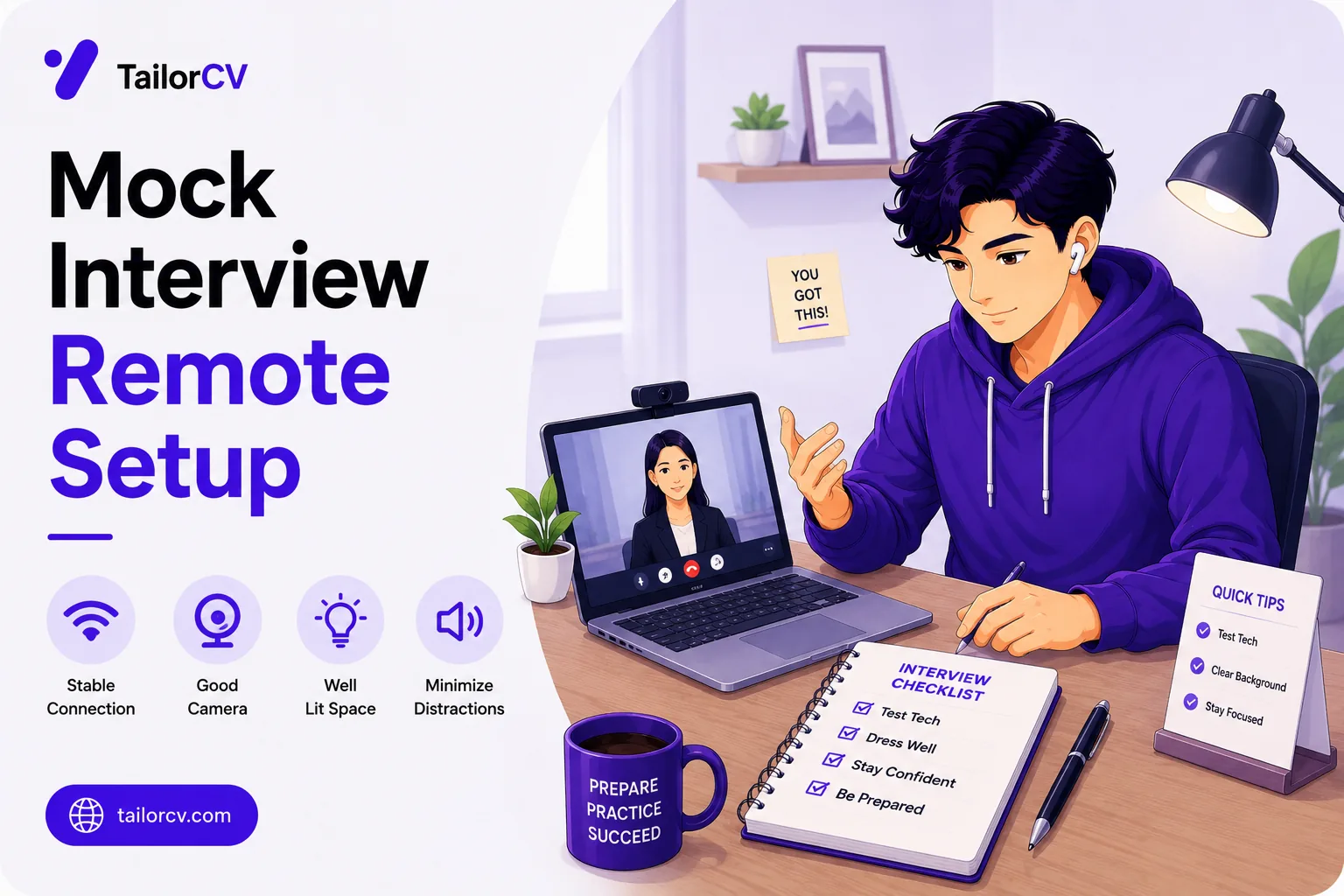
- Audio quality matters more than video quality — bad sound is genuinely fatiguing to listen to.
- Light in front of you, not behind, or you become a silhouette.
- Camera at eye level, not on a desk pointing upward.
- Look at the camera when speaking, not at the faces on screen.
- Test everything the day before, and have a phone-tethering fallback ready.
Almost every interview now starts on video, and for remote roles the quality of your setup is read as evidence of whether you can work that way. Even where it is not consciously assessed, a candidate who is dark, echoing and shot from below is harder to engage with than one who is not.
None of this requires equipment. Most of it is arranging what you already have.
This guide covers the setup and the pre-interview checks.
Before the interview, make sure your resume got you there properly — the free ATS score checker.
Audio first
Audio matters more than video. A slightly soft image is forgettable; audio that echoes, cuts out or picks up background noise is genuinely tiring, and a tired interviewer is not a generous one.
Use headphones with a microphone. Even inexpensive wired earbuds beat a laptop's built-in microphone, and they eliminate the echo caused by speakers feeding back into the mic.
Wired over wireless if you have the choice — no pairing failures, no battery dying mid-interview.
Reduce room echo. Hard empty rooms echo badly. Soft furnishings, curtains and a rug help more than expected.
Eliminate background noise. Close windows, turn off fans where possible, and tell people you are interviewing.
Test by recording yourself on the actual platform and listening back — not by asking a friend if you sound fine.
Fixing sound with things already in your room
| Problem you hear on playback | Cause | Fix with what you have |
|---|---|---|
| Your voice echoes | Bare walls, hard floor, empty room | Interview from a room with a bed, curtains or a rug; hang a blanket on the wall behind you |
| Interviewer hears themselves | Laptop speakers feeding the mic | Any wired earbuds |
| Voice sounds distant and thin | Laptop mic a metre away | Earbud mic sits near your mouth — that alone fixes it |
| Fan or traffic hum underneath | Open window, ceiling fan | Close the window; the fan matters more than you think |
| Sudden loud rustling | Mic cable rubbing your shirt | Clip or tuck the cable so it does not move |
| Words cutting in and out | Bandwidth, not the mic | Turn your video off briefly and say why |
A blanket on the wall behind you is the single cheapest audio upgrade there is, and on playback the difference is obvious.
Lighting
Face your light source. A window in front of you, or a lamp behind your camera. Light behind you turns you into a silhouette, and this is the single most common video failure.
Avoid overhead-only lighting, which casts shadows under your eyes.
Two sources are better than one — a window plus a lamp gives more even coverage than either alone.
Check at the actual interview time. A room lit beautifully at 2pm may be dark at 6pm, and a morning interview and an evening one are different lighting problems.
A working setup with a desk lamp and a window
You do not need a ring light. This arrangement costs nothing and covers almost every case:
- Sit facing a window, with the window roughly in front of you rather than to one side.
- Put a desk lamp just behind your laptop, pointing at your face, not at the ceiling.
- Bounce it if it is harsh — point the lamp at a white wall or a sheet of paper rather than directly at you, which softens the light considerably.
- Close the curtain behind you if there is a second window there, because a bright background makes the camera darken your face automatically.
For an evening interview, the window contributes nothing, so the lamp becomes your main light and a second one — even a phone torch propped against a book, bounced off a wall — fills the shadows.
Camera
At eye level. Laptop cameras sit on desks pointing upward, which is unflattering and reads as less engaged. Raise the laptop on books until the camera is level with your eyes.
Frame yourself with head and upper shoulders visible, a little space above your head. Not centred so low that you are chin-only, not so far back that you are distant.
Look at the camera when speaking, not at the faces on screen. This feels unnatural and reads as eye contact to the person watching. Looking at their video means you appear to be looking down.
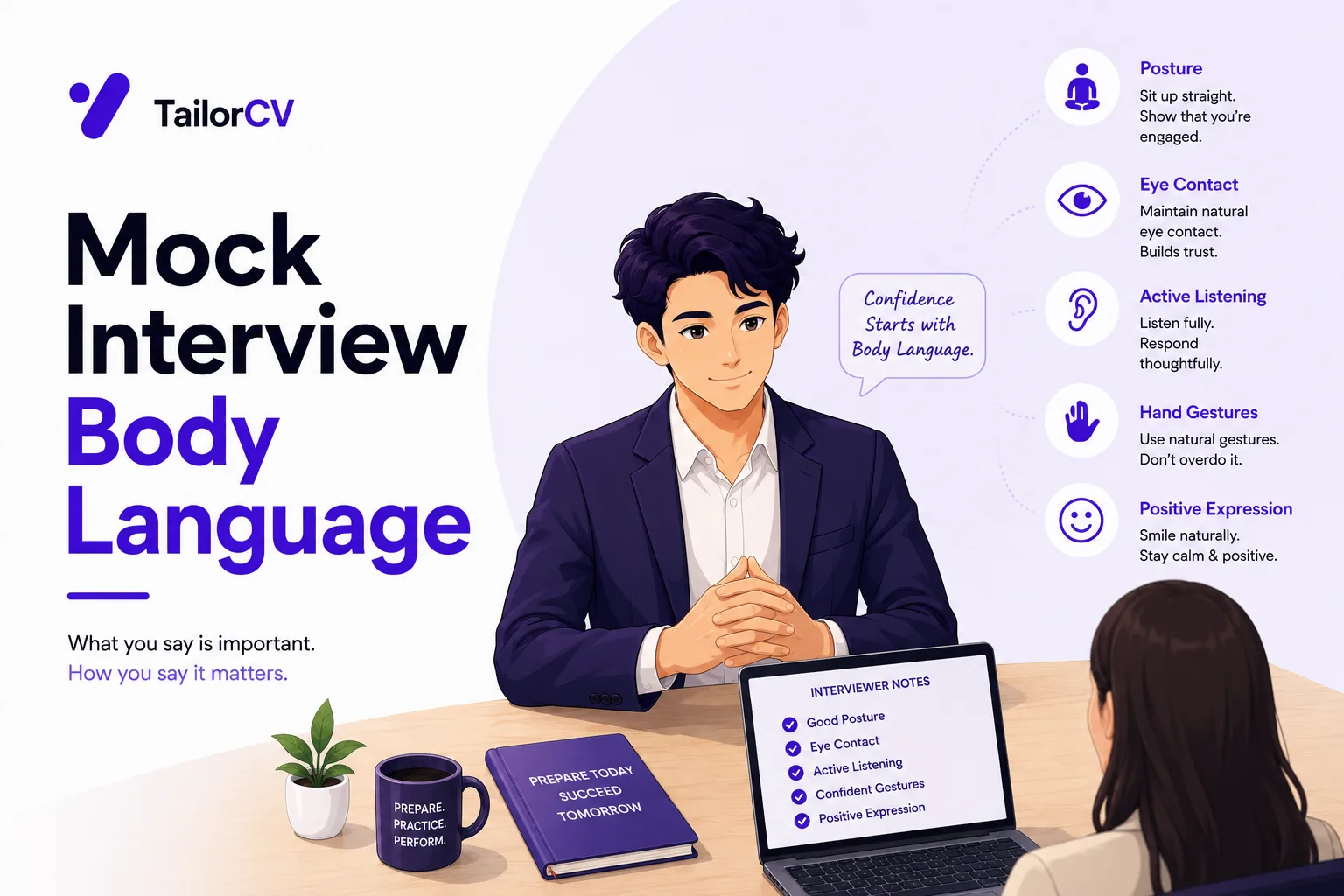
A useful trick: move the participant window to the top of your screen, directly under the camera, so glancing at it does not take your eyes far. Turn off your self-view as well — watching yourself is the main reason eye contact drifts. More on this in interview body language.
If you raise the laptop, your keyboard is now too high to type on comfortably. For a technical round where you will code, use an external keyboard or a separate monitor rather than discovering this mid-interview.
Background
Plain and tidy. A blank wall is ideal. A bookshelf is fine. A bed, laundry or a cluttered room is not.
Virtual backgrounds are acceptable if your room genuinely does not allow a clean shot — pick something plain rather than a beach. Note they can produce artefacts around your head and hands, so test yours.
Nothing distracting behind you — no television, no people walking through, no bright window.
If you share a room, angle the camera toward the least cluttered corner rather than trying to tidy the whole space, and put a plain sheet over anything behind you that cannot be moved. Interviewers are not judging your accommodation, but movement and clutter behind you pull attention away from your answers.
The connection
Wired if possible. Ethernet is materially more reliable than wifi.
Sit near the router if you must use wifi.
Close everything else — other applications, downloads, and other devices streaming on the same connection.
Have a fallback ready. Phone tethering set up in advance, and the interviewer's phone number if you have it. Knowing what to do when the connection drops is the difference between a brief interruption and a lost interview.
What to say when something breaks
Technical problems happen and are not held against you. Handling them badly is.
| What happens | What to do and say |
|---|---|
| Your video freezes | "I think my video has frozen — can you still hear me?" Then turn video off and continue on audio |
| You cannot hear them | Type in the chat rather than guessing. "I've lost audio, trying my headphones" |
| Connection drops entirely | Rejoin immediately. If it fails twice, switch to phone tethering |
| You get disconnected mid-answer | On rejoining: "Apologies — I dropped out. I was at the part about the database lock" |
| Someone walks into the room | Mute, deal with it briefly, unmute. Do not narrate the whole episode |
| Your laptop battery warning appears | Plug in while talking. Do not stop the answer for it |
Say what is happening, take an action, carry on. Long apologies cost more time than the problem did.
The day before
Run this properly rather than five minutes prior.
- Install and test the platform — Zoom, Teams, Meet, Hangouts. Some require an account or an update that takes ten minutes.
- Test screen sharing if there is a technical exercise
- Check your display name — not a nickname, and not a family member's account
- Check your profile photo on that platform
- Record a two-minute test and watch it back for lighting, framing and audio
- Charge everything, and plug in
- Confirm the time zone of the invitation
The time zone is worth double-checking. A 2pm invitation from a US company is not 2pm your time, and the calendar invite may or may not have converted it. If the interview is with a company abroad, write the time out in both zones and confirm it in your reply.
On the day
Join two or three minutes early, not thirty seconds.
Have water just off-camera.
Have your notes off-camera — a card with your key stories is fine and nobody can see it.
Have your resume open in case they reference it.
Phone on silent, face down, out of reach.
Tell people in the house.
Dress fully, not just from the waist up. You may need to stand, and it affects how you carry yourself — see the campus placement dress code guide.
If something goes wrong, say so calmly and move to the fallback. Handling a technical problem well is itself a reasonable signal for a remote role.
Common Mistakes
Prioritising video over audio. Poor sound is fatiguing to listen to in a way a soft image never is.
Sitting with a window behind you. It turns you into a silhouette and is the most common video interview failure.
Leaving the laptop flat on the desk. The upward camera angle is unflattering and reads as less engaged.
Raising the laptop without an external keyboard. Fine until a technical round asks you to code at chin height.
Looking at the faces on screen rather than the camera. It appears as though you are looking down throughout.
Testing five minutes before. Platform updates, account requirements and lighting changes all need more notice than that.
Not converting the time zone. A 2pm invitation from another country is not 2pm where you are.
No fallback plan. Phone tethering set up in advance turns a dropped connection into a pause rather than a lost interview.
Over-apologising for a technical problem. Say what happened, act, continue — the apology costs more time than the fault did.
Dressing only from the waist up. You may need to stand, and it affects your posture regardless.
Frequently Asked Questions
What matters most in a video interview setup?
Audio. Poor sound is genuinely tiring for the interviewer, while a slightly soft image is barely noticed.
Do I need special equipment?
No. Wired earbuds with a microphone, a window or lamp in front of you, and the laptop raised to eye level cover almost everything.
How do I stop my voice echoing?
Interview from a room with soft furnishings, and hang a blanket on the wall behind you. Bare rooms echo badly and it is very audible on playback.
Where should the light be?
In front of you. Light behind you creates a silhouette, which is the most common failure in video interviews.
What do I do for an evening interview with no daylight?
Use a desk lamp behind the laptop as your main light, bounced off a white wall to soften it, and add a second source to fill the shadows.
Should I look at the camera or the screen?
The camera when speaking. Move their window directly beneath your webcam and turn off self-view so the two are almost the same place.
Are virtual backgrounds acceptable?
Yes, if your room does not allow a clean shot. Choose something plain and test it, since they can produce artefacts around your head and hands.
What if I share a room and cannot get a clean background?
Angle the camera at the least cluttered corner and cover what cannot be moved. Movement behind you is the real problem, not the room itself.
What if my connection drops?
Have phone tethering configured in advance and the interviewer's number if possible. Rejoin immediately, and say where you left off rather than apologising at length.
Should I dress fully or just from the waist up?
Fully. You may need to stand, and it changes how you carry yourself even when nobody can see.
Setup matters only once your resume has got you the interview. Check your ATS score free.
Make This Practical
Fix audio first, because it is what actually fatigues an interviewer. Wired earbuds with a microphone beat any laptop's built-in mic and eliminate echo, and if your room rings, hang a blanket on the wall behind you — it is free and the difference on playback is obvious.
Then solve the two visual problems that account for most bad video interviews. Put a lamp behind your laptop pointing at your face, bounced off a white wall if it is harsh, and raise the laptop on books until the camera is at eye level. Both take two minutes and neither requires buying anything.
Finally, run the full check the day before rather than five minutes prior: install and update the platform, test screen sharing, fix your display name, convert the time zone and confirm it, record two minutes and watch it back, and set up phone tethering so a dropped connection is a pause rather than a lost opportunity.
Was this guide useful?
Be the first to rate it.