SS
SS
Key Takeaways
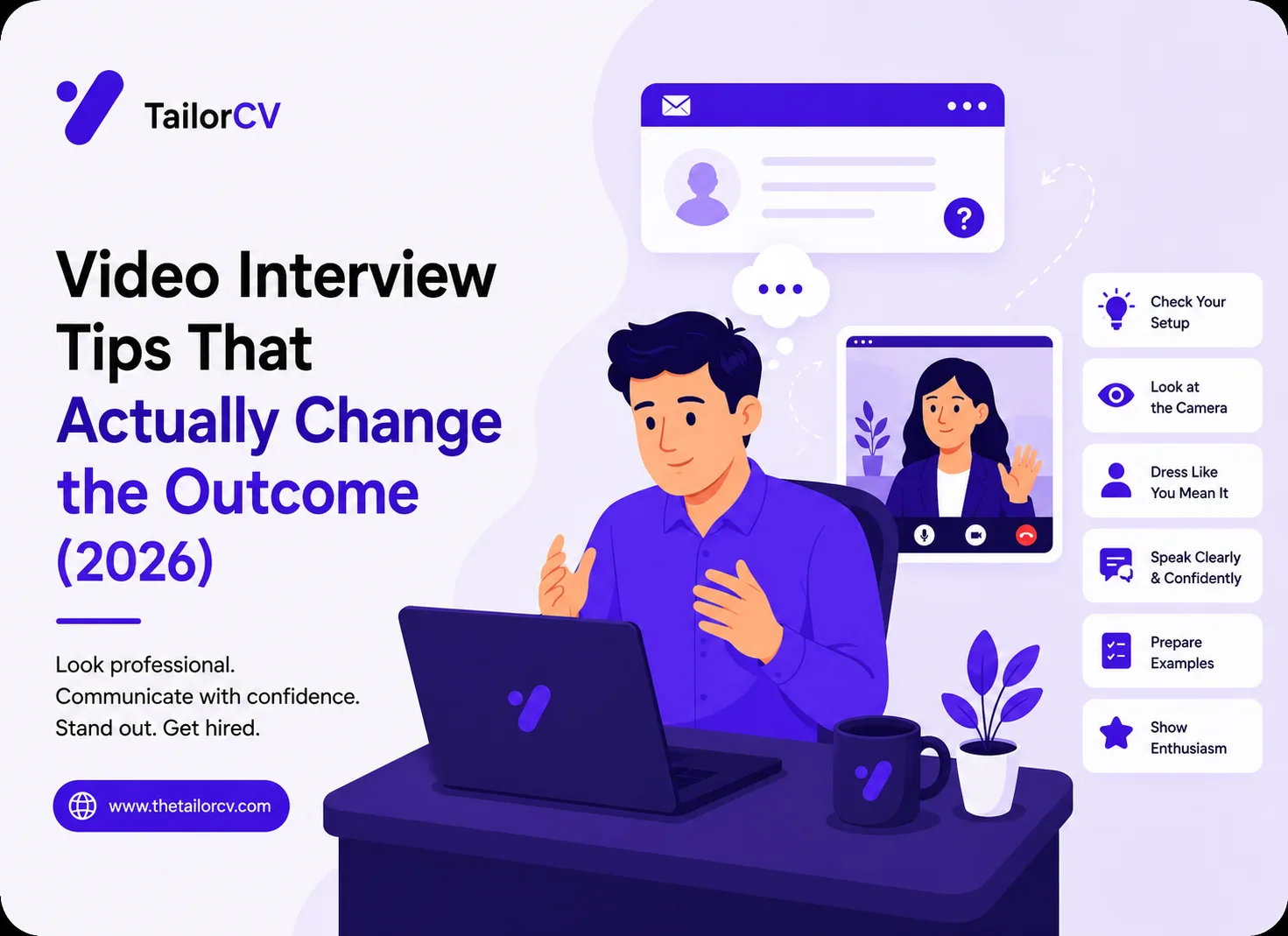
- Look at the camera lens, not the person's face on screen, to simulate eye contact.
- Raise your camera to eye level and light your face from the front.
- Test your setup on the actual platform a day early, not five minutes before.
- Keep short notes just off-camera, but never read from them.
Setup Is Half the Battle
Before content, get the mechanics right, because a bad connection or a dark room distracts from everything you say.
- Camera at eye level. Stack books under your laptop. A camera looking up your nose reads as unflattering and unprofessional.
- Light from the front. Face a window or a lamp. A window behind you turns you into a silhouette.
- Neutral background. Tidy and plain beats a distracting or fake-blur background that flickers around your head.
- Wired or strong Wi-Fi. Close bandwidth-hungry apps and, if possible, use ethernet.
The Eye-Contact Trick
The instinct is to look at the interviewer's face on your screen — but that makes you appear to look down. Instead, look into the camera lens when you speak. It feels unnatural at first, but to the interviewer it reads as direct, confident eye contact. Move the video window to the top of your screen, near the lens, to make this easier.
Test on the Real Platform
Zoom, Google Meet, Teams, and platform-specific tools each behave differently. A day before, do a two-minute test call on the exact tool they will use. Check your mic, camera, screen-share, and that the browser or app is updated. "Sorry, can you hear me?" in the first minute costs you momentum.
The Note Trick
You can keep a small sticky note or a short doc just off-camera with your three key stories and any questions to ask. The rule: glance, do not read. Reading verbatim is obvious on video — your eyes track across text and your voice flattens. Use notes as a safety net, not a script.
Handling Lag and Glitches
- If the connection stutters, pause and let it catch up rather than talking over the freeze.
- If you get cut off, briefly acknowledge it: "I think we lost a second there — should I pick up from [point]?"
- Keep your phone nearby as a backup to dial in if video fails entirely.
Practice Out Loud
Answers that feel clear in your head often ramble out loud. Run a few mock interview reps on camera so you hear your own pacing and see your own body language before it counts.
See it in action: a resume-based mock interview
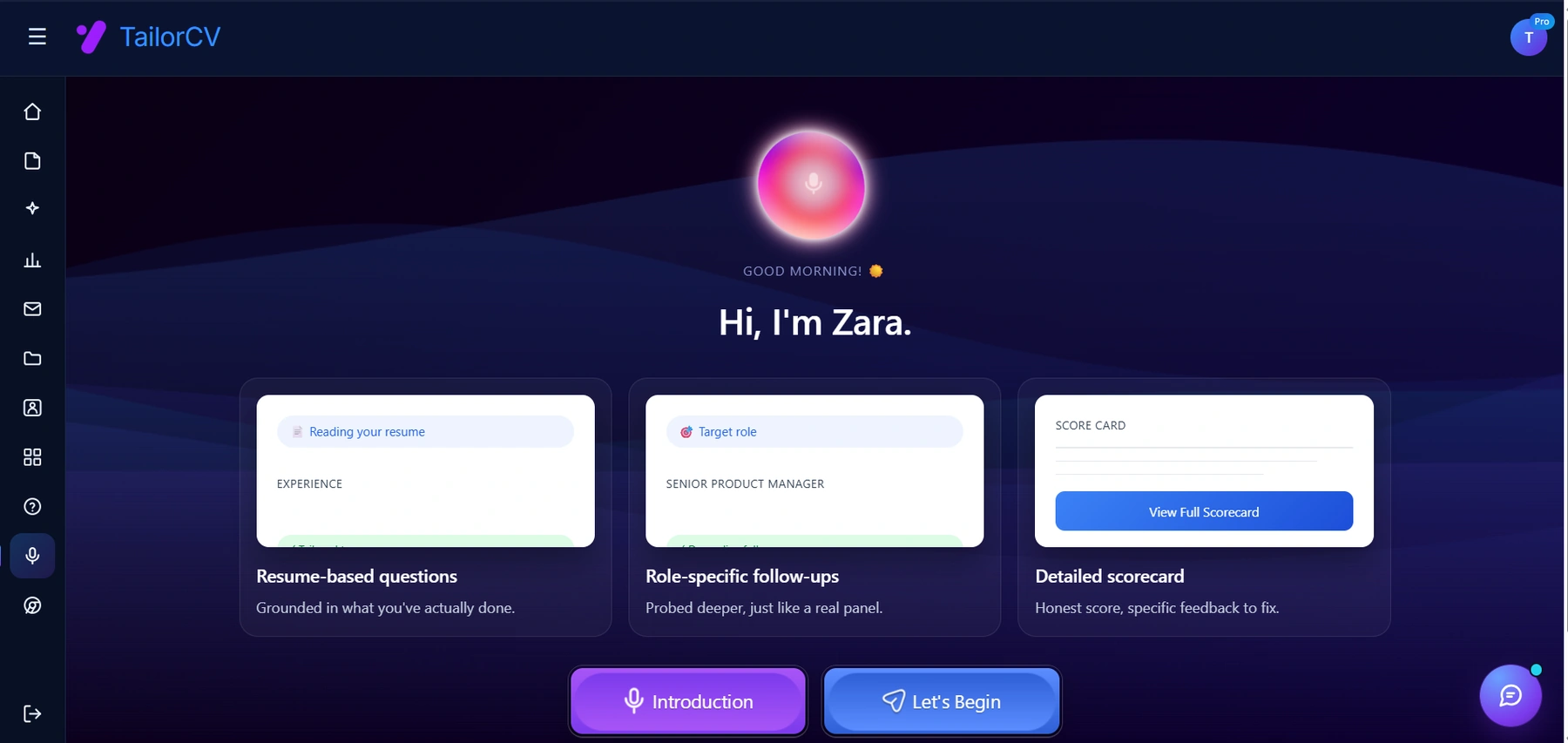
The scorecard at the end is the useful bit - an honest score plus specific feedback, which is what turns practice into improvement.
The 30-Minute Pre-Interview Checklist
Run this in the half hour before the call so nothing technical surprises you.
- unchecked: Restart your computer an hour before, so no lingering process hogs bandwidth or your camera.
- unchecked: Close every other app, especially anything syncing or streaming.
- unchecked: Open the meeting link early and confirm camera and mic in the platform's settings.
- unchecked: Silence your phone and turn off desktop notifications — a Slack popup mid-answer is distracting and can expose private messages if you share your screen.
- unchecked: Have water within reach, off-camera, for the inevitable dry mouth.
- unchecked: Put your resume, the job description, and three key stories where you can glance at them near the lens.
- unchecked: Tell housemates you are in an interview and post a note on the door.
- unchecked: Do a final light check — is your face lit from the front and clearly visible?
Body Language on Camera
Video flattens your presence, so you have to project a little more energy than feels natural. Sit up straight, keep your shoulders back, and let your hands gesture within frame occasionally — stillness reads as stiffness on camera. Nod while the interviewer speaks to show you are listening, since the usual small verbal cues get muddied by audio lag. And smile genuinely at the start and end; the first and last few seconds shape the interviewer's overall impression more than any single answer.
Your Answers Still Matter Most
All the setup in the world does not substitute for good answers. The advantage of video is that you can keep brief notes nearby; the risk is leaning on them. Prepare your core stories the same way you would for an in-person interview — a crisp "tell me about yourself," two or three achievement stories in STAR form, and thoughtful questions to ask. Then practice them out loud on camera so your delivery is natural and your eyes are not glued to a script.
Common Video Interview Mistakes
- Looking at yourself in the self-view instead of at the camera. Hide or shrink your self-view if it distracts you.
- A backlit silhouette from a window behind you. Face the light instead.
- Reading answers verbatim — obvious on video and it flattens your voice.
- Talking over lag. Pause a half-second after the interviewer finishes to avoid collisions.
- A chaotic or distracting background. Tidy and plain wins; fake blur that flickers around your head does not.
- Not testing the specific platform, then losing the first three minutes to "can you hear me?"
- Forgetting it is still an interview — dressing down, slouching, or treating it casually because it is from home.
If the Technology Fails Completely
Have a backup plan and state it calmly if things break: "It looks like my connection is struggling — would it help if I dialed in by phone?" Keep the meeting number and your phone handy. Interviewers do not penalize a technical glitch you handle gracefully; they notice how you respond under a small, real-time problem — which is itself a useful signal about how you would handle one on the job.
Platform-Specific Quirks to Know
Each video platform behaves a little differently, and a two-minute test on the right one saves you a fumbling first impression:
- Zoom: Check "Touch up my appearance" if you like it, and know where mute and "raise hand" are. Test screen-share if you might present.
- Google Meet: Runs in the browser — close other tabs to free memory, and make sure the browser has camera and mic permission.
- Microsoft Teams: Notorious for occasional audio-device confusion. Confirm the right mic and speaker are selected before you join.
- Platform-specific tools (HireVue-style one-way recordings): often let you re-record or do a practice question. Use the practice run, and treat the recording like a live interview — energy and eye contact still matter.
Whatever the platform, join two to three minutes early so any permission prompt or update happens before the interviewer arrives, not during your introduction.
One-Way (Recorded) Video Interviews
A growing number of companies use asynchronous, recorded interviews where you answer preset questions to a camera with no human on the other end. They feel awkward — you are talking to yourself — but the fundamentals still apply, with a few tweaks:
- Look at the lens, not the screen. With no human to react to, this is even easier to forget.
- Bring energy. Without a listener nodding along, your delivery can go flat. Slightly over-project warmth.
- Use the prep time. Most give you a moment to think before recording — jot a two-line structure so you do not ramble.
- Do not aim for perfect. A natural, confident take beats a stiff, over-rehearsed one. If the platform allows a re-record, use it once, then move on.
Turning Nerves Into Preparation
Most video-interview anxiety comes from the unknowns — will the tech work, will I freeze, how do I look? Every one of those is preparable, which means nerves are largely a signal to prepare more, not a fixed trait. Do a full dress rehearsal: same outfit, same lighting, same platform, answering real questions out loud on camera. Watching one recording of yourself is uncomfortable but enormously useful — you will catch the "ums," the flat delivery, or the bad angle before an interviewer does. A few reps in an AI mock interview build the muscle memory that turns a nerve-wracking call into a routine one, and our interview prep tool can generate the exact questions you are likely to face so nothing catches you cold.
Frequently Asked Questions
Should I dress fully professionally even from home?
Yes, top and bottom — both because it affects how you carry yourself and in case you need to stand up. Dress as you would for an in-person interview.
Is it okay to look at notes during a video interview?
Brief glances at bullet points are fine and normal. Reading full answers word-for-word is not — it is visible and it flattens your delivery.
What if my kid or pet interrupts?
Handle it with brief good humor and move on. Interviewers are human; a calm recovery can actually work in your favor.
Should I use a virtual background?
A subtle, static virtual background is fine if your real space is distracting, but a real tidy background is better — fake backgrounds can flicker and cut off parts of your head when you move. Whatever you choose, test it on the actual platform first.
How early should I join the call?
Two to three minutes early. It shows punctuality without leaving the interviewer waiting on you. Have the link open and your setup tested well before that, so joining is a single click.
What should I do if I lose internet mid-interview?
Reconnect calmly and, if it persists, offer to switch to a phone dial-in or reschedule. Have the meeting number and your phone ready as a backup. Interviewers do not penalize a glitch you handle gracefully — composure under a real problem is itself a good signal.
Is it okay to have notes taped near the camera?
Yes — brief bullet points near the lens are a smart use of the format's flexibility, and they keep your eyes close to the camera. Just use them as prompts, not a script to read from, since reading verbatim is obvious on video.
Answering Tough Questions on Camera
Video adds a layer of difficulty to hard questions because the usual in-person cues — a reassuring nod, a shared laugh, reading the room — are muted or delayed. When you hit a curveball, the temptation is to fill the silence by rushing, which reads as flustered on camera. Resist it. A deliberate two-second pause before answering looks thoughtful on video, not slow, and it gives you time to structure a real answer. If you genuinely need a moment, say so plainly: "That's a good question — let me think about it for a second." Composure under a hard question is itself a signal interviewers are reading, and on video, calm reads even louder than it does in person. Keep your answers slightly more structured than you would face-to-face — signpost with "there are two things I'd point to" — because the audio-only feedback loop makes rambling easier to fall into and harder for the interviewer to follow.
Following Up After a Video Interview
The interview does not end when the call disconnects. Send a thank-you within 24 hours, exactly as you would after an in-person round, and use it to reference something specific from the conversation. A video interview is often part of a remote or distributed hiring process, where written follow-up carries even more weight — it is another sample of the clear, prompt communication the role will require. Reference a moment you discussed, reinforce one reason you fit, and keep it short. If the technology glitched at any point, a light, gracious acknowledgment ("thanks for your patience with my connection at the start") shows you handle small hiccups with grace. For the full wording, see our guide on the thank-you email after an interview — the principles are identical whether the interview happened across a table or across a screen.
Putting It All Together
A video interview rewards preparation you can see: a camera at eye level, front lighting, a tested platform, and calm body language that projects a little extra energy to survive the flatness of a screen. Look at the lens, keep short notes nearby without reading them, and prepare your answers exactly as you would for an in-person round. Get the mechanics right and they disappear, leaving the interviewer free to focus on the only thing that should matter — what you actually say.
Was this guide useful?
Be the first to rate it.